Background remover
Cut out people, pets and products from any photo. Download a transparent PNG for stickers and designs, or put the cut-out on a clean white background.
4 credits · JPG, PNG or WebP up to 10 MB
Remove backgroundSample preview
Original
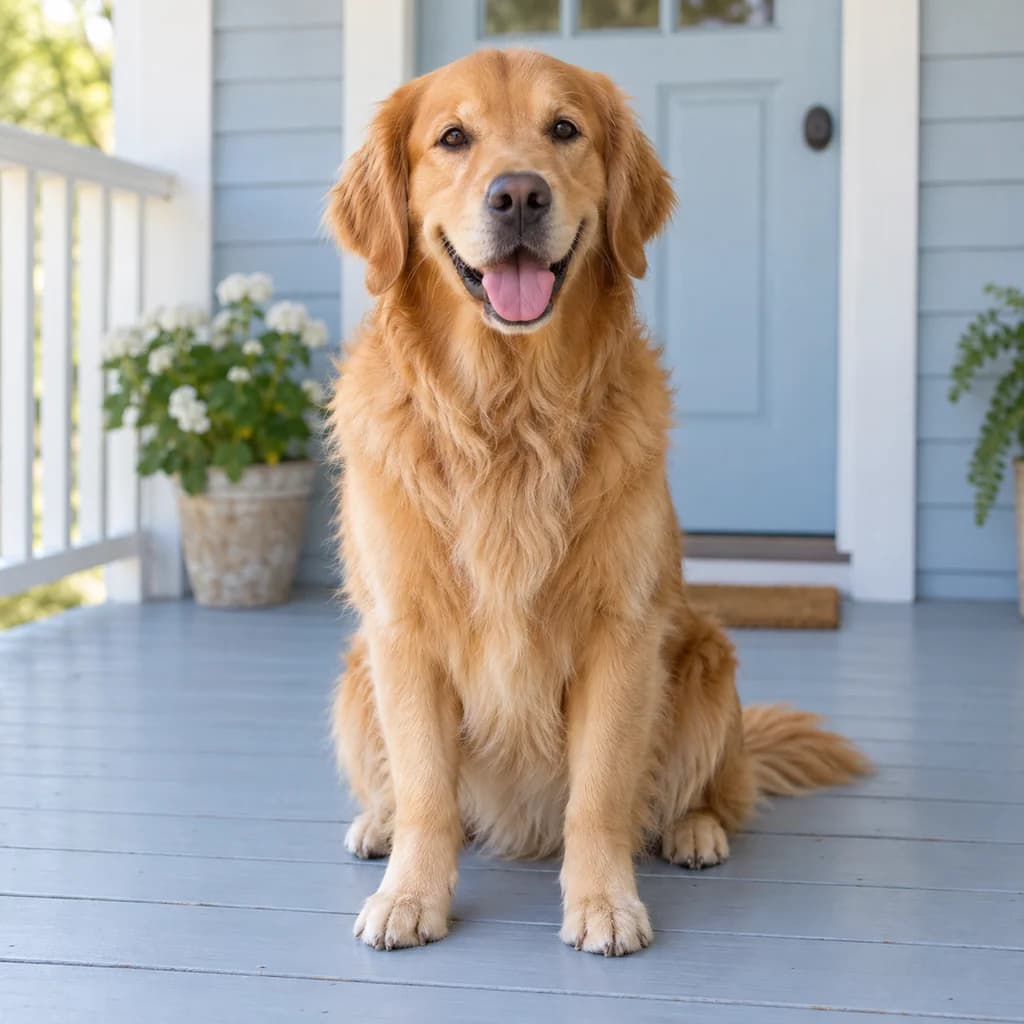
Transparent cutout
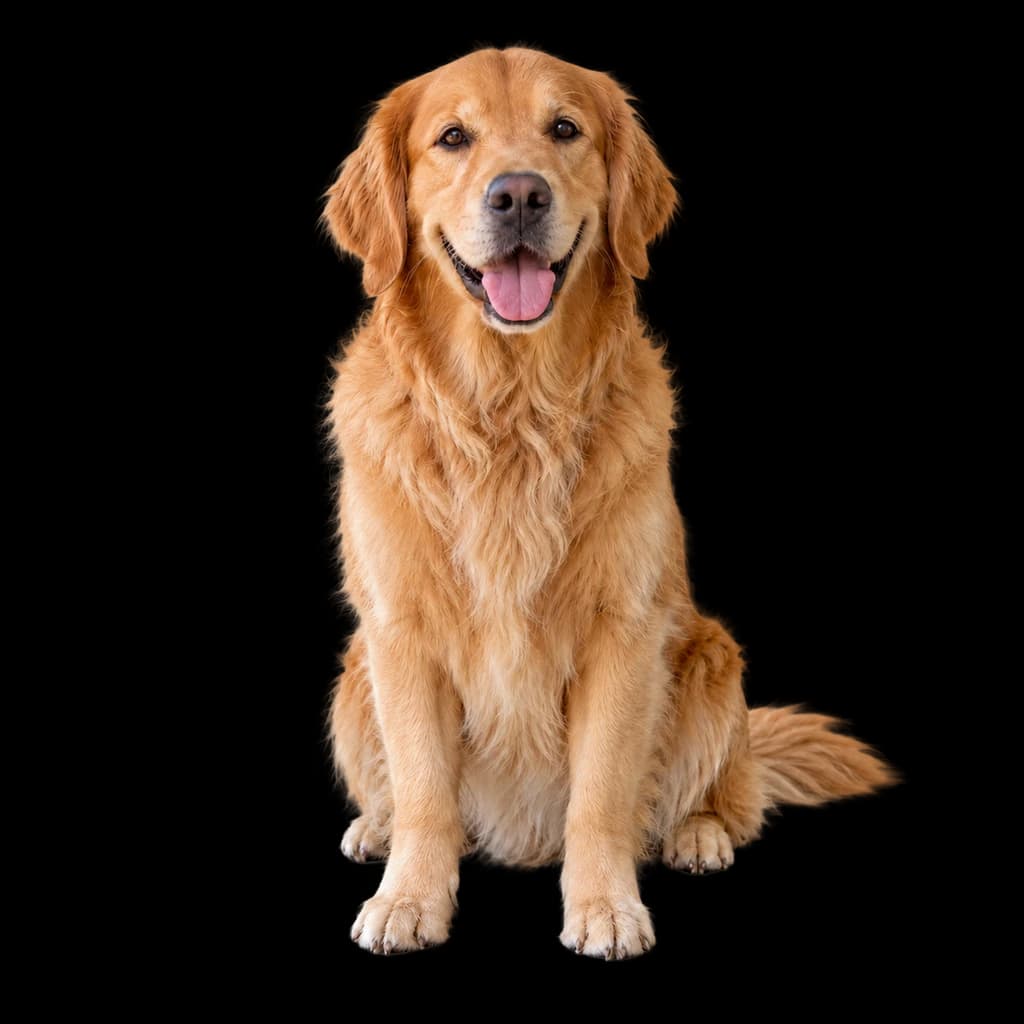
Original

Transparent cutout

Original
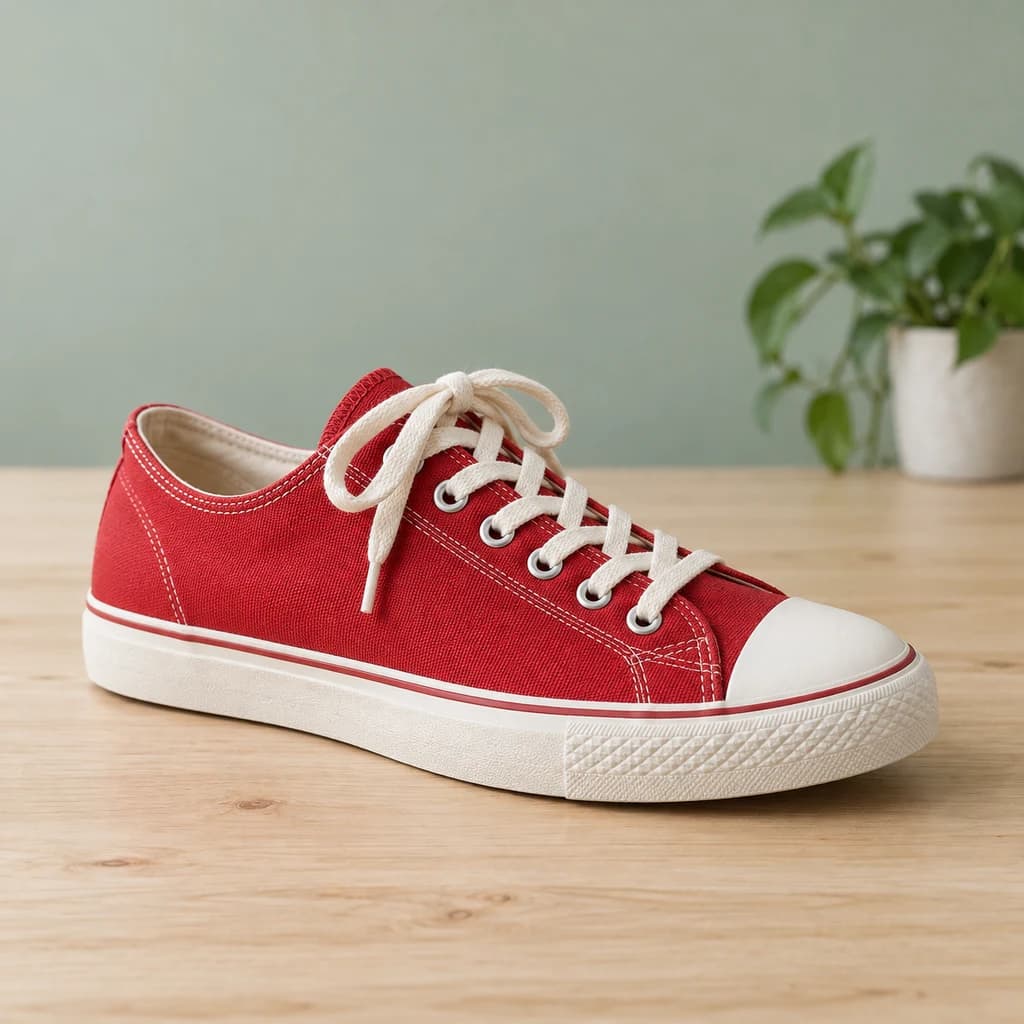
Transparent cutout
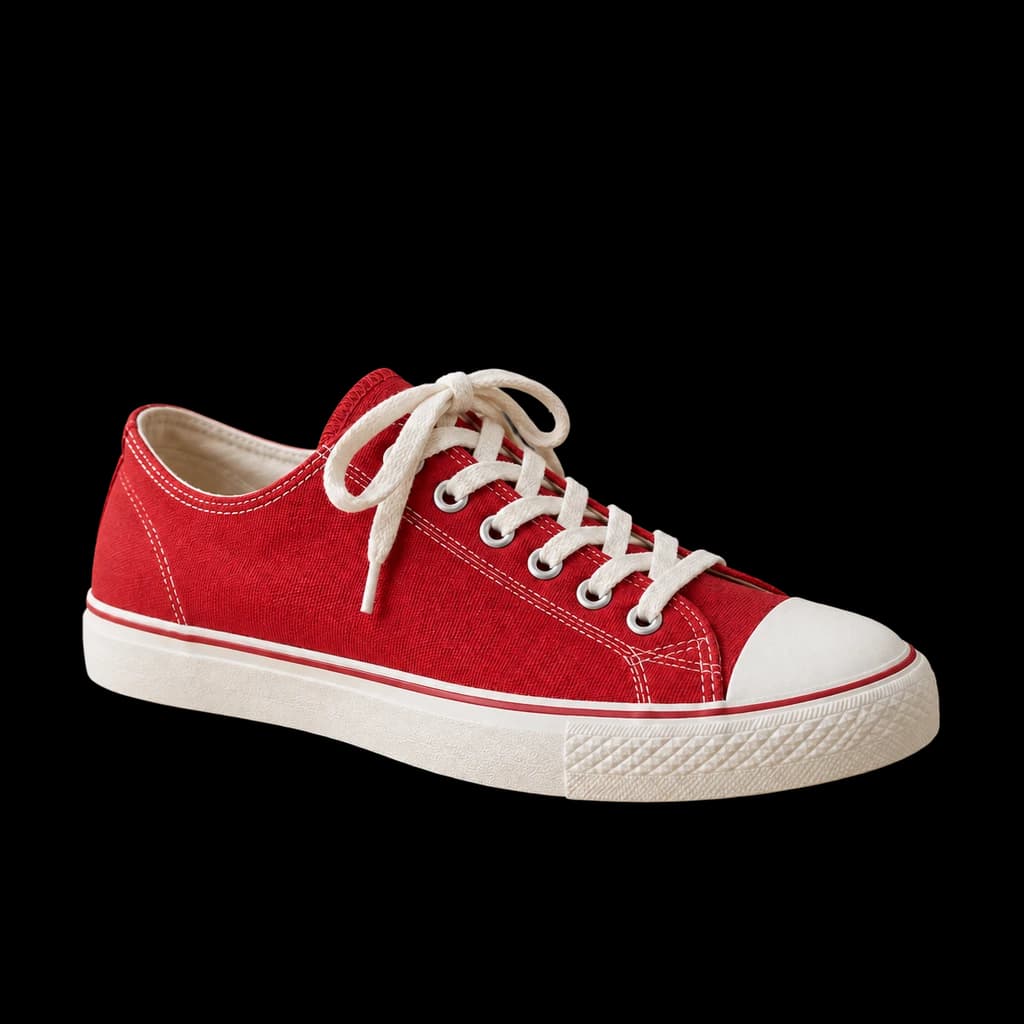
Illustrative examples · Your result will vary
Upload a photoJPG · PNG · WebP ≤ 10 MB
Samples3
SamplesUploadWorks on people, pets, products and your cartoon results.
- UPLOAD
- JPG, PNG, WebP · 10 MB
- OUTPUT
- Transparent PNG or white
- PLAN
- Any plan
Cost4 credits
Sign in to remove backgrounds4 credits per image · Plans from $9.99/month
How it works
How to remove a background
- 01Step 01
Upload a photo
People, pets, products or one of your cartoon results. JPG, PNG or WebP up to 10 MB.
- 02Step 02
Remove the background
We find the subject and clear everything behind it. It costs 4 credits.
- 03Step 03
Download
Keep it transparent as a PNG, or put it on white as a PNG, JPG or WebP.
Uses
Good for
FAQ
Background remover FAQ
How much does it cost?
4 credits per image, on any plan. Credits are only used when a result is made.
What do I get?
A cut-out of your subject. Download it with a transparent background as a PNG, or on white as a PNG, JPG or WebP.
Can I remove the background from my cartoon?
Yes. Download your result from the studio, then upload it here. It’s how you make a sticker from any style.
What about hair and fur?
It handles most hair and fur. Very fine strands against a busy background are the hardest part, so a plain backdrop gives the cleanest edges.
Do I need an account?
You can open the tool without one. To remove a background, sign in and use credits. Plans start at $9.99 a month.
Is there a watermark?
No. Your cut-outs have no watermark.
More tools in the studio
- Image upscalerMake any photo or result bigger and sharper for print.3 credits / image
- Image to videoTurn a still into a short moving clip.12–57 credits / second
- Batch processingRun up to 50 photos through the studio at once.From 8 credits / photo
- All 57 stylesGhibli, Pixar, oil paint, LEGO and 53 more.Browse

Lose the background, keep the good part.
Open the background remover, drop in a photo and download a clean cut-out for 4 credits.