Photo to
Disney Character
Photo to Disney Character redraws a photo as a 2D, hand-painted animated film character inspired by classic Disney features, with clean outlines, expressive eyes and warm storybook color. Upload a portrait, a couple or a child in a favorite outfit. Hair, clothes and pose are kept, while faces get graceful lines and the background is repainted. Anyone can explore the samples, but your own photo is redrawn only after you sign in and use credits.
An independent Disney-inspired style. PhotoToCartoon is not affiliated with or endorsed by Disney.
From 8 creditsJPG, PNG or WebP up to 10 MB
- COST
- From 8 credits
- TIME
- Usually under a minute
- UPLOAD
- JPG, PNG, WebP · 10 MB
- OUTPUT
- PNG up to 4096 px
Styles
57 stylesAnime & Cartoon
11Artistic
133D & Avatars
8Fun & Creative
9Retro & Vintage
3Digital & Modern
8Sculptures & Crafts
5Illustrative style preview · Your result will vary
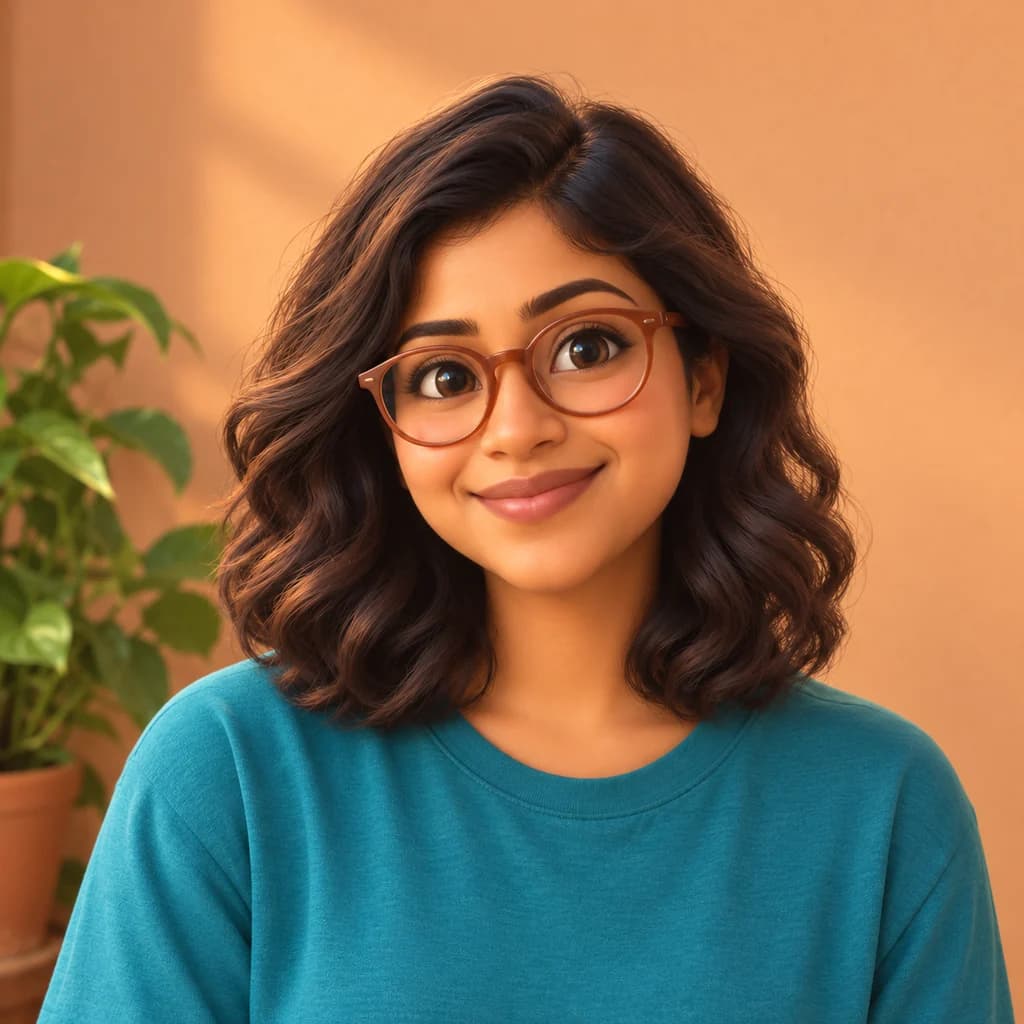
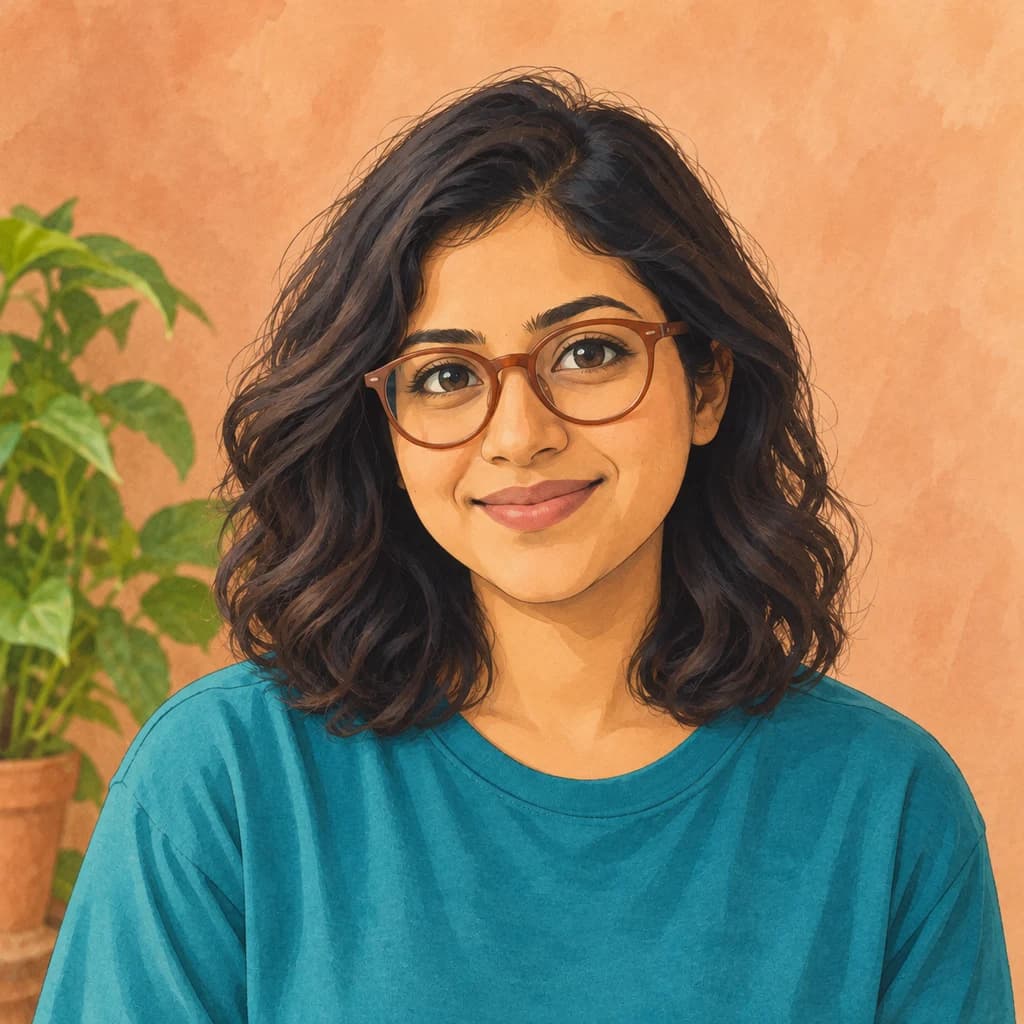
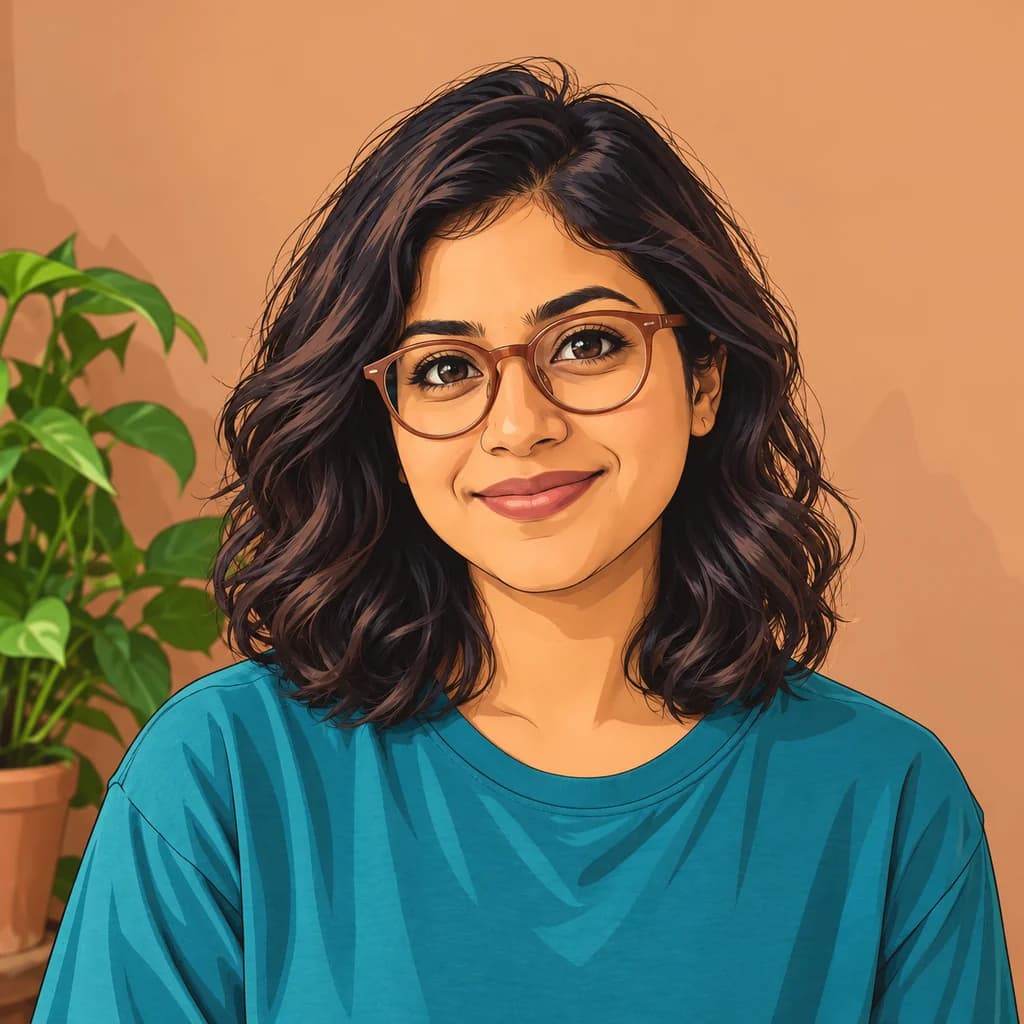
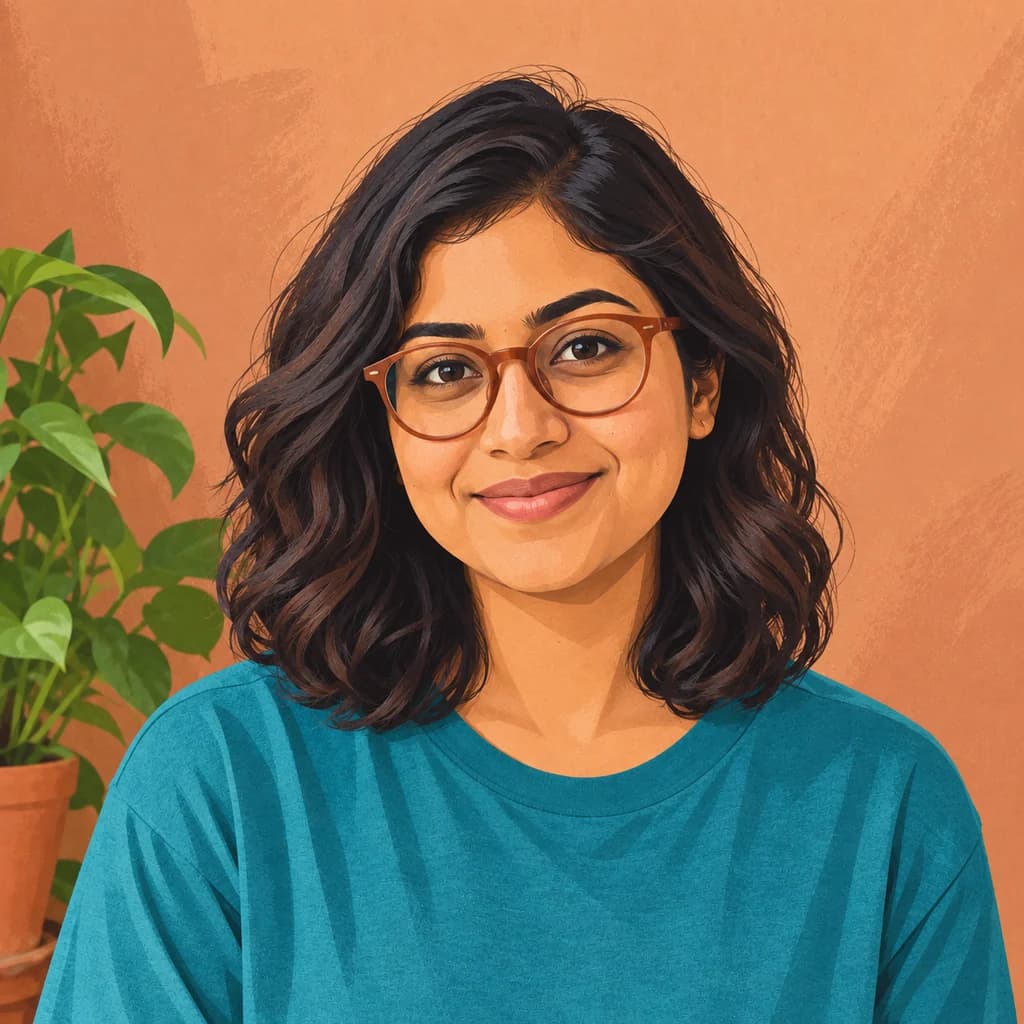
Portrait with terracotta glasses
Sample photo
PRESET · /tools/photo-to-disney-character · Seedream 4 · 2K · 1:1
Open full studio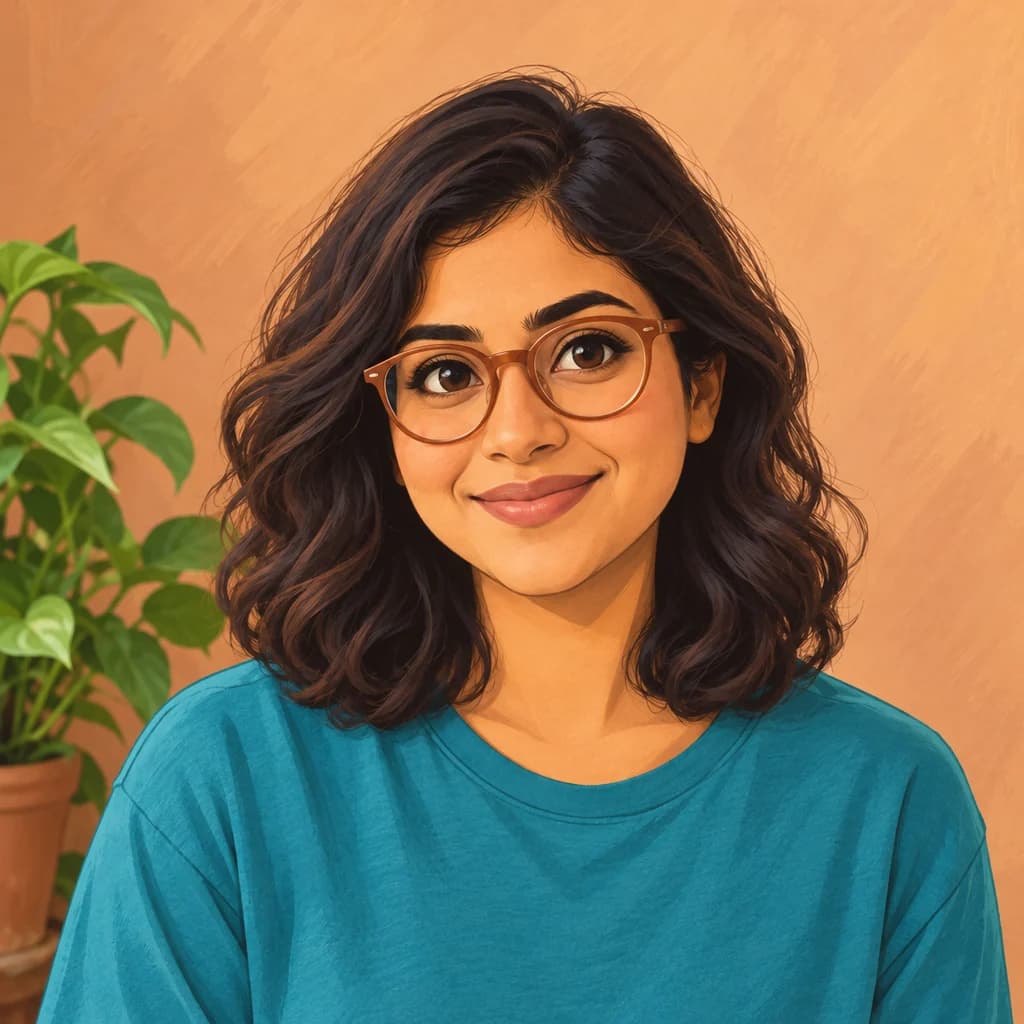 Disney CharacterSeedream 4 · 2K · 1:1
Illustrative style preview · Your result will vary
11 credits / image · From $9.99 a month
/tools/photo-to-disney-character
Open full studioPhoto to Disney Character examples
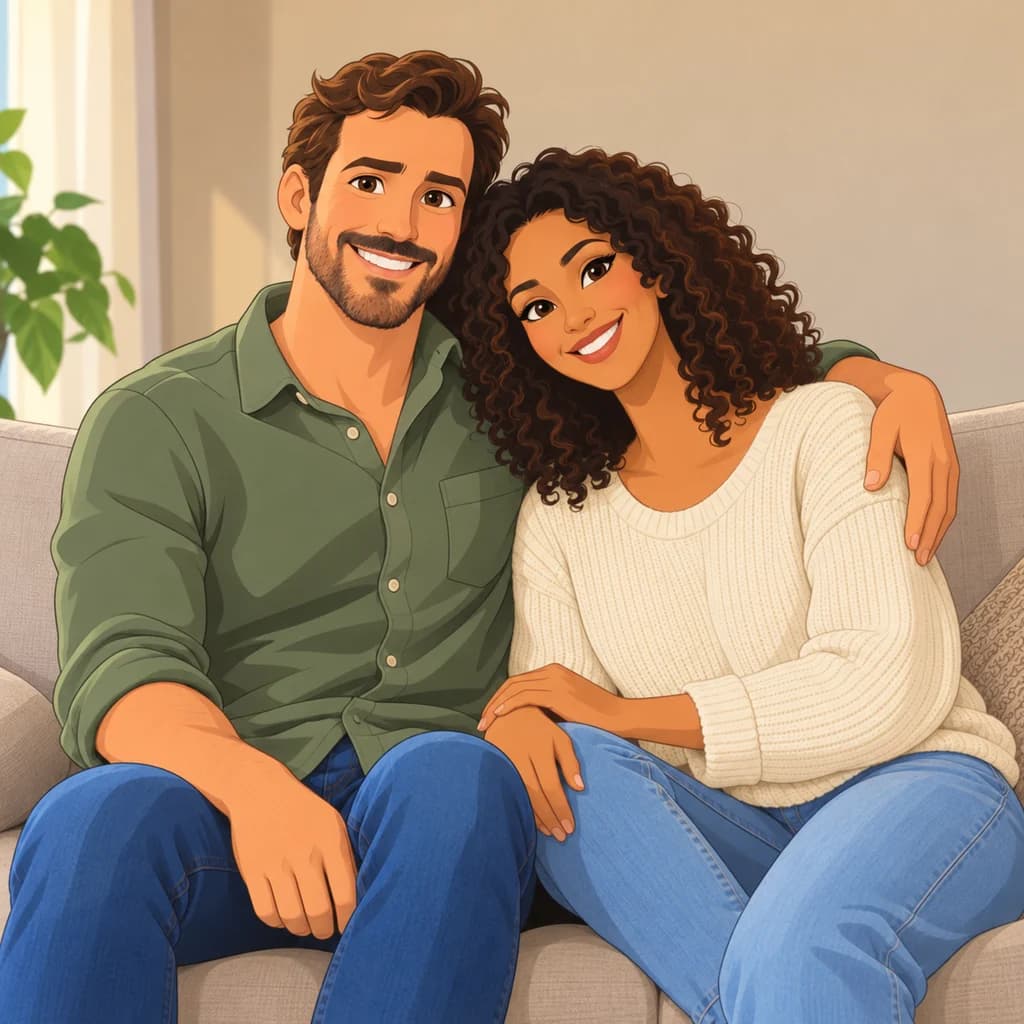
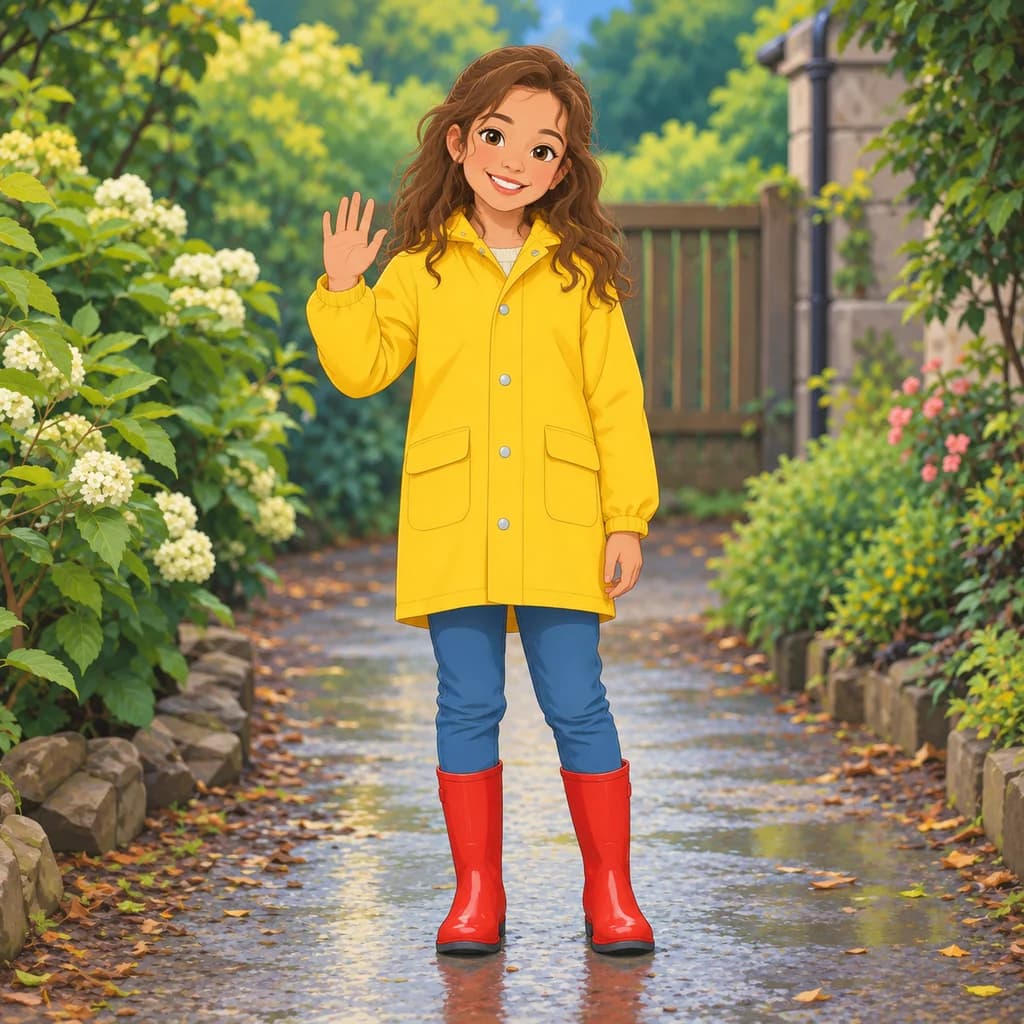
All three come out as flat, painted 2D rather than 3D. The couple on the sofa shows the classic touches: arched brows, defined lashes and wide smiles, with the green shirt and cream sweater kept. The child in a yellow raincoat waves from a wet garden path in red boots. The portrait with terracotta glasses gains brushy texture on the wall.
 ORIGINALDISNEY CHARACTER
Portrait with terracotta glasses01  ORIGINAL
 DISNEY CHARACTER
Couple on the sofa02 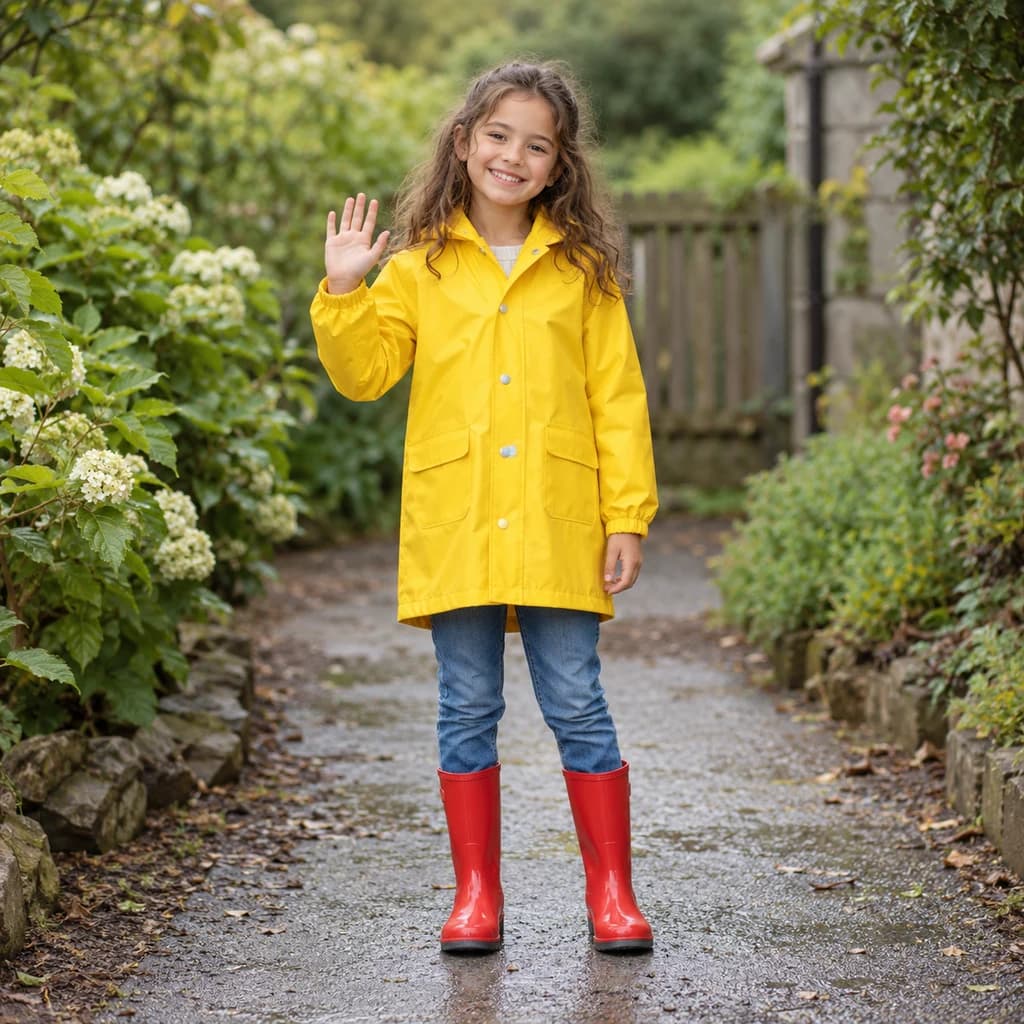 ORIGINAL
 DISNEY CHARACTER
Child in a yellow raincoat03
Illustrative style preview · Your result will vary
What is Disney style?
Disney style is the look of Disney's hand-drawn animated features, which began with Snow White and the Seven Dwarfs in 1937. By the time of Beauty and the Beast (1991), the look had clear habits: big expressive eyes, high-arched brows, hair in long sweeping shapes, clean outlines and warm, rich color painted behind the characters.
Portraits, couples and children with clear faces and natural light suit it best. The redraw keeps your hairstyle, clothes and pose, then traces you with clean lines and soft painted shading. It stays 2D, with flat color and outlines rather than the glossy 3D of modern computer-animated films. For that look, see Photo to Pixar.
How to turn a photo into a Disney character
Three steps from a photo to a hand-painted 2D character.
Couple on the sofa STEP 01
Upload a clear portrait
Bring a JPG, PNG or WebP (up to 10 MB), or open one of the samples. Daylight on the face and eyes turned toward the camera give the redraw the brows and lashes it likes to play up.
- OriginalDisney Character
STEP 02
Redraw it as a classic cartoon
Your eyes get bigger and brighter, your brows more expressive, and your hair smooth and sweeping. Outlines turn clean, color turns warm, and the background is repainted like a storybook scene.
STEP 03
Sign in and save your character
Sign in, confirm the cost and generate; this style starts at 8 credits an image. Your 2D character downloads as a PNG, and a copy stays in your history in case you want it again.
Ways to use it
Good uses for a storybook version of you.
- Fairy-tale portraitsGive a child, a couple or a grandparent their own storybook hero moment.
- Bedtime storybooksMake your child the hero of a homemade bedtime story.
- Gifts for Disney fansA print of themselves as a classic cartoon hero is a personal, easy gift.
- Holiday cardsSend the whole family as hand-drawn characters on this year's card.
- Pets as sidekicksDogs and cats get big, expressive eyes and a loyal-sidekick look.
- Framed family portraitHang the whole family, drawn as classic cartoon characters, in the hallway.
Photo to Disney Character: what to expect
How the 2D Disney-style redraw handles faces, hair, kids and backgrounds.
| FEATURE | What you get | Before you start | Limits |
|---|---|---|---|
| Faces | Clean outlines, arched brows, defined lashes and wider smiles in a flat, painted 2D look | Use a photo where the face is evenly lit and both eyes are open | Some faces change only a little and read more like a painted illustration than a cartoon |
| Hair | Curls and waves redrawn as sweeping, defined shapes | Leave hair visible rather than tucked under a hat or hood | Very short or tied-back hair gives the style less to shape |
| Kids and outfits | Bright clothing, like a yellow raincoat and red boots, carries over in clean blocks of color | Full-length photos let the outfit become part of the character | Small prints, logos and lettering on clothes are usually simplified |
| Backgrounds | Gardens, paths and rooms repainted with soft brush texture, like a storybook backdrop | Choose a setting you'd like to see painted, since it stays in the picture | Busy streets and crowds get simplified and may lose detail |
Tips for better Disney results
Hair, eyes and warm light carry this look.
- 01
Let your hair down
Flowing hair is a signature of this style. Loose hair or curls give the redraw more sweeping shapes to work with.
- 02
Make eye contact
Big, expressive eyes carry this style. Look at the camera, or just past it, so both eyes are clear and open.
- 03
Warm light, warm colors
Daylight or late-afternoon photos match the rich, warm colors. Cool, bluish indoor light can make the redraw look a little flat.
- 04
Pick a simple backdrop
Storybook scenes favor clean, painted backgrounds. A garden, beach or plain wall keeps the focus on you, while busy streets get simplified.
Photo to Disney Character FAQ
What the 2D Disney-style redraw keeps, how it differs from Pixar-style 3D and what to expect with kids; account, credit and privacy topics are handled in the site-wide FAQ.
Will the character still look like me?
Is it 2D or 3D, and how does it differ from Pixar-style?
Can I print it for a party or a frame?
Does it work on kids, pets and family photos?
Disney Character or Ghibli-style: which should I pick?
Why does each version look a little different?
Will it turn me into a princess or a prince?
Which photos work best?
Is PhotoToCartoon affiliated with Disney?
Become the hero of your own animated film
Have a look at the painted sample characters before anything else; it's free. When you'd like to see yourself or your kids drawn this way, sign in and use credits on each image. The cheapest plan costs $9.99 a month.