Photo to
3D Model
Photo to 3D Model redraws a person or pet as a realistic CGI character render, the kind of preview image a studio makes of a finished game model. Upload a full-body photo or a clear portrait. Proportions stay true to life, and fabric, hair and fur gain material detail under soft studio light. The output is a PNG, not a 3D file. Our samples cost nothing to explore, and signing in lets you render your own photo with credits.
From 8 creditsJPG, PNG or WebP up to 10 MB
- COST
- From 8 credits
- TIME
- Usually under a minute
- UPLOAD
- JPG, PNG, WebP · 10 MB
- OUTPUT
- PNG up to 4096 px
Styles
57 stylesAnime & Cartoon
11Artistic
133D & Avatars
8Fun & Creative
9Retro & Vintage
3Digital & Modern
8Sculptures & Crafts
5Illustrative style preview · Your result will vary
Full-body portrait in coral
Sample photo
PRESET · /tools/photo-to-3d-model · Seedream 4 · 2K · 1:1
Open full studio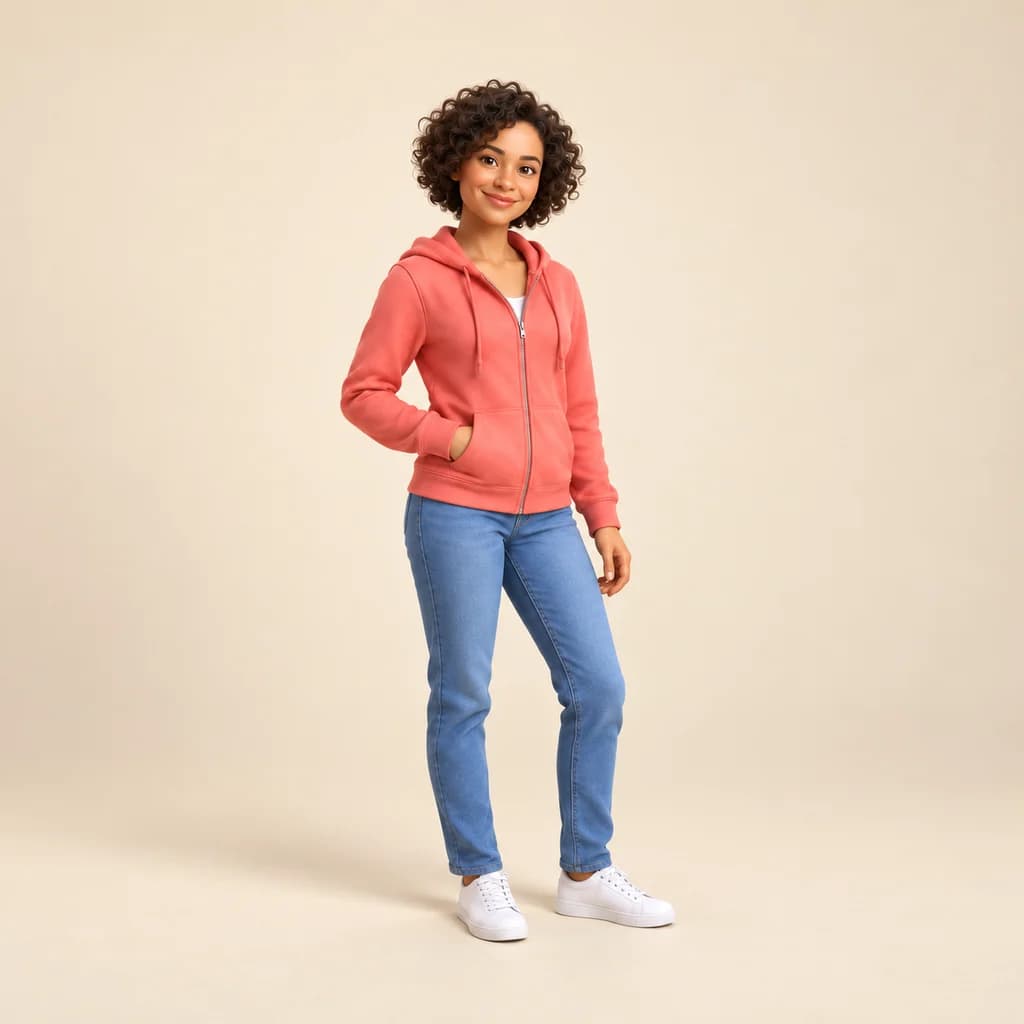 3D ModelSeedream 4 · 2K · 1:1
Illustrative style preview · Your result will vary
11 credits / image · From $9.99 a month
/tools/photo-to-3d-model
Open full studioPhoto to 3D Model examples
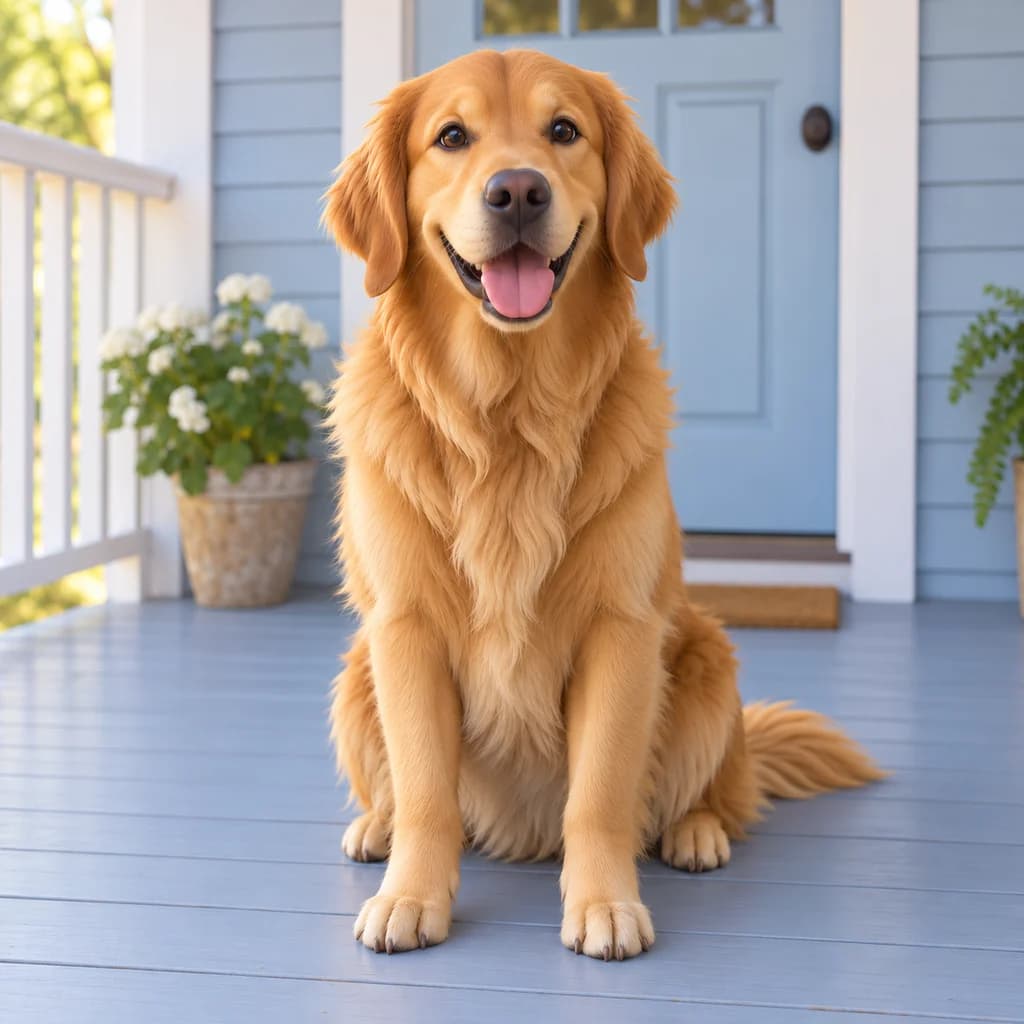
Hold each result next to its original: this is the most lifelike of the 3D styles. The full-body portrait in coral and the full-body portrait in mustard keep real proportions, down to the hoodie's drawstrings and the jacket's four flap pockets. The golden retriever on the porch shows fur grouped into soft, rendered clumps, with the blue door and flower pot still behind it.
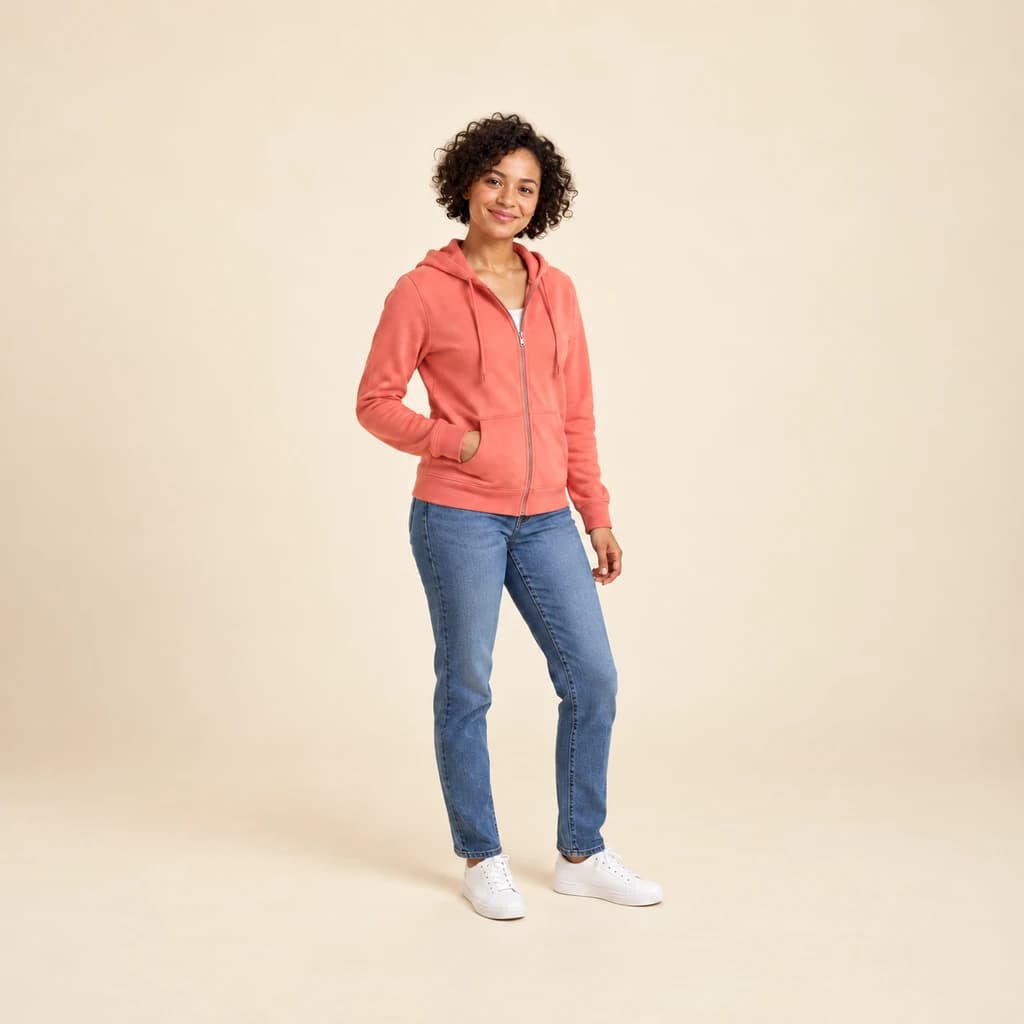 ORIGINAL3D MODEL
Full-body portrait in coral01 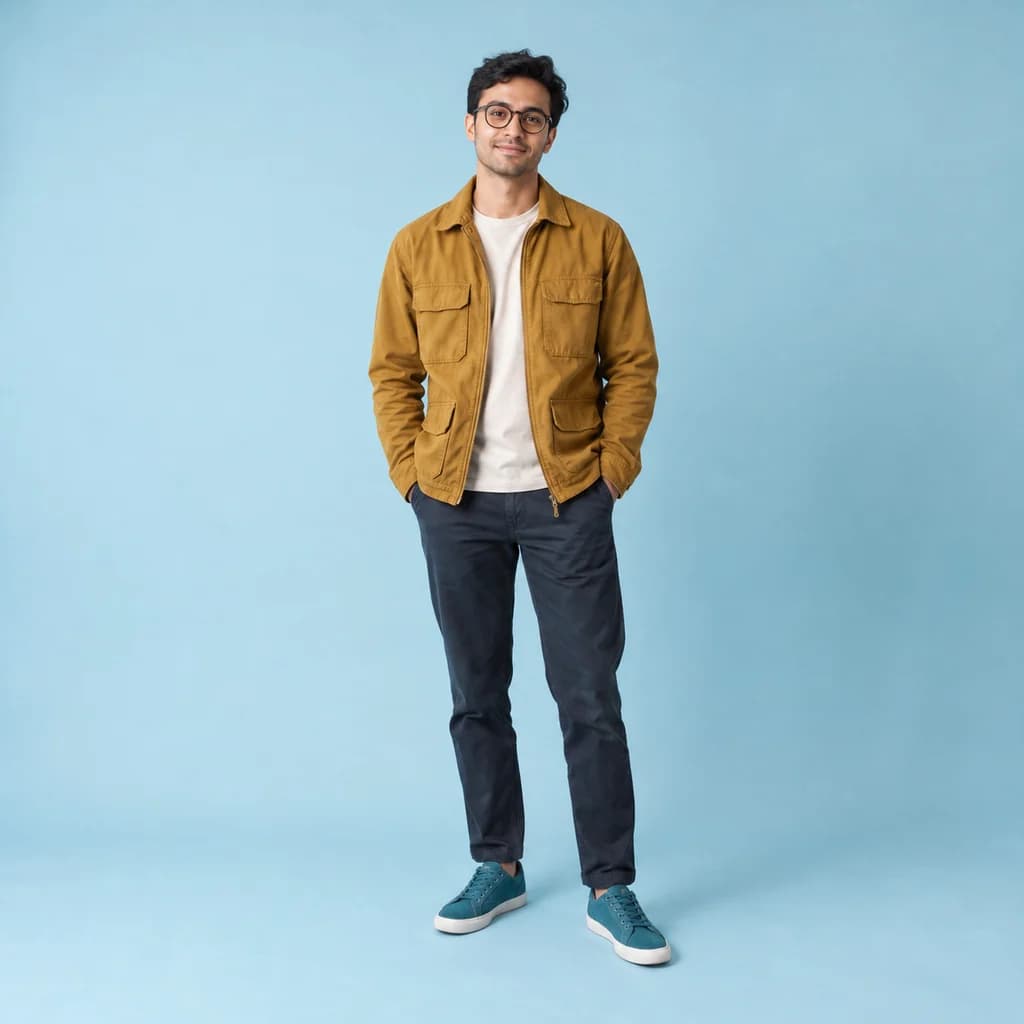 ORIGINAL
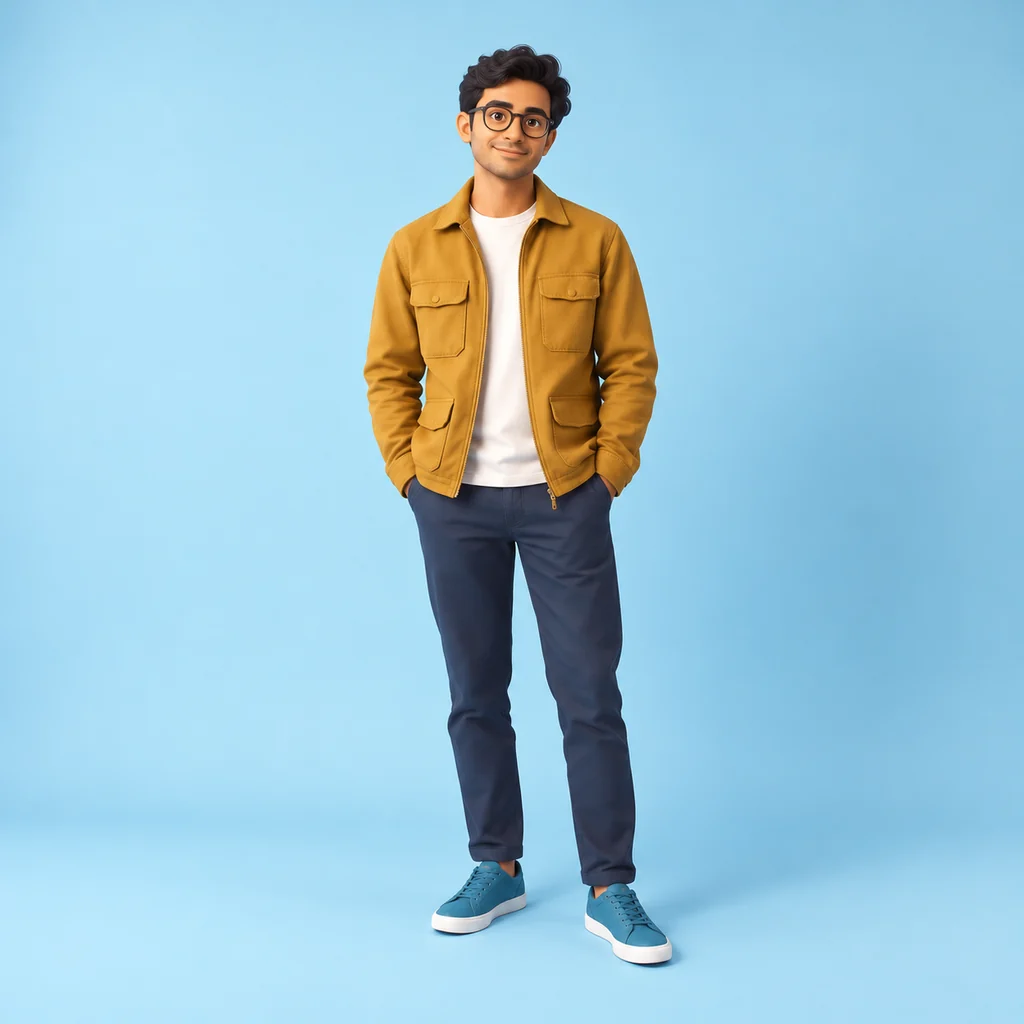 3D MODEL
Full-body portrait in mustard02 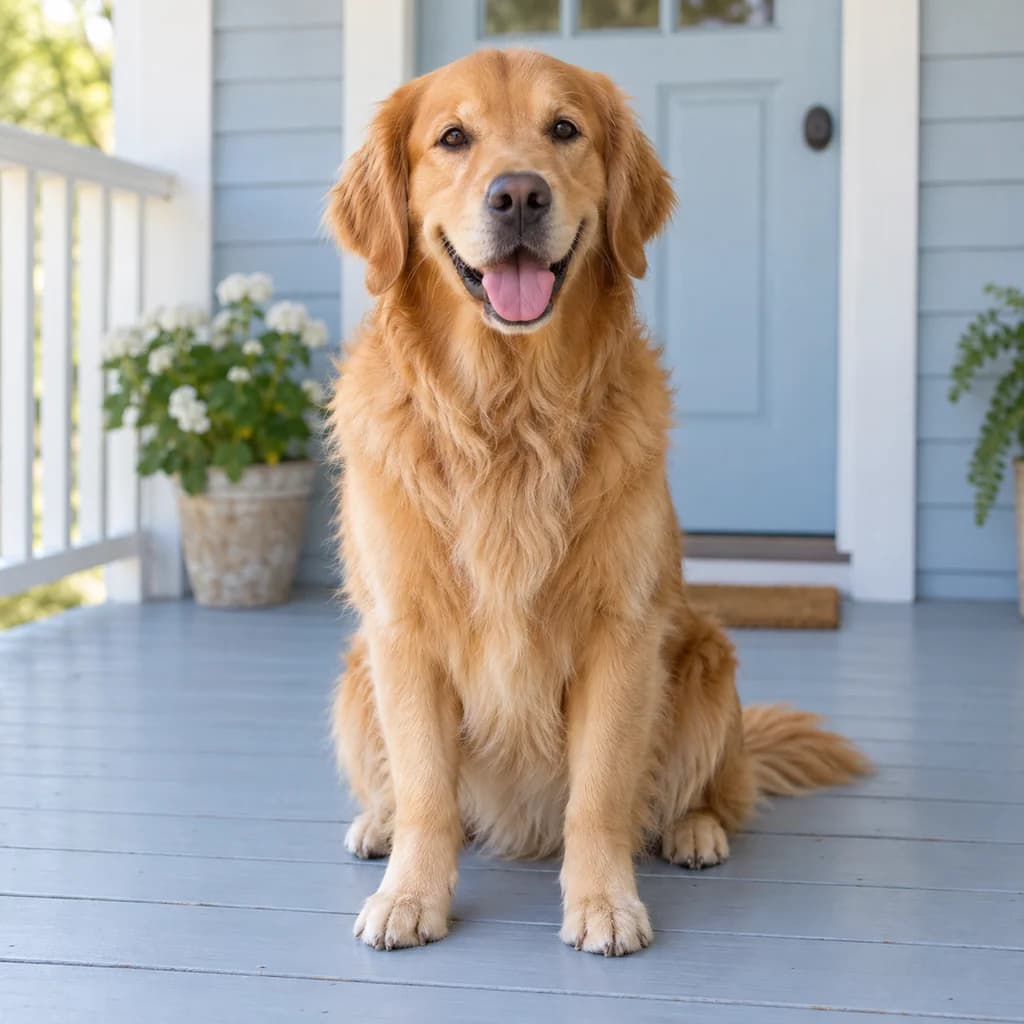 ORIGINAL
 3D MODEL
Golden retriever on the porch03
Illustrative style preview · Your result will vary
What is 3D model style?
A 3D model is a digital object built from polygons in software such as Blender or Maya, then lit and rendered into images. Studios present finished characters in preview renders and turnarounds under soft, even light. This style copies the look of those renders: true-to-life proportions, believable materials in skin, hair and cloth, and gentle shadows that describe shape.
Feed it a sharp, well-lit photo with the whole subject in frame. It stays close to your real build and adds the material detail of a CGI render. To be plain about the output: you get a flat PNG image. There is no mesh to rotate, rig or 3D print. Many people use it as a brief for a 3D artist or a figurine maker.
How to turn a photo into a 3D model-style image
Three steps to a lifelike CGI render of your photo, delivered as an image.
Full-body portrait in mustard STEP 01
Upload the whole subject
JPG, PNG or WebP up to 10 MB, or begin from a sample. Because this look keeps true proportions, step back so head, hands and feet are all in frame; limbs cut off in the photo stay cut off in the render.
- Original3D Model
STEP 02
Give it a 3D model look
Your photo is redrawn as a detailed character image. Proportions stay close to real, while skin, hair and clothes gain texture and soft studio shading. Small details like tattoos and patterns usually stay.
STEP 03
Render and download the PNG
Sign in and generate, from 8 credits per render. You download a flat PNG, which also stays in your history, ready to send to a 3D artist as a reference.
Ways to use it
Good uses for a 3D-style image of a real person.
- Reference for 3D artistsGive a 3D artist a clear image of the character you want built.
- Figurine commissionsShow a figure maker what you want before they sculpt or print it.
- Game character ideasPicture yourself or a friend as a playable character, long before anyone models it.
- Tabletop character artA detailed portrait of your role-playing character, built from a real photo.
- Pitch decks and mockupsShow how a real person could look as a character in your project.
- Grown-up profile picturesA 3D version of you that stays close to real life.
Photo to 3D Model: what to expect
How close to life the render stays, what to prepare, and what a PNG cannot do that a real 3D file can.
| FEATURE | What you get | Before you start | Limits |
|---|---|---|---|
| Proportions | Real body and face proportions, with no enlarged head or cartoon eyes | Stand relaxed and face the camera, arms slightly away from your body | Unusual poses or foreshortened limbs can come out slightly stiff |
| Materials | Visible texture in fabric, hair, skin and fur under soft studio light | Use daylight from one side so the weave of your clothes shows | Busy patterns and printed text may simplify into plainer surfaces |
| Pets | Fur grouped into soft, rendered clumps, as in the golden retriever sample | Get the whole animal in frame, shot at its eye level | Long or curly coats can lose individual strands |
| File type | A flat PNG image of a character render | If you need a printable or riggable model, plan a separate 3D scan or modeling job | No OBJ, STL, GLB or FBX file; it cannot be rotated, animated or 3D printed |
Tips for better 3D model results
Help the tool keep the details.
- 01
Show the whole figure
This style works well on full-body shots. Step back so you're in frame from head to shoes, and you get a complete character image.
- 02
Light for texture
Soft side light brings out fabric, hair and skin texture. Flat, dim photos give the generator less detail to work with.
- 03
Pick a clear pose
Stand relaxed, with your arms a little away from your sides. That gives the cleanest outline and the most model-like result.
- 04
Plain clothes, calm backdrop
Solid colors and a calm background keep attention on the character. Busy patterns still work, but they can get simplified.
Photo to 3D Model FAQ
Questions about what a 3D model-style render is and isn't; sign-in, credit and privacy questions are handled in the main FAQ.
Does this give me a 3D file I can rotate or print?
How is 3D Model different from 3D Avatar and Photo to 3D?
Will the render look like me?
Can a 3D artist work from this image?
Can I render a family, a child or a pet?
Which photos give the most detailed render?
Can I print the render?
Why does each render come out a bit different?
Can I use renders commercially?
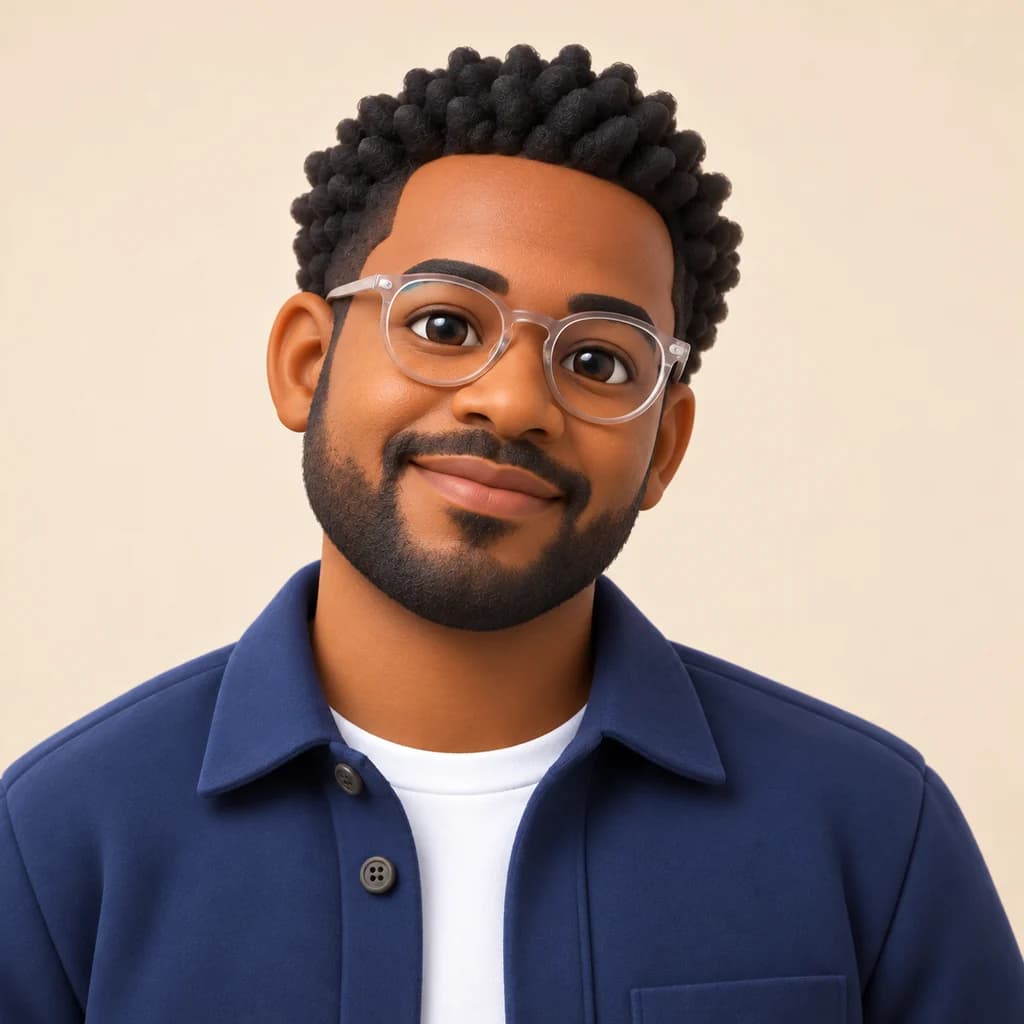
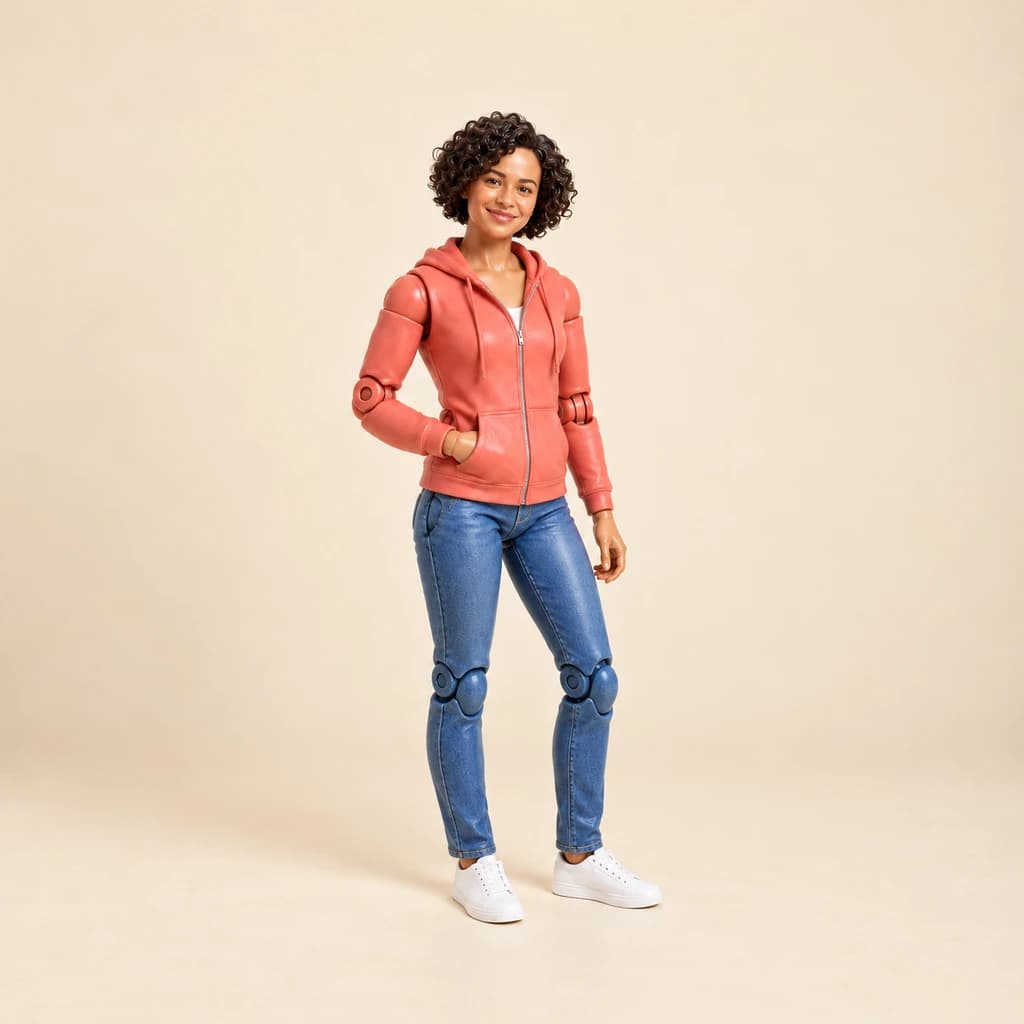
Get a detailed 3D-style image of yourself
Check how close to life the renders stay on our free sample photos. Sign in to render your own photo with credits, on plans from $9.99 a month. Keep in mind the result is an image; no 3D file comes with it.