Photo to
Mosaic
Photo to mosaic rebuilds one photo from small ceramic- or stone-like tiles with pale grout lines between them. Upload a portrait, a pet or a house with a clear subject. Faces and eyes get the smallest pieces, walls and floors larger ones, and the original colors carry into the glaze. From a distance you see the subject; up close you see every tile. You can explore the samples without paying, then sign in to tile your own photo with credits.
From 8 creditsJPG, PNG or WebP up to 10 MB
- COST
- From 8 credits
- TIME
- Usually under a minute
- UPLOAD
- JPG, PNG, WebP · 10 MB
- OUTPUT
- PNG up to 4096 px
Styles
57 stylesAnime & Cartoon
11Artistic
133D & Avatars
8Fun & Creative
9Retro & Vintage
3Digital & Modern
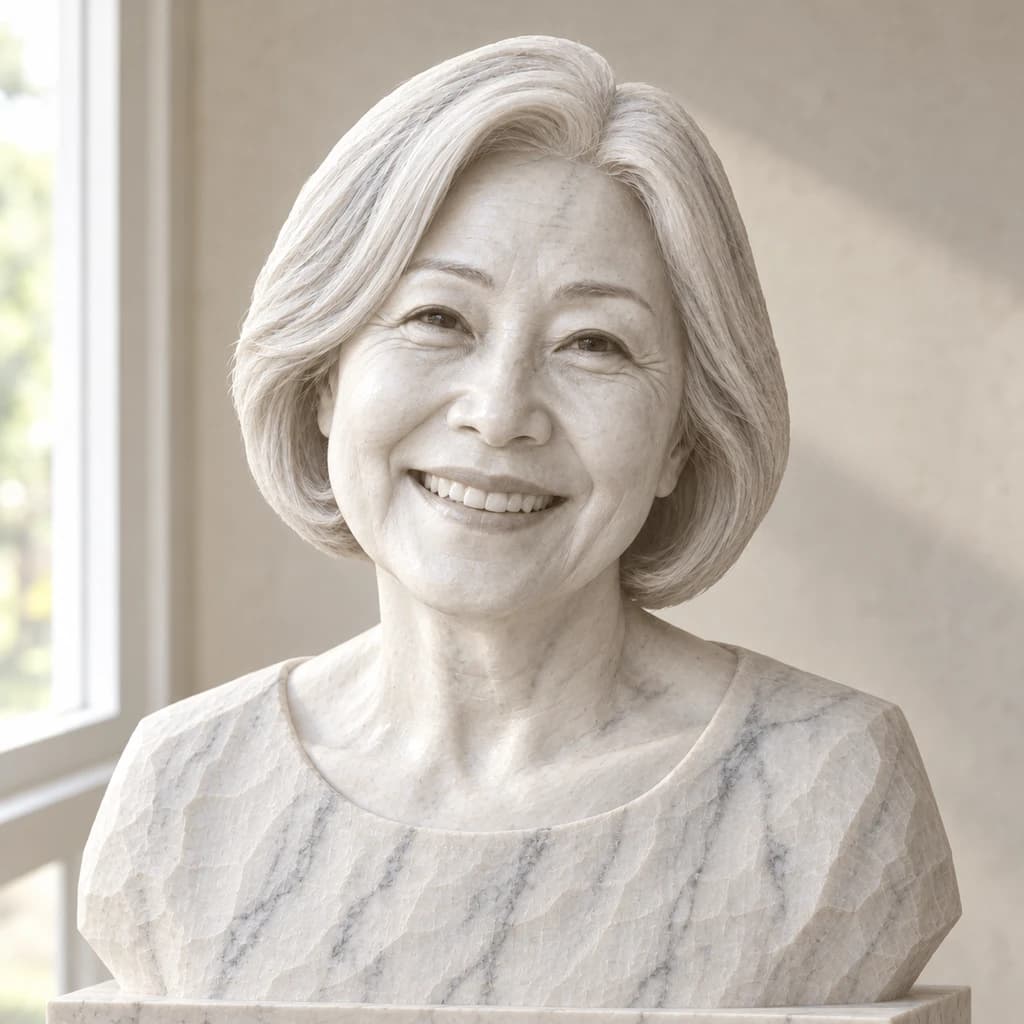
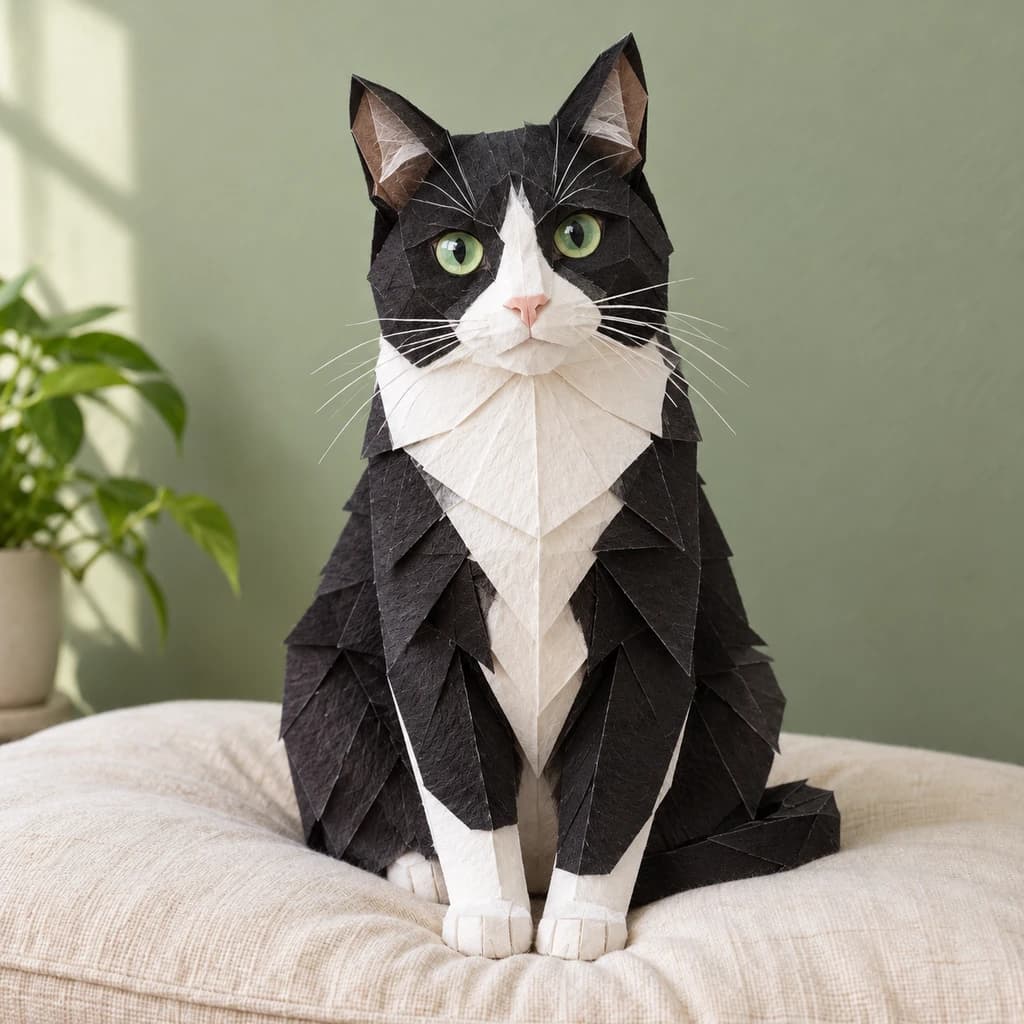
8Sculptures & Crafts
5Illustrative style preview · Your result will vary
Portrait with terracotta glasses
Sample photo
PRESET · /tools/photo-to-mosaic · Seedream 4 · 2K · 1:1
Open full studio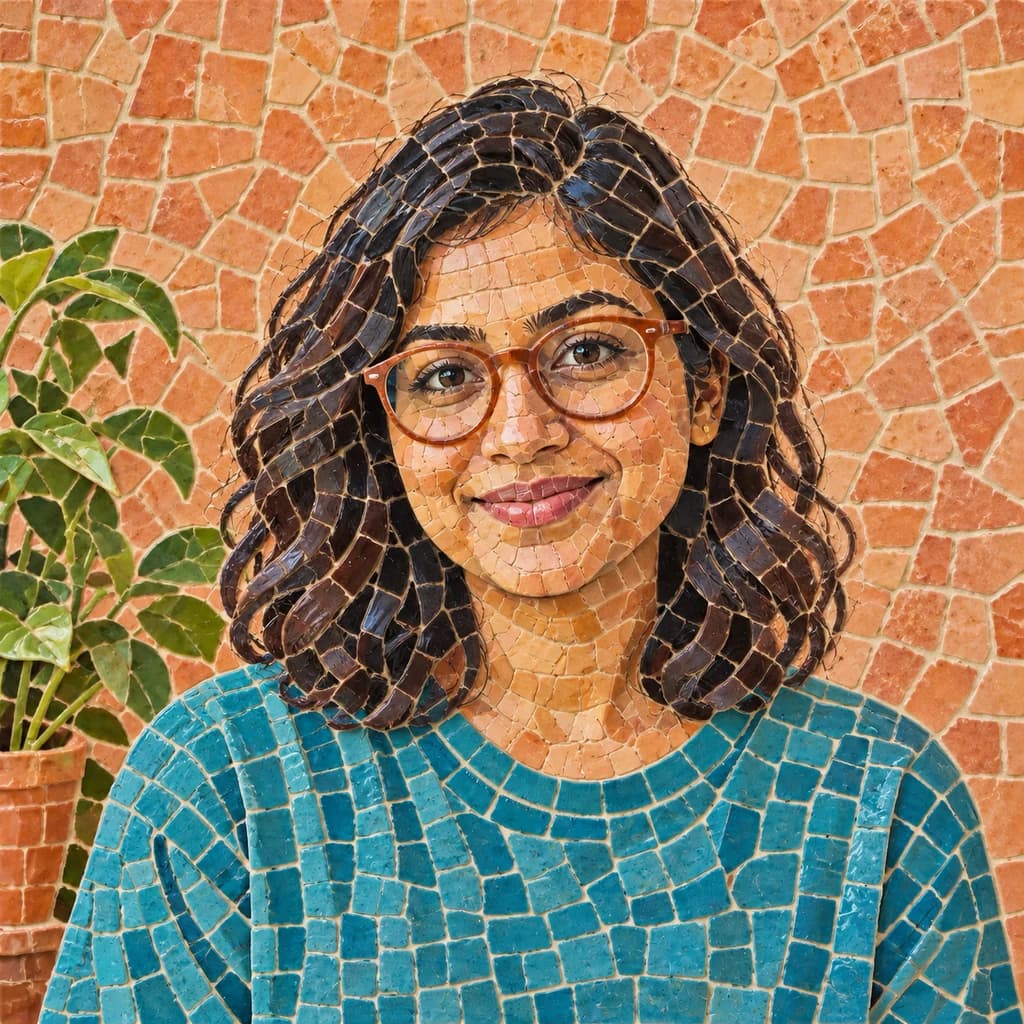 MosaicSeedream 4 · 2K · 1:1
Illustrative style preview · Your result will vary
11 credits / image · From $9.99 a month
/tools/photo-to-mosaic
Open full studioHow a photo becomes a mosaic
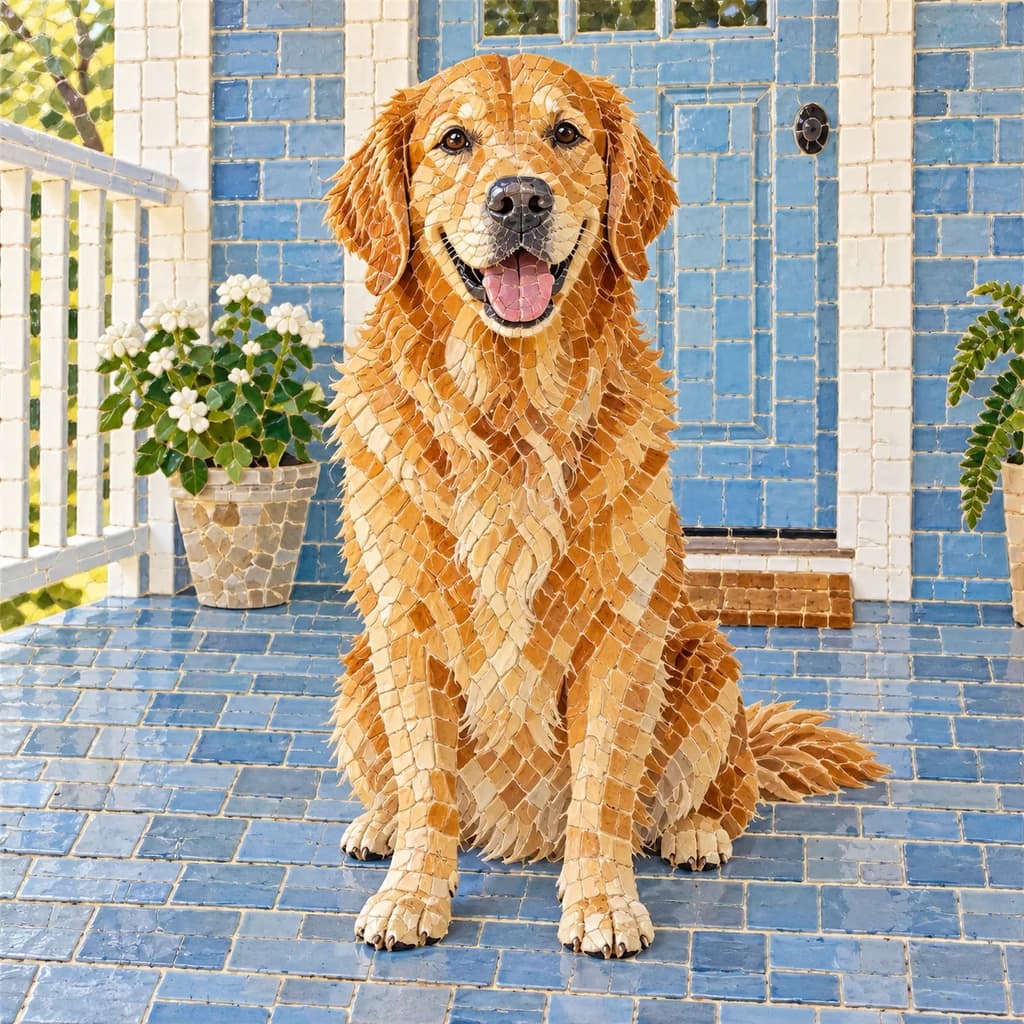
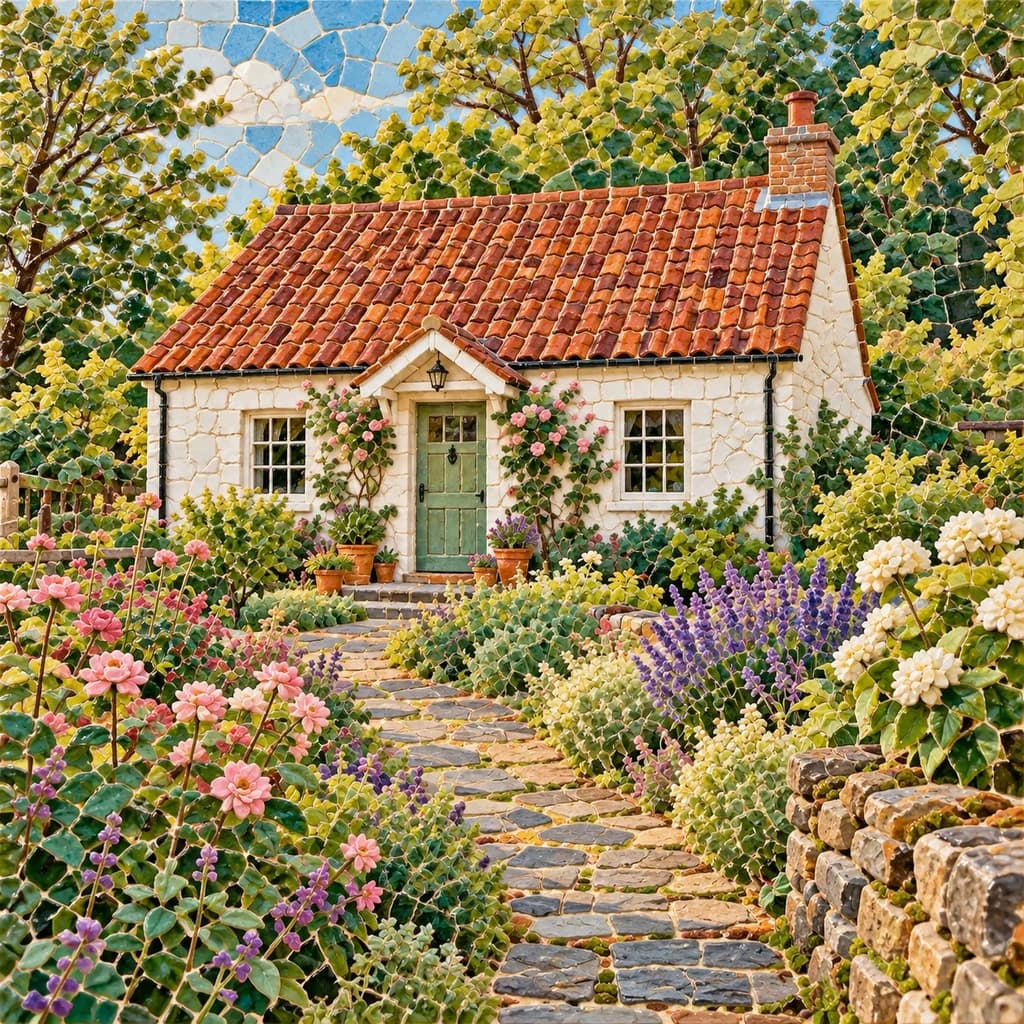
In the portrait with terracotta glasses, the wall breaks into big, irregular terracotta pieces while the face uses tiny ones and the teal T-shirt follows curved rows. The golden retriever’s coat is built from long gold and cream shards against a porch of blue square tiles. In the cottage and flower garden, the roof, path and sky each get their own kind of tile.
 ORIGINALMOSAIC
Portrait with terracotta glasses01 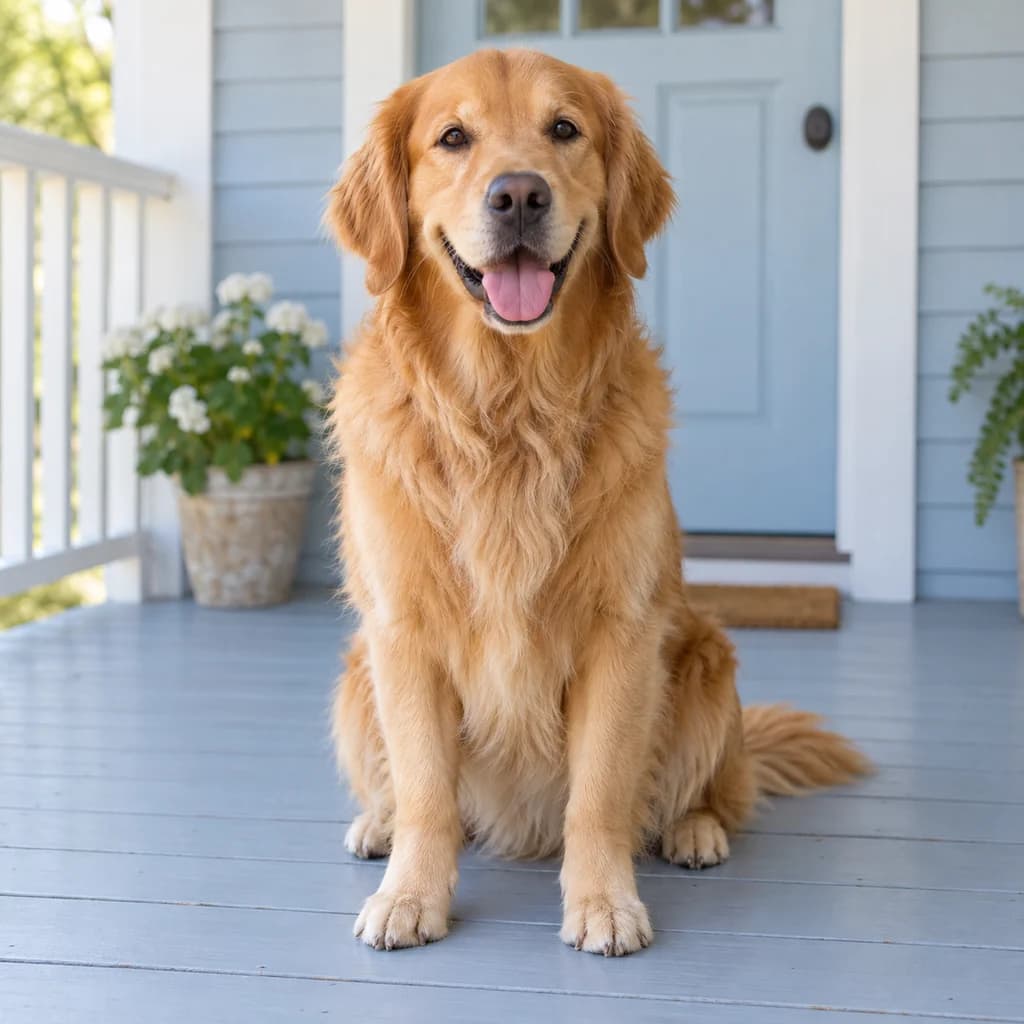 ORIGINAL
 MOSAIC
Golden retriever on the porch02 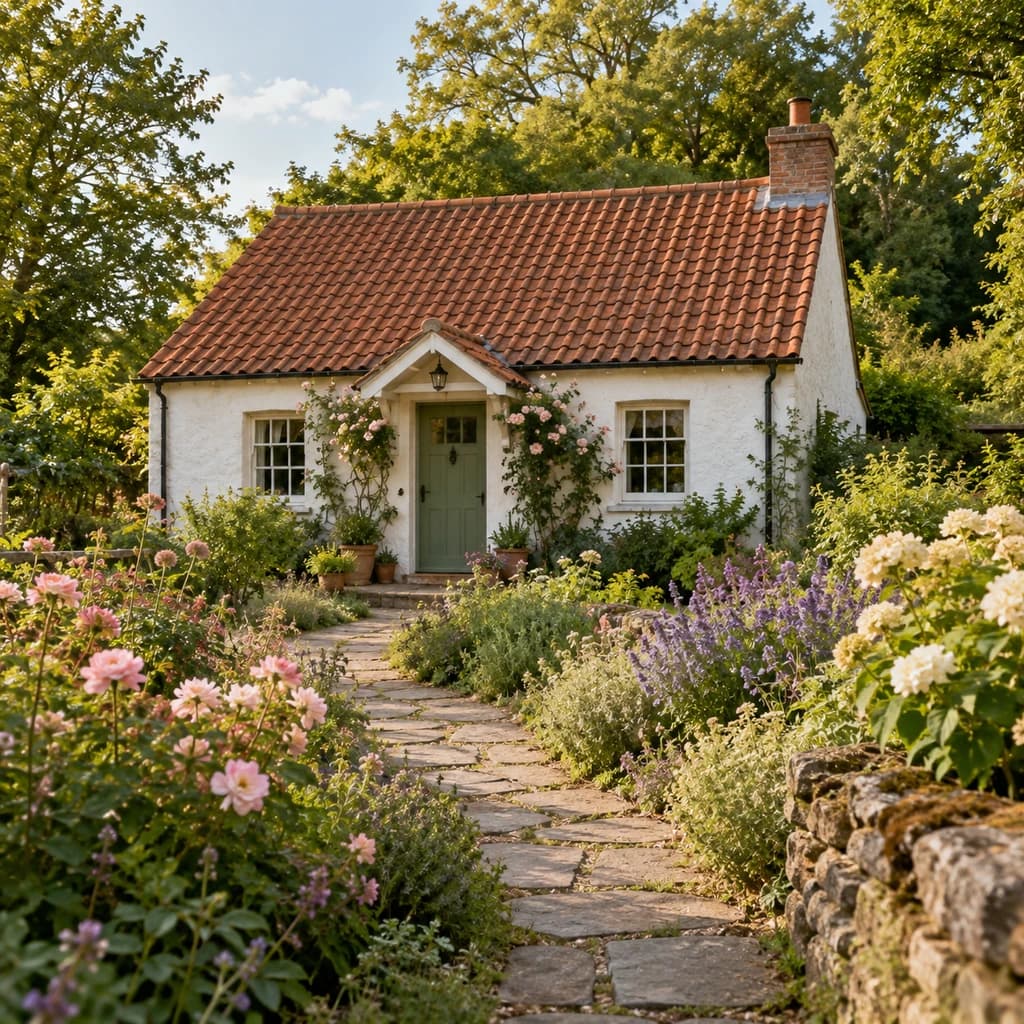 ORIGINAL
 MOSAIC
Cottage and flower garden03
Illustrative style preview · Your result will vary
What kind of mosaic does this make?
Mosaic is a picture made from many small pieces of stone, glass or ceramic, called tesserae, set close together with grout or mortar between them. Roman floors and the 6th-century church walls of Ravenna, Italy, are famous examples, and Antoni Gaudí's Park Güell in Barcelona is covered in broken-tile mosaic. Groups of pieces follow the shapes of the subject, and slight differences in size and color give the work a handmade feel.
This is a tile-art treatment of one photo. It does not arrange hundreds of your smaller photographs into a larger face, and it does not make a numbered tile-placement plan. You get a finished PNG image: a portrait to print, a picture for a card or a starting point when you are choosing colors for a craft project.
How to turn a photo into mosaic art
A clear subject and distinct color areas give the tiles something to follow.
Cottage and flower garden STEP 01
Pick your photo
Upload any JPG, PNG or WebP up to 10 MB, or tile a sample photo first. Skip heavily filtered or very dim shots; each tile takes one glaze color, and muddy tones give it little to choose from.
- OriginalMosaic
STEP 02
Choose Mosaic
Select Mosaic in the studio. Smaller tiles go around the eyes and face, larger ones fill walls and sky, and pale grout separates every piece.
STEP 03
Generate and download
Sign in to tile your photo, from 8 credits per completed image depending on the model. Download the mosaic as a PNG; it is also saved to your account history if you want to print it later.
Ways to use a mosaic picture
Bring the tiled texture into a picture you already care about.
- Portrait printsA tiled portrait can add texture to a small wall print or framed photograph.
- Pet keepsakesTurn a familiar face and coat pattern into a colorful mosaic picture.
- Personal giftsUse a favorite portrait as the starting point for a card or printed keepsake.
- Craft color ideasExplore a palette for a handmade project, then plan the real materials separately.
- Cards and invitationsPut a tiled picture beside your own wording in a card layout.
- Travel photo collectionsTry the same tile treatment on a favorite holiday portrait or scene.
Before you make your mosaic
How tile size, grout and glaze handle each part of your photo.
| FEATURE | What you get | Before you start | Limits |
|---|---|---|---|
| Faces | The smallest tiles around eyes, nose and mouth; glasses frames can stay smooth | Use a close portrait so the face gets plenty of tiles | Freckles, eye color and fine lines can merge into a single tile |
| Hair and fur | Long, narrow shards that follow waves or the direction of a coat | Keep hair and fur sharp so the shards have a direction to follow | Flyaway strands and whiskers disappear into the grout |
| Backgrounds | Larger pieces on walls, porches and sky, with tile shapes that change by surface | A plain wall becomes a calm tile field; a garden becomes a dense one | Surfaces can turn into literal tiling, like a porch laid in blue squares |
| Colors | Glazed colors close to the photo: terracotta, teal, gold and blue in the samples | Photos with a few clear color areas tile more cleanly than muted ones | Smooth gradients become steps of separate tiles, so soft skies look patchy up close |
Tips for a recognizable mosaic
Think in clear shapes and groups of color.
- 01
Bring the subject closer
A face that fills more of the frame has more room for useful tiles. A distant person can become a handful of colored patches.
- 02
Choose clear color differences
Dark hair against a light wall, or a pet with bold markings, gives the pieces boundaries to follow.
- 03
Keep the background simple
Leaves, crowds and tiny objects can compete with the subject once everything becomes tiled. A calm background keeps attention on the face.
- 04
Check the whole picture and the details
View the result small to judge likeness, then zoom in to inspect the tiles. Before printing, check the file dimensions at the size you want.
Questions about photo to mosaic
What tile art can and cannot do with one photo, with sign-in, credit and data privacy questions answered in the site-wide FAQ.
Is this a mosaic made from lots of smaller photos?
Will I get a pattern for making a real mosaic?
Will the person still be recognizable?
Why are some areas tiled differently from others?
Does it work for houses and gardens?
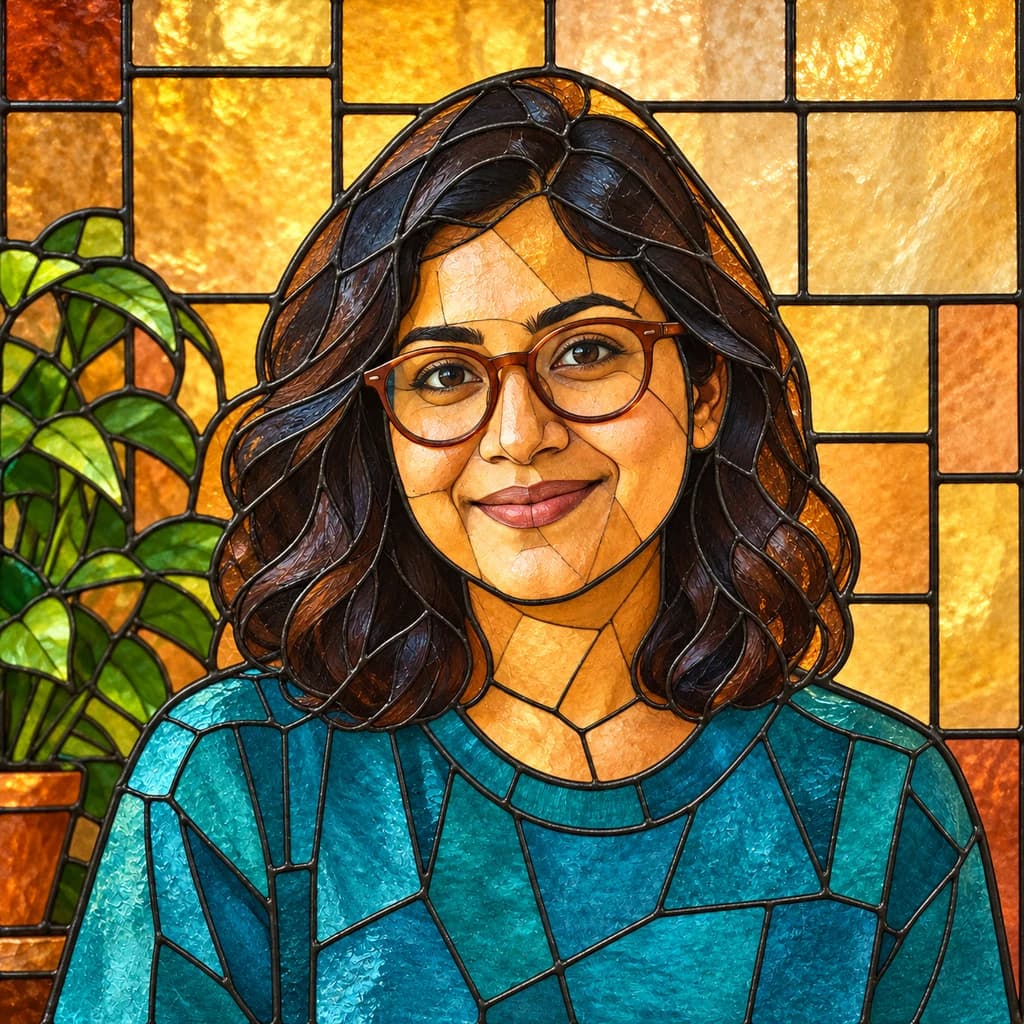
How is mosaic different from stained glass?
Can I use a pet photo or a family picture?
Can I print the mosaic?
Why are the tiles different every time?
Can I use it in a client project?

Give your photo a tiled finish
Compare the three mosaic samples, then try a clear portrait or pet photo of your own. Looking is free; making a mosaic takes a sign-in and credits, with plans from $9.99 a month. The studio shows the cost before you generate.