Photo to
Fortnite Style
Photo to Fortnite Style turns a photo into a 3D game-character render inspired by Fortnite: smooth skin, clean shapes and warm light along the edges. Upload a full-body photo with a confident pose. Your face, hair, clothes and pose stay close to the original; the change is in the finish, which looks rendered rather than photographed. You can browse the samples without paying, and sign in to spend credits on your own photo.
An independent, Fortnite-inspired fan style; PhotoToCartoon is not affiliated with or endorsed by Epic Games.
From 8 creditsJPG, PNG or WebP up to 10 MB
- COST
- From 8 credits
- TIME
- Usually under a minute
- UPLOAD
- JPG, PNG, WebP · 10 MB
- OUTPUT
- PNG up to 4096 px
Styles
57 stylesAnime & Cartoon
11Artistic
133D & Avatars
8Fun & Creative
9Retro & Vintage
3Digital & Modern
8Sculptures & Crafts
5Illustrative style preview · Your result will vary
Sporty portrait in cobalt
Sample photo
PRESET · /tools/photo-to-fortnite-style · Seedream 4 · 2K · 1:1
Open full studio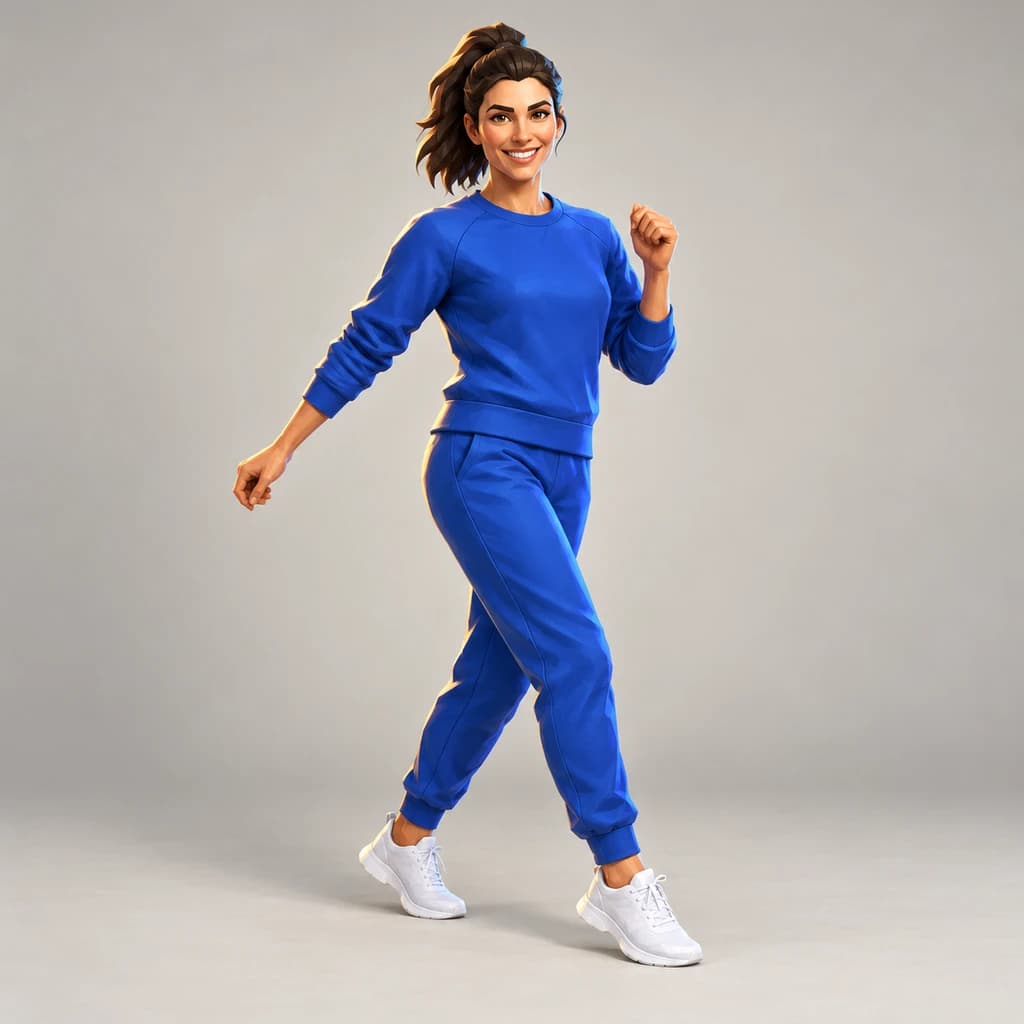 FortniteSeedream 4 · 2K · 1:1
Illustrative style preview · Your result will vary
11 credits / image · From $9.99 a month
/tools/photo-to-fortnite-style
Open full studioPhoto to Fortnite Style examples
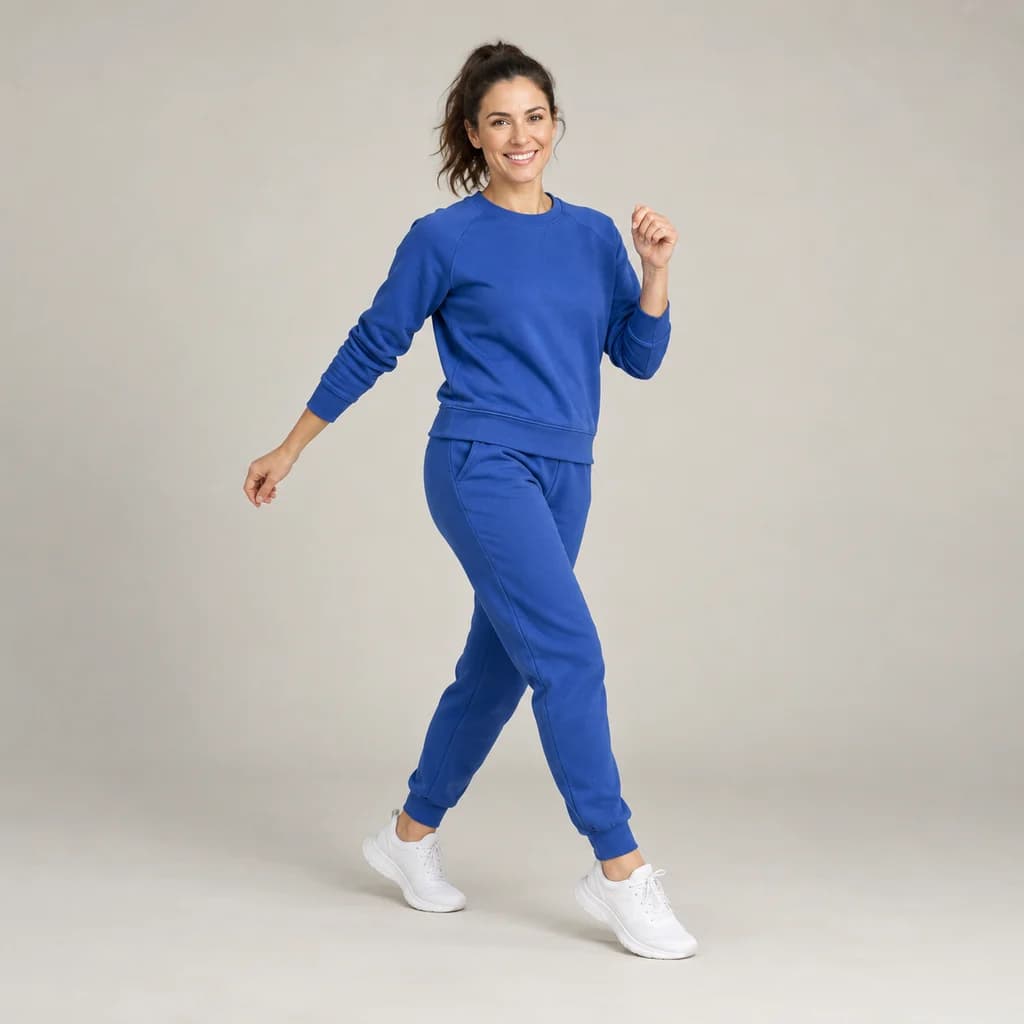
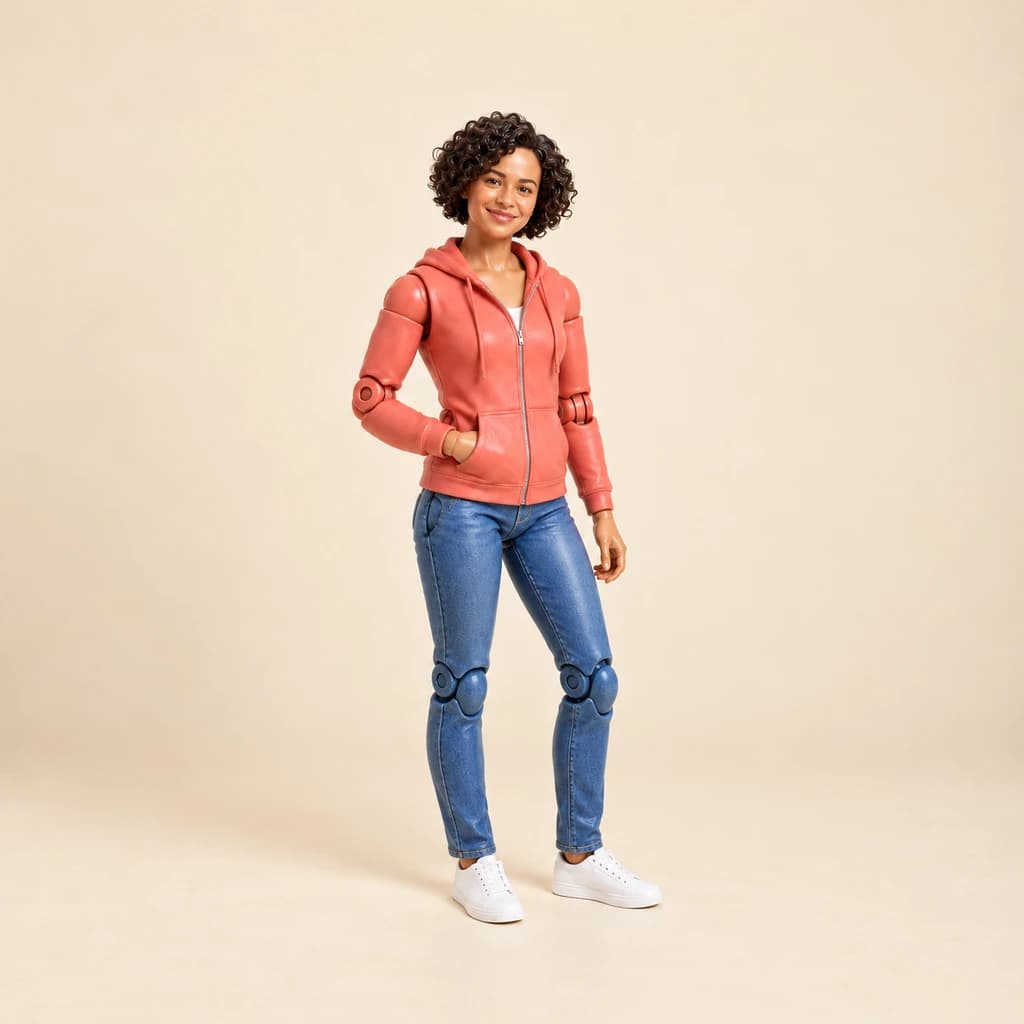
The sporty portrait in cobalt catches her mid-stride with a raised fist and a swinging ponytail, like a game emote. The full-body portrait in coral and the full-body portrait in mustard keep their real proportions, outfits and poses. Look for the smooth, rendered skin and the warm orange light along jeans and jackets. None of these three runs added armor or gear.
 ORIGINALFORTNITE
Sporty portrait in cobalt01 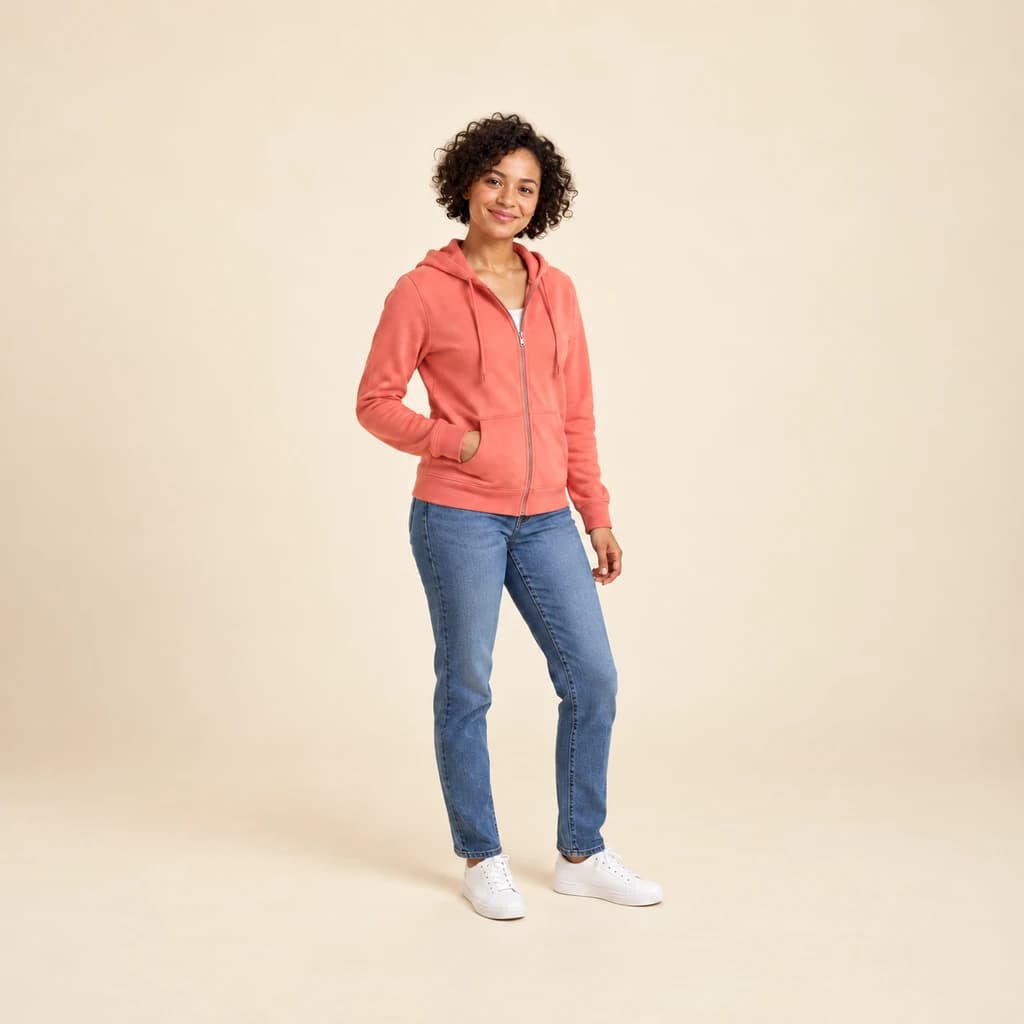 ORIGINAL
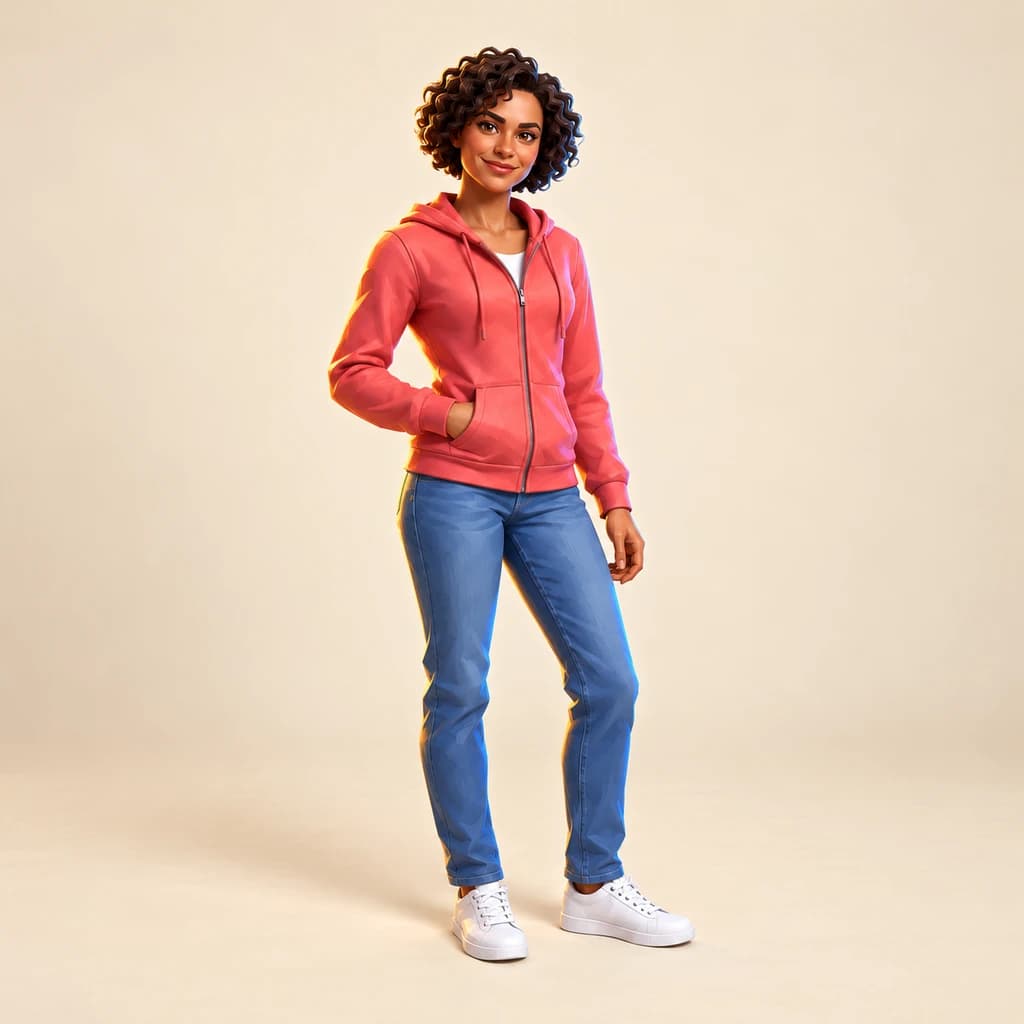 FORTNITE
Full-body portrait in coral02 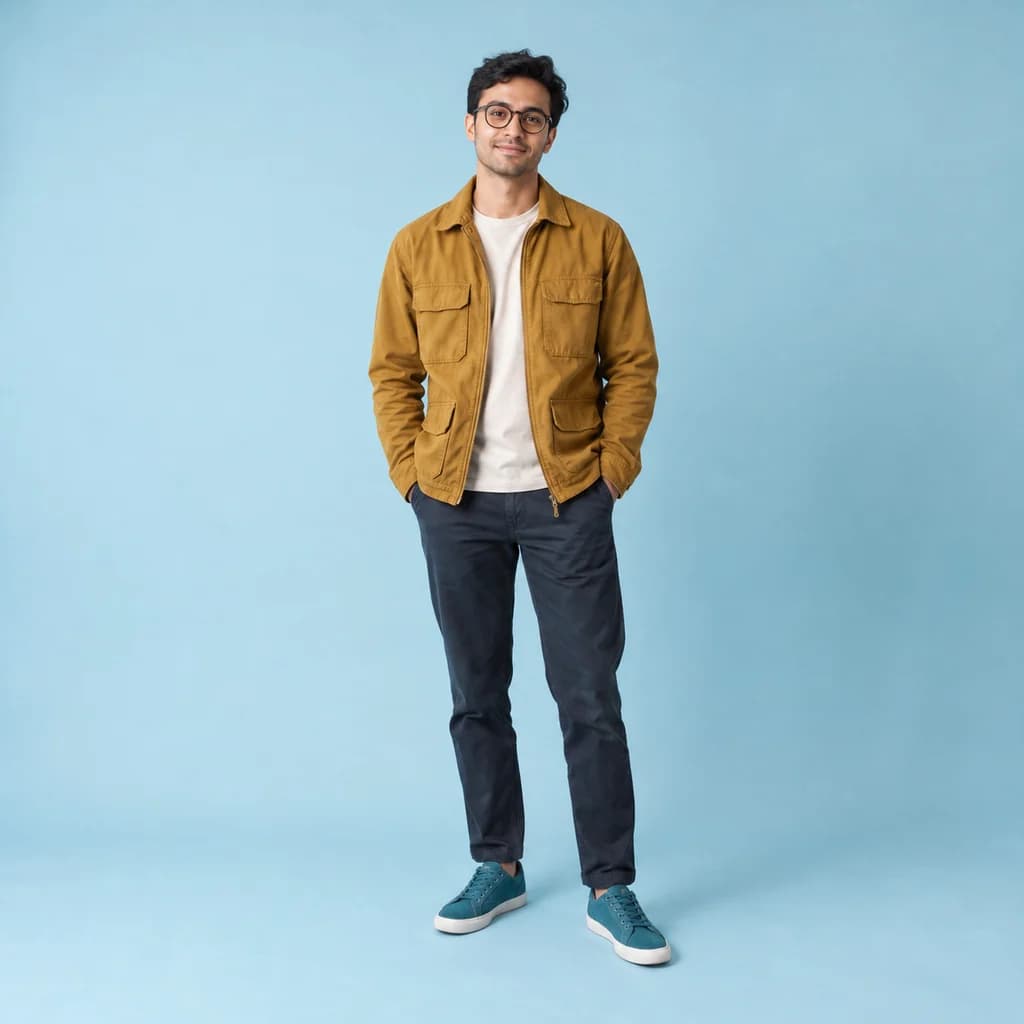 ORIGINAL
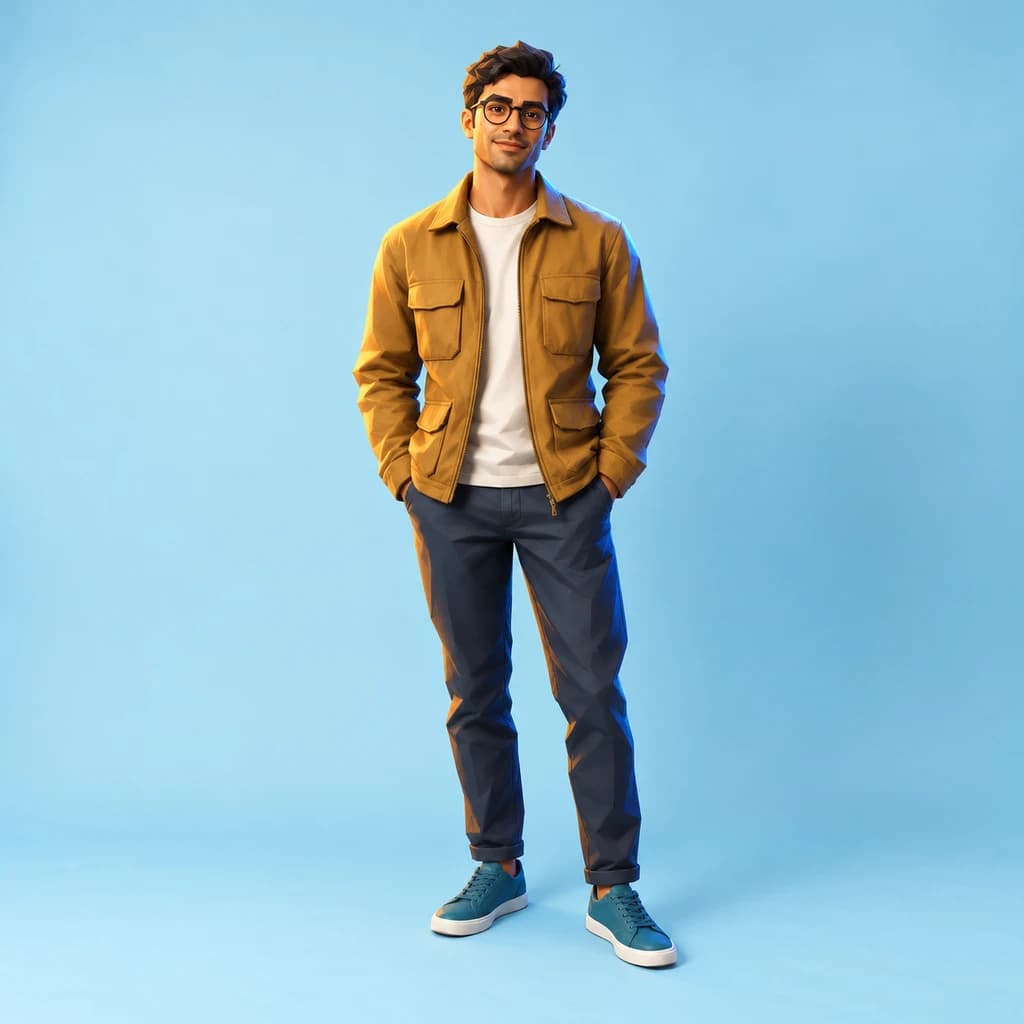 FORTNITE
Full-body portrait in mustard03
Illustrative style preview · Your result will vary
What is Fortnite style?
Fortnite style is the look of Fortnite, the game Epic Games released in 2017, best known for its Battle Royale mode. Its characters have a polished, animated-film finish: smooth skin, clean shapes, bold color and slightly exaggerated proportions. Lighting is bright and clear, with crisp highlights, and outfits range from casual to playful to tactical gear.
The results here lean toward a lightly stylized 3D render rather than a big cartoon change. Your proportions stay close to real, and the shift is in the surface: smoother skin, softer detail and warm light around the edges, like a character on a game lobby screen. Some runs add gear such as straps or armor; plain outfits often stay as they are.
How to turn a photo into Fortnite style
Bring a full-body photo with some energy in the pose, and the studio gives it a game-render finish.
Full-body portrait in coral STEP 01
Upload a photo
Your file can be a JPG, PNG or WebP up to 10 MB, or you can start with a sample render. A full-length shot with movement, like a stride or a raised fist, looks most like a game character.
- OriginalFortnite
STEP 02
Gear up the look
Skin gets smooth, detail softens and warm light traces the edges, like a 3D game render. Proportions stay close to real, and your face, hair, outfit and pose stay recognizable. Occasionally a run adds game-style gear like a vest or armor.
STEP 03
Generate and download
Sign in and generate your game-hero render from 8 credits. Download the PNG when it's ready; it is also saved in your history.
Ways to use it
Where a game-hero version of you fits.
- Squad profile picturesGive everyone in your squad a matching game-hero portrait.
- Pets as game charactersSee your dog or cat as a 3D game character, sometimes with a tactical vest.
- Gaming party invitesPut the birthday kid on a game-style invite for their party.
- Gaming room postersPrint a game-hero portrait to hang above the desk or console.
- Friend group lineupsTurn the whole friend group into heroes and share the lineup in the group chat.
- Hero clipsMake your hero move with our image-to-video tool.
Photo to Fortnite Style: what to expect
What the Fortnite-style render changes, what it leaves alone and how to set up your photo.
| FEATURE | What you get | Before you start | Limits |
|---|---|---|---|
| Faces | Your own features with smoother skin and a clean, rendered finish. | Use a sharp, well-lit photo where your face isn't in shadow. | Changes are subtle; don't expect big cartoon eyes or a reshaped head. |
| Body and pose | Real proportions and your exact pose, from a mid-stride step to hands in pockets. | Pick a full-length photo with an active or confident stance. | The pose is kept as it is, not turned into an action move. |
| Clothes and gear | Sweatsuits, hoodies, jackets and sneakers kept with their colors and folds. | Wear clothes with clear color; they define the character. | Armor or straps appear only in some runs; none of the three samples got them. |
| Lighting and backdrop | Warm edge light and a clean studio-style backdrop, as behind all three samples. | Daylight or even indoor light gives the cleanest render. | Busy backgrounds can pull attention away from the character. |
Tips for better Fortnite-style results
Bring a little hero energy to the photo.
- 01
Strike a confident pose
Hands on hips, crossed arms or a mid-stride shot all suit the heroic look. Stiff, passport-style photos tend to come out flatter.
- 02
Shoot in good light
A clean render starts with clear light. Daylight or bright, even indoor light gives the truest skin tones and the cleanest highlights.
- 03
Wear something with character
Jackets, hoodies, caps and sunglasses carry over. They give the result more personality than a plain T-shirt does.
- 04
Try it on your pet
Some runs put pets in vests or armor. A clear photo of your dog or cat sitting still gives the best result.
Photo to Fortnite Style FAQ
Questions about the Fortnite-style render; account, credit and privacy answers live in the main FAQ linked below.
Will the game version keep my face?
Can I use it as a skin in Fortnite?
What size is the download for a poster?
Does it work for pets, kids and squads?
Fortnite style or GTA style?
Why do results vary from run to run?
Is PhotoToCartoon affiliated with Fortnite or Epic Games?
Why isn't it more cartoonish?
Which photo gives the most game-like result?
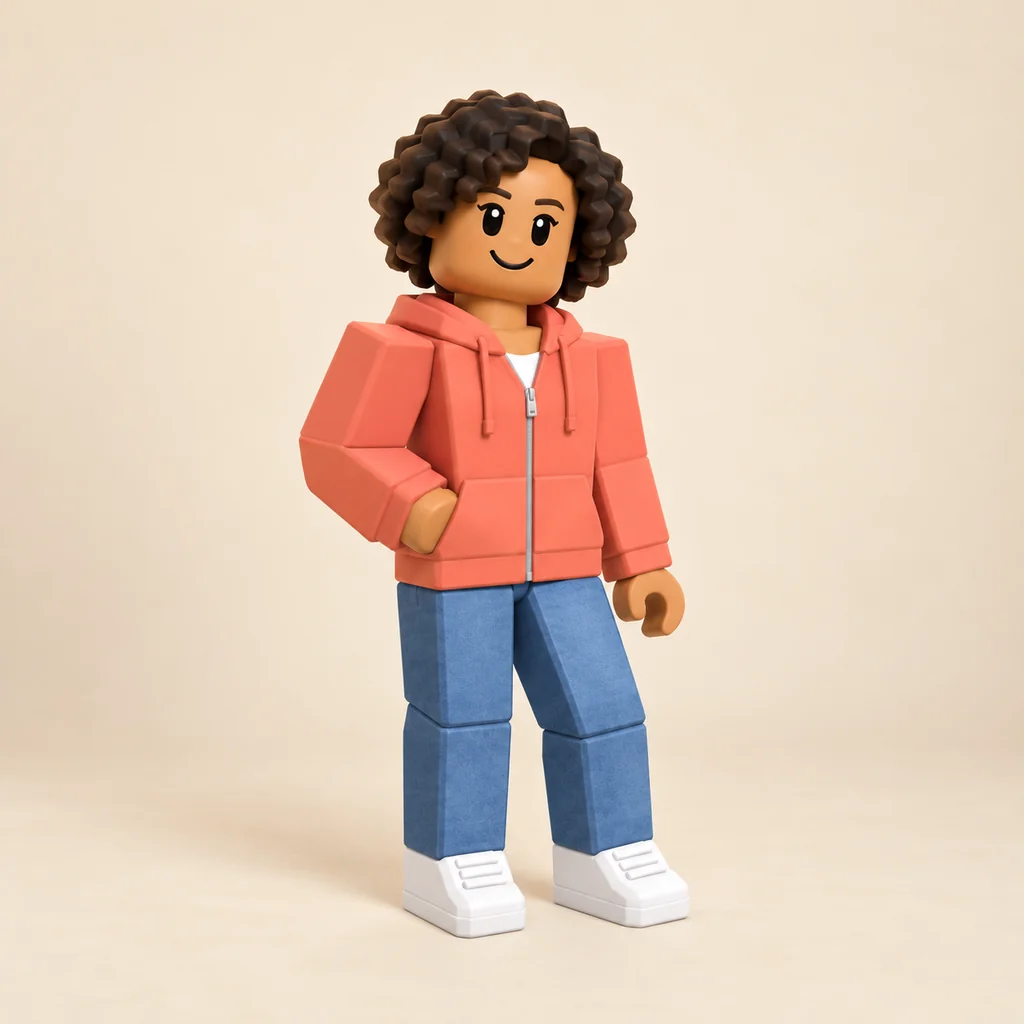
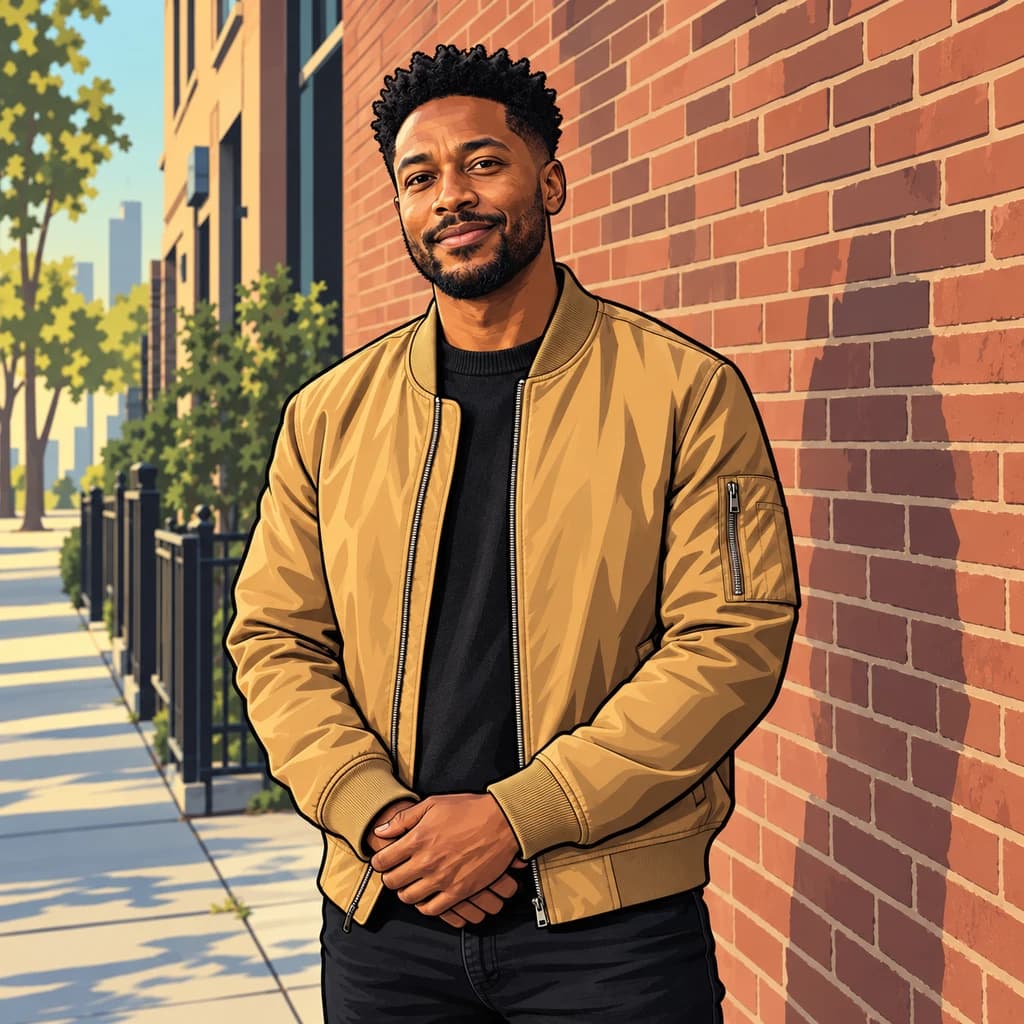
Turn yourself into a bold game hero
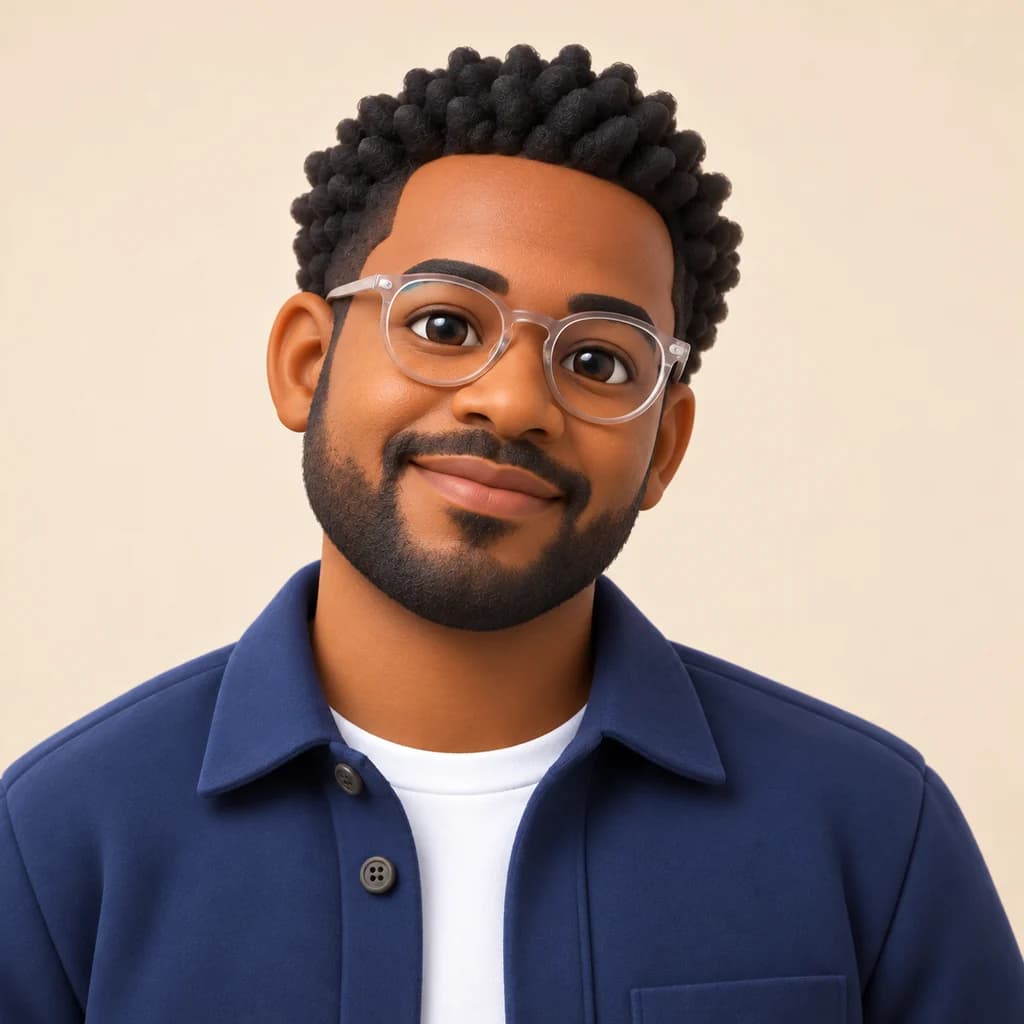
Look over the cobalt, coral and mustard samples to see the game-render finish for free. Sign in to make one from your own full-body photo; credits cover each version, and plans start at $9.99 a month.