Photo to
Minecraft
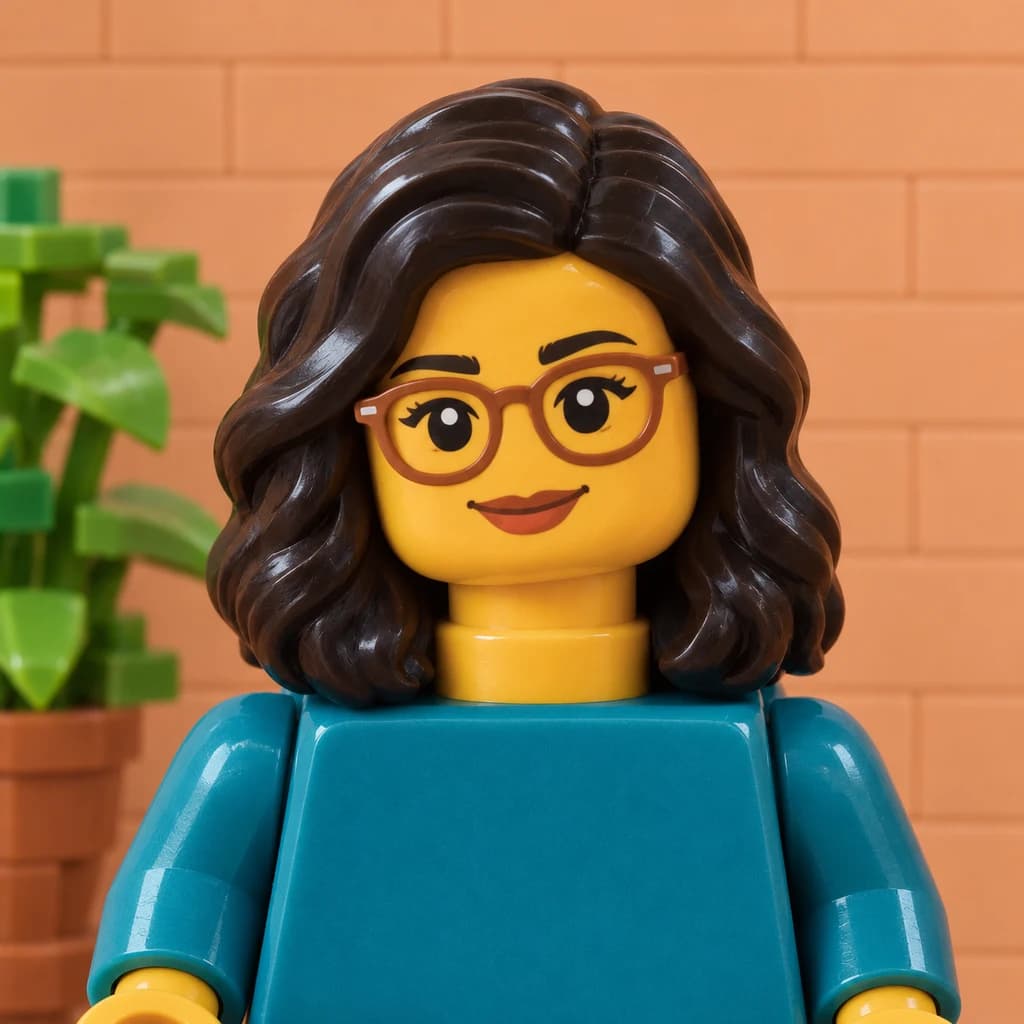
Photo to Minecraft rebuilds a photo from 3D cubes covered in pixel textures, in the spirit of the block game's worlds. Upload a full-body portrait, a pet or a family scene. Hair, clothes, fur and sometimes the trees and grass become stacked blocks, while colors and poses stay close to your photo. The result is a picture, not a skin file. Samples are free to explore; turning your own photo into cubes takes a sign-in and credits.
A Minecraft-inspired fan style; PhotoToCartoon is not affiliated with or endorsed by Mojang Studios or Microsoft.
From 8 creditsJPG, PNG or WebP up to 10 MB
- COST
- From 8 credits
- TIME
- Usually under a minute
- UPLOAD
- JPG, PNG, WebP · 10 MB
- OUTPUT
- PNG up to 4096 px
Styles
57 stylesAnime & Cartoon
11Artistic
133D & Avatars
8Fun & Creative
9Retro & Vintage
3Digital & Modern
8Sculptures & Crafts
5Illustrative style preview · Your result will vary
Full-body portrait in coral
Sample photo
PRESET · /tools/photo-to-minecraft-pixel-art · Seedream 4 · 2K · 1:1
Open full studio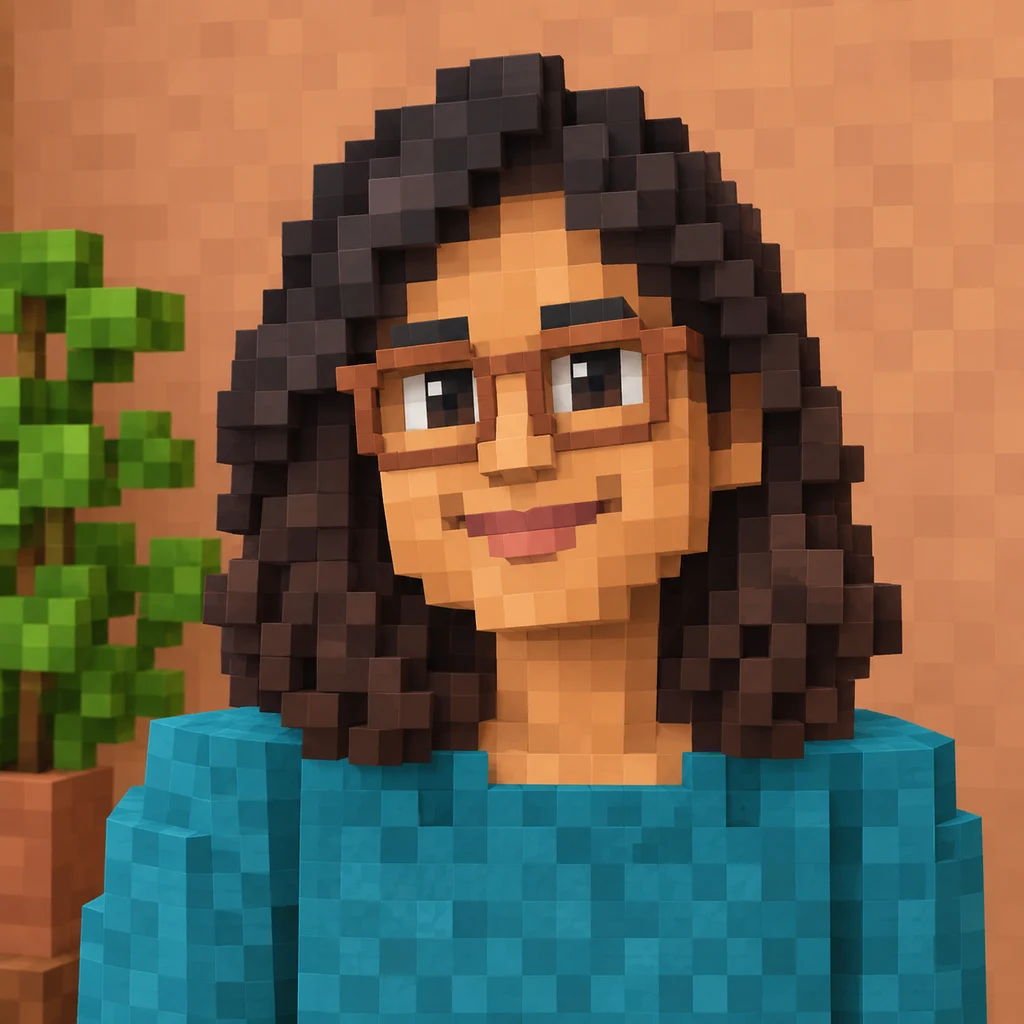 MinecraftSeedream 4 · 2K · 1:1
Illustrative style preview · Your result will vary
11 credits / image · From $9.99 a month
/tools/photo-to-minecraft-pixel-art
Open full studioPhoto to Minecraft examples
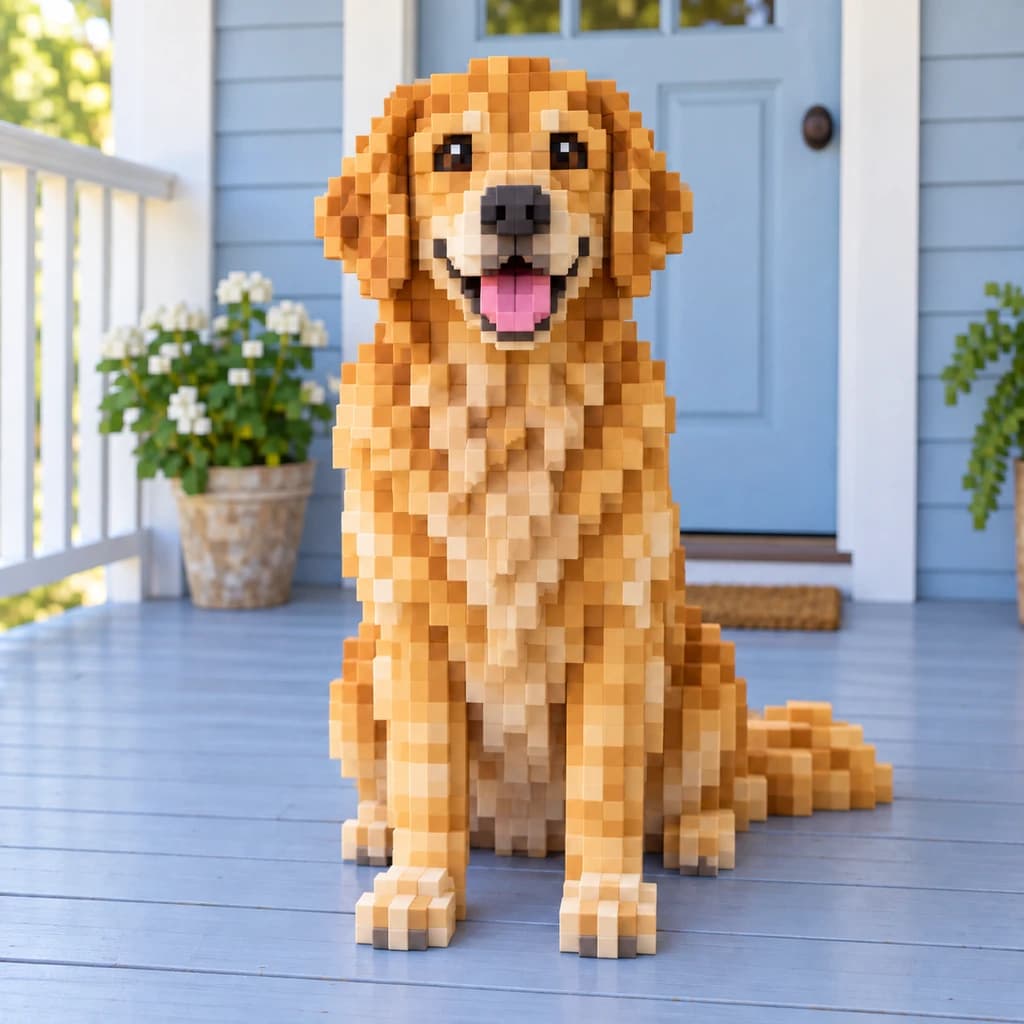
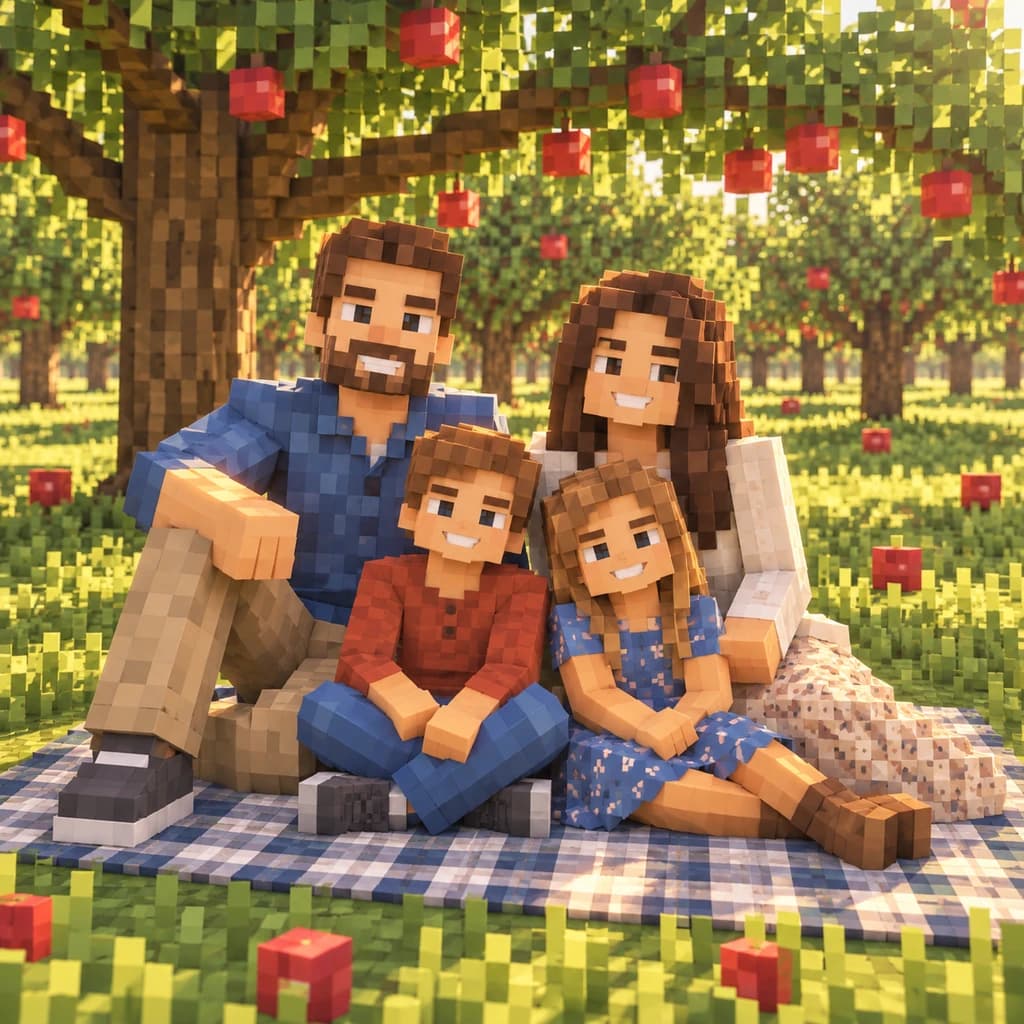
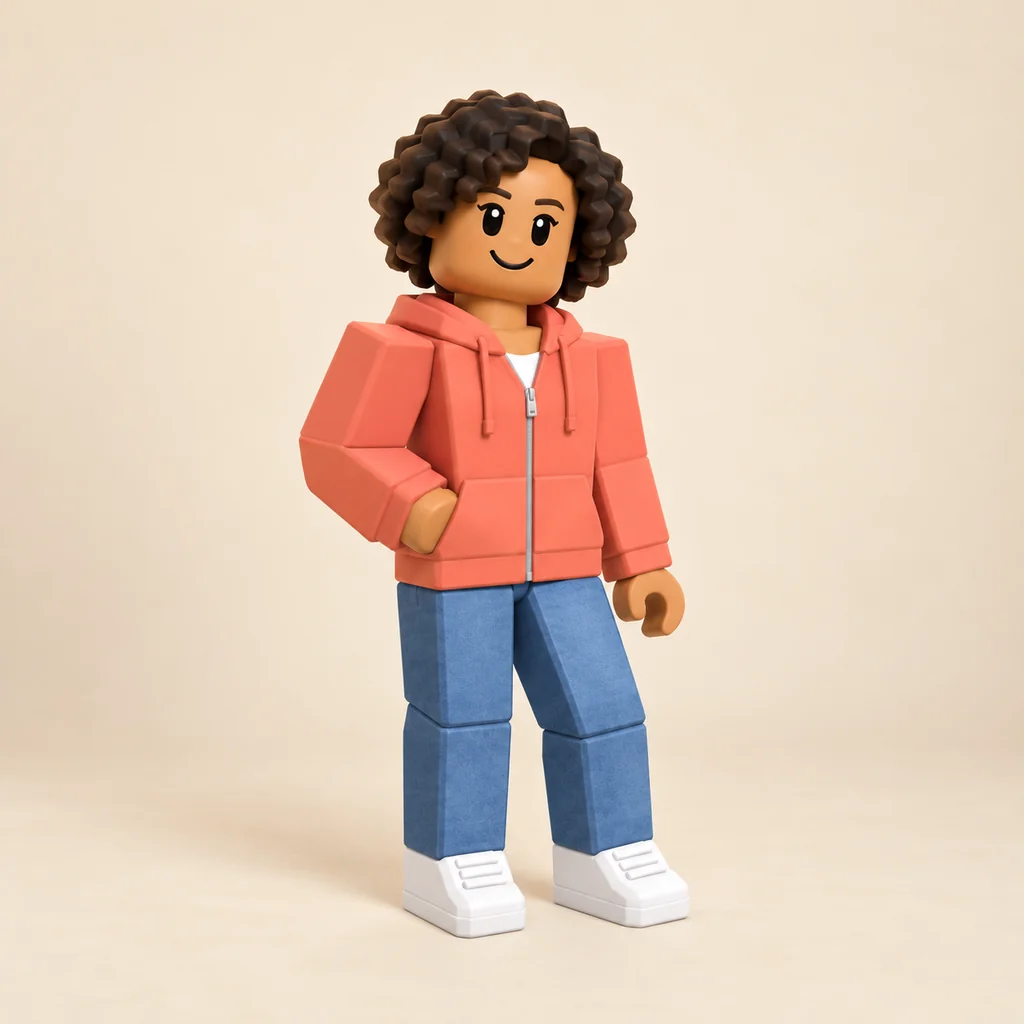
The full-body portrait in coral turns her curls into stacked brown cubes and her hoodie and jeans into pixel-textured blocks. On the golden retriever on the porch, only the dog is built from cubes; the porch stays close to the photo. The family picnic goes all the way: people, apple trees, apples and grass are all blocks.
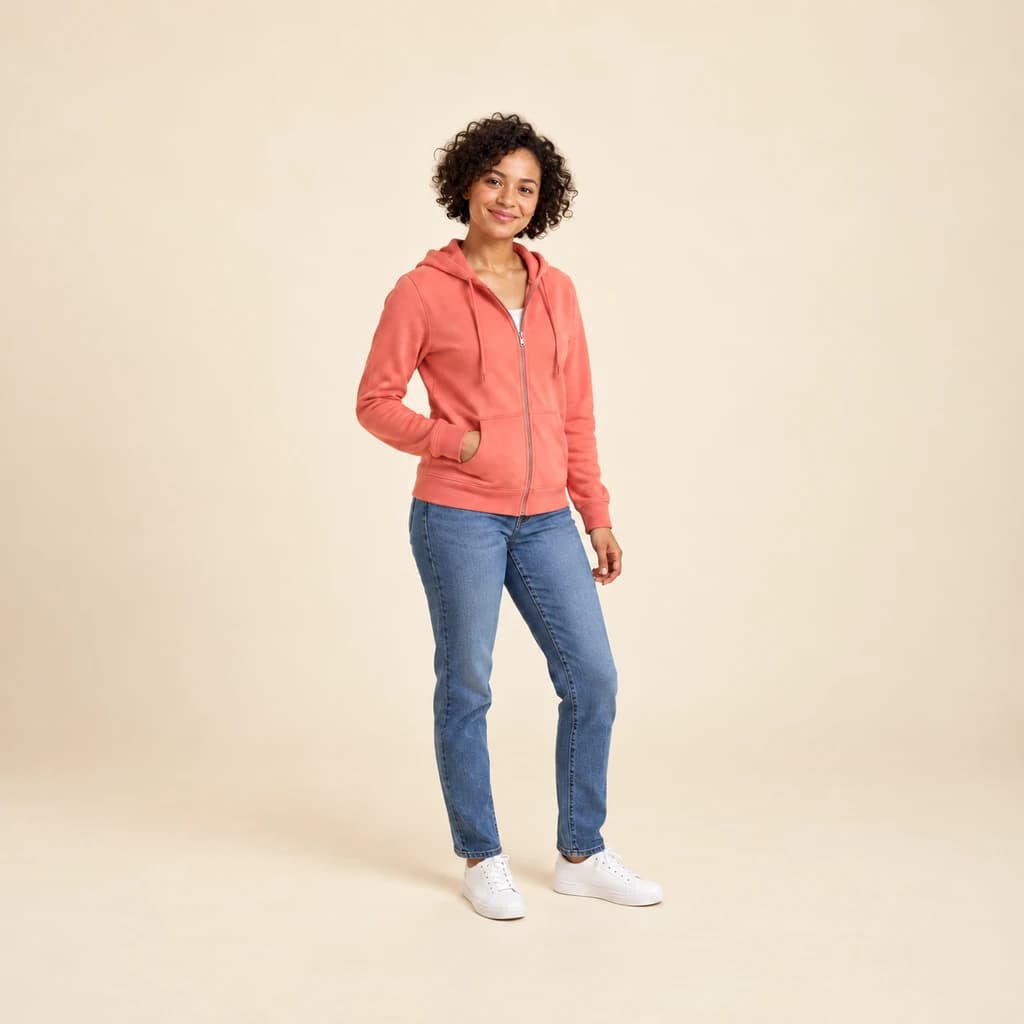 ORIGINAL
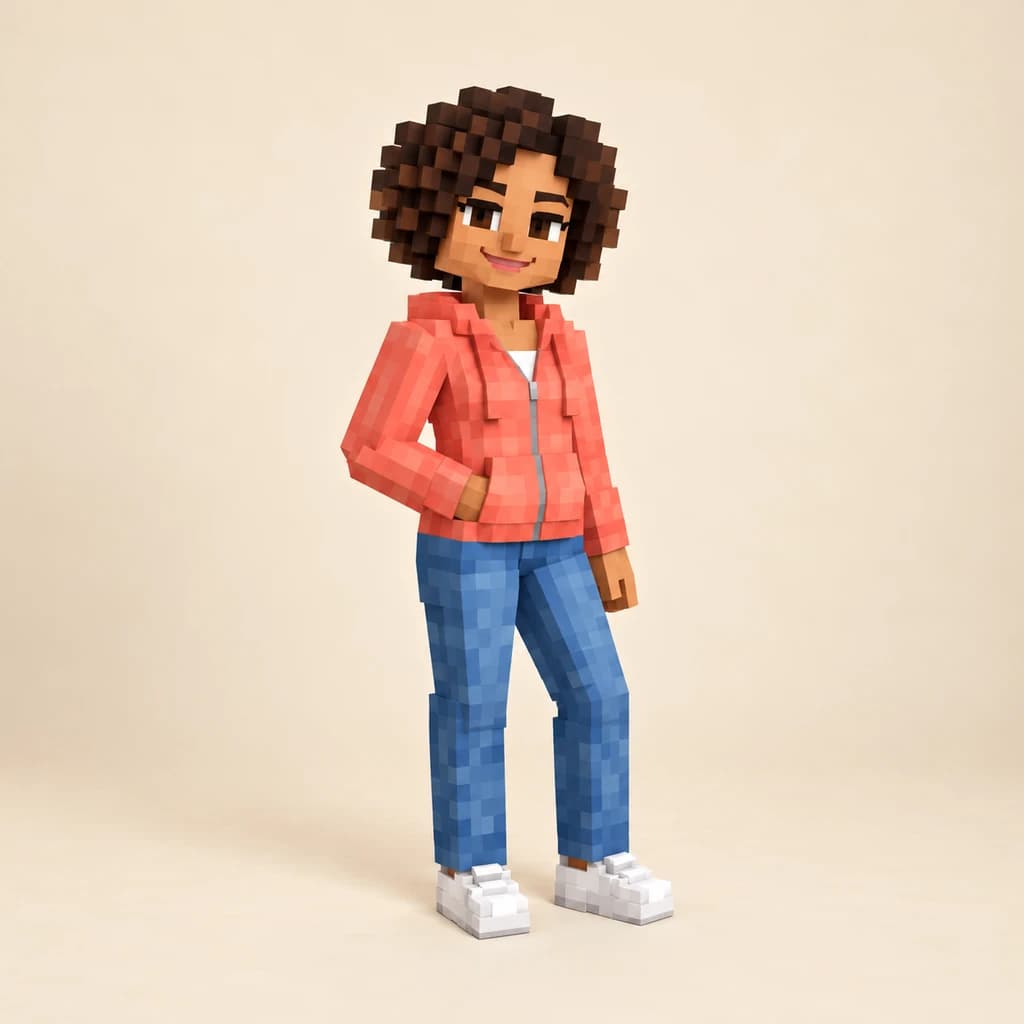 MINECRAFT
Full-body portrait in coral01 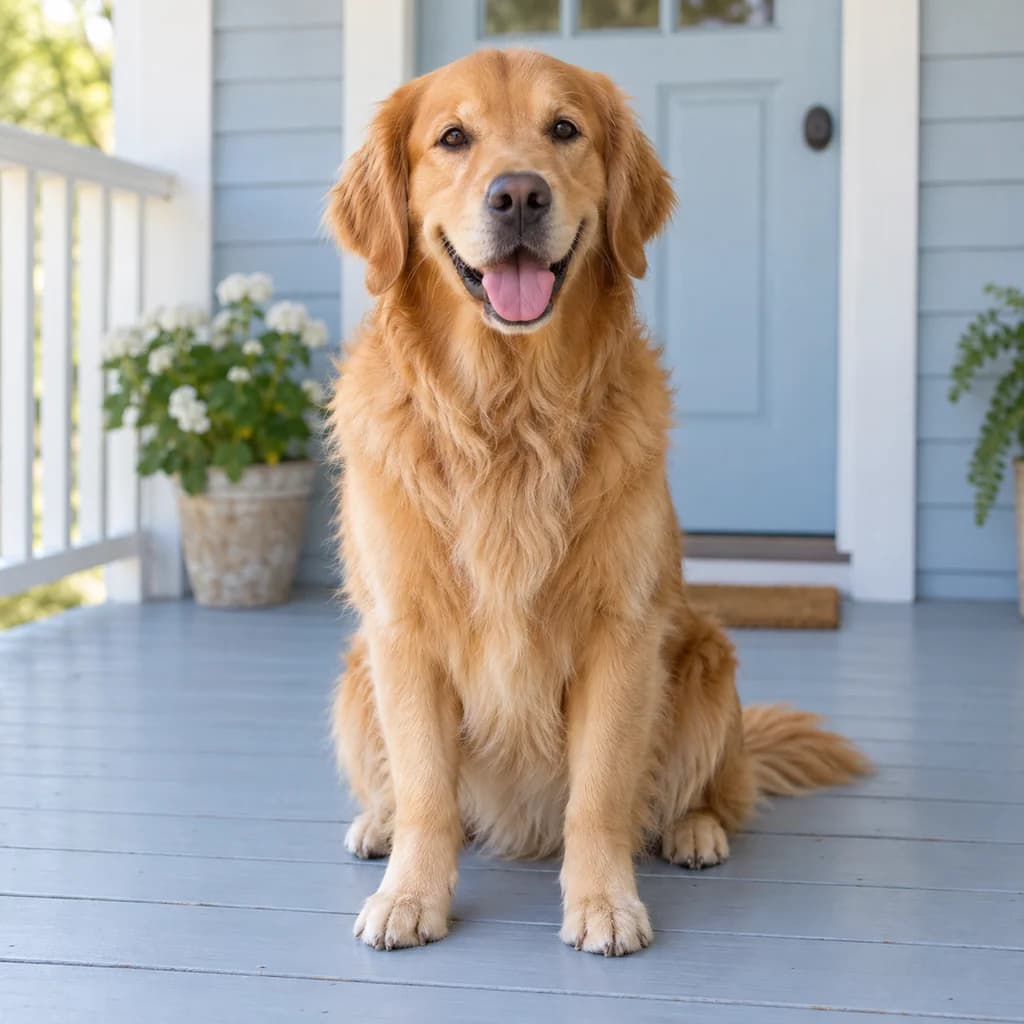 ORIGINAL
 MINECRAFT
Golden retriever on the porch02 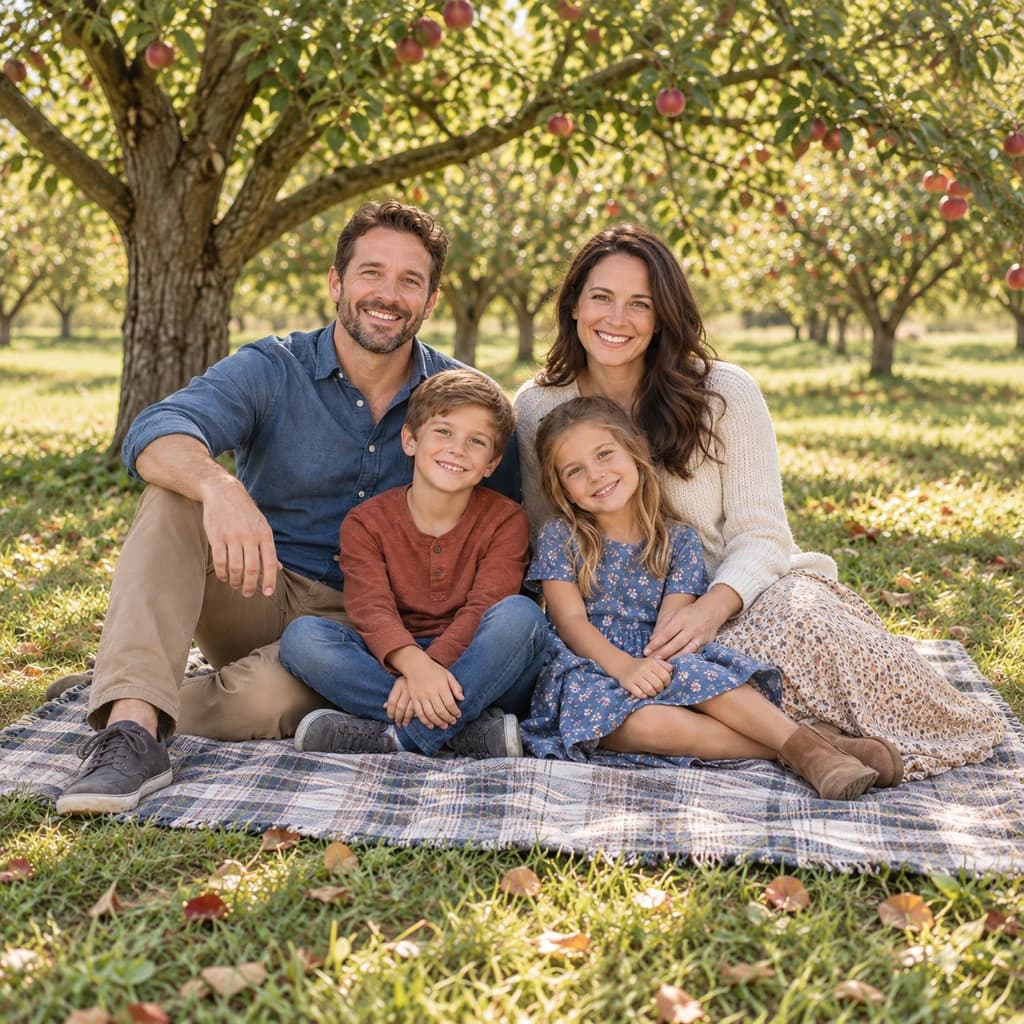 ORIGINAL
 MINECRAFT
Family picnic03
Illustrative style preview · Your result will vary
What is Minecraft pixel art style?
Minecraft style is the blocky look of Minecraft, the game created by Markus Persson and developed by Mojang Studios, first playable by the public in 2009 and fully released in 2011. Its world is made of cubes, each face covered in a small pixel texture, usually 16 by 16 pixels. That gives everything square shapes, stepped edges in place of curves and color that reads in patches.
This is a 3D look, not flat pixel art. Figures have depth, light and soft shadows, more like a screenshot of a built model than a sprite. Faces keep some painted detail so you can still be recognized. Depending on the run, the background may be rebuilt in blocks too or left close to the original photo.
How to turn a photo into Minecraft pixel art
Give the studio a clear subject with bold colors, and it stacks it up in cubes.
Family picnic STEP 01
Upload a photo
Bring a JPG, PNG or WebP of 10 MB or less, or test the cube look on a sample photo. Big shapes and strong colors become cleaner blocks, so a subject that fills the frame works best.
- OriginalMinecraft
STEP 02
Rebuild it in blocks
Your subject is rebuilt from cubes with pixel textures. Curves become stepped edges and hair turns into stacked layers, while the background may turn blocky too or stay closer to the photo. Colors and poses stay close to your photo.
STEP 03
Generate and download
Sign in and generate your block version from 8 credits. Download the PNG right away, or come back to it later in your history.
Ways to use it
Great spots for a block-built version of your photo.
- Block-themed party invitesPut the birthday kid on an invite in full blocky style.
- In-game build guideUse the picture as a reference to build your portrait block by block in the game.
- Pixel pet portraitsSee your dog or cat as a cube-built creature, whiskers and all.
- Kids' room postersPrint your young builder as a blocky character for their wall.
- Server profile picturesA blocky portrait for your gaming profile or community server.
- The family in blocksRebuild a family photo as one blocky scene for a fun print.
Photo to Minecraft: what to expect
What a cube-built Minecraft-style picture keeps, how to prepare a photo for it and what it can't give you.
| FEATURE | What you get | Before you start | Limits |
|---|---|---|---|
| People | Bodies, hair and clothes rebuilt as pixel-textured cubes, with a lightly painted face. | Use a full-body or waist-up photo so the blocky figure has room. | Faces stay smoother than the rest, so the look isn't pure blocks everywhere. |
| Pets | Fur becomes stacks of small cubes in your pet's own colors, as on the golden retriever. | Pick a sharp photo with the whole animal in frame. | Long or fluffy coats lose their fine texture in the blocks. |
| Backgrounds | Trees, grass and fruit can turn into blocks too, as in the family picnic. | Open outdoor scenes give the cube treatment the most to work with. | Some runs block only the subject and leave the background photo-like. |
| Game use | A PNG picture of a block-built scene or character. | Decide whether you want a picture to share or a guide for an in-game build. | Not a skin file, world save or model you can load into Minecraft. |
Tips for better Minecraft-style results
Blocks love bold shapes and bright colors.
- 01
Go big on color
Bright clothes and bold backgrounds turn into crisp, readable blocks. Muted, similar tones can blend together once everything is cubed.
- 02
Keep the subject large
Blocks swallow fine detail. Let the face or pet fill more of the frame, so features get enough cubes to stay clear.
- 03
Pick a simple background
The background may be rebuilt in blocks too. A clean wall or an open field reads better than a cluttered room.
- 04
Expect a few versions
Each run stacks the blocks a little differently. Make two or three and keep the one where the face reads best.
Photo to Minecraft FAQ
Minecraft-style questions are answered here; the main FAQ linked below handles accounts, credits and privacy.
Will the blocky version still look like me?
Is this a Minecraft skin I can upload?
How big is the image if I want a poster?
Can I build my family, kids or pets in blocks?
Minecraft, pixel art or 8-bit: which one?
Why do the blocks look different each time?
Is PhotoToCartoon affiliated with Mojang Studios or Microsoft?
Can I use the picture as a build guide?
Why is the background still realistic in some results?


Rebuild your photo one block at a time
Look at the coral hoodie, the cube-built retriever and the block family picnic for free. When you want your own photo stacked up in cubes, sign in and use credits; plans open at $9.99 a month.