Photo to
Pixar
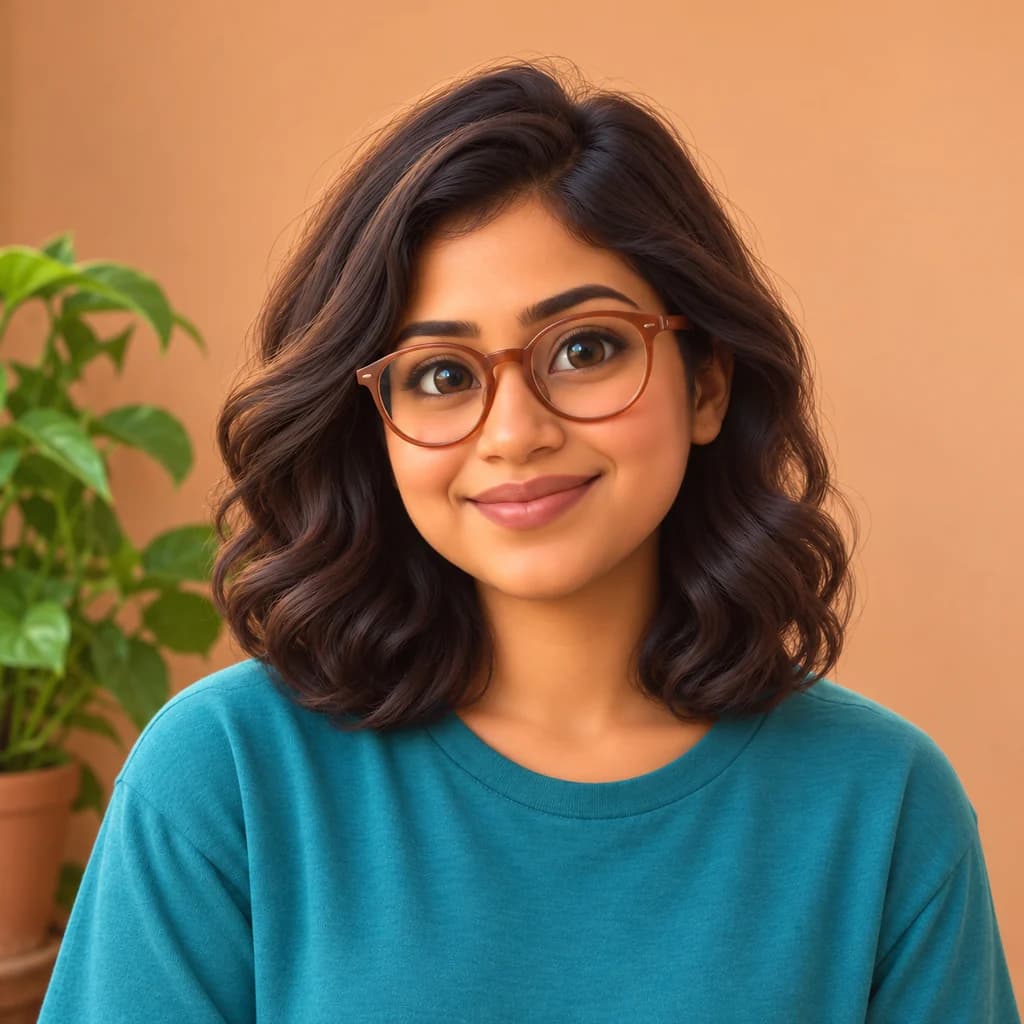
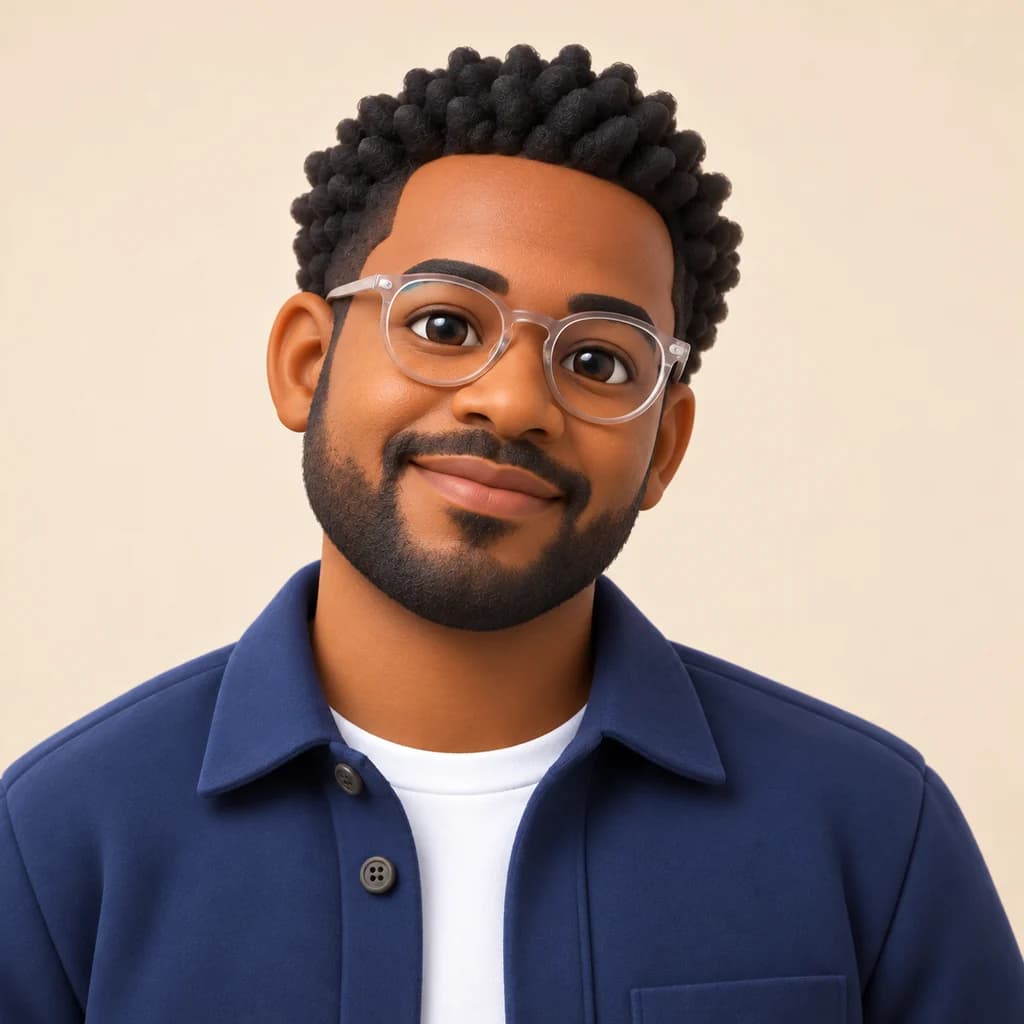
Photo to Pixar rebuilds a photo as a Pixar-style 3D animated film still, with soft rounded features, glossy eyes and warm cinematic light. Upload a selfie, a family shot or your dog, ideally with natural light on the faces. Hair, outfits, poses and the setting stay; skin turns smooth, eyes grow and the light shifts toward golden hour. Explore what it does on the sample photos at no charge, and sign in when you want to spend credits on your own.
An independent Pixar-inspired style. PhotoToCartoon is not affiliated with or endorsed by Pixar or Disney.
From 8 creditsJPG, PNG or WebP up to 10 MB
- COST
- From 8 credits
- TIME
- Usually under a minute
- UPLOAD
- JPG, PNG, WebP · 10 MB
- OUTPUT
- PNG up to 4096 px
Styles
57 stylesAnime & Cartoon
11Artistic
133D & Avatars
8Fun & Creative
9Retro & Vintage
3Digital & Modern
8Sculptures & Crafts
5Illustrative style preview · Your result will vary
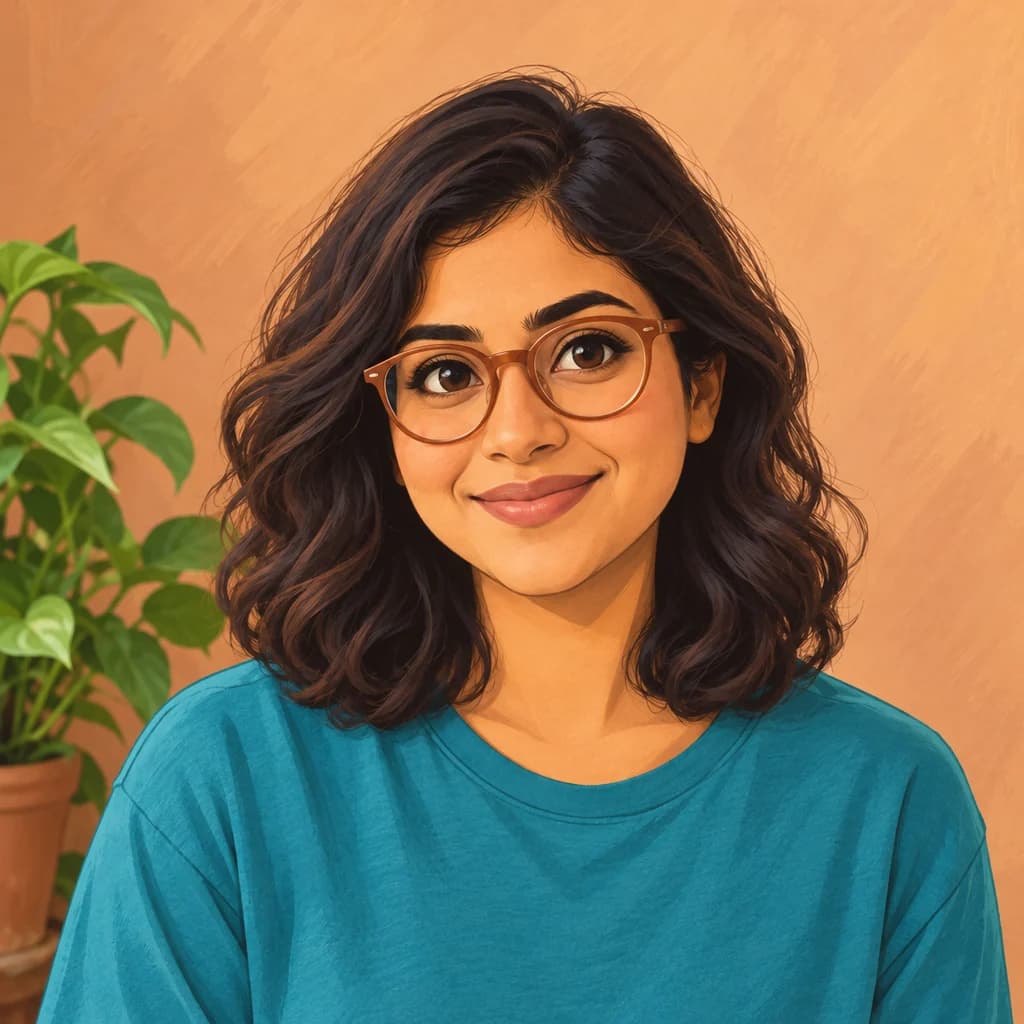
Portrait with terracotta glasses
Sample photo
PRESET · /tools/photo-to-pixar · Seedream 4 · 2K · 1:1
Open full studio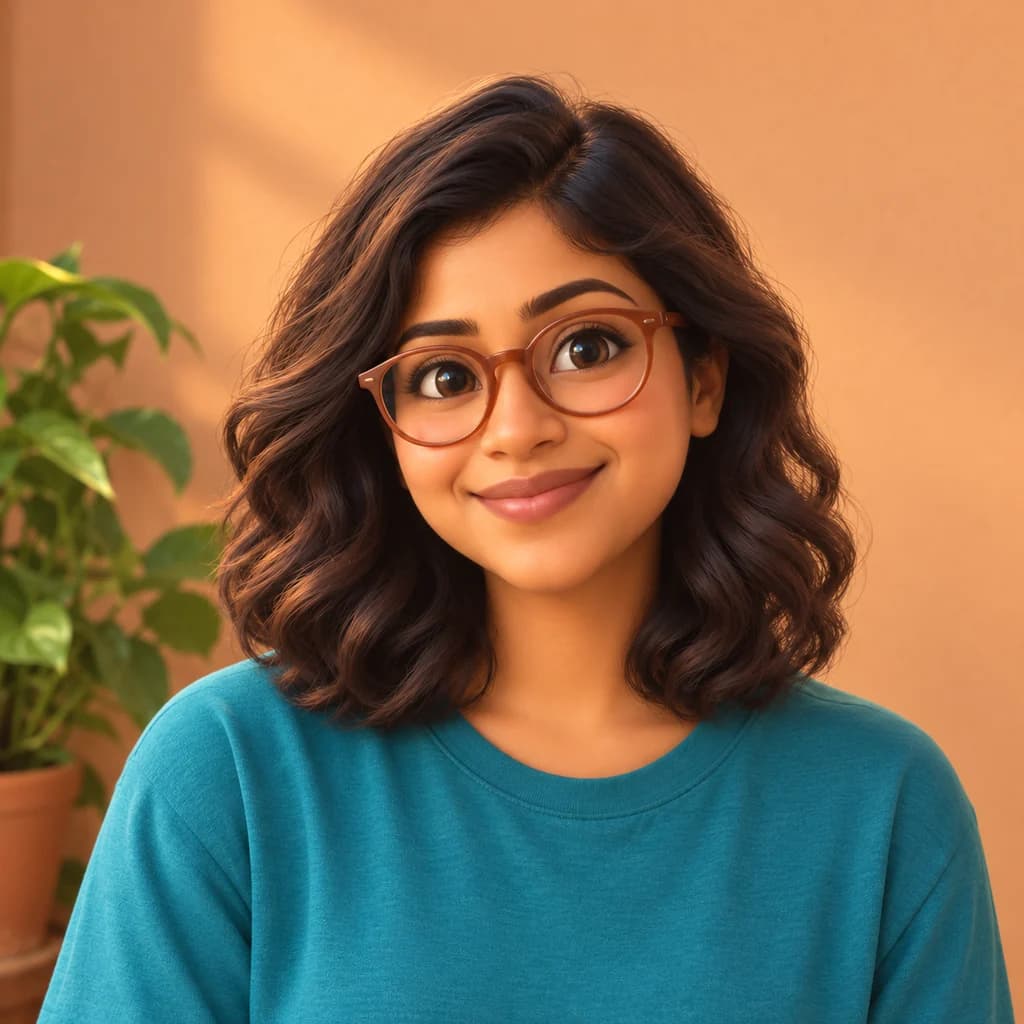 PixarSeedream 4 · 2K · 1:1
Illustrative style preview · Your result will vary
11 credits / image · From $9.99 a month
/tools/photo-to-pixar
Open full studioPhoto to Pixar examples
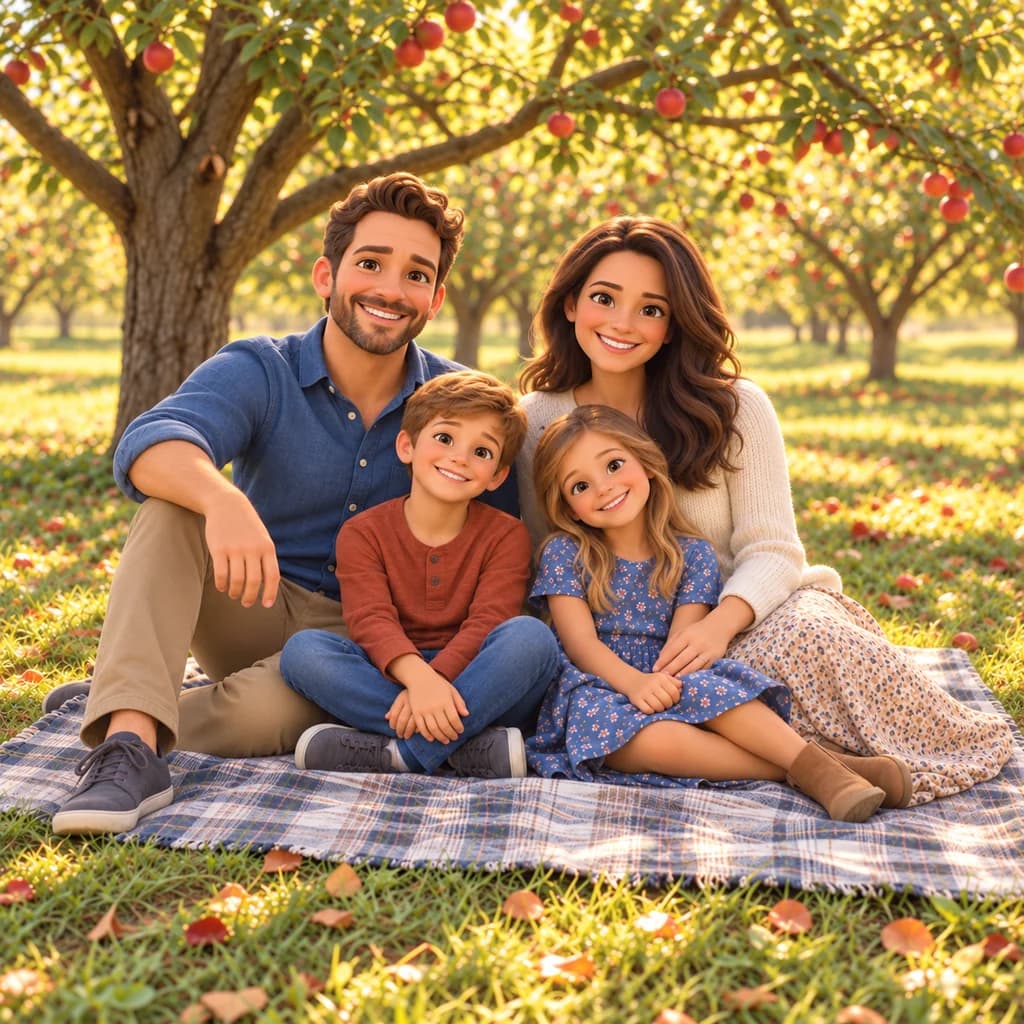
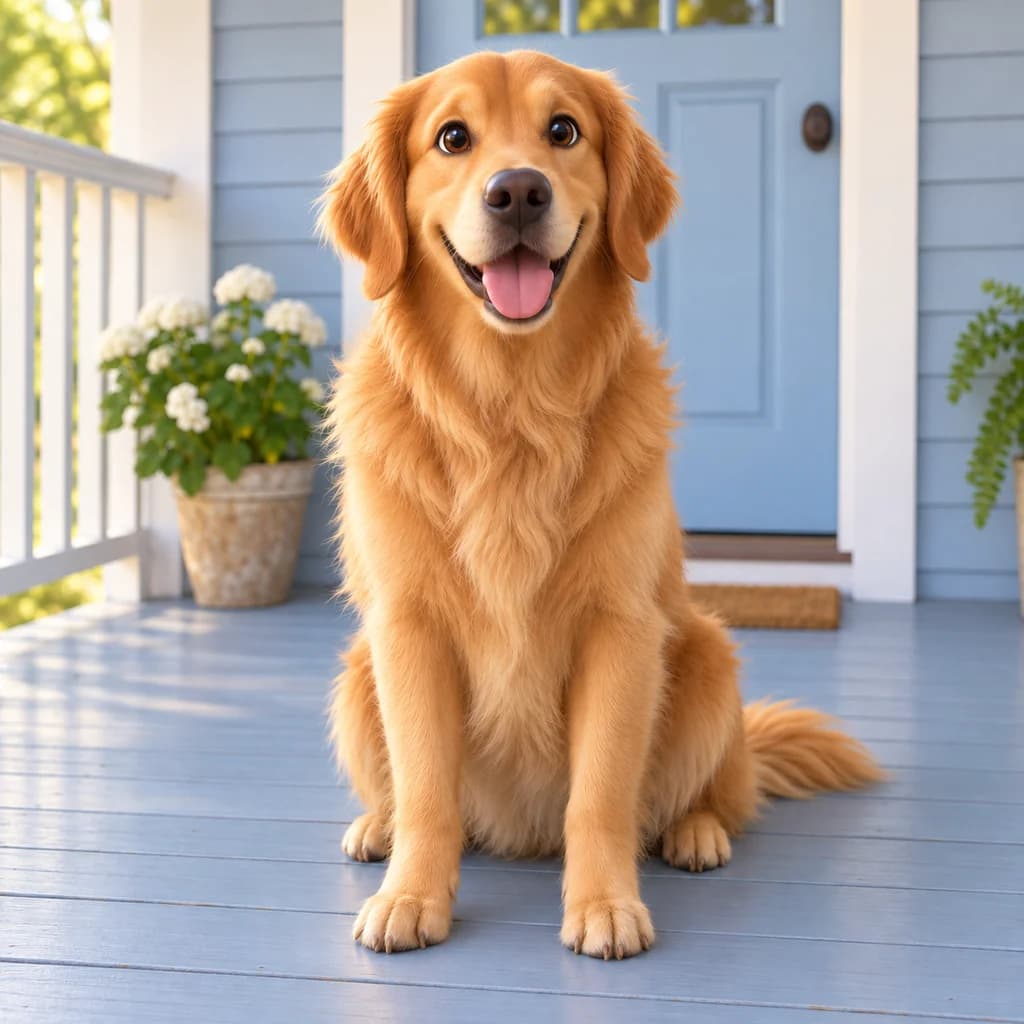
The family picnic shows the style most clearly: all four faces get big, glossy eyes and rounder cheeks, and the apple orchard glows with golden backlight. The portrait with terracotta glasses changes more gently, with smoother skin and a warm streak of light across the wall. The golden retriever on the porch stays close to the photo, its fur softer and smoother.
 ORIGINALPIXAR
Portrait with terracotta glasses01 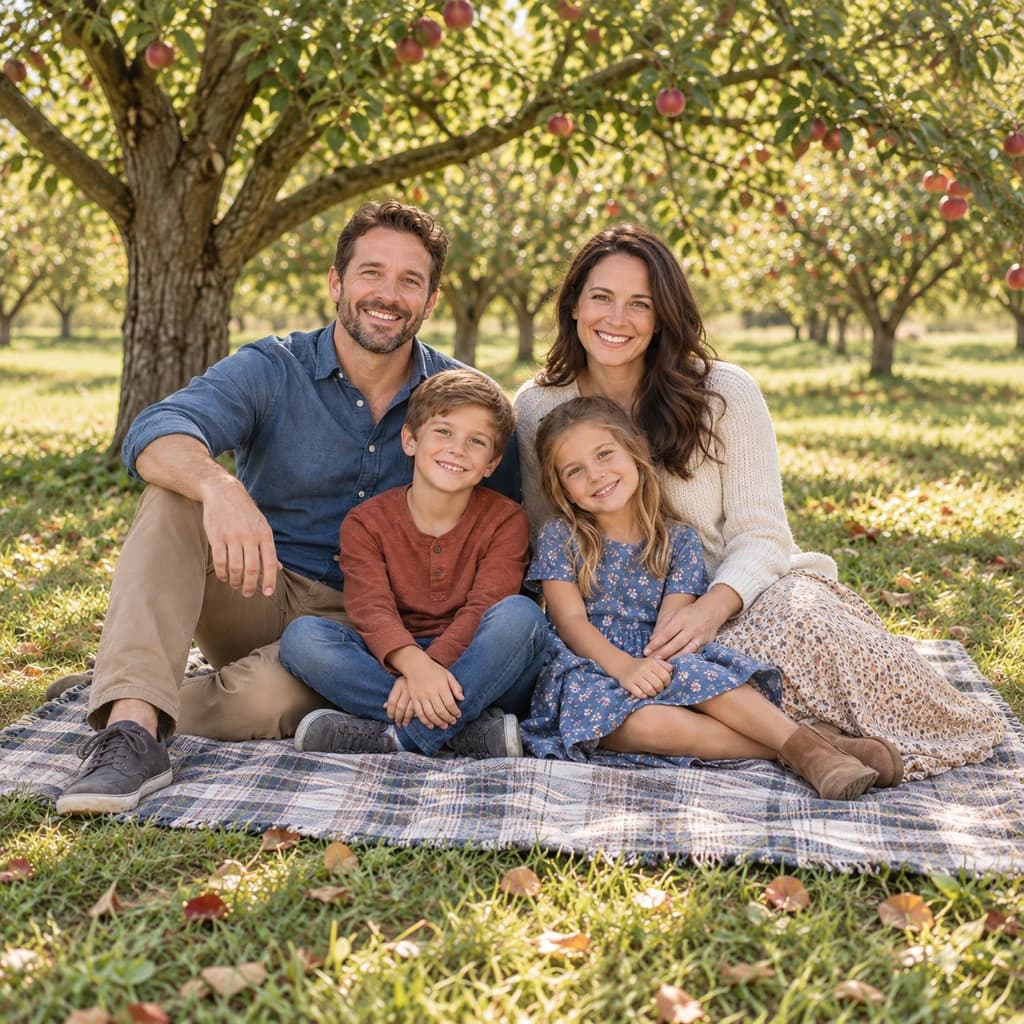 ORIGINAL
 PIXAR
Family picnic02 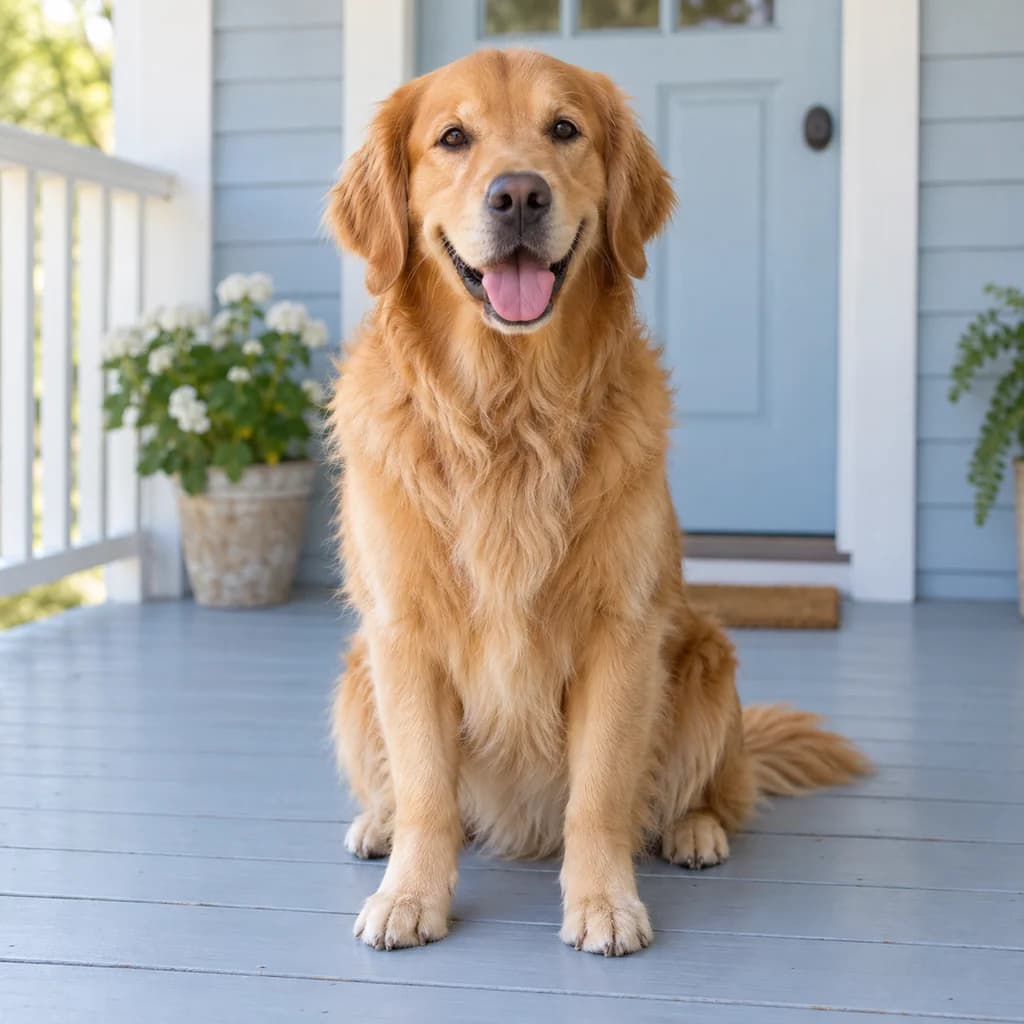 ORIGINAL
 PIXAR
Golden retriever on the porch03
Illustrative style preview · Your result will vary
What is Pixar style?
Pixar style is the look of films from Pixar Animation Studios, whose Toy Story (1995) was the first feature film made entirely with computer animation. Pixar characters are 3D with a cartoon feel: heads and eyes are oversized, shapes are soft and rounded, and skin seems to glow. Scenes are lit like live-action movies, with warm light and a gentle blur in the distance.
Clear photos with visible faces work best, especially in daylight. The rebuild keeps your hairstyle, clothes, pose and setting, then reshapes them as soft 3D forms under movie-style light. Expect bigger eyes and rounder features, so think animated you rather than a perfect likeness. Kids and family groups tend to show the change most.
How to turn a photo into a Pixar character
Three steps to a warm, movie-lit 3D version of your photo.
Family picnic STEP 01
Upload a well-lit photo
Pick a JPG, PNG or WebP of up to 10 MB, or start from one of the samples. Faces in daylight or near a window give the 3D rebuild clean shapes to round out, and a lively expression gives the character more personality.
- OriginalPixar
STEP 02
Rebuild it in 3D
Your face gets a soft 3D-animated look, with bigger eyes, rounder cheeks and smooth, glowing skin. Hair and clothes become sculpted shapes, and the scene gets warm movie lighting with a gently blurred background.
STEP 03
Sign in, generate and save
Sign in when you're ready. Pixar-style images cost from 8 credits, and you see the price before you generate. Download the PNG as soon as it appears; it is also stored in your account history.
Ways to use it
Where a 3D animated version of you works well.
- Birthday invitationsPut the birthday kid on the invite as the star of their own movie.
- Friendly profile picturesA warm, approachable avatar for social media, team chats or your channel.
- Pet portraitsDogs and cats get glossy eyes and soft, fluffy fur.
- Gifts for grandparentsA movie-poster-style family print makes a sweet, personal present.
- Family photo calendarsTwelve months of your family as animated characters makes a fun calendar.
- Animated clipsSend your character to our image-to-video tool and watch it move.
Photo to Pixar: what to expect
How the 3D film look treats faces, families, pets and light.
| FEATURE | What you get | Before you start | Limits |
|---|---|---|---|
| Faces | Bigger, glossy eyes, smoother skin and rounder cheeks; glasses and hairstyles stay | Use a front or three-quarter view so both eyes can be rebuilt | Adult portraits may change only subtly; children and group shots show the biggest shift |
| Families | Everyone keeps their place and clothing, with every face rebuilt in the same 3D look | Check that no face is turned away or blocked by someone else | Faces at the back or edges of big groups get less detail |
| Pets | Smoother, softer fur and slightly larger eyes, with coat color and setting kept | A pet looking into the lens at its own eye level gives the most expressive result | Animals may stay closer to the photo than people do, as the retriever sample shows |
| Light and setting | Warm, golden light and soft focus in the distance, like a frame from an animated movie | Outdoor or window light gives the rebuild a natural direction to follow | Cold office light or flash tends to come back flatter and less cinematic |
Tips for better Pixar results
Expression and light matter most in 3D.
- 01
Show some expression
Animated characters live on expression. A real smile, a raised eyebrow or a laugh comes through even bigger in 3D.
- 02
Shoot in warm light
Golden-hour or window light matches the warm, glowing Pixar look. Cold, flat office light still works, but feels less like a movie.
- 03
Keep your face uncovered
Masks, hats pulled low or hands near the face hide what the style needs. The eyes do most of the acting, so let them show.
- 04
Include the setting
A park, beach or living room gets rebuilt as a soft, blurred movie set. It makes the picture feel like a scene, not a sticker.
Photo to Pixar FAQ
What the Pixar-style rebuild does to faces and families, and how it compares with 3D cartoon and Disney Character; questions about your account, credits or privacy have their own answers in the main FAQ.
Will it still look like me?
3D cartoon vs Pixar-style: which should I pick?
What's the difference between Pixar-style and Disney Character?
Can I print my Pixar-style picture?
Can I use a group photo, my kids or my pet?
Why does every version look a bit different?
Do I get a 3D file I can animate?
Which photos give the most movie-like result?
Is PhotoToCartoon connected to Pixar or Disney?
Try these styles next
Same photo, different look.
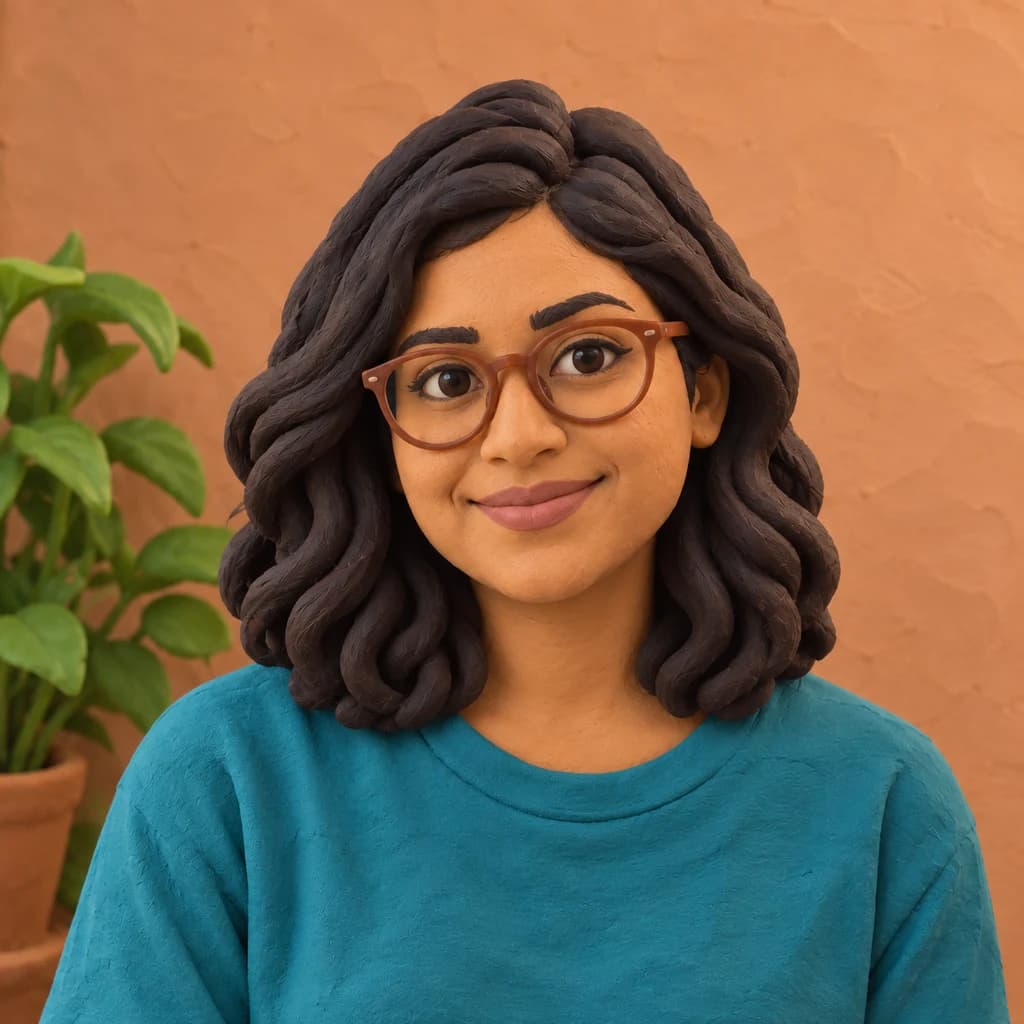
Star in your own animated movie
Browse the movie-lit samples first; looking is free. When you'd like your own family or pet in the frame, sign in and spend credits on the images you generate. Plans start at $9.99 a month, and the studio shows each price up front.