Photo to
Emoji
Photo to emoji turns a selfie or pet photo into a smooth 3D cartoon character in the spirit of the faces on your phone keyboard. Upload a close, front-facing photo with a clear expression. Eyes grow bigger, skin and hair become soft and glossy, and the background is restyled to match. Your hairstyle, glasses, clothes and skin tone usually stay. Sample results are free to browse; turning your own selfie into one takes a sign-in and credits.
From 8 creditsJPG, PNG or WebP up to 10 MB
- COST
- From 8 credits
- TIME
- Usually under a minute
- UPLOAD
- JPG, PNG, WebP · 10 MB
- OUTPUT
- PNG up to 4096 px
Styles
57 stylesAnime & Cartoon
11Artistic
133D & Avatars
8Fun & Creative
9Retro & Vintage
3Digital & Modern
8Sculptures & Crafts
5Illustrative style preview · Your result will vary
Expressive portrait in teal
Sample photo
PRESET · /tools/photo-to-emoji · Seedream 4 · 2K · 1:1
Open full studio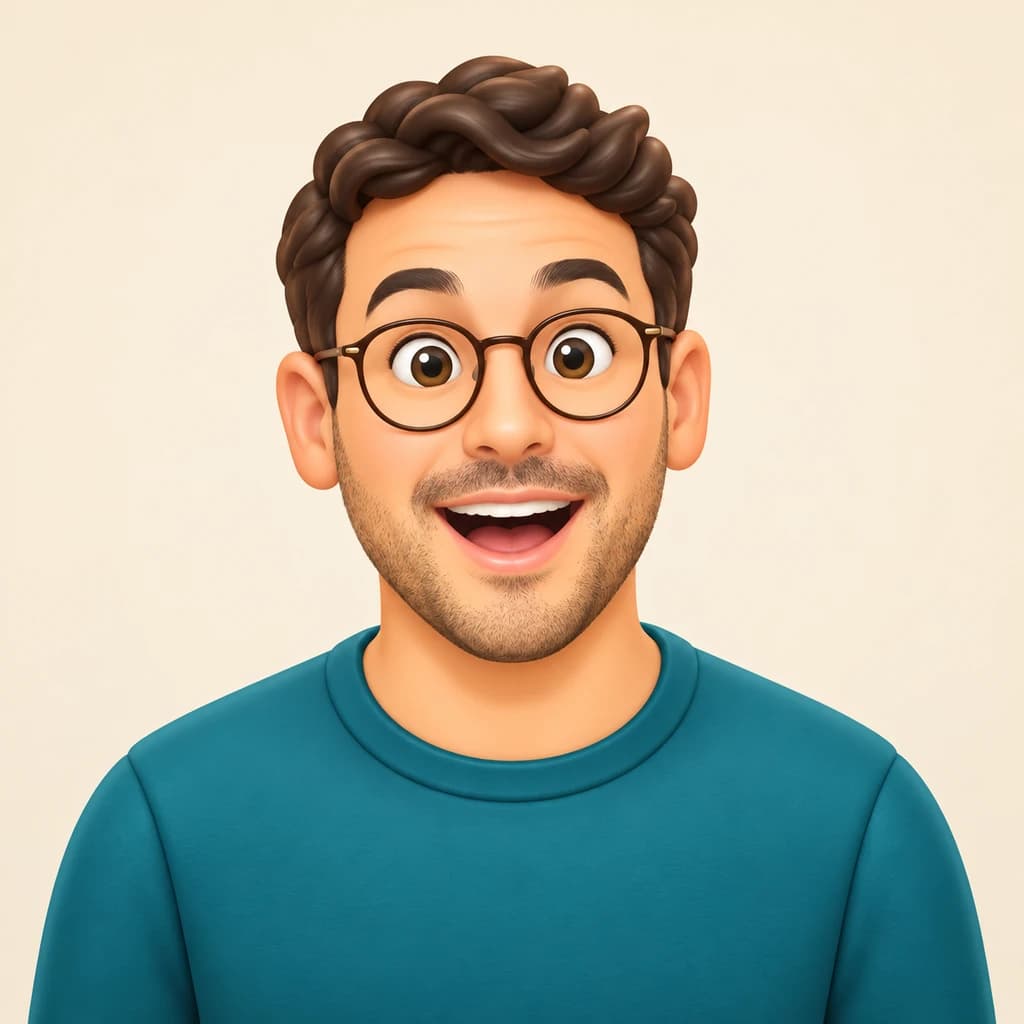 EmojiSeedream 4 · 2K · 1:1
Illustrative style preview · Your result will vary
11 credits / image · From $9.99 a month
/tools/photo-to-emoji
Open full studioPhoto to Emoji examples
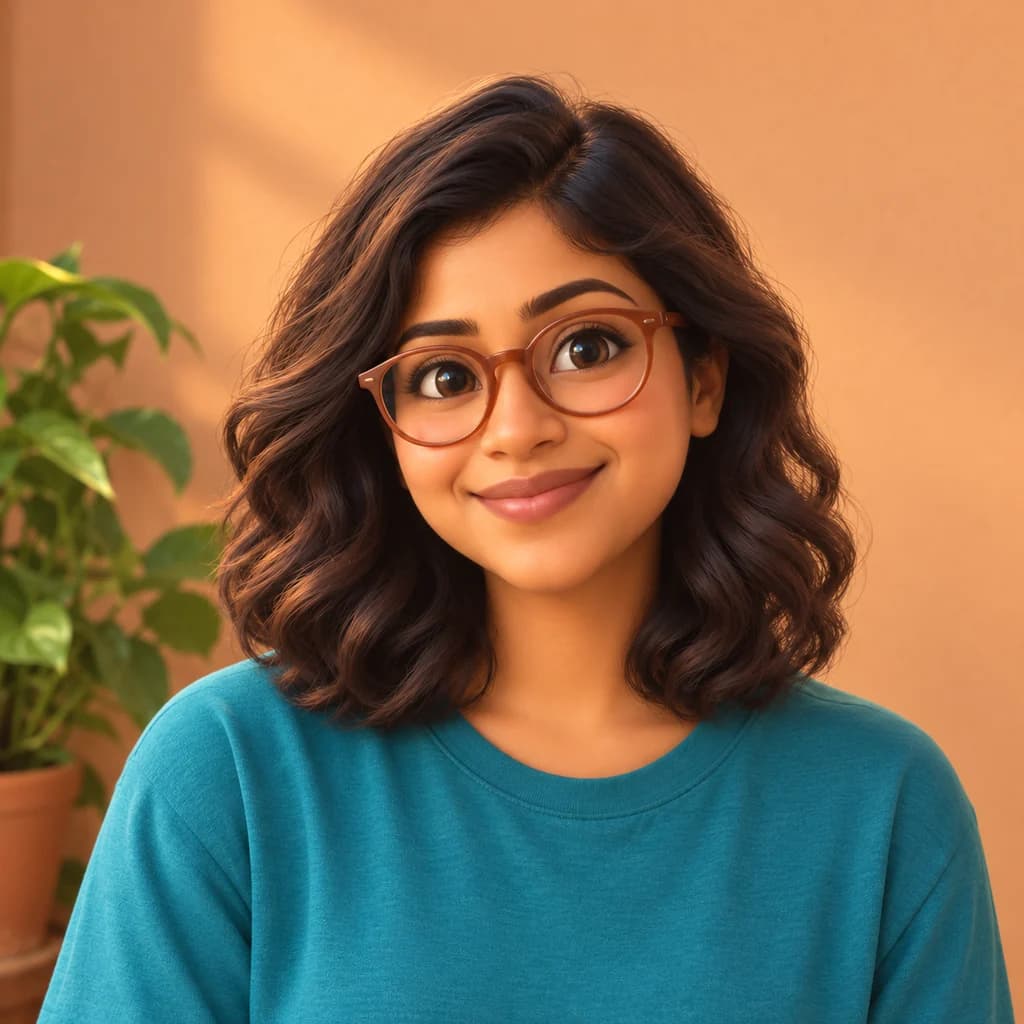
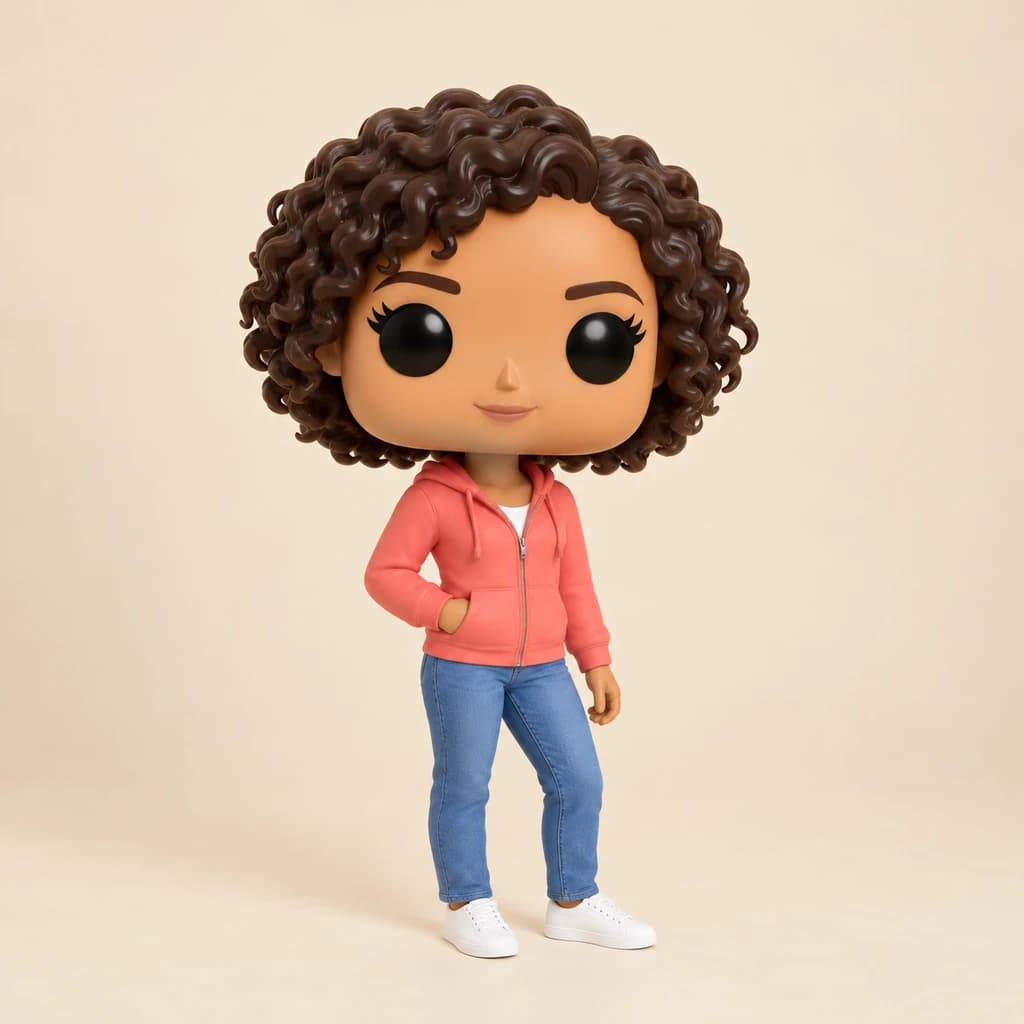
Start with the expressive portrait in teal: the wide-eyed, open-mouth surprise carries straight into the 3D face. The portrait with terracotta glasses keeps her frames, waves and teal top, and the plant behind her gets the same smooth finish. The golden retriever on the porch gains big glossy eyes and soft tufts of fur. All three keep natural colors; none turned yellow.
 ORIGINALEMOJI
Expressive portrait in teal01  ORIGINAL
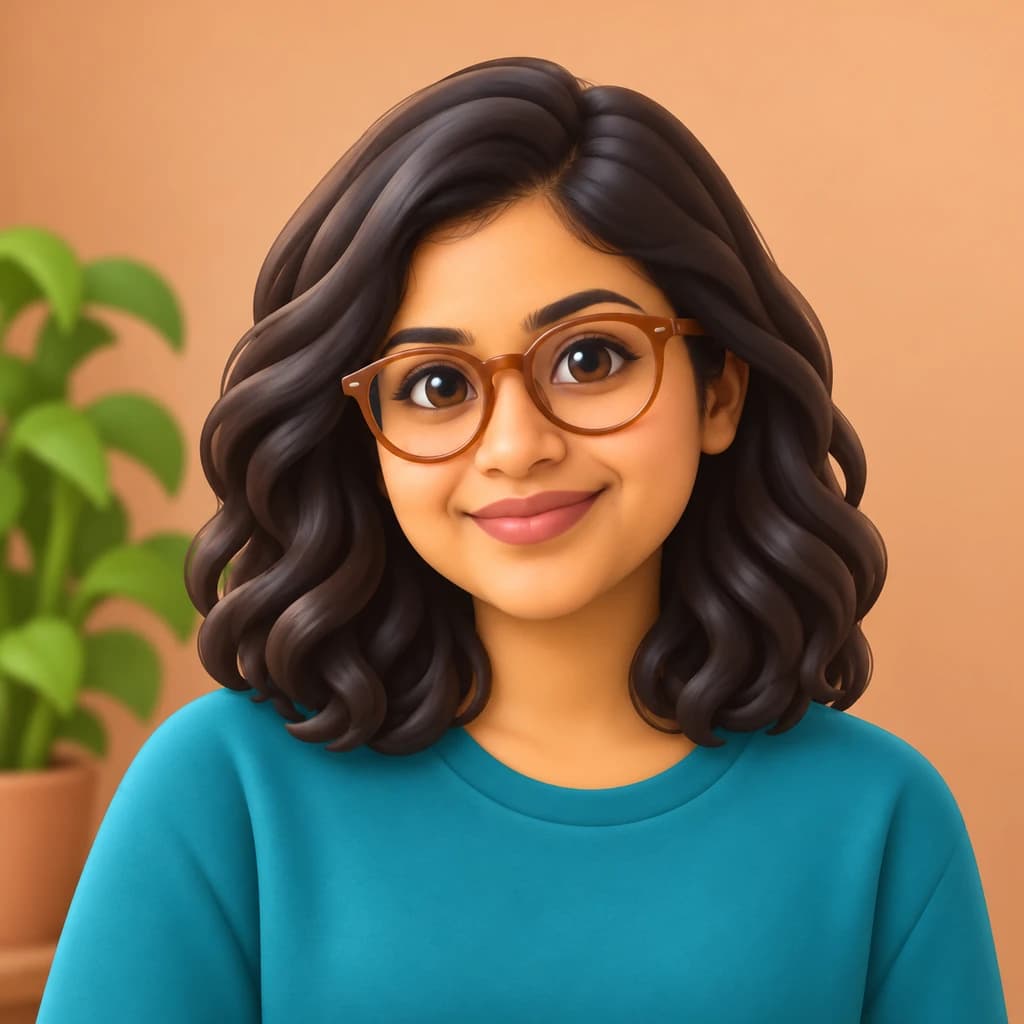 EMOJI
Portrait with terracotta glasses02 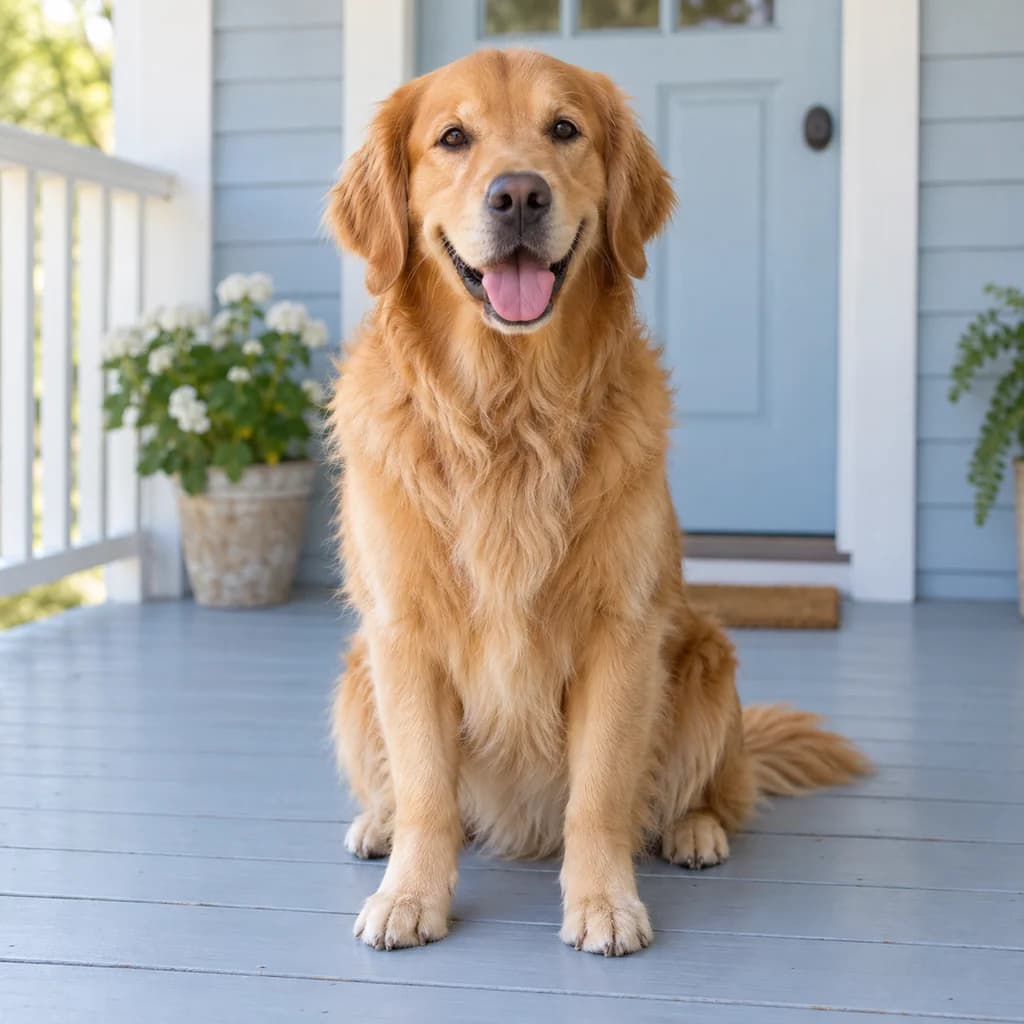 ORIGINAL
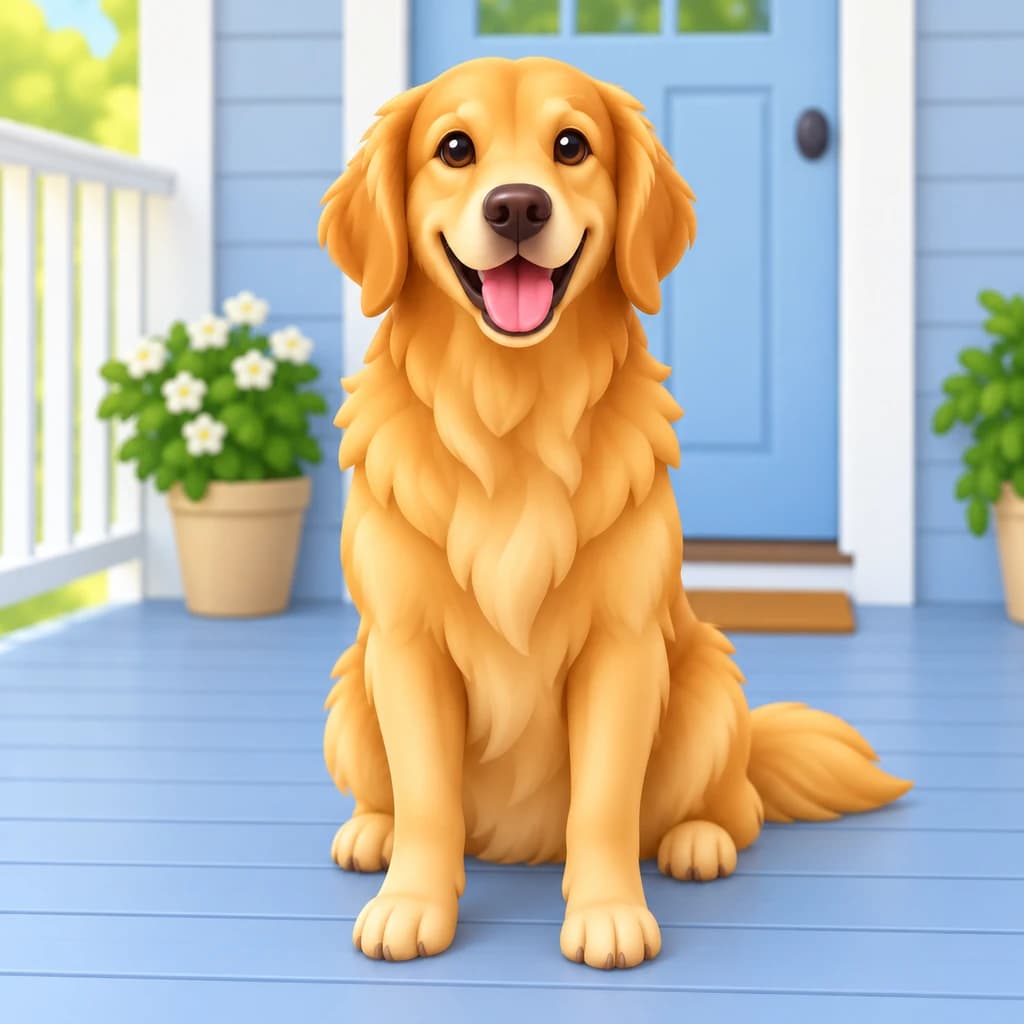 EMOJI
Golden retriever on the porch03
Illustrative style preview · Your result will vary
What is emoji style?
Emoji are the small picture characters built into phones and chat apps. The word is Japanese, from e (picture) and moji (character). Shigetaka Kurita designed an early set of 176 for NTT Docomo's i-mode service in 1999, and emoji joined the Unicode standard in 2010. Modern sets favor round faces, simple features, soft shading and a glossy finish.
This style applies that look to you as a full character rather than a yellow circle. Faces get rounder and smoother with bigger eyes, hair turns into sculpted, glossy locks, and clothes keep their colors. The scene behind you gets the same 3D finish. Some runs switch skin to classic emoji yellow, though none of the three samples here did.
How to turn a photo into an emoji
Emoji is all about the face, so the closer and more expressive your photo, the better the character reads at small sizes.
Portrait with terracotta glasses STEP 01
Upload a close selfie
A close selfie saved as a JPG, PNG or WebP up to 10 MB works best, or start from a sample. Hold the camera at eye level and let your face fill most of the frame, since that is the part that becomes big eyes and a clear smile.
- OriginalEmoji
STEP 02
Round it into an emoji
The generator rounds your face and simplifies your features into big eyes and a clear smile. It adds smooth, glossy 3D shading. Hair, glasses and clothes stay, and sometimes the skin turns emoji yellow.
STEP 03
Generate and download your emoji
Sign in and generate with credits, from 8 per character depending on model and quality. Download the PNG; it's saved to your history too, so you can collect a set of moods over time.
Ways to use it
Small, friendly and easy to recognize.
- Profile picturesA glossy emoji version of you stays clear even in a tiny circle.
- Group chat reactionsMake a few expressions and send the one that fits the moment.
- Work chat avatarsGive the whole team matching emoji faces for your workspace.
- Cards and invitationsPut a family emoji set on a birthday invite or holiday card.
- Stickers and mugsPrint your emoji face on stickers, mugs or a phone case.
- Pet emojiYour dog or cat as a round, glossy emoji for the family chat.
Photo to Emoji: what to expect
What your emoji keeps from the photo, what it simplifies and what it cannot be used as.
| FEATURE | What you get | Before you start | Limits |
|---|---|---|---|
| Expression | Your expression, pushed a little further: wider eyes, a bigger smile or a rounder surprised mouth. | Decide which mood the emoji is for before you take the photo; one photo makes one mood. | Subtle looks, like a slight smirk, can flatten into a generic friendly smile. |
| Hair and glasses | Hairstyle, beard and glasses kept, smoothed into glossy sculpted shapes. | Push hair away from your glasses so the frames come through clearly. | Fine curls and flyaway strands merge into larger locks. |
| Skin tone | Usually your own skin tone, now and then switched to classic emoji yellow. | Use soft, even light so your skin tone is read correctly. | You cannot pick yellow or natural skin in advance; each run decides. |
| Background | The original setting, softened into the same smooth 3D look as you. | If the emoji is headed for a chat app, plan to cut the scene away afterward. | The PNG includes a background; a transparent version needs the background remover (4 credits). |
Tips for better emoji results
Small changes help you convert your photo to emoji art that reads well when small.
- 01
Go big on expression
Emoji are all about the face. A wide smile, a wink or a surprised look reads better at small sizes.
- 02
Get close to the camera
Head-and-shoulders selfies give the round emoji face the most detail. Full-body shots make the face small.
- 03
Cut out the background
For a chat sticker or custom emoji, remove the background with our background remover for 4 credits.
- 04
Make a set of moods
Upload a few photos with different expressions and build your own small emoji set, one face at a time.
Photo to Emoji FAQ
How your emoji keeps your look, when skin turns yellow and how emoji differs from sticker; account, credit and privacy matters are explained once, in the main FAQ.
Will the emoji still look like me?
Will my skin turn emoji yellow?
Can I use it as a real emoji in my keyboard or chat apps?
Can I make a set with different expressions?
How is emoji different from the sticker style?
Which photos make the best emoji?
Does it work for pets, kids and groups?
Can I print my emoji on a mug or sticker sheet?
Why does each emoji come out a bit different?
Can I use my emoji commercially?


Turn your selfie into an emoji that looks like you
See the surprised face, the glasses portrait and the dog as emoji for free, with no account required. To turn your own selfie into one, sign in and use credits. Plans start at $9.99 a month, and a set of moods is simply one photo per expression.