Photo to
Low Poly
Photo to low poly rebuilds a photo from flat, single-color triangles, the way early 3D games built their worlds. Upload a portrait, a pet or a house with clear light and shadow. Cheeks, fur, roofs and leaves split into angular facets, and the background is faceted too. Face shape, glasses, colors and pose carry over. The three samples cost nothing to open, and a sign-in plus credits lets you rebuild your own.
From 8 creditsJPG, PNG or WebP up to 10 MB
- COST
- From 8 credits
- TIME
- Usually under a minute
- UPLOAD
- JPG, PNG, WebP · 10 MB
- OUTPUT
- PNG up to 4096 px
Styles
57 stylesAnime & Cartoon
11Artistic
133D & Avatars
8Fun & Creative
9Retro & Vintage
3Digital & Modern
8Sculptures & Crafts
5Illustrative style preview · Your result will vary
Portrait with terracotta glasses
Sample photo
PRESET · /tools/photo-to-low-poly · Seedream 4 · 2K · 1:1
Open full studio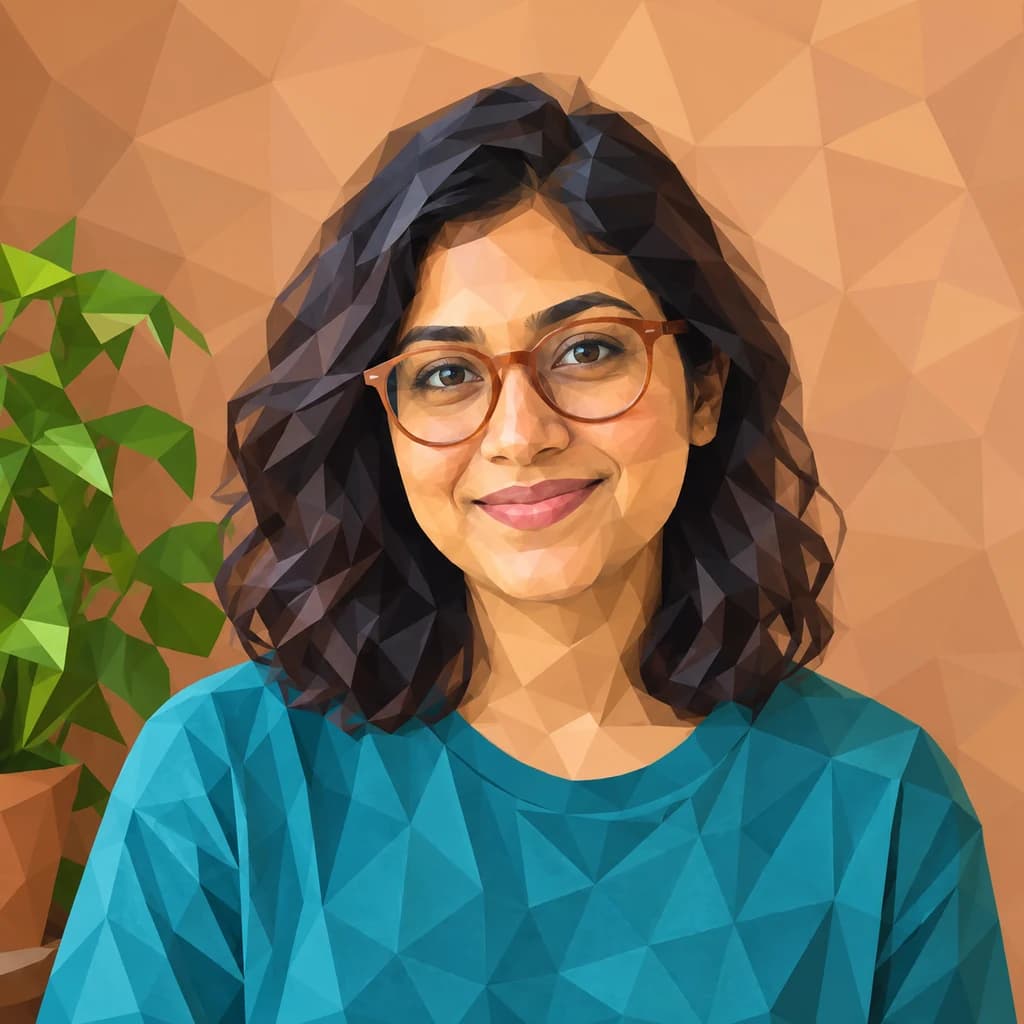 Low PolySeedream 4 · 2K · 1:1
Illustrative style preview · Your result will vary
11 credits / image · From $9.99 a month
/tools/photo-to-low-poly
Open full studioA portrait, a pet and a place in geometric shapes
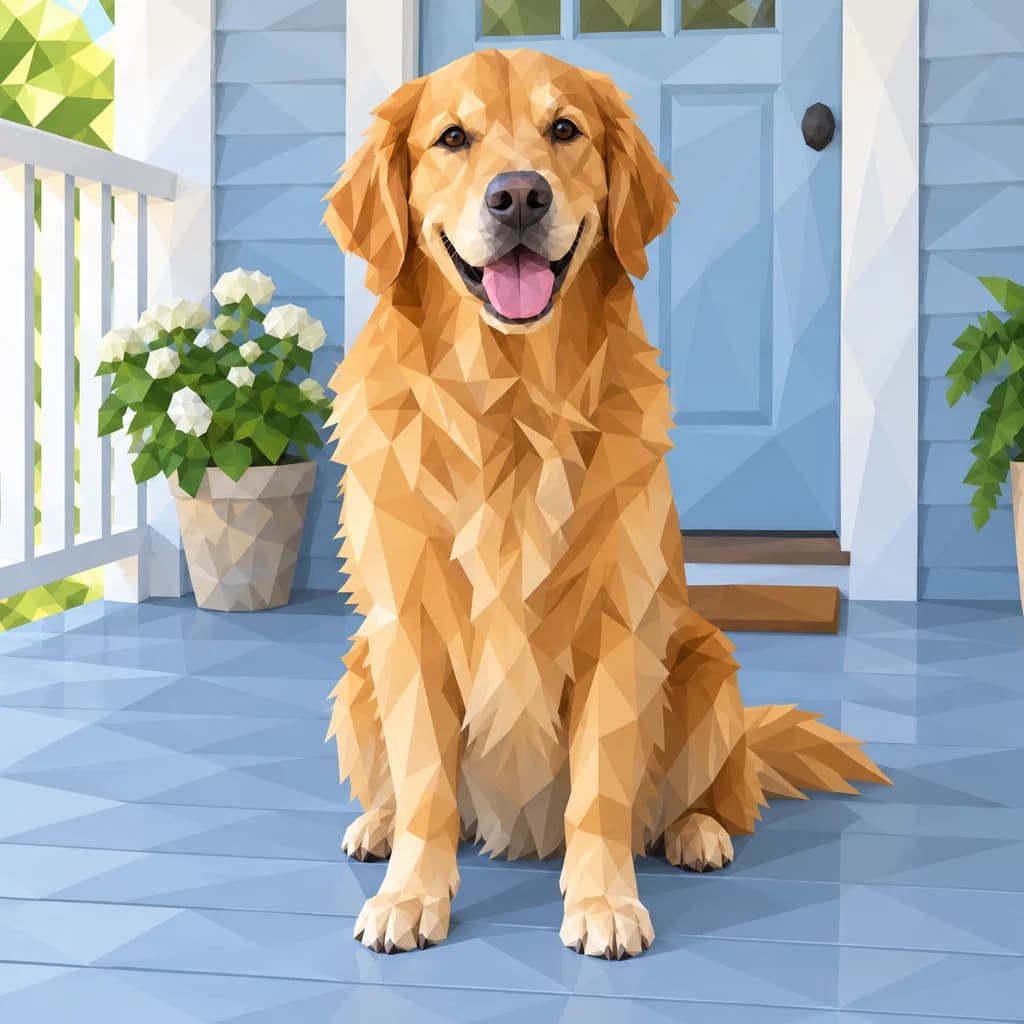
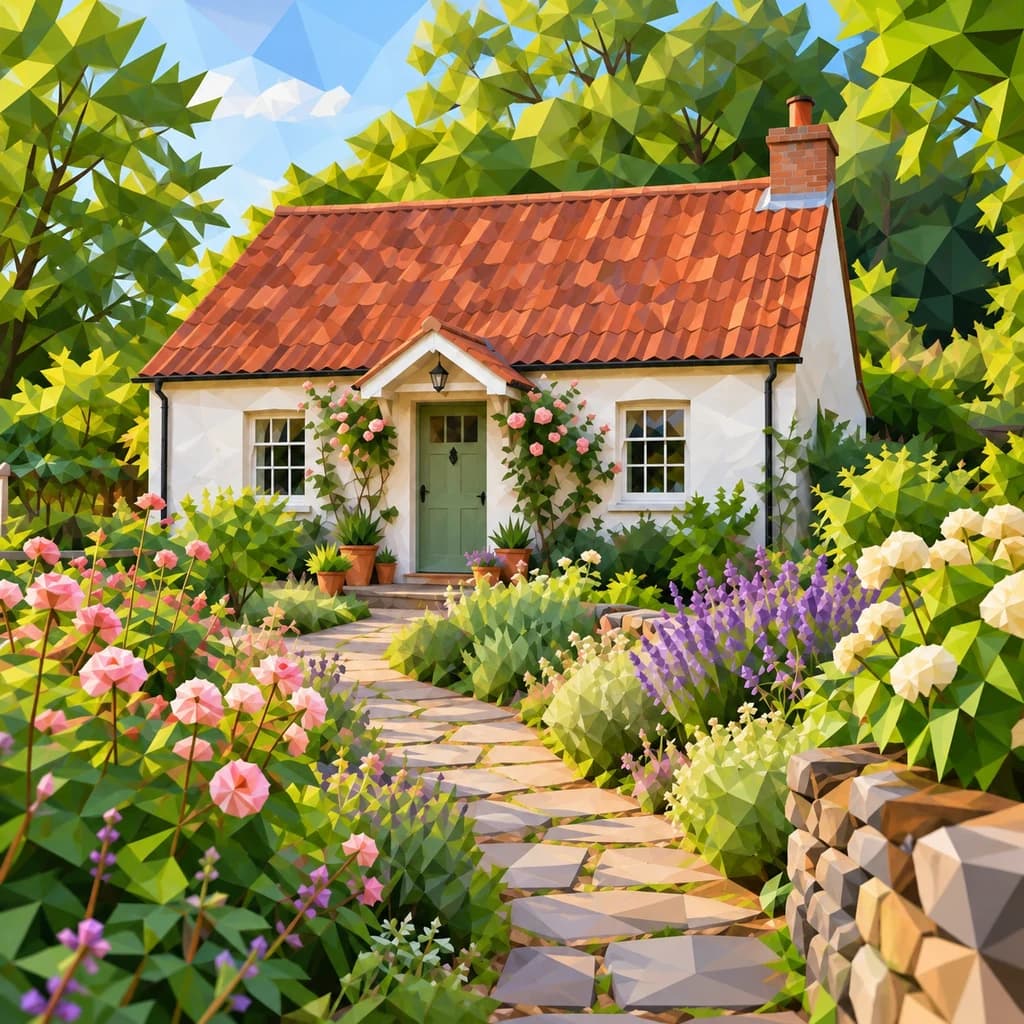
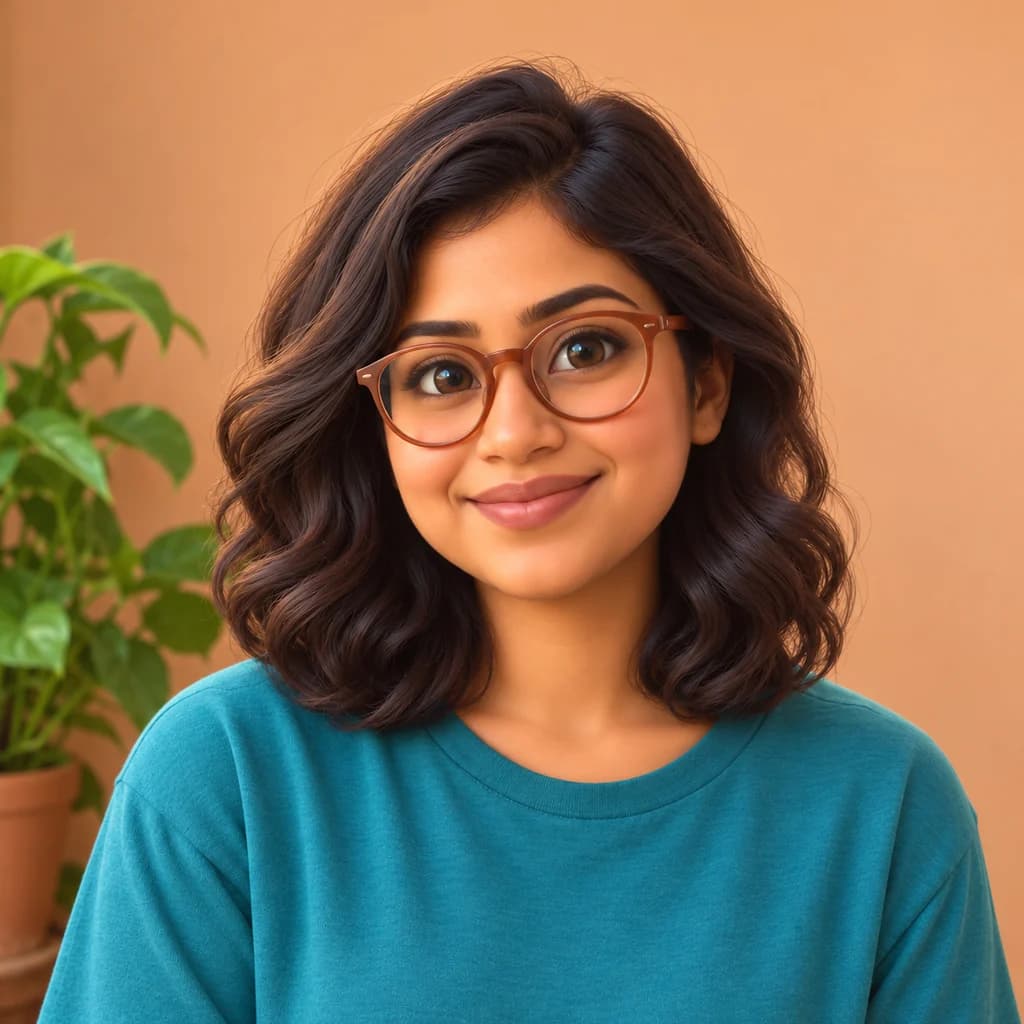
Check how the facet size changes. In the portrait with terracotta glasses, the wall breaks into big pale triangles while the face uses small ones, and the glasses stay smooth. The golden retriever on the porch turns into gold and cream shards, but its nose and tongue stay rounder. In the cottage and flower garden, trees, path stones and the stone wall turn angular.
 ORIGINALLOW POLY
Portrait with terracotta glasses01 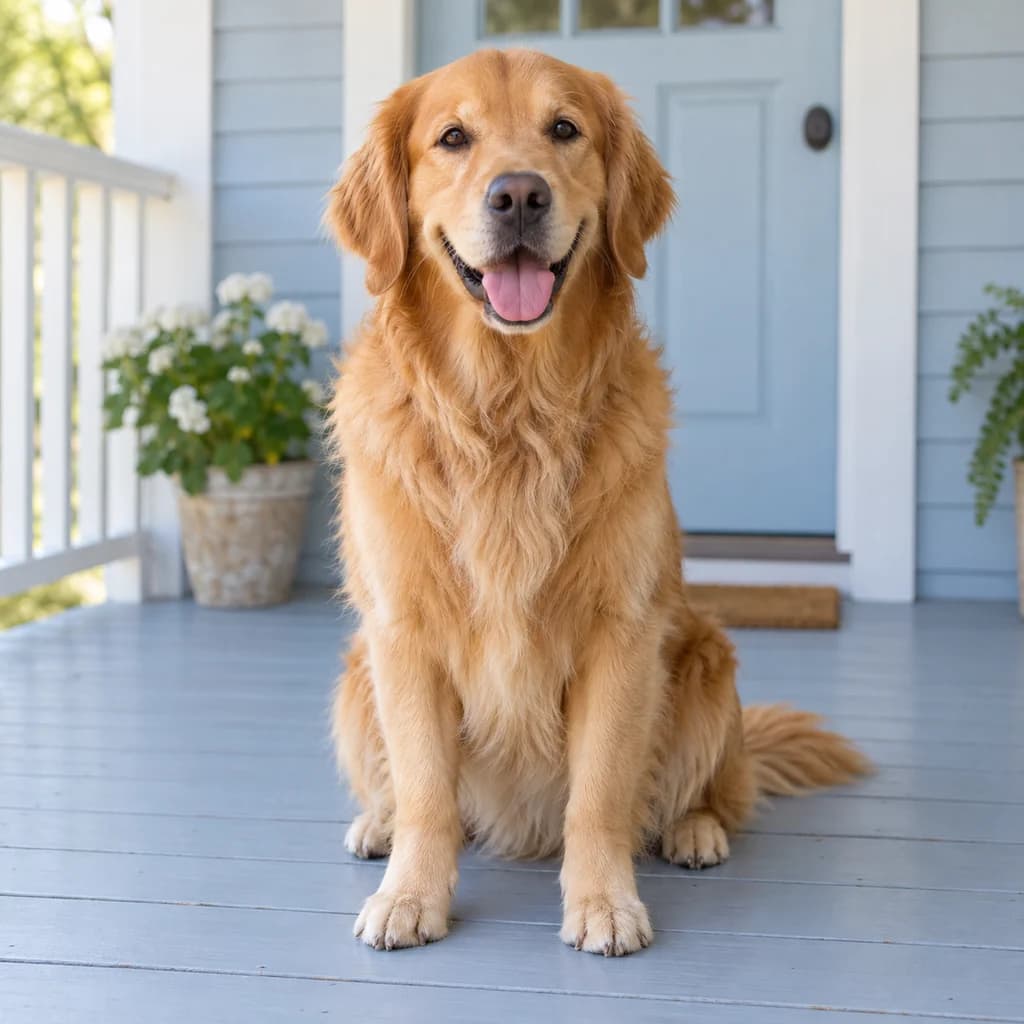 ORIGINAL
 LOW POLY
Golden retriever on the porch02 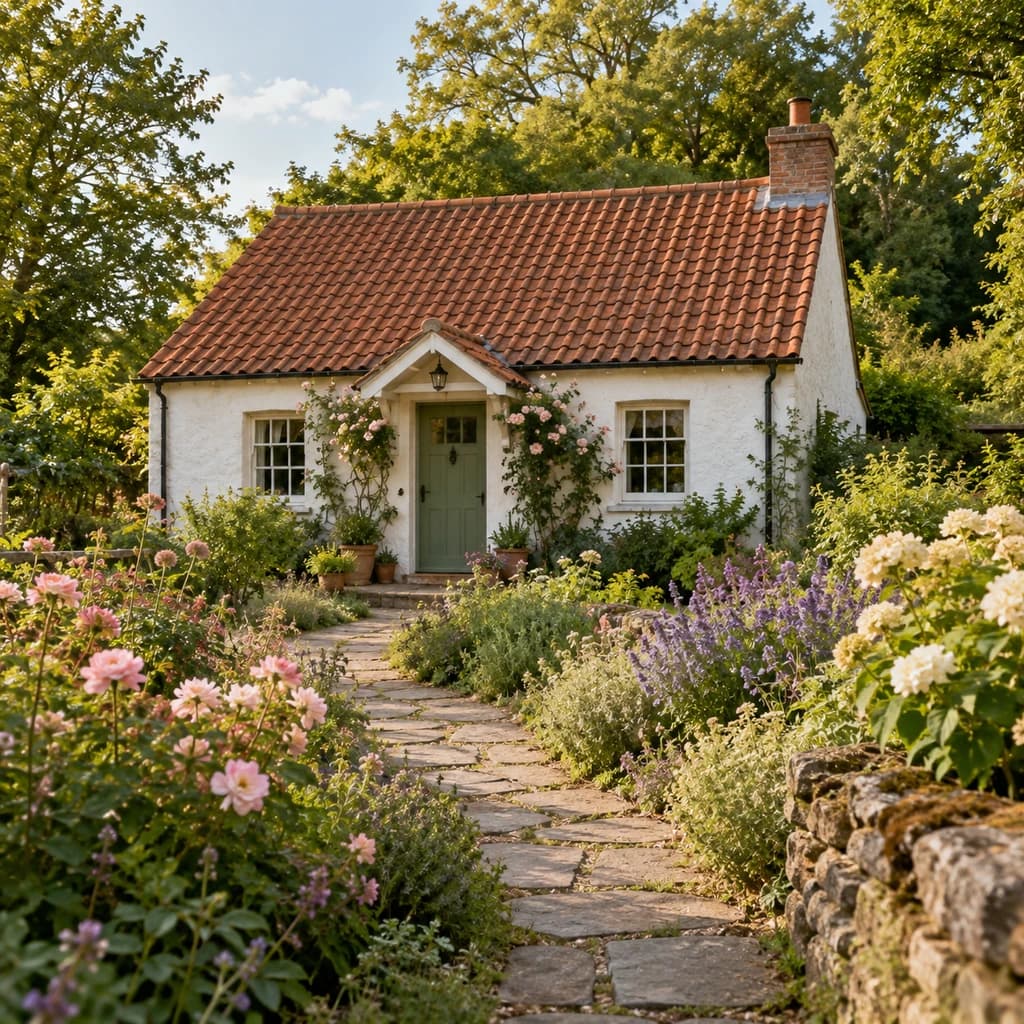 ORIGINAL
 LOW POLY
Cottage and flower garden03
Illustrative style preview · Your result will vary
What is low-poly portrait art?
Low-poly art is a style that describes a subject with a small number of flat, angular surfaces. The name comes from 3D computer graphics, where a low-poly model uses few polygons; early 3D games such as Star Fox (1993) looked this way because the hardware could draw only so many. Curves become corners: a cheek turns into a group of triangles, and a shadow into one darker patch.
This tool makes that appearance as a finished image. It uses the photo to guide the face, pose and colors, then redraws them as geometric shapes, background included. It suits you when you want something sharper and simpler than a painted portrait. The download is a PNG picture of low-poly art, not a 3D mesh you can rotate, edit or print as an object.
How to make low-poly art from a photo
Low poly turns light and shadow into separate facets, so the lighting in your photo shapes the result.
Cottage and flower garden STEP 01
Upload a side-lit photo
Use a JPG, PNG or WebP up to 10 MB, or begin with a sample. Window light from one side gives the cheeks, nose and jaw a bright plane and a dark plane each, which is what makes the facets read as depth.
- OriginalLow Poly
STEP 02
Choose Low Poly
Select Low Poly in the studio and pick a model. The photo is redrawn as connected triangles with flat colors, from the face and hair to the wall or garden behind, and the cost shows before you start.
STEP 03
Generate your faceted PNG
Sign in and generate with credits, from 8 per finished image. Download the PNG, a flat picture rather than a mesh, or open it again later from your history.
Where a geometric portrait fits
Use the bold shapes where you want a clear, graphic picture.
- Profile picturesGive a familiar face a sharp geometric treatment for a profile or community account.
- Wall printsTry a faceted portrait beside simple type and a plain border.
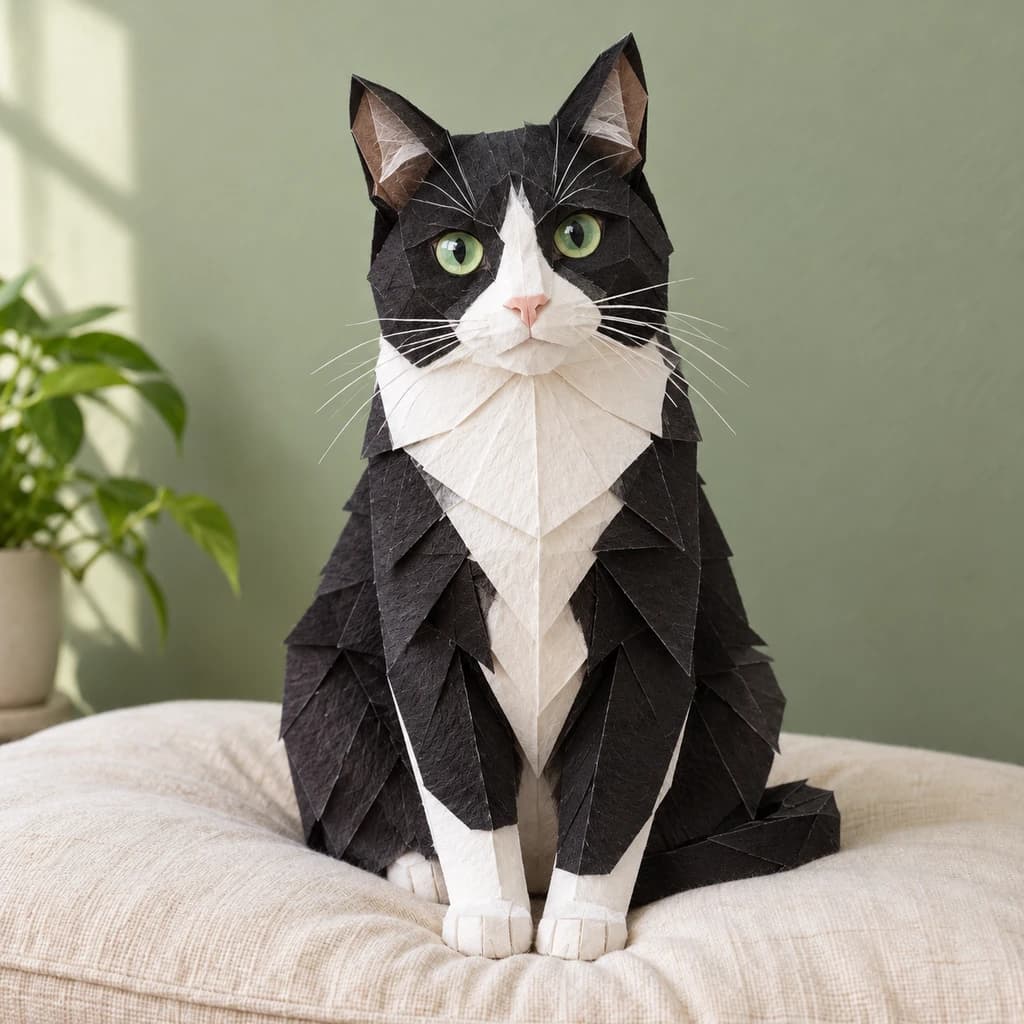
- Pet portraitsCoat markings and a clear silhouette can become bold patches of color.
- Personal giftsMake an angular version of a favorite portrait for a card or small print.
- Design studiesExplore how a limited set of colors and shapes can describe a face.
- Photo collectionsGive several individual portraits a common geometric look.
Before you make a low-poly image
How faces, fur, buildings and colors turn into facets, and what a flat PNG of low-poly art cannot do.
| FEATURE | What you get | Before you start | Limits |
|---|---|---|---|
| Faces | Face shape, glasses and expression kept, with small facets on the skin and larger ones in the hair. | Let the face fill a good part of the frame so it gets finer facets than the background. | Freckles, fine lines and makeup details usually disappear into the planes. |
| Pets | Fur becomes shards in the coat's own colors, while the nose, eyes and tongue stay smoother. | Choose a photo where the coat is in focus; motion blur gives the shards nothing to follow. | Long, fine fur loses its strands and reads as planes rather than hair. |
| Buildings and gardens | Roofs, walls, paths and trees turn angular, while windows and doors stay recognizable. | Shoot the building fairly square-on so rooflines and walls stay straight. | Small blooms and leaves can merge into clusters instead of separate shapes. |
| Output | A PNG picture of low-poly art, with no watermark. | Decide whether you need a picture or a model; this tool only makes pictures. | No mesh, OBJ, STL or editable triangles, so it cannot be rotated or 3D printed. |
Tips for clearer low-poly shapes
A simple photo gives the angles something useful to follow.
- 01
Look for light from one side
A bright side and a shaded side help the picture separate into planes. A very flat flash photo gives it less shape to work with.
- 02
Keep the silhouette clear
Choose a background that differs from your hair or outfit. A visible outline helps preserve the shape of the head and body.
- 03
Skip tiny patterns
Small checks, fine lettering and busy jewelry are usually simplified. Solid colors give you cleaner, larger pieces.
- 04
Start with one subject
One person or pet leaves more room for meaningful shapes. In a wide group shot, each face has less detail to keep.
Questions about photo to low poly
What carries over into the triangles, what gets simplified and how low poly differs from pixel art and origami; see the main FAQ for account, credit and privacy topics.
Will the result still look like the person in my photo?
Do I get a downloadable 3D model?
Does the background turn into triangles too?
Can I choose how many triangles there are?
How is low poly different from pixel art?
Is this the same as origami style?
Does it work for pets and group photos?
Will it work on a house or a landscape?
What size is the download, and can I print it?
Can I use the portrait commercially?

See your photo in a new set of shapes
Start with the three low-poly samples, which anyone can open. When you have a side-lit portrait, a pet or a house to rebuild, sign in and use credits. Plans begin at $9.99 per month, and the studio shows the price of each image before you generate.