Photo to
Illustration
Photo to illustration repaints a photo as a finished, full-color digital illustration, the kind used on book covers, websites and profile pages. Upload a headshot, a couple or a pet in good, even light. Busy walls simplify into flat color with a little brush texture, hair and fur become smooth painted clumps, and faces stay close to the photo but look gently polished. Try the samples for free; signing in and spending credits lets you illustrate your own picture.
From 8 creditsJPG, PNG or WebP up to 10 MB
- COST
- From 8 credits
- TIME
- Usually under a minute
- UPLOAD
- JPG, PNG, WebP · 10 MB
- OUTPUT
- PNG up to 4096 px
Styles
57 stylesAnime & Cartoon
11Artistic
133D & Avatars
8Fun & Creative
9Retro & Vintage
3Digital & Modern
8Sculptures & Crafts
5Illustrative style preview · Your result will vary
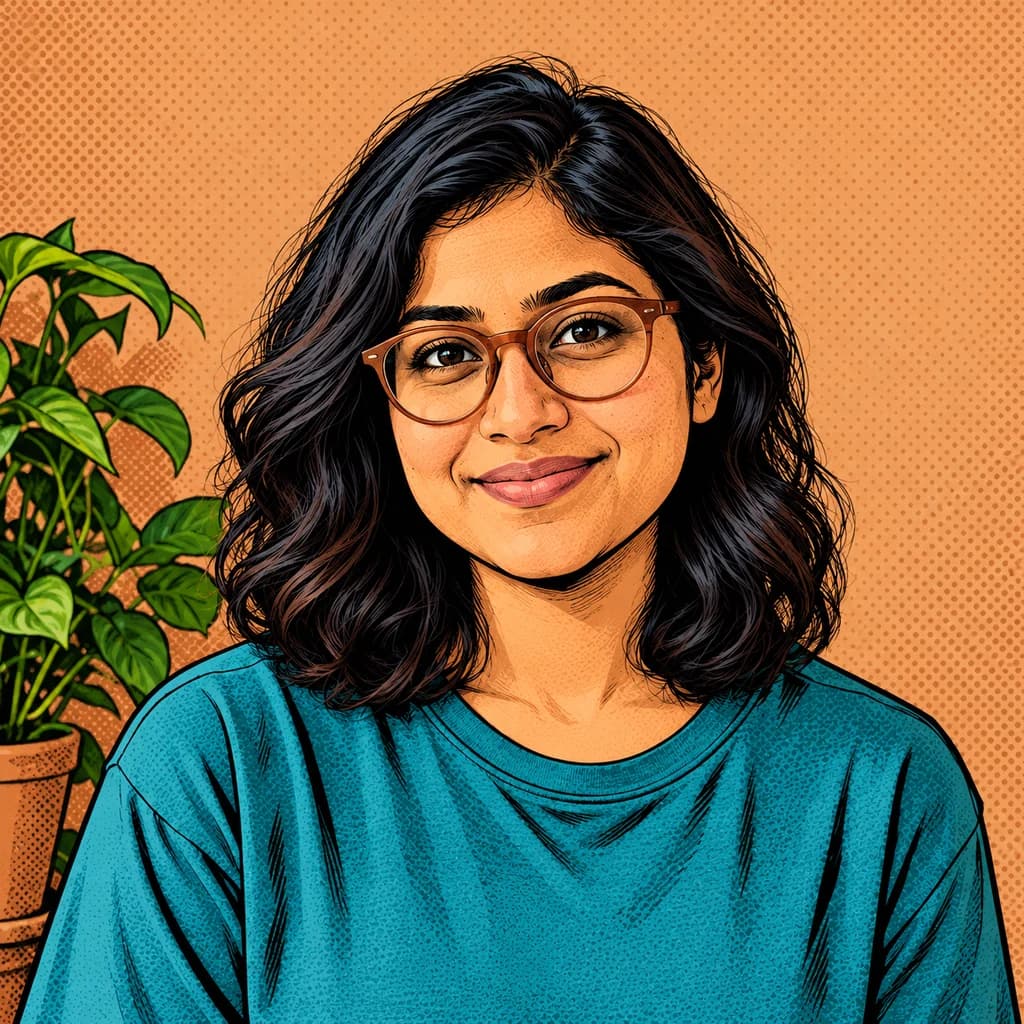
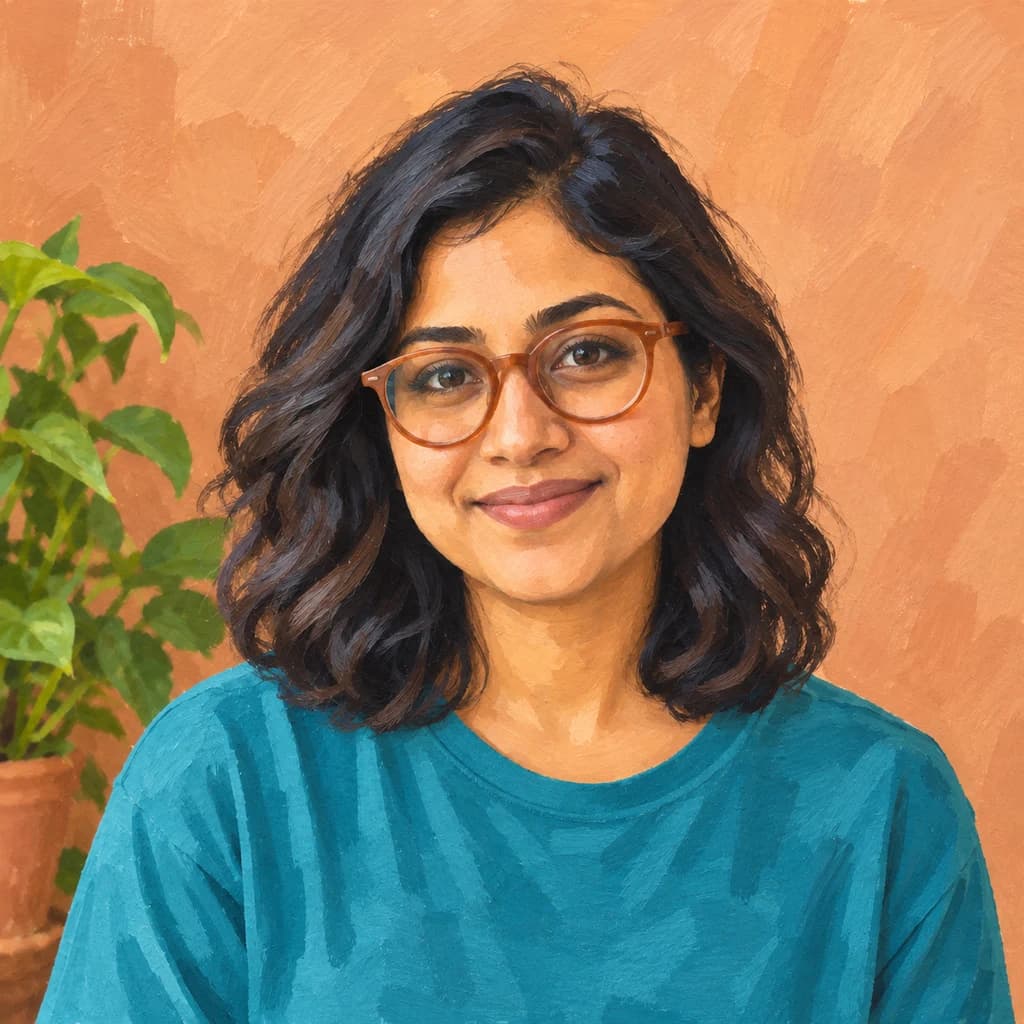
Portrait with terracotta glasses
Sample photo
PRESET · /tools/photo-to-illustration · Seedream 4 · 2K · 1:1
Open full studio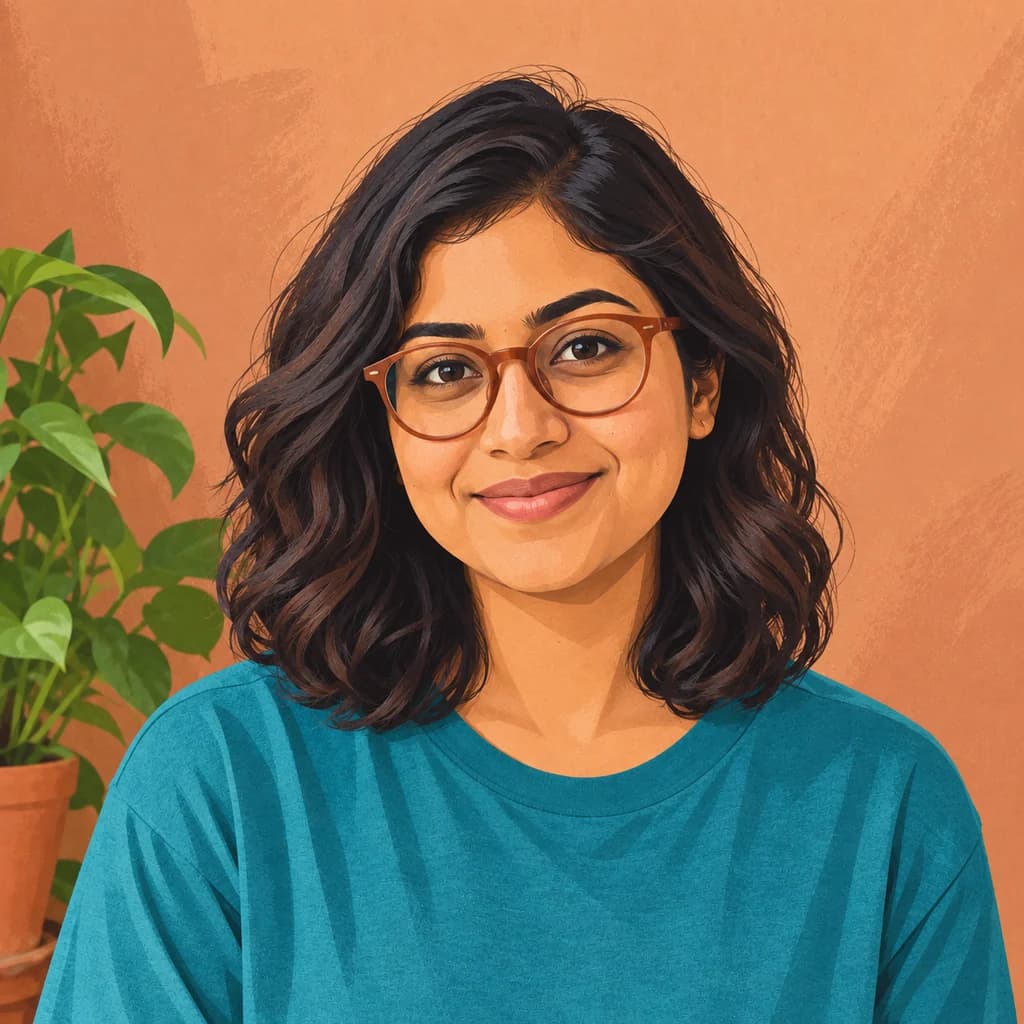 IllustrationSeedream 4 · 2K · 1:1
Illustrative style preview · Your result will vary
11 credits / image · From $9.99 a month
/tools/photo-to-illustration
Open full studioPhoto to Illustration examples
Behind the portrait with terracotta glasses, the wall becomes flat terracotta with dry-brush marks, and the teal T-shirt turns into one smooth block of color. The couple on the sofa gains a soft band of sunlight across the wall. On the golden retriever, fur is painted in long, soft clumps, while the porch and blue door keep their detail.
 ORIGINALILLUSTRATION
Portrait with terracotta glasses01  ORIGINAL
 ILLUSTRATION
Couple on the sofa02 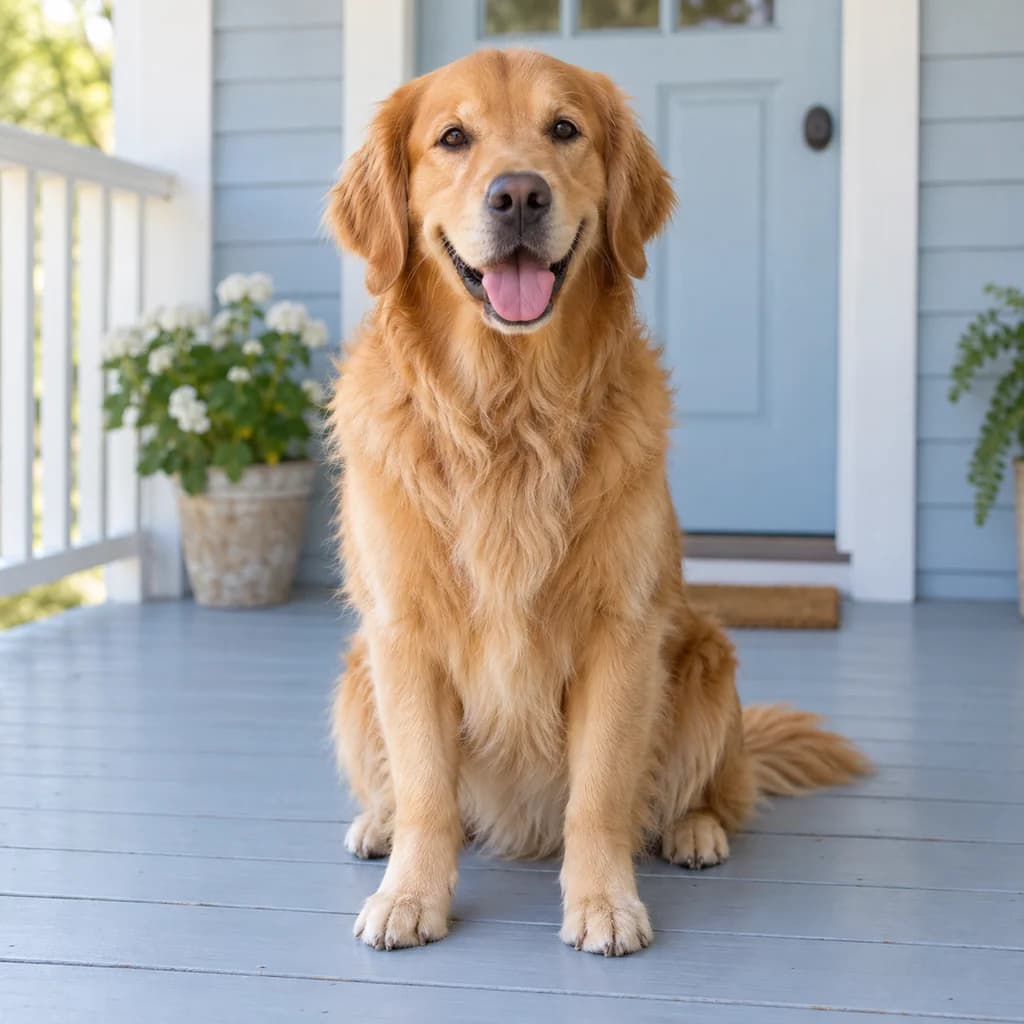 ORIGINAL
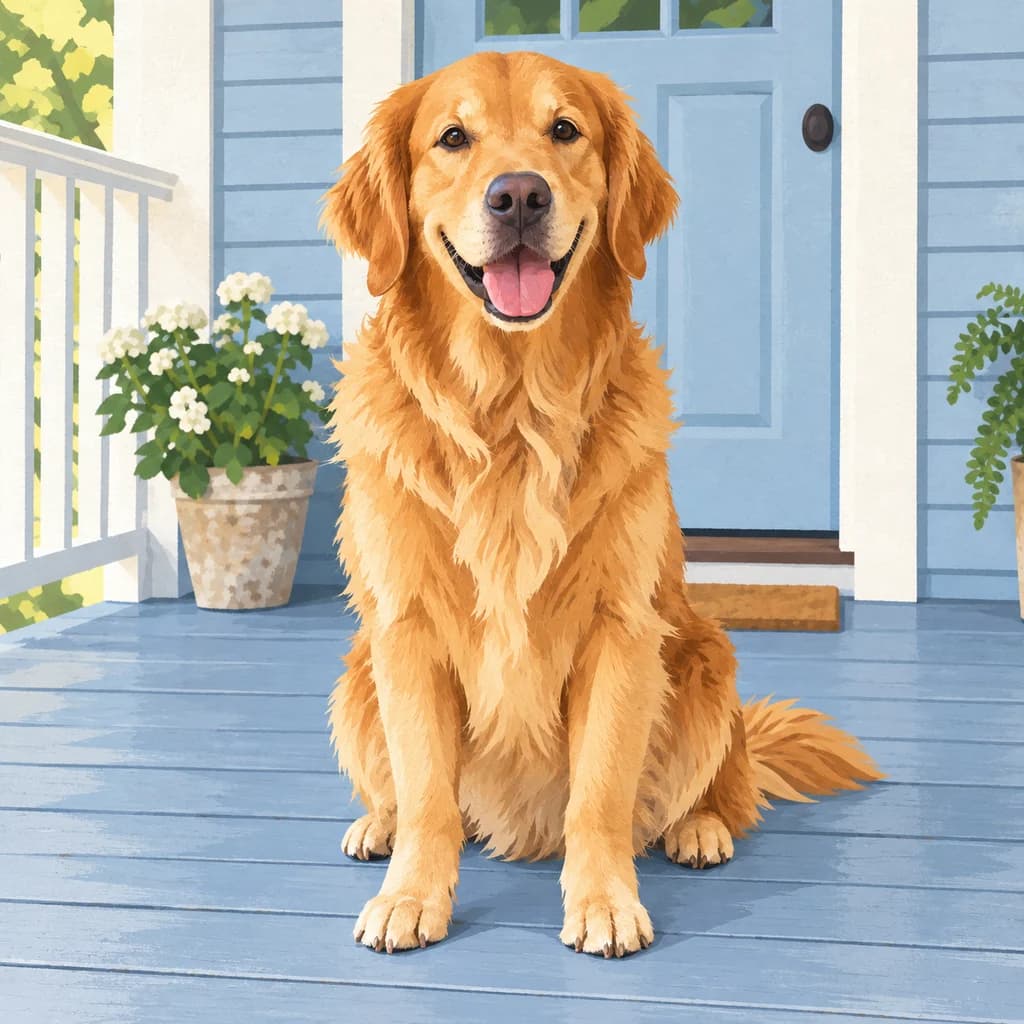 ILLUSTRATION
Golden retriever on the porch03
Illustrative style preview · Your result will vary
What is illustration style?
Illustration is artwork made to go with something else: a story, an article, a product or a brand. The look on this page follows modern digital illustration, the kind found in picture books, magazine features and app screens. Shapes are simplified, color goes down in fairly flat areas with a few soft shades, and a light brush or grain texture keeps it from looking like a filtered photo.
Compared with the drawing styles, nothing here is left unfinished. Every area is filled with color, there are no visible pencil lines and no heavy comic-book outlines. Your face, clothes and pose stay close to the photo, so the result reads as a polished portrait rather than a cartoon.
How to turn a photo into an illustration
A clean, well-lit photo gives the tidiest fully painted result.
Couple on the sofa STEP 01
Upload a photo
Start with a sample, or upload your own JPG, PNG or WebP up to 10 MB. Soft, even light and a face turned toward the camera help, because every shadow becomes a flat patch of color that should land in the right place.
- OriginalIllustration
STEP 02
Redraw it as an illustration
The generator simplifies your photo into smooth shapes with flat color and soft shading. Hair and clothes become a few clean forms, edges get crisp, and busy backgrounds are simplified.
STEP 03
Generate and download
Sign in to generate, from 8 credits per illustration depending on the model you pick. The finished PNG downloads without a watermark and is saved to your history, handy when you build a matching set over several days.
Ways to use it
Clean, modern art fits anywhere a photo feels too busy.
- Profile picturesAn illustrated headshot looks friendly and consistent across social, work and gaming profiles.
- Team and about pagesGive everyone on the team a matching illustrated portrait. The Creator plan includes a commercial license.
- Picture-book family portraitsSee your family drawn like characters in a modern children's book.
- Invitations and cardsIllustrated portraits suit birthday invitations, save-the-dates and holiday cards.
- Pet illustrationsClean shapes and bright color give your pet a friendly, poster-ready look.
- Blog and newsletter artUse an illustrated portrait as a header or author photo on your blog or newsletter.
Photo to Illustration: what to expect
How the painted version treats faces, color, hair and settings compared with your original photo.
| FEATURE | What you get | Before you start | Limits |
|---|---|---|---|
| Faces | Close to your real features, with smoothed skin and clearly drawn eyes and lips | Choose a photo taken around eye level with the face in sharp focus | Freckles, stubble and fine lines may soften or disappear as skin is smoothed |
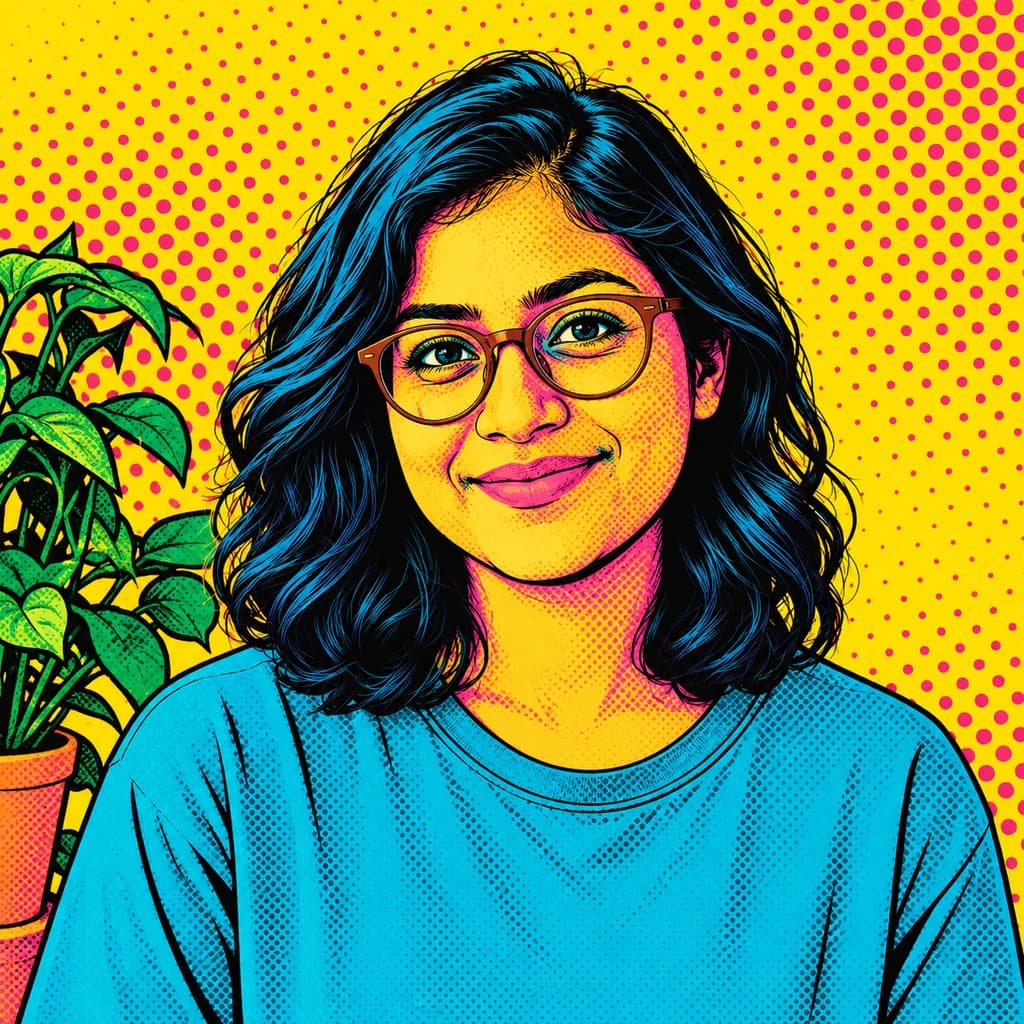
| Color | Fairly flat areas of the photo's own colors, often warmed slightly | Look at the main colors in your photo; they set the palette of the result | Not a loud graphic palette; for bold, high-contrast color, Pop Art fits better |
| Hair and fur | Painted in a few smooth clumps with highlights rather than single strands | Keep hair off the eyes if you want them to read clearly | Flyaway strands and fine fur detail are simplified away |
| Backgrounds | Walls turn into flat color; plants, doors and railings stay recognizable | Move distracting objects out of shot; they are painted in, not removed | The setting can be restyled slightly, for example with a patch of light that was not there |
Tips for better illustration results
Simple photos make the cleanest illustrations.
- 01
Face the camera
A front-facing or slightly turned face gives the clearest illustrated features. Hidden eyes or heavy shadows are harder to simplify cleanly.
- 02
Use even, soft light
Illustration uses one or two shades per color. Soft, even light keeps those shades clean instead of breaking the face into odd patches.
- 03
Pick a simple background
Clean backgrounds become calm areas of flat color. Clutter stays clutter, just simplified, and can pull attention from your subject.
- 04
Match a set
Making portraits for a team or family? Use similar photos, with the same framing and light, so the set looks consistent.
Photo to Illustration FAQ
What changes when a photo becomes a full-color digital illustration, plus printing and file questions; sign-in, credit and privacy questions are covered in the main FAQ.
Will the illustration still look like me?
Is this a cartoon?
Does it change the colors of my photo?
Is the file a vector I can edit?
Illustration, line art or color sketch: which fits?
Can I illustrate couples, families or pets?
Is it sharp enough for a poster or book cover?
Why does the background change between versions?
Can I use illustrations on a business website or product?
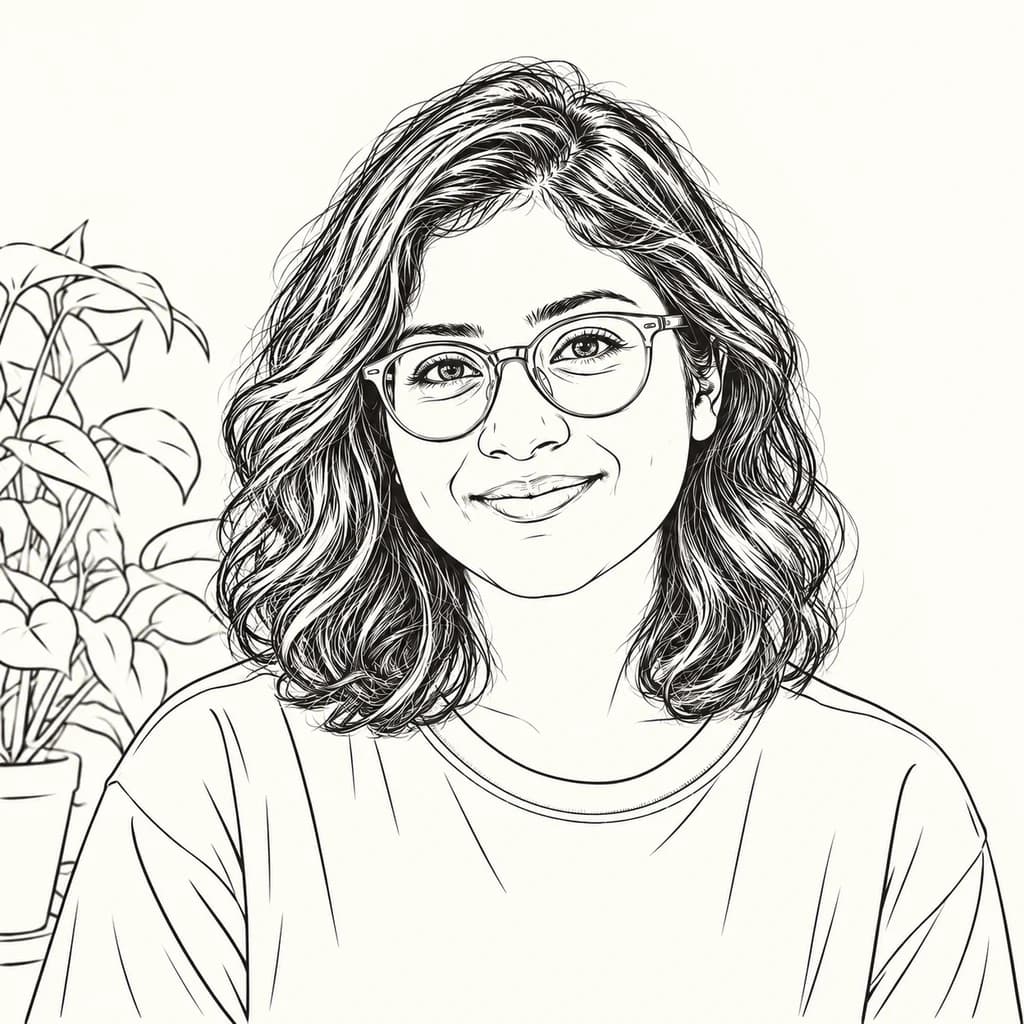
Turn your photo into a modern illustration
Look over the illustrated samples for free. When you have a clear, well-lit photo, sign in and use credits to turn it into a finished full-color portrait. Plans start at $9.99 a month, and Creator adds a commercial license for business use.