Photo to
Oil Painting
Photo to oil painting repaints a picture with thick, textured brushstrokes and smoothly blended skin, the look of oil paint on canvas. Upload a portrait, a couple or a family photo as a JPG, PNG or WebP. Faces, clothes and setting stay where they were, while backgrounds turn into broad, ridged strokes and colors grow deeper and warmer. Try the look on sample photos without paying; your own photo needs a sign-in and credits.
From 8 creditsJPG, PNG or WebP up to 10 MB
- COST
- From 8 credits
- TIME
- Usually under a minute
- UPLOAD
- JPG, PNG, WebP · 10 MB
- OUTPUT
- PNG up to 4096 px
Styles
57 stylesAnime & Cartoon
11Artistic
133D & Avatars
8Fun & Creative
9Retro & Vintage
3Digital & Modern
8Sculptures & Crafts
5Illustrative style preview · Your result will vary
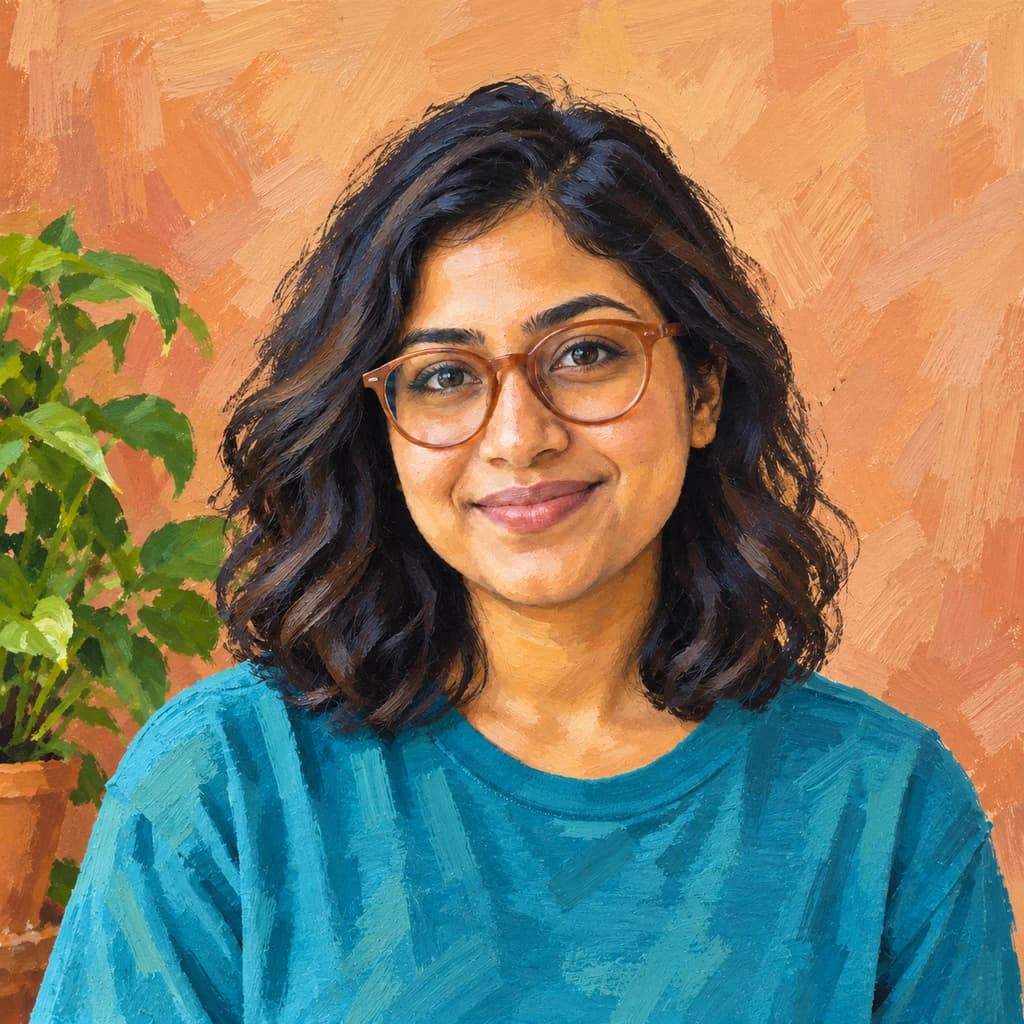
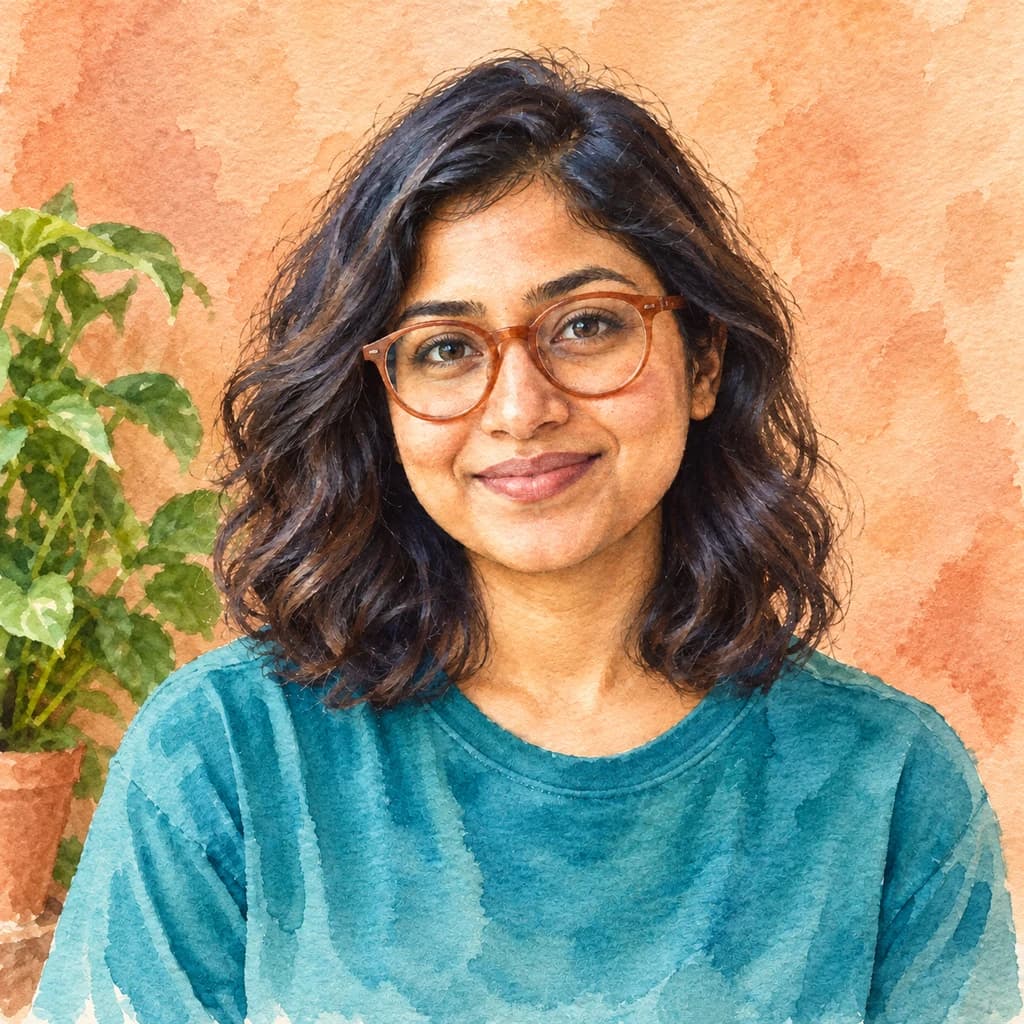
Portrait with terracotta glasses
Sample photo
PRESET · /tools/photo-to-oil-painting · Seedream 4 · 2K · 1:1
Open full studio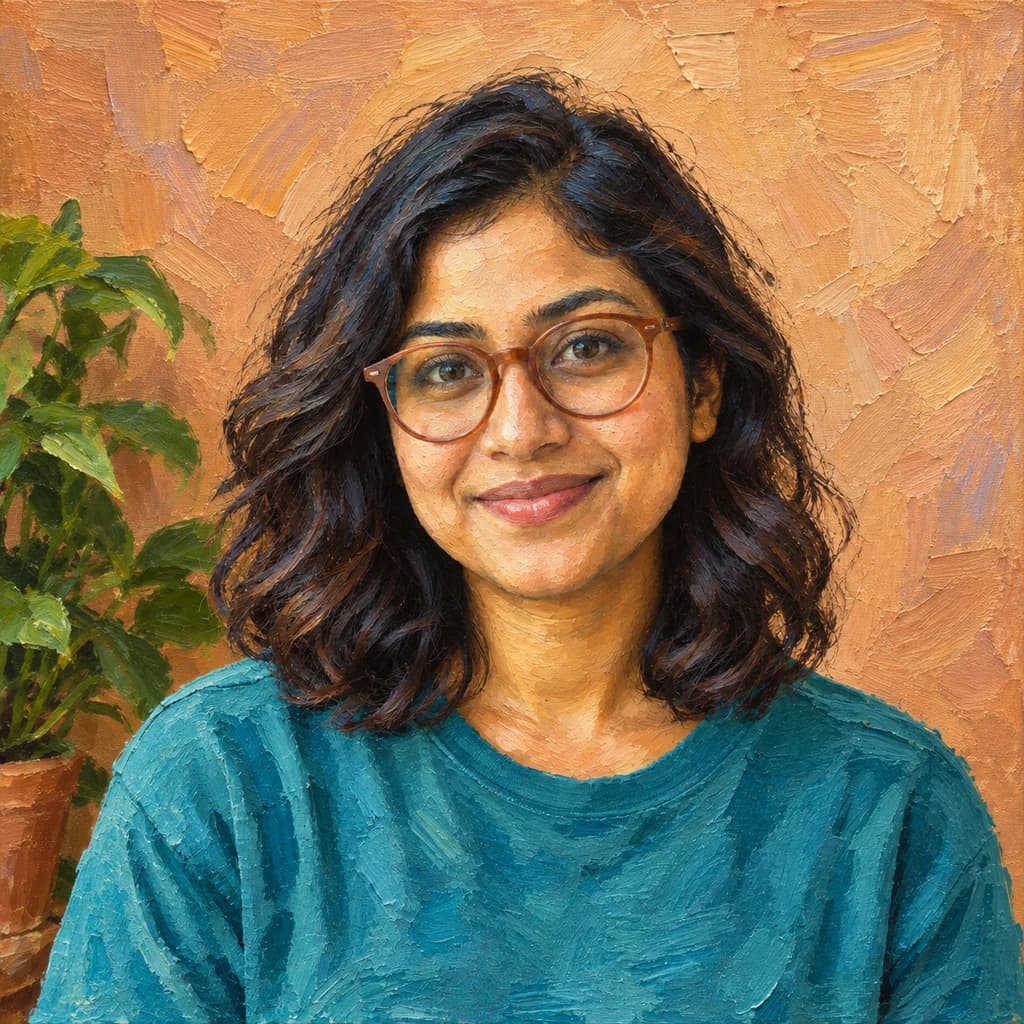 Oil PaintingSeedream 4 · 2K · 1:1
Illustrative style preview · Your result will vary
11 credits / image · From $9.99 a month
/tools/photo-to-oil-painting
Open full studioPhoto to Oil Painting examples
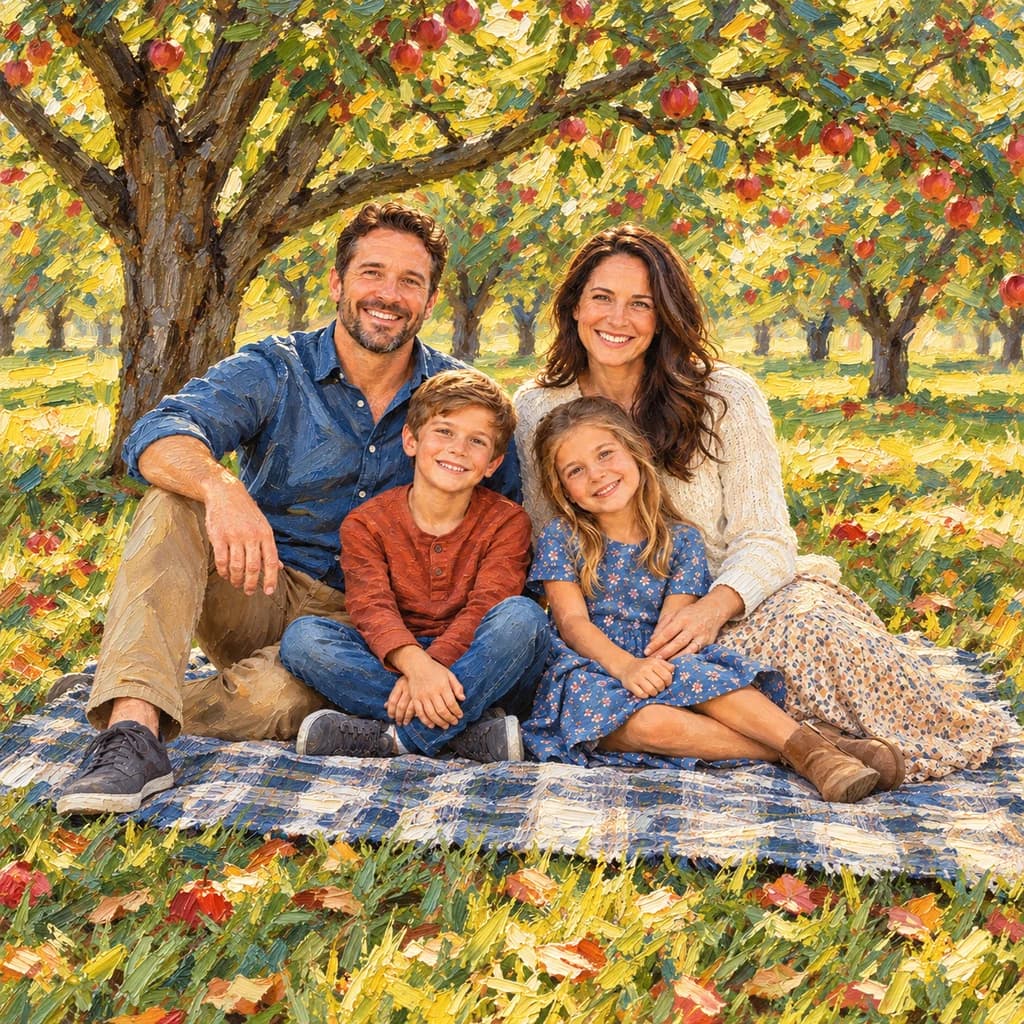
In the portrait with terracotta glasses, the wall becomes chunky slabs of orange paint while her face stays smooth. The couple on the sofa shows the same split: blended skin, patchy blue strokes across the jeans, broad cream and gold strokes behind. The family picnic is the busiest, with grass, apples and fallen leaves laid on in short, thick strokes.
 ORIGINALOIL PAINTING
Portrait with terracotta glasses01 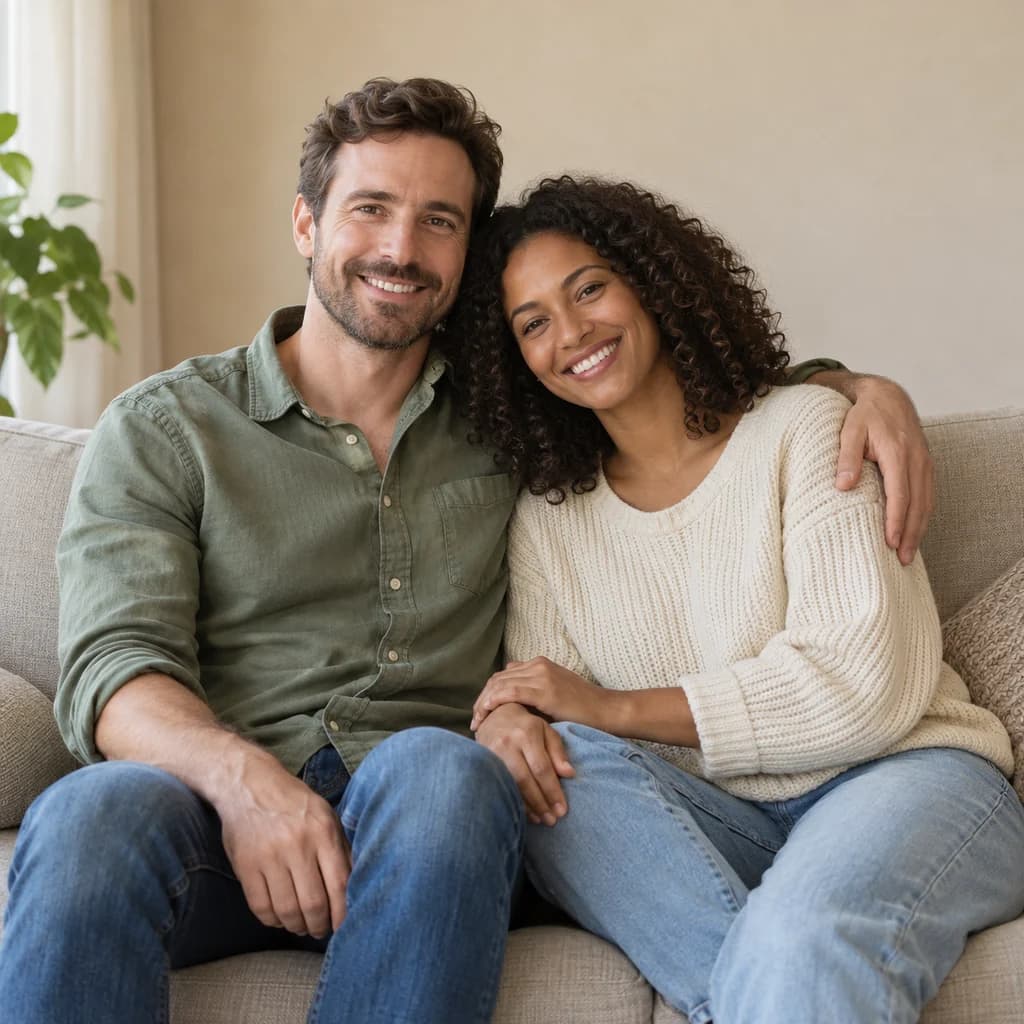 ORIGINAL
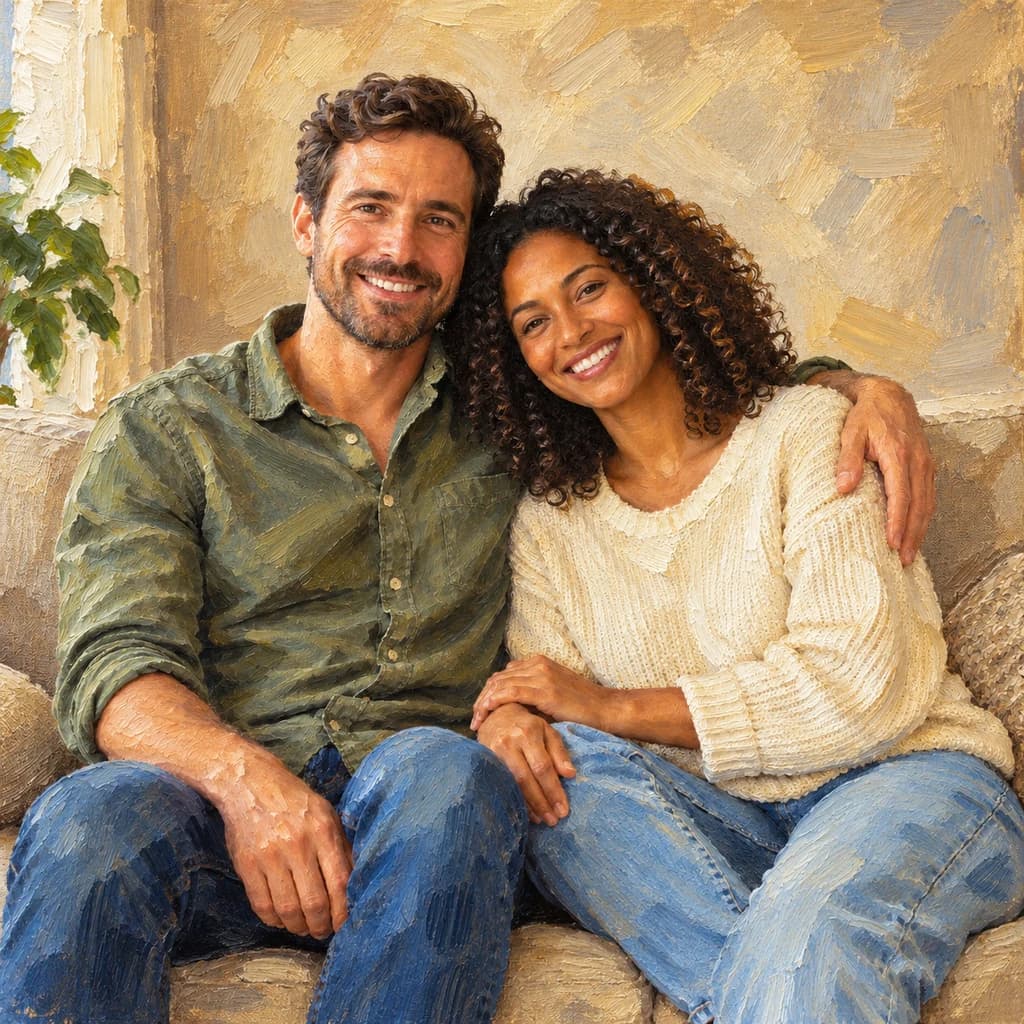 OIL PAINTING
Couple on the sofa02 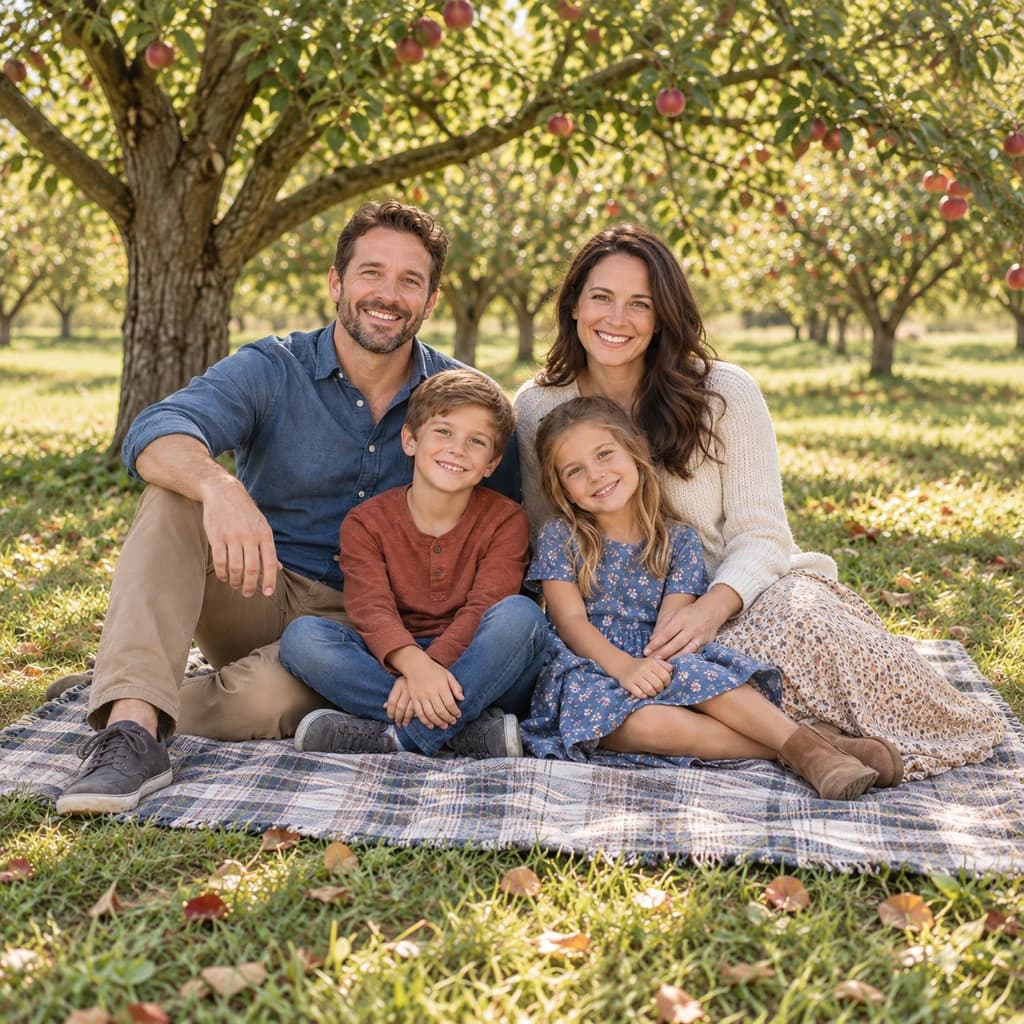 ORIGINAL
 OIL PAINTING
Family picnic03
Illustrative style preview · Your result will vary
What is oil painting style?
Oil painting is the medium behind most museum portraits: color ground into a drying oil, usually linseed, and brushed onto canvas or a wooden panel. It dries slowly, over days, so painters can blend skin tones softly or pile paint on thickly so each stroke keeps its ridge. Jan van Eyck's Arnolfini Portrait of 1434 showed how fine oil could be; centuries later, John Singer Sargent made loose, confident strokes his signature.
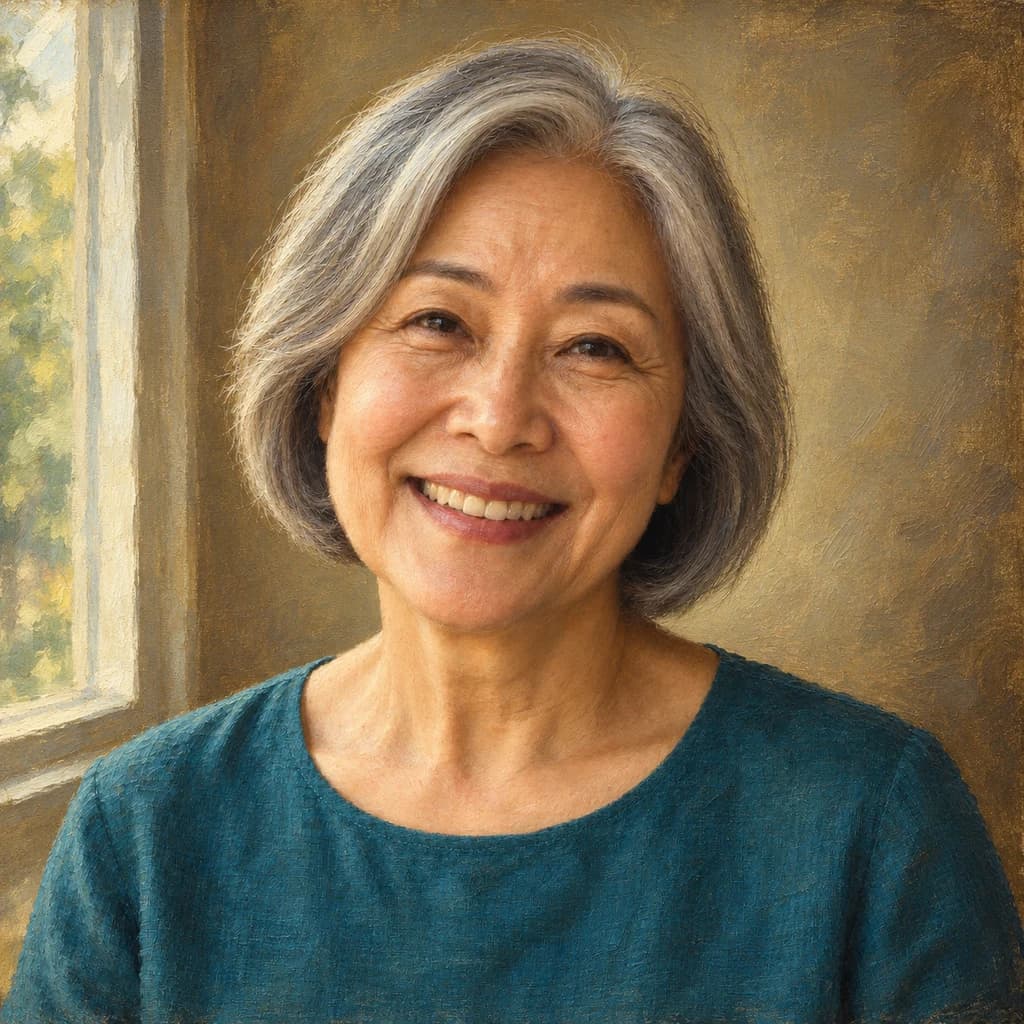
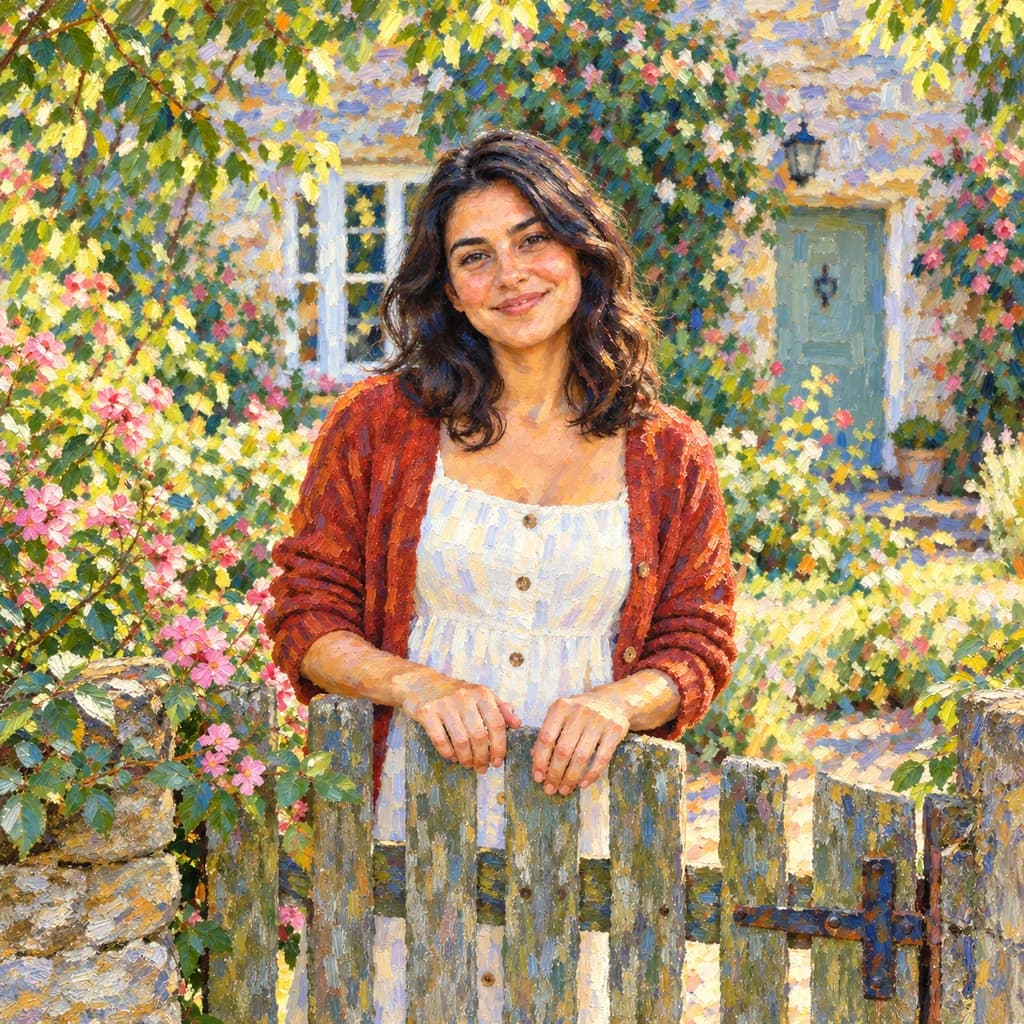
This generator leans toward the thick, textured side. Backgrounds and clothing get visible, directional strokes, while faces stay smooth enough to read clearly. Color shifts warmer and richer than in the photo. Couples, families and pet portraits you plan to frame are the natural fit, more than snapshots crowded with small detail.
How to turn a photo into an oil painting
From photo to canvas-textured portrait in three steps.
Couple on the sofa STEP 01
Upload a photo
Upload a JPG, PNG or WebP up to 10 MB, or choose a sample. Soft side light from a window gives the face gentle shading, which the brush turns into smooth, warm skin tones.
- OriginalOil Painting
STEP 02
Repaint it in oils
The generator rebuilds your photo with thick, directional brushstrokes. Skin is blended smooth and hair and fur pick up textured strokes. Colors grow richer, and the background turns into loose, brushy marks.
STEP 03
Generate and download
Sign in and generate (from 8 credits a picture; the model you pick sets the price), then download the painting as a PNG. A copy is saved to your history, so you can come back to it before ordering a canvas.
Ways to use it
An oil portrait feels like an heirloom. Here is where it fits best.
- Canvas printsOil painting texture looks natural on canvas. Print one for the living room or hallway.
- Anniversary giftsPaint a wedding or engagement photo as a classic portrait for a milestone anniversary.
- Pet portraitsBrushstrokes bring out fur and warm eyes. A painted pet portrait suits almost any wall.
- Family heirloomsTurn a favorite family photo into a painting you can pass down for years.
- Memorial portraitsA painted portrait of a loved one feels warm and lasting, for a service or for home.
- Retirement giftsPaint a portrait of a colleague or mentor as a farewell or retirement gift.
Photo to Oil Painting: what to expect
What thick oil-style brushwork does to faces, backgrounds, clothing and groups.
| FEATURE | What you get | Before you start | Limits |
|---|---|---|---|
| Faces | Smoothly blended skin with clear eyes, glasses and smiles; the heavy texture goes elsewhere. | Pick a shot where the face is sharp and not hidden in deep shadow. | Freckles, moles and fine lines can be smoothed away by the blending. |
| Backgrounds | Broad, thick strokes with visible ridges, as if laid on with a knife or a stiff brush. | A plain wall or simple greenery gives the strokes room; clutter becomes noise. | Signs, book spines and small objects behind you turn into abstract dabs. |
| Clothing and fabric | Denim, knits and plaid keep their color and pattern, rebuilt as patchy strokes. | Solid colors paint more cleanly than fine prints. | Text and logos on clothing are usually lost or garbled. |
| Couples and families | Each face stays recognizable in a group of two to four, as in the couple and picnic samples. | Make sure everyone faces the camera and no face is blocked by another. | The more people, the smaller each face, and the more the strokes simplify it. |
Tips for better oil painting results
A few photo choices that lead to richer paintings.
- 01
Use warm, soft light
Window light or late-afternoon sun gives skin a glow that oil paint handles well. Harsh flash tends to flatten faces into one tone.
- 02
Frame it like a portrait
Head-and-shoulders or waist-up shots look the most like classic painted portraits. Leave a little space around the head.
- 03
Pick a calm background
Busy backgrounds turn into lots of small strokes. A plain wall, sky or greenery becomes a soft painted backdrop that frames your subject.
- 04
Upscale before printing canvas
Canvas prints are often large. Run the result through the upscaler so the brushstrokes stays crisp at size.
Photo to Oil Painting FAQ
Answers about oil-style brushwork, canvas prints and likeness; account, credit and privacy questions are covered in the main FAQ.
Will the painting still look like the person?
Is the file big enough for a canvas print?
Does it handle couples, families and pets?
Oil painting or acrylic: what is the difference here?
How is this different from Classical Painting?
Is the texture real, raised paint?
Why do the colors look warmer than my photo?
Which photos are hard to paint in this style?
Why do the strokes land differently each time?
Can I sell oil-style portraits?
Turn your photo into an oil painting
Run a sample photo first and look at the strokes up close. When you're ready to paint your own portrait or family photo, sign in and use credits; each painting shows its cost before you start. A monthly plan starts at $9.99.