Photo to
Glitch Art
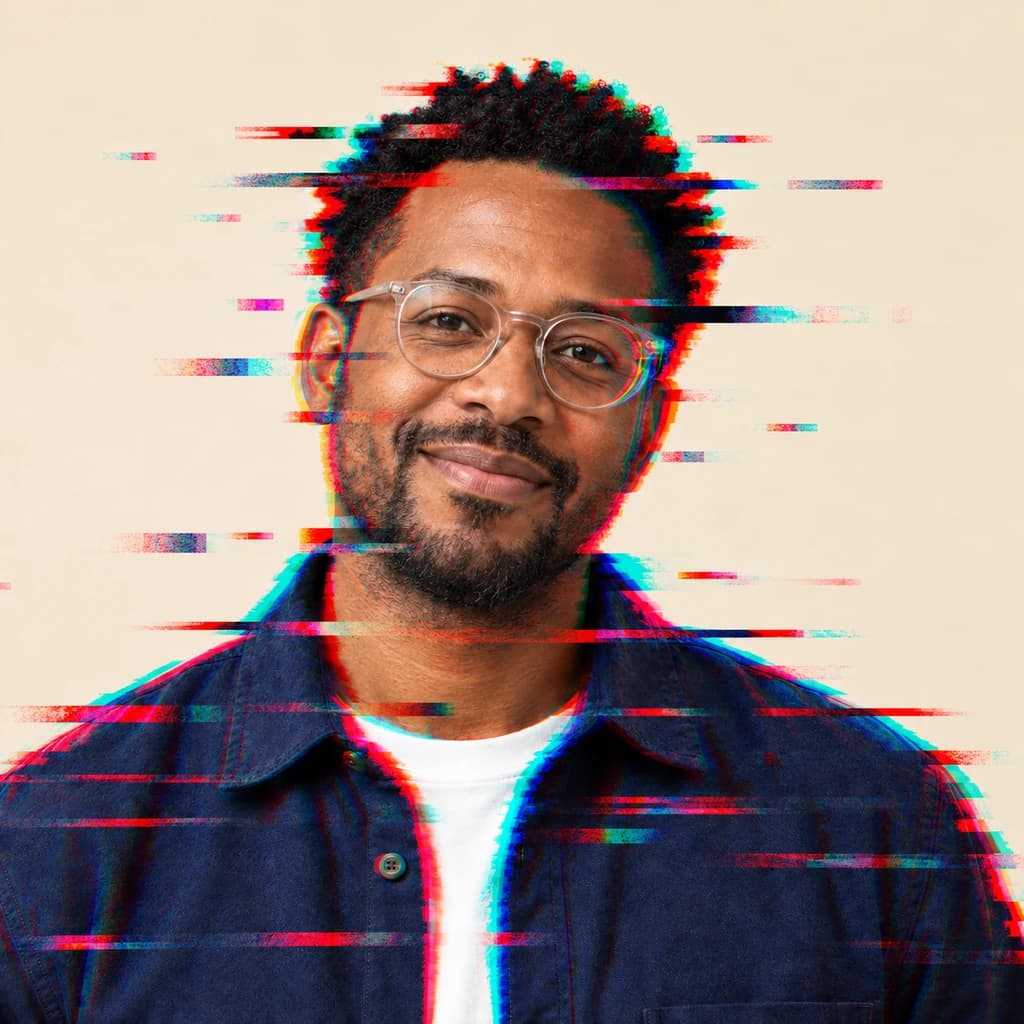
Photo to glitch art makes a picture look like a corrupted file or a bad video signal, on purpose. Upload a portrait or a street shot with your face in sharp focus. Red and cyan copies slip off your outline, and thin horizontal streaks and pixel bars tear across the frame. Your face, real colors and setting stay readable underneath. The samples are free to explore; glitching your own photo takes a sign-in and credits.
From 8 creditsJPG, PNG or WebP up to 10 MB
- COST
- From 8 credits
- TIME
- Usually under a minute
- UPLOAD
- JPG, PNG, WebP · 10 MB
- OUTPUT
- PNG up to 4096 px
Styles
57 stylesAnime & Cartoon
11Artistic
133D & Avatars
8Fun & Creative
9Retro & Vintage
3Digital & Modern
8Sculptures & Crafts
5Illustrative style preview · Your result will vary
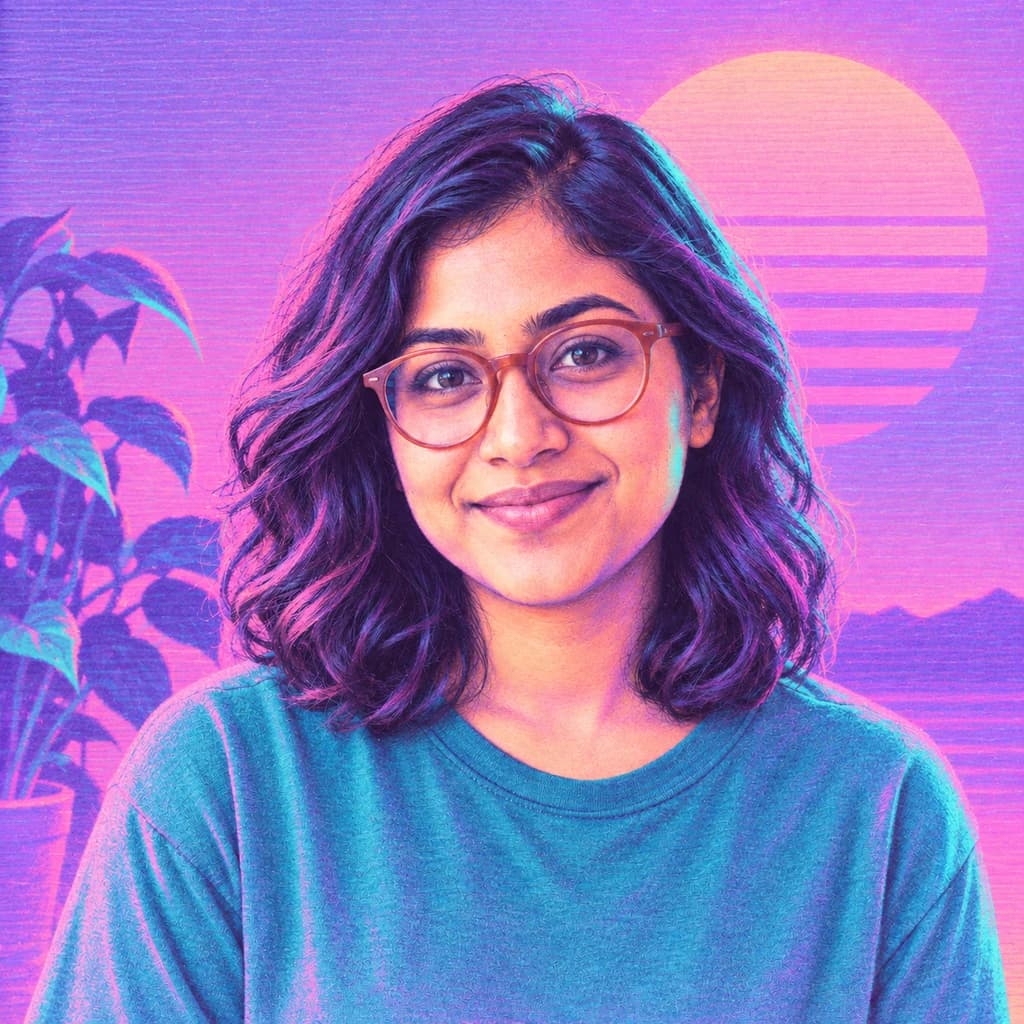
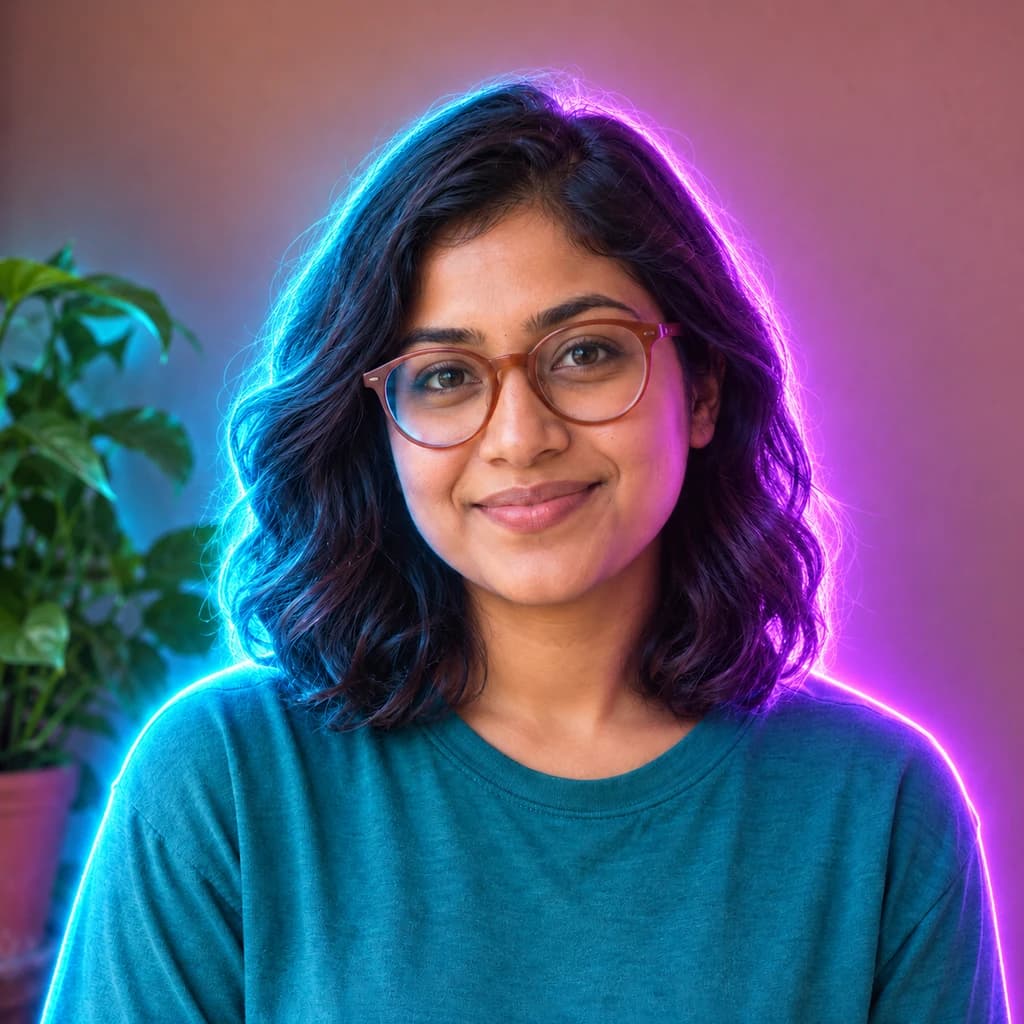
Portrait with terracotta glasses
Sample photo
PRESET · /tools/photo-to-glitch-art · Seedream 4 · 2K · 1:1
Open full studio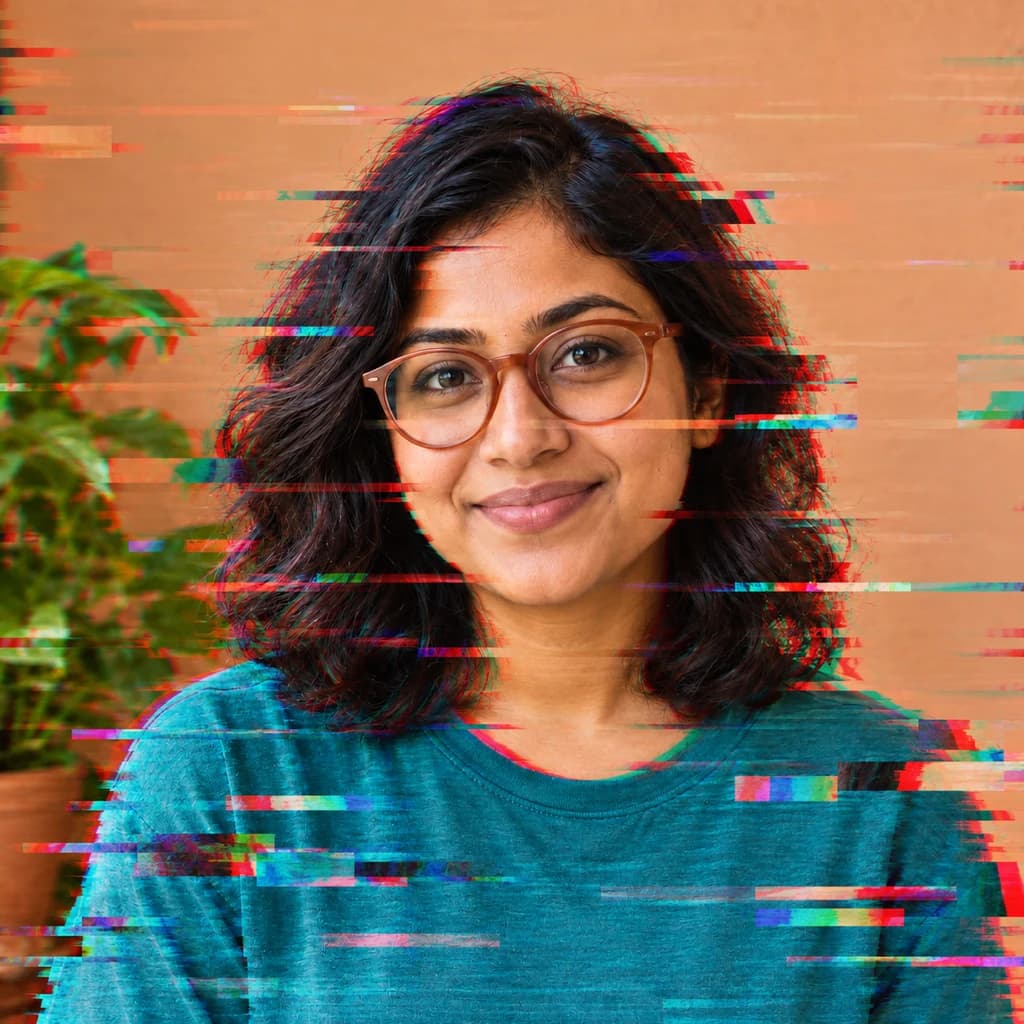 Glitch ArtSeedream 4 · 2K · 1:1
Illustrative style preview · Your result will vary
11 credits / image · From $9.99 a month
/tools/photo-to-glitch-art
Open full studioPhoto to Glitch Art examples
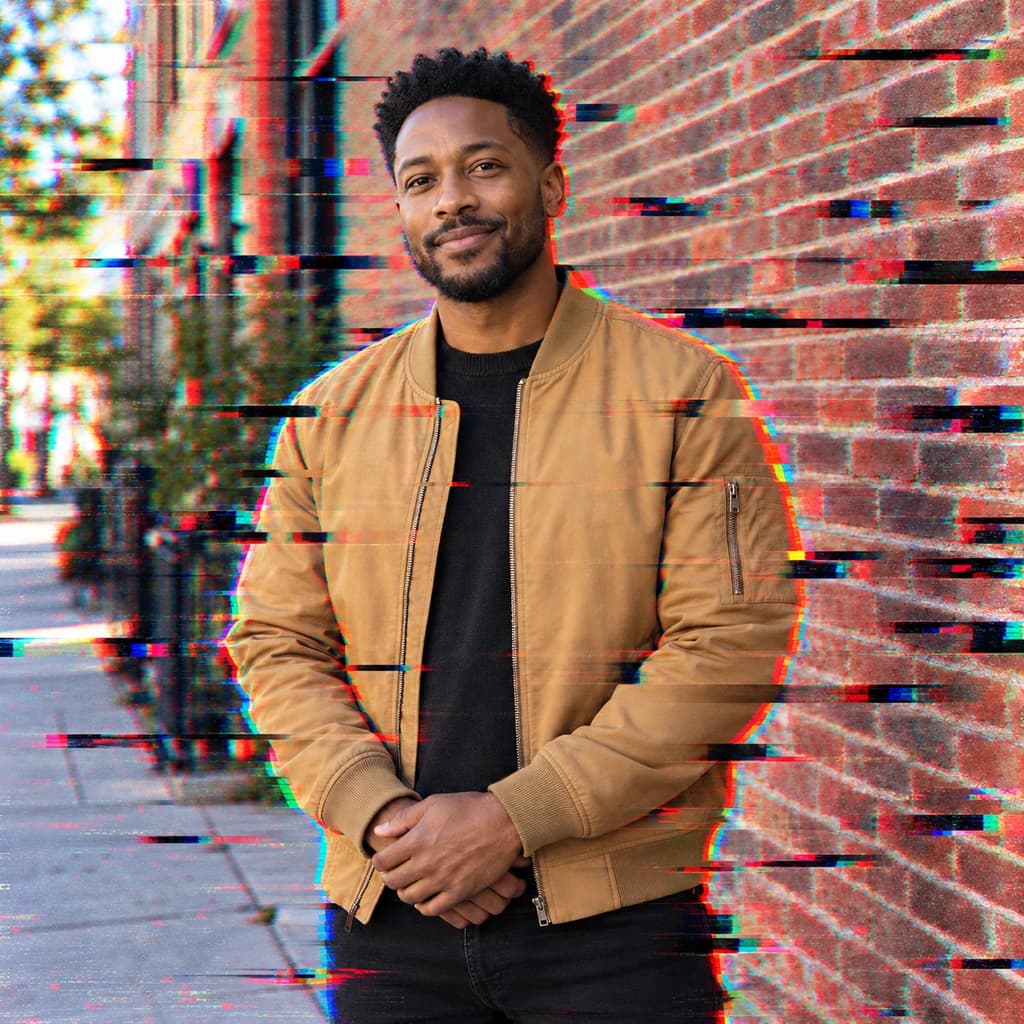
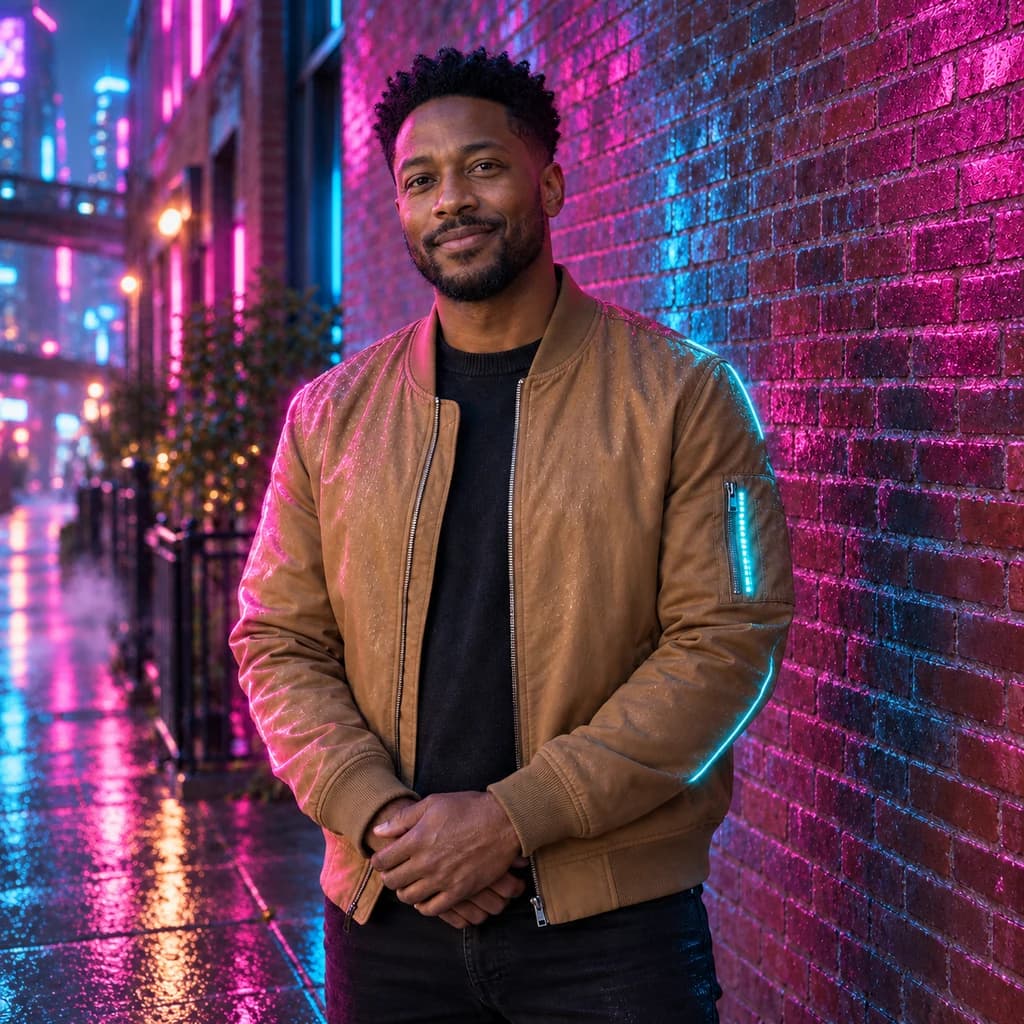
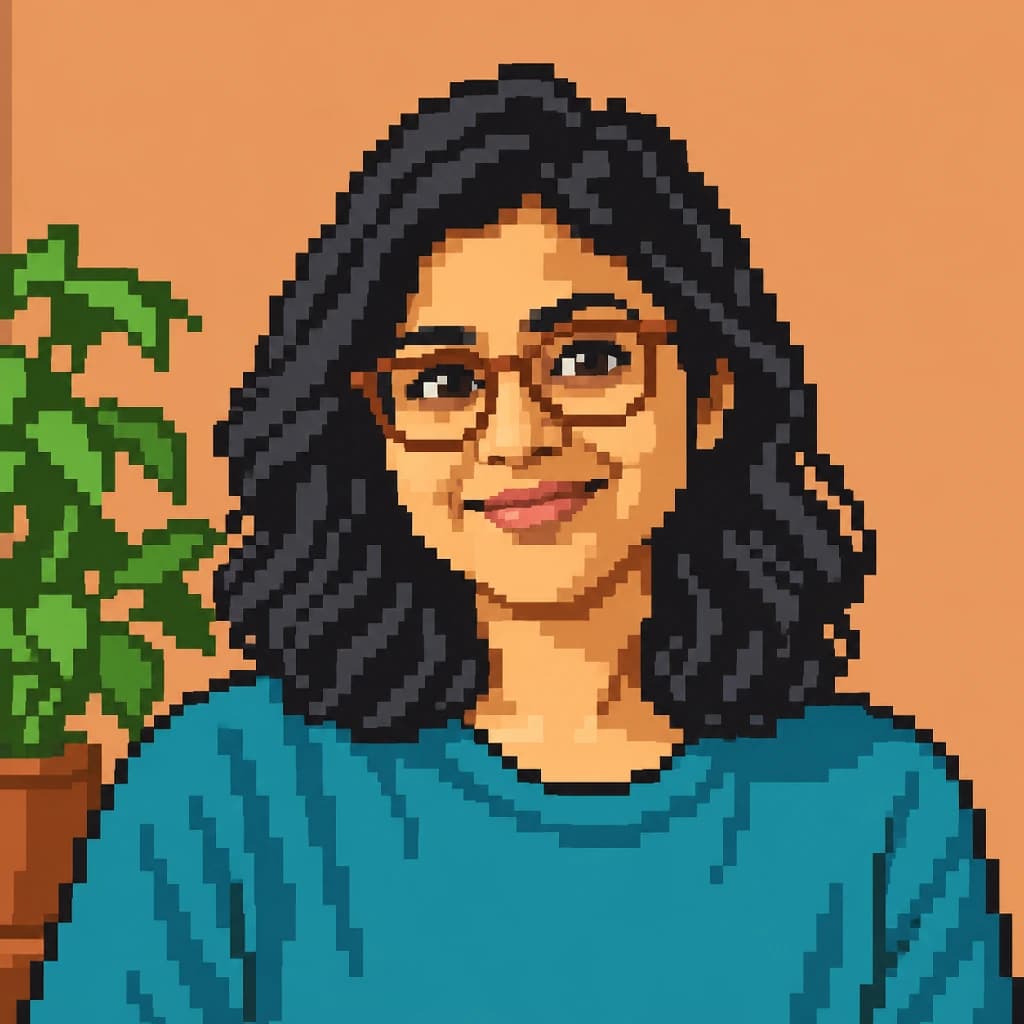
Each picture keeps its own colors and light. In the portrait with round glasses, red and cyan copies split off his hair and shoulders, and short streaks shoot into the cream wall. The portrait with terracotta glasses gets rainbow pixel bars across her shirt. In the portrait in a tan jacket, dark streaks cut across the brick wall and sidewalk.
 ORIGINALGLITCH ART
Portrait with terracotta glasses01  ORIGINAL
 GLITCH ART
Portrait with round glasses02 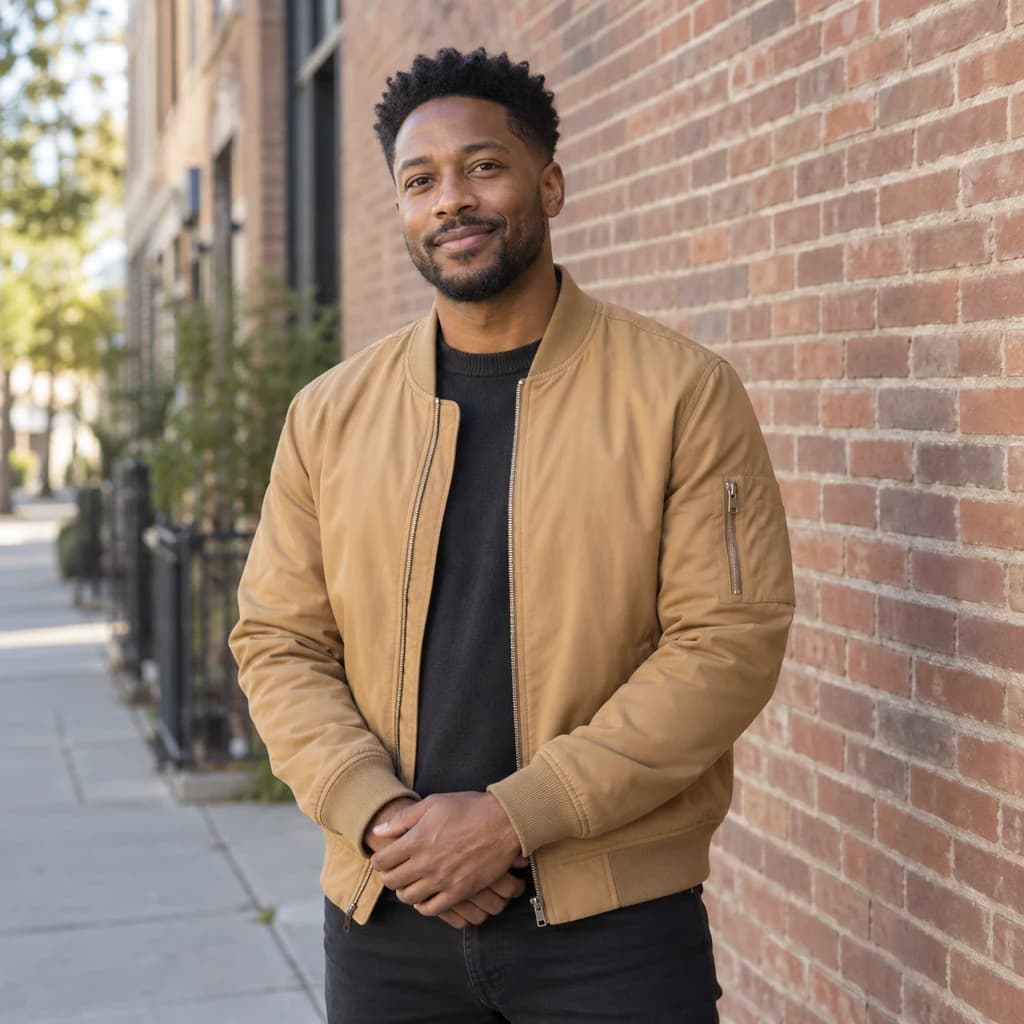 ORIGINAL
 GLITCH ART
Portrait in a tan jacket03
Illustrative style preview · Your result will vary
What is glitch art?
Glitch art is art that uses digital and electronic errors as its raw material. Nam June Paik bent television pictures with a magnet in Magnet TV (1965), and Rosa Menkman's Glitch Studies Manifesto (2010) argued for treating breakdowns as a form of their own. Typical marks are color channels pulled apart, rows of pixels sliding sideways and blocks of corrupted data.
Instead of breaking a file for real, this style paints the damage on. Red and cyan copies of your outline slip out of line, thin streaks and colored pixel bars cross the frame, and the heaviest tearing lands on hair, clothes and background. Your own colors, light and setting stay, so the photo still reads as the moment you remember.
How to turn a photo into glitch art
Glitch art breaks the picture around a clear face, so sharp focus matters more than the setting.
Portrait with round glasses STEP 01
Upload a sharp portrait
Bring a sharp JPG, PNG or WebP of up to 10 MB, or test on a sample. A face in crisp focus survives the streaks best; a photo that is already blurry tends to look simply broken rather than glitched on purpose.
- OriginalGlitch Art
STEP 02
Break it, on purpose
Colors slip out of line into red and cyan edges. Rows of pixels slide sideways and the picture tears into streaks. Most of it lands on edges and backgrounds, so your face stays clear.
STEP 03
Generate and download the glitch
Sign in and spend credits to generate, from 8 per image based on model and quality. Download it as a PNG, which keeps the hard pixel edges intact, and find every version again in your history.
Ways to use it
Places where a broken-signal look grabs attention.
- Album and single coversTorn, color-split art suits electronic, hip-hop and indie releases.
- Thumbnails and video introsGlitched frames grab attention in thumbnails, title cards and intros.
- Event posters and flyersClub nights, gigs and launch events look right with a glitched portrait.
- Edgy profile picturesA clear face with broken edges makes an avatar people remember.
- Posts that stop the scrollSplit colors and streaks stand out in a feed of clean photos.
- Gaming and stream artGlitched portraits for channel banners, overlays and team pages.
Photo to Glitch Art: what to expect
Where the digital damage lands on your photo, what survives untouched and what you cannot control.
| FEATURE | What you get | Before you start | Limits |
|---|---|---|---|
| Faces | Eyes, nose and mouth kept clear, with at most a thin color fringe along the jaw or hairline. | Look at or close to the camera so the clean zone covers your whole face. | A streak can still cross a cheek or a lens now and then. |
| Colors | Your photo's own colors and light, plus red and cyan fringes and multicolored pixel bars. | Strong colors in the original, like a teal top or red brick, make the fringes easier to see. | You cannot pick the fringe colors; red and cyan are the usual pair. |
| Streaks and pixel bars | Thin horizontal tears and broken bars across hair, clothes and background. | Crop the photo the way you want it first, since streaks are placed across the whole frame. | Where the tears fall and how many there are changes with every run. |
| Setting | The original place, time of day and light, like the daylight street in the tan-jacket sample. | Indoors or out both work, because the background is not swapped. | No new scenery is added. For a different place around you, try cyberpunk or vaporwave. |
Tips for better glitch art results
Small choices that make the glitches land where you want them.
- 01
Give the glitches some room
A plain wall or open sky around you gives the streaks and broken bars space, without crowding your face.
- 02
Pets glitch nicely too
Fur picks up red and cyan fringes along its edges, and a pet's face can stay clear just like a person's.
- 03
Make a few, pick the damage
Each run tears the picture differently, from a light fringe to heavy streaks. Make a few versions and keep the amount you like.
- 04
Turn it into motion
A glitched portrait makes a strong opener for a video. Animate it with our image to video tool, from 8 credits per second at 480p.
Photo to Glitch Art FAQ
Where the glitches land, why your colors stay and how this differs from vaporwave and hologram; for general account, credit and privacy answers, open the main FAQ.
Will my face stay clear?
What are the red and cyan edges?
Does glitch art change my colors or background?
Which photos glitch best?
How is glitch art different from vaporwave?
Is the hologram style a kind of glitch?
Will it work on a pet or a group photo?
Why is the damage different every time?
Can I print glitch art at poster size?
Can I use a glitched portrait on a release or event poster?
Give your photo a broken-signal look
Check how much damage each sample carries before you spend anything; the samples are open to everyone. Glitching your own photo needs an account and credits, with plans from $9.99 a month and the cost of each image shown in the studio first.