Photo to
Roblox
Photo to Roblox turns a person into a smooth, blocky avatar like the ones players build on Roblox: square limbs, a boxy torso, a simple painted face and a plastic finish. Upload a full-body photo of yourself or your child. Hair, skin tone and outfit colors carry over, down to the shoes. Anyone can view the sample avatars; generating from your own photo means signing in and spending credits.
A Roblox-inspired fan style. PhotoToCartoon is not affiliated with or endorsed by Roblox Corporation.
From 8 creditsJPG, PNG or WebP up to 10 MB
- COST
- From 8 credits
- TIME
- Usually under a minute
- UPLOAD
- JPG, PNG, WebP · 10 MB
- OUTPUT
- PNG up to 4096 px
Styles
57 stylesAnime & Cartoon
11Artistic
133D & Avatars
8Fun & Creative
9Retro & Vintage
3Digital & Modern
8Sculptures & Crafts
5Illustrative style preview · Your result will vary
Full-body portrait in coral
Sample photo
PRESET · /tools/photo-to-roblox · Seedream 4 · 2K · 1:1
Open full studio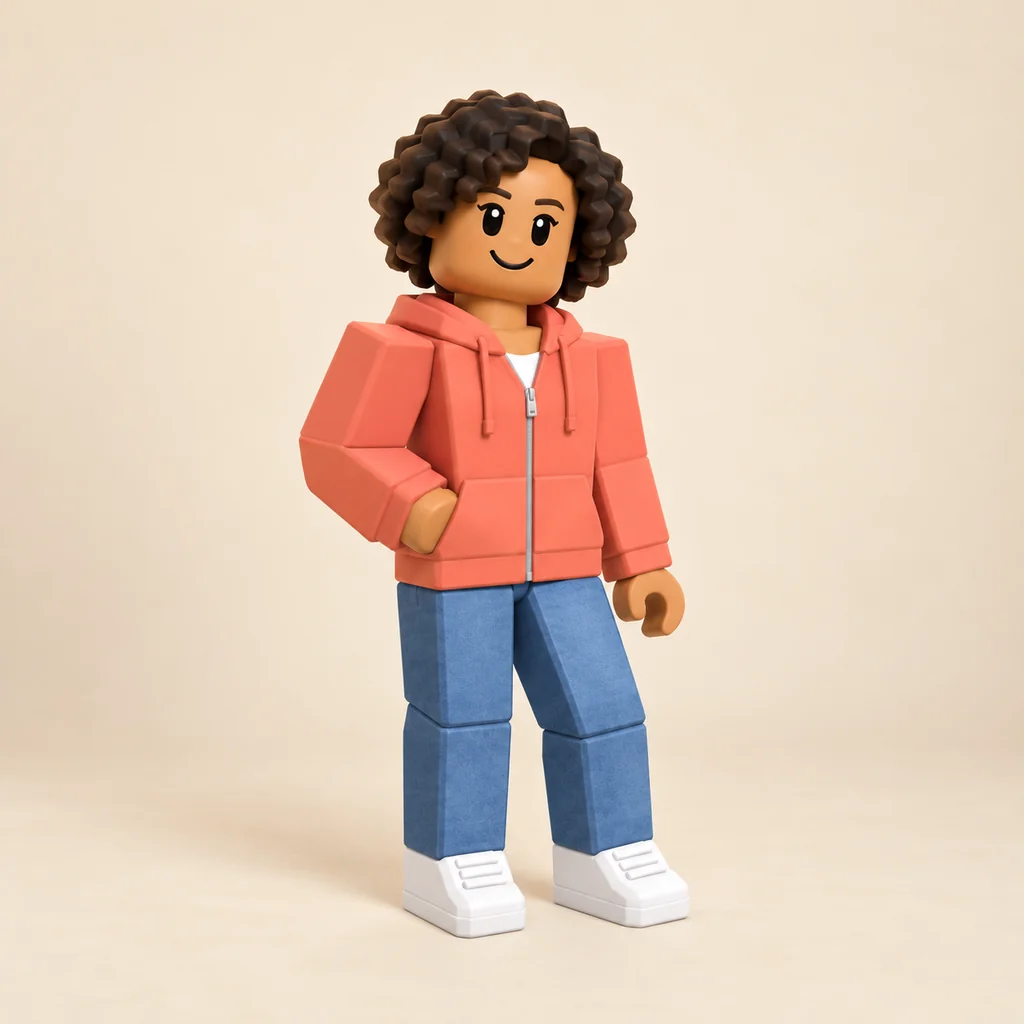 RobloxSeedream 4 · 2K · 1:1
Illustrative style preview · Your result will vary
11 credits / image · From $9.99 a month
/tools/photo-to-roblox
Open full studioPhoto to Roblox examples
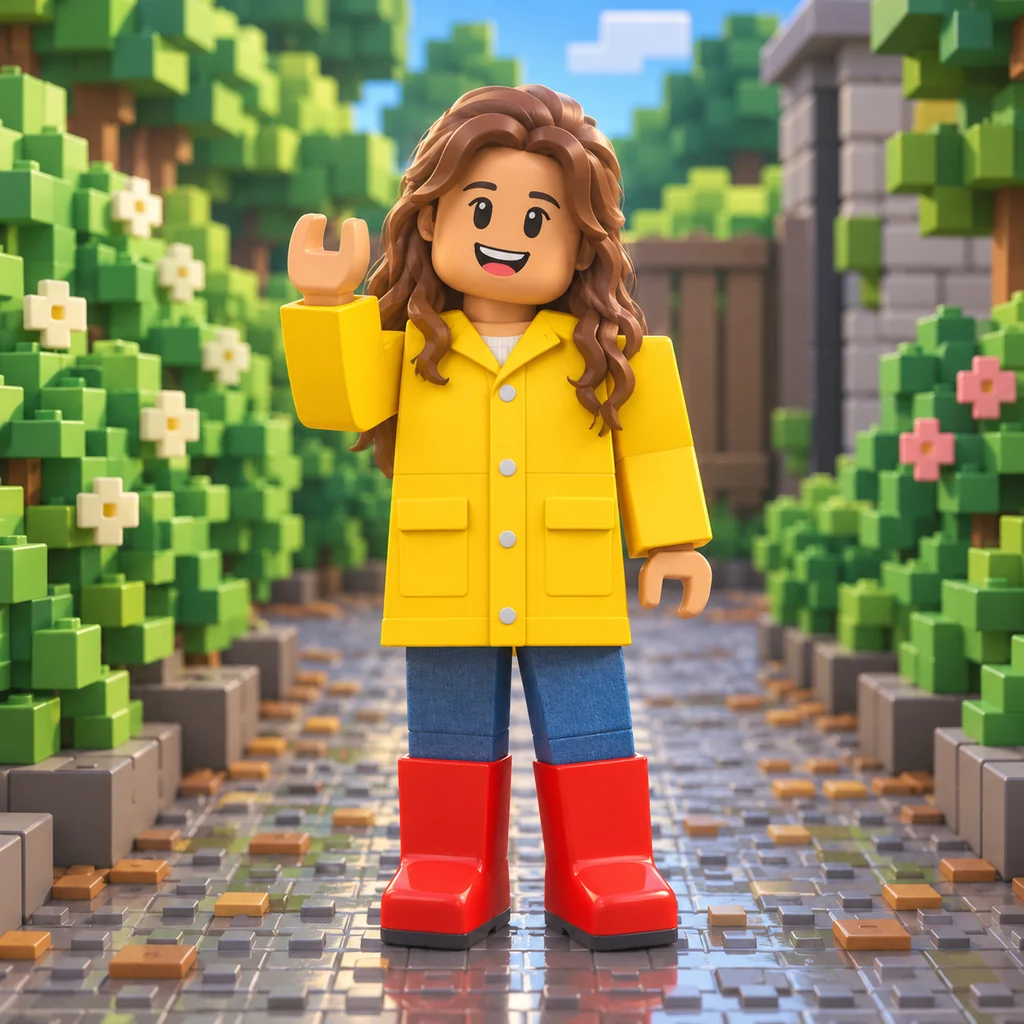
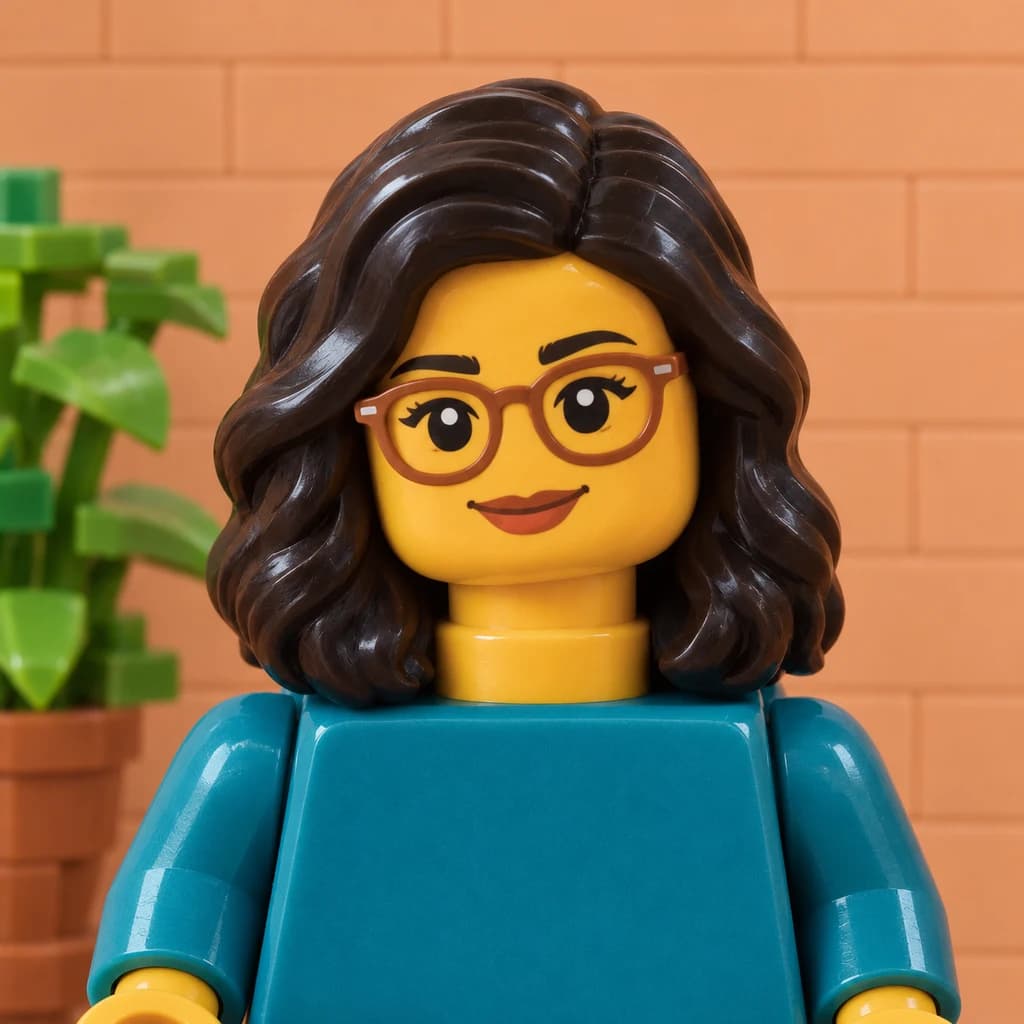
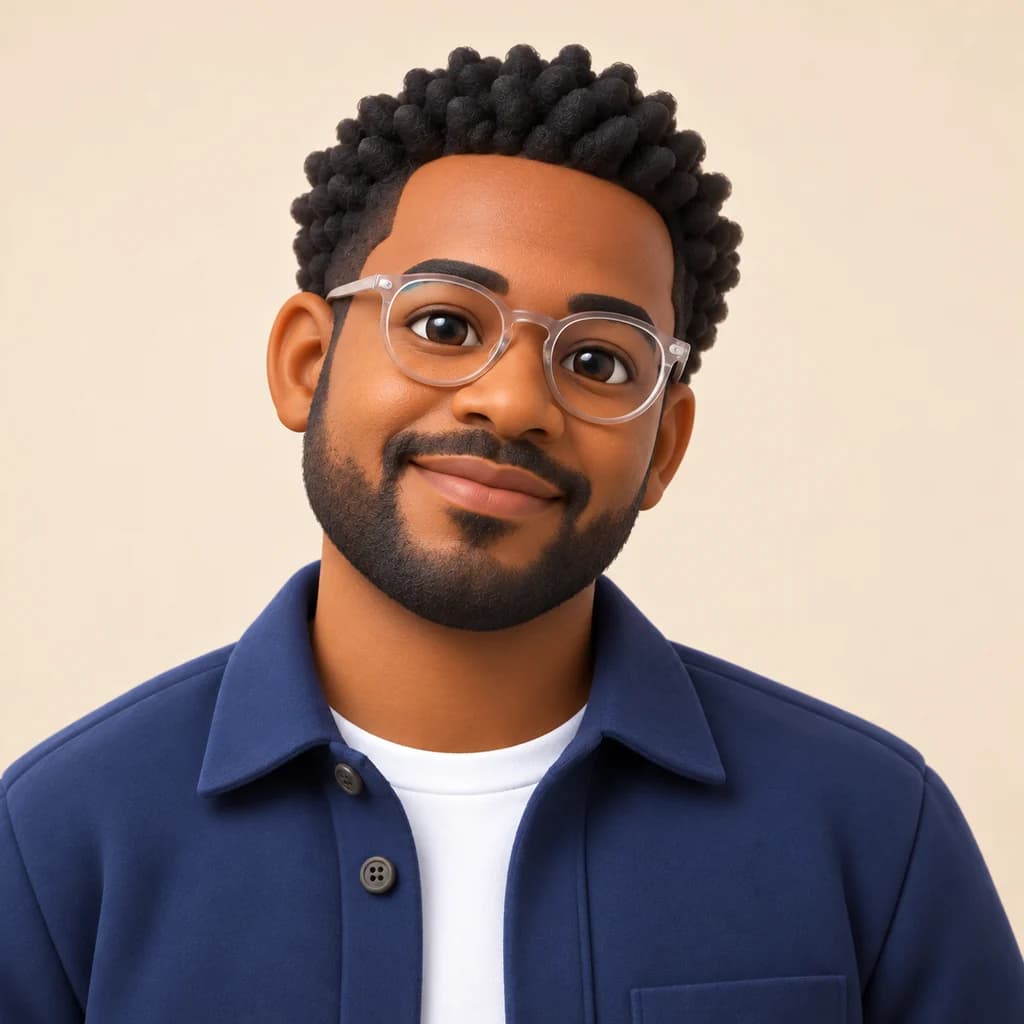
The full-body portrait in coral becomes a smooth avatar with sculpted curls, a boxy hoodie and chunky white sneakers. The full-body portrait in mustard keeps the black glasses, pocketed jacket and teal shoes. The child in a yellow raincoat waves in red rain boots from a garden rebuilt in green blocks and stone.
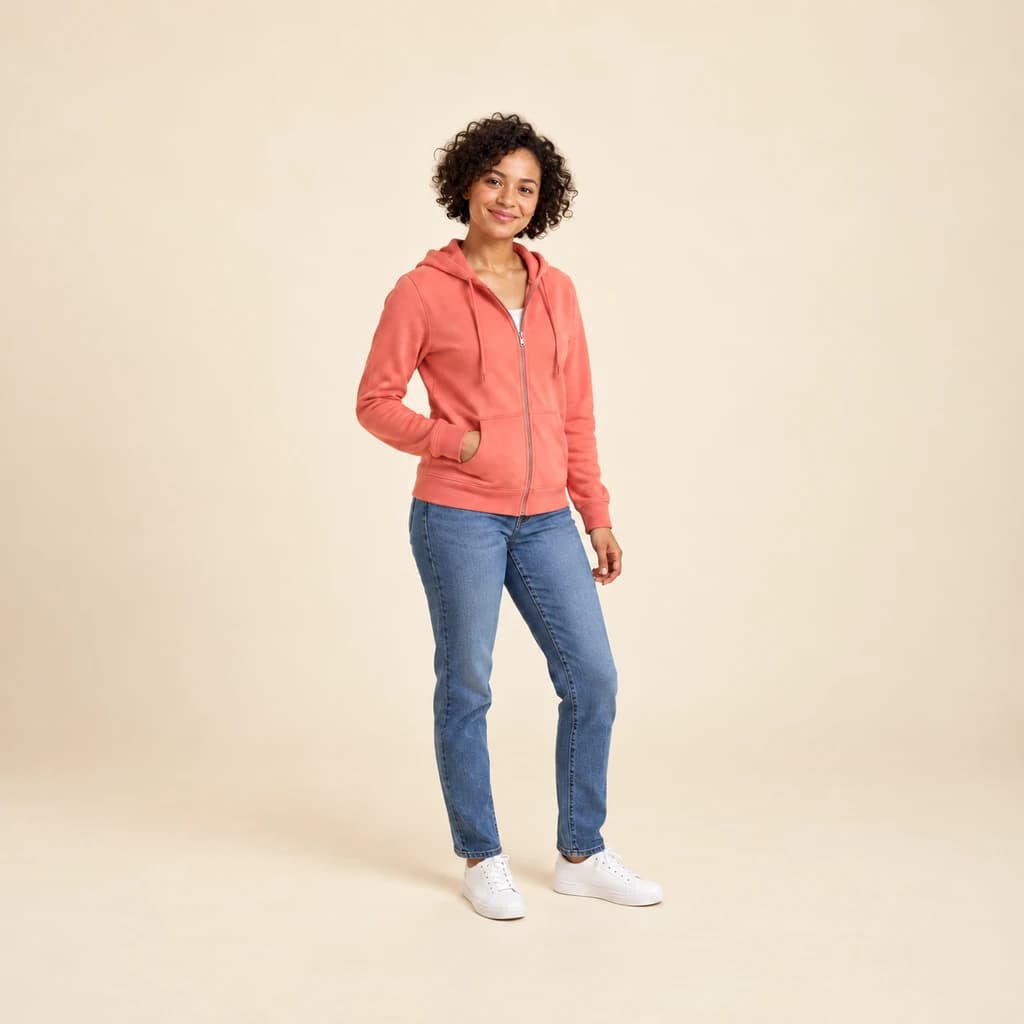 ORIGINALROBLOX
Full-body portrait in coral01 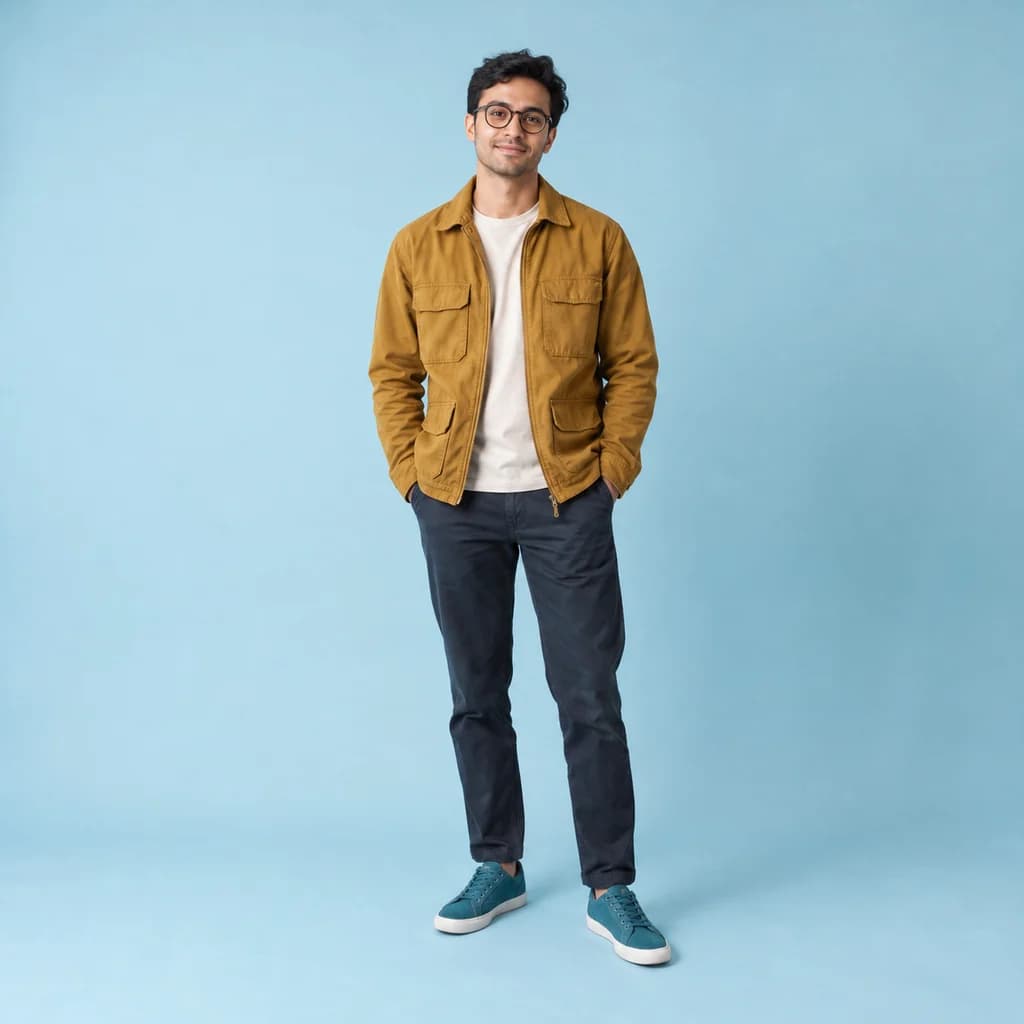 ORIGINAL
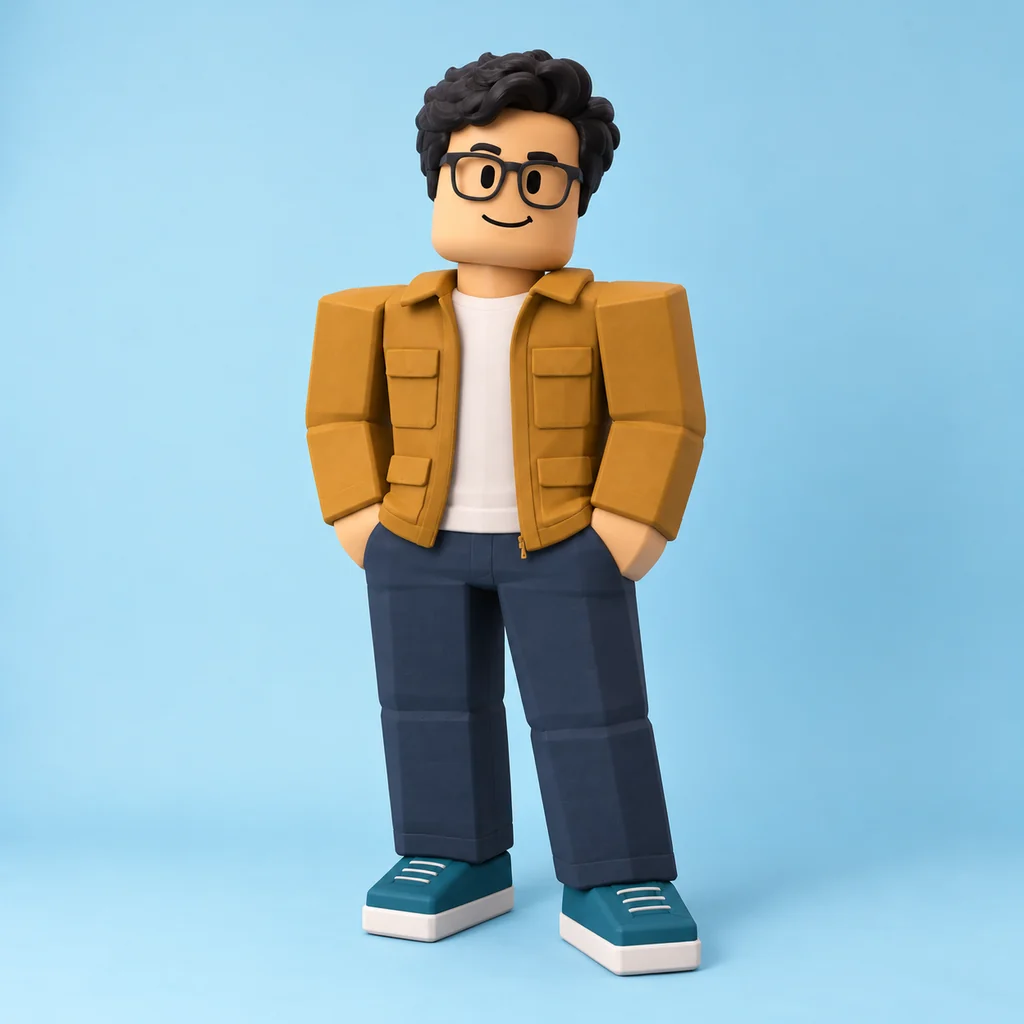 ROBLOX
Full-body portrait in mustard02 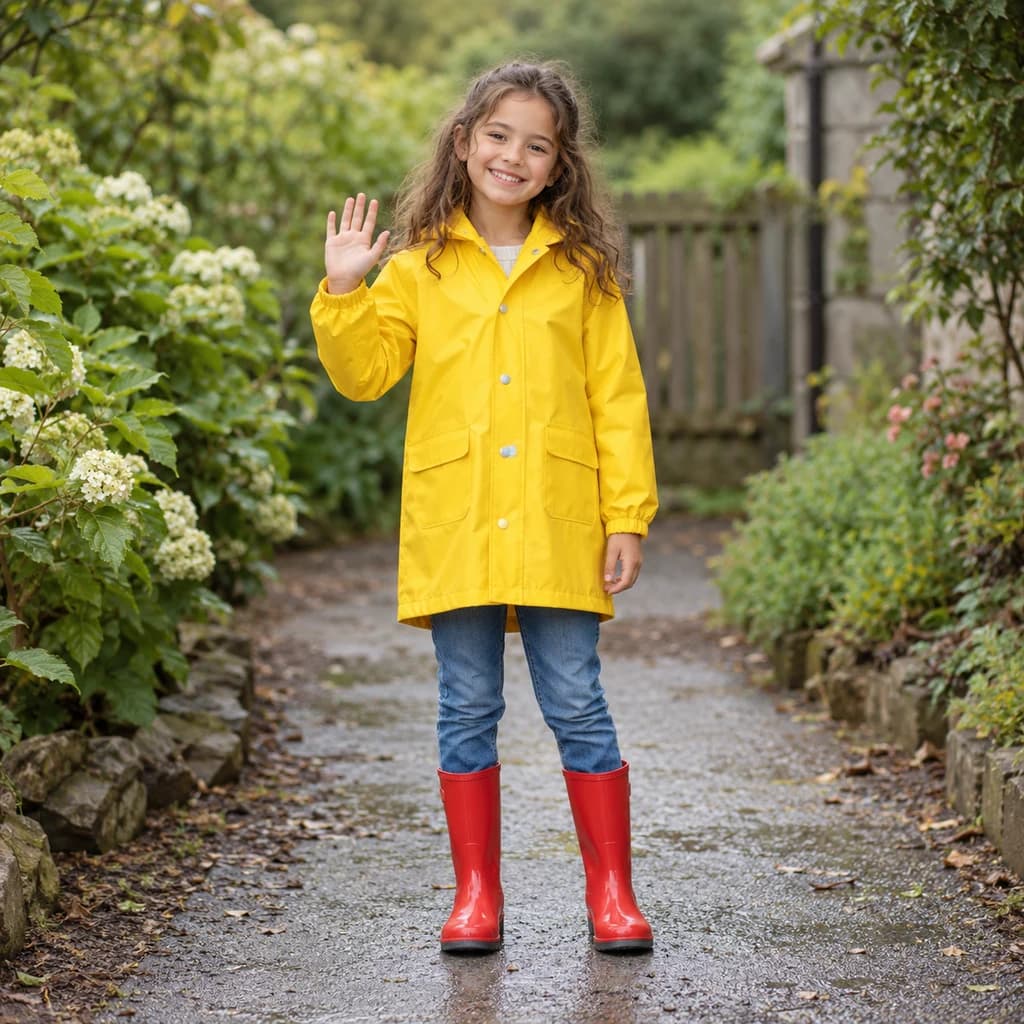 ORIGINAL
 ROBLOX
Child in a yellow raincoat03
Illustrative style preview · Your result will vary
What is Roblox style?
Roblox style is the blocky avatar look of Roblox, the online platform where players create and play each other's games. David Baszucki and Erik Cassel founded the company, and the platform launched in 2006. Its classic avatars are made of a few simple parts: a boxy torso, square arms and legs, and a round-edged head with a plain painted-on face. Surfaces look like smooth plastic.
That simplicity is what makes the look so recognizable, and it means likeness comes from your hair, skin tone and clothes rather than your face. The redraw keeps your outfit colors and pose, sculpts your hair as one piece and adds a cheerful game face. Plain backdrops stay plain; a real setting may be rebuilt in blocks around you.
How to turn a photo into Roblox style
Stand back for a full-body photo, and the studio rebuilds you as a smooth, blocky avatar.
Full-body portrait in mustard STEP 01
Upload a photo
Upload a JPG, PNG or WebP up to 10 MB, or try the blocky look on a sample photo first. The character is built from body blocks, so a head-to-toe shot with your feet in frame gives the most complete avatar.
- OriginalRoblox
STEP 02
Block it out
Your shape is rebuilt from simple blocks: a boxy head, square limbs and a plastic finish. Faces become simple and game-like. Hair color, skin tone and outfit colors stay close to your photo.
STEP 03
Generate and download
Sign in and generate your avatar picture from 8 credits. Take the PNG for a profile or an invite; it is saved to your history too.
Ways to use it
Fun places to use a blocky version of you.
- Game-themed birthday invitesPut the birthday kid on the invite as a blocky game character.
- Gaming profile picturesA blocky you for your gamer tag, chat server or friends list.
- Outfit inspirationUse the picture as a guide when you dress your real in-game avatar.
- Blocky pet portraitsTurn your dog or cat into a cube-built character with a flat, simple face.
- Bedroom postersPrint your young gamer as a blocky hero for their wall.
- Group chat laughsMake the whole friend group blocky and share the set.
Photo to Roblox: what to expect
How the Roblox-style redraw treats your body, face, clothes and surroundings, and where it stops.
| FEATURE | What you get | Before you start | Limits |
|---|---|---|---|
| Body | Square arms and legs, a boxy torso and blocky hands, as in all three samples. | Use a full-body photo with your arms visible, standing or waving. | Your real body shape is replaced by the standard blocky build. |
| Face | A simple painted face: dot eyes, small brows and a curved smile. | A clear smile carries over best, since the face has only a few marks. | Freckles and face shape don't survive, though glasses usually do. |
| Hair and clothes | Hair sculpted as one chunky piece; jackets, pockets, boots and sneakers kept in their colors. | Wear solid colors; they turn into clean plastic blocks. | Fine patterns and small text are simplified away. |
| Game use | A PNG picture of an avatar-style character. | Decide if you want a profile picture, an invite image or an outfit reference. | Not an avatar, accessory or item you can load into Roblox. |
Tips for better Roblox-style results
Simple photos make the best blocks.
- 01
Go full body
Blocky characters look best from head to toe. Stand back so the whole figure is in frame, feet included.
- 02
Wear bold, simple colors
Solid colors turn into clean blocks. Fine patterns and small logos tend to get simplified or dropped along the way.
- 03
Keep the pose simple
Standing straight, or sitting with your arms visible, reads best. Crossed arms and tangled poses can get lost in the block shapes.
- 04
Go for a clear expression
The face gets simplified to a few lines. A big smile or a clear frown usually carries over better than a subtle look.
Photo to Roblox FAQ
Questions about the Roblox-style avatar look; see the main FAQ linked below for accounts, credits and privacy.
Will my avatar look like me?
Can I import it as my Roblox avatar?
How big is it for invites and posters?
Does it work for kids, groups and pets?
Roblox style or Minecraft style?
Why does each avatar come out different?
Is this made with Roblox Corporation?
Why are my hands shaped like that?
What happens to the background?
Turn yourself into a blocky game character
See the three blocky avatars, including the waving kid in the yellow raincoat, for free. Sign in when you want one made from your own photo; each version uses credits, and plans begin at $9.99 a month.