Photo to
Manga
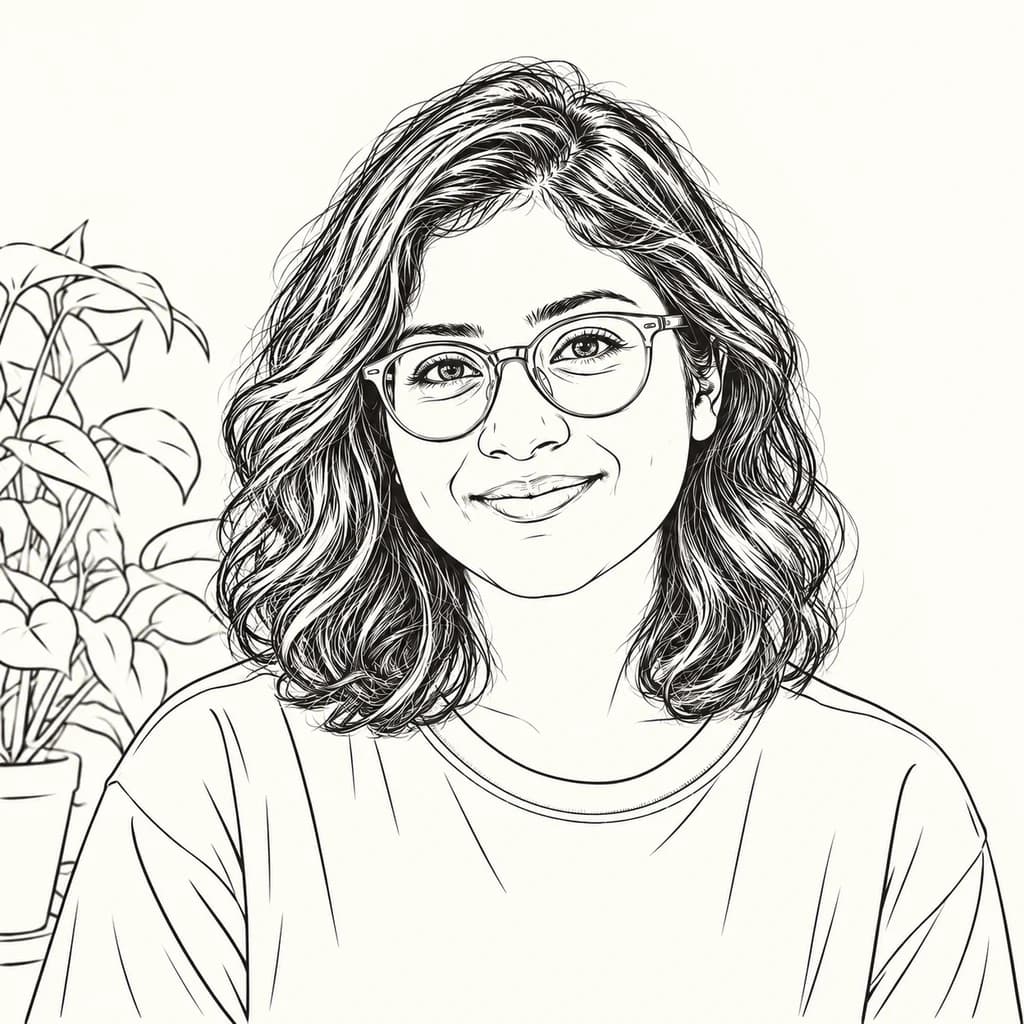
Photo to manga redraws a photo as a black-and-white page from a Japanese comic, built from ink lines and gray tone instead of color. Upload a portrait or a street shot with clear light and shadow. Your face, glasses, clothes and background are traced in ink, while color drops away and shading turns into lines and dots. Seeing the samples is free; turning your own photo into a panel takes a sign-in and credits.
From 8 creditsJPG, PNG or WebP up to 10 MB
- COST
- From 8 credits
- TIME
- Usually under a minute
- UPLOAD
- JPG, PNG, WebP · 10 MB
- OUTPUT
- PNG up to 4096 px
Styles
57 stylesAnime & Cartoon
11Artistic
133D & Avatars
8Fun & Creative
9Retro & Vintage
3Digital & Modern
8Sculptures & Crafts
5Illustrative style preview · Your result will vary
Portrait with terracotta glasses
Sample photo
PRESET · /tools/photo-to-manga · Seedream 4 · 2K · 1:1
Open full studio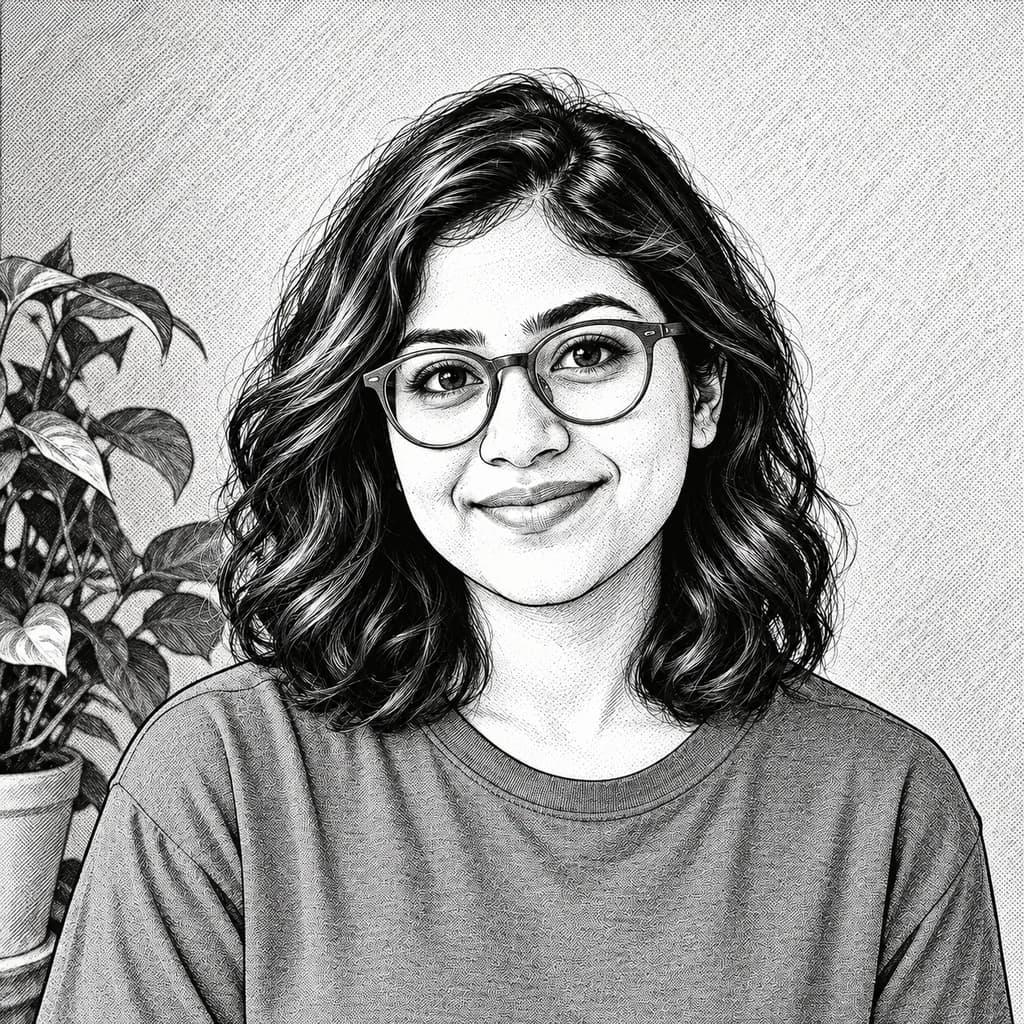 MangaSeedream 4 · 2K · 1:1
Illustrative style preview · Your result will vary
11 credits / image · From $9.99 a month
/tools/photo-to-manga
Open full studioPhoto to Manga examples
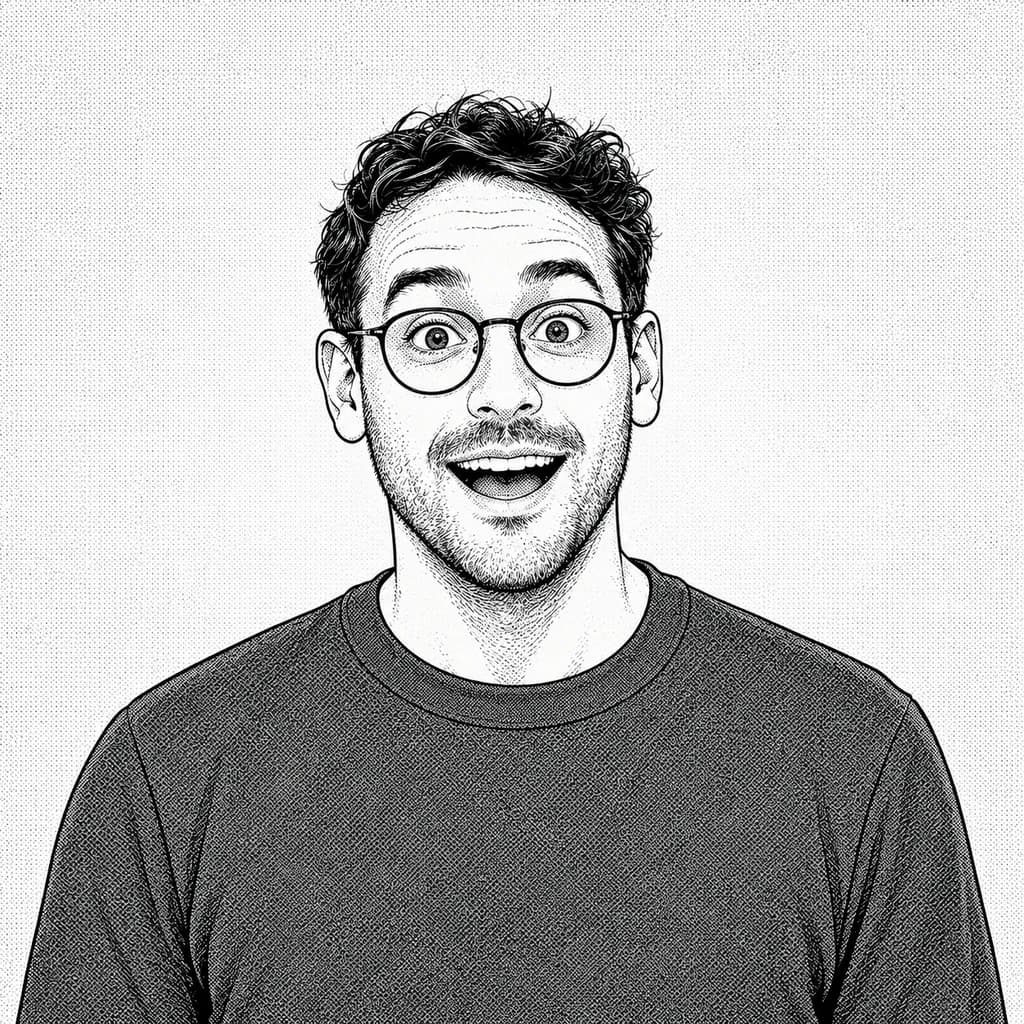
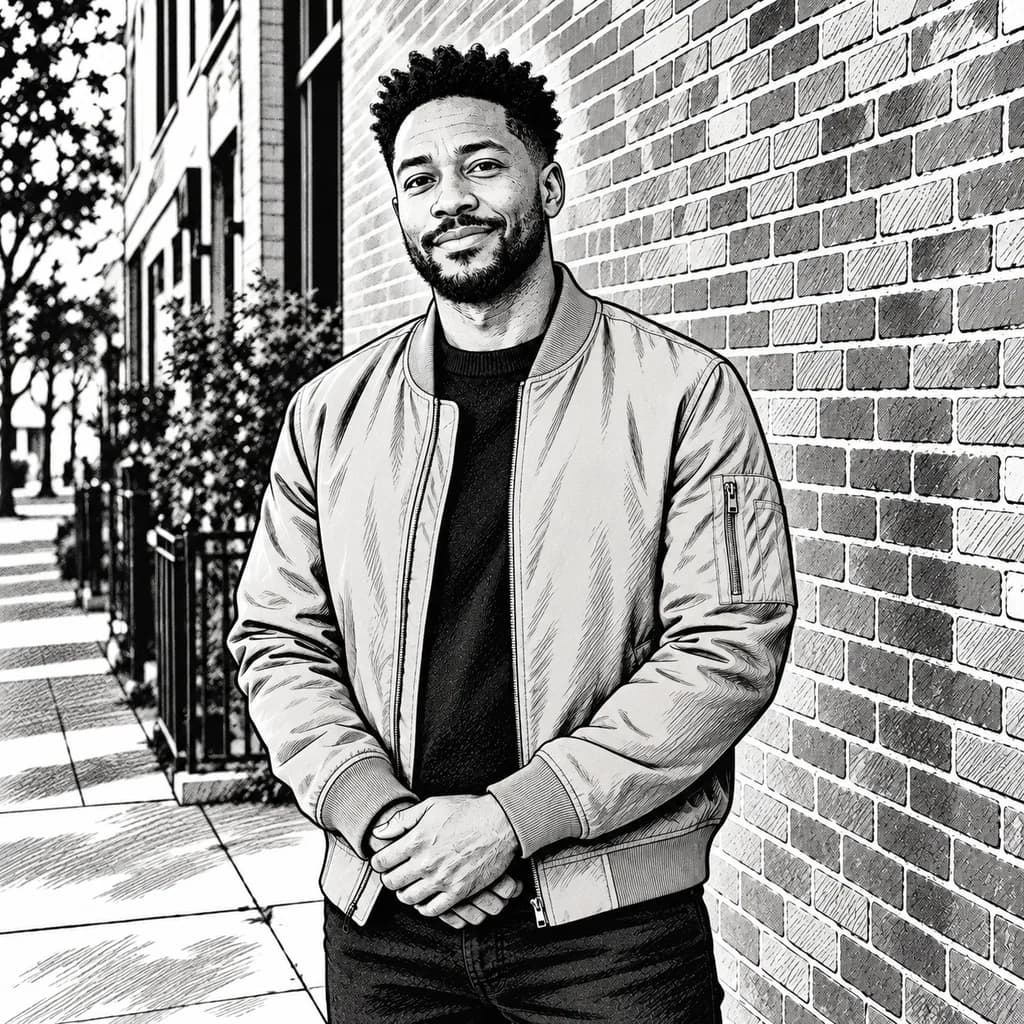
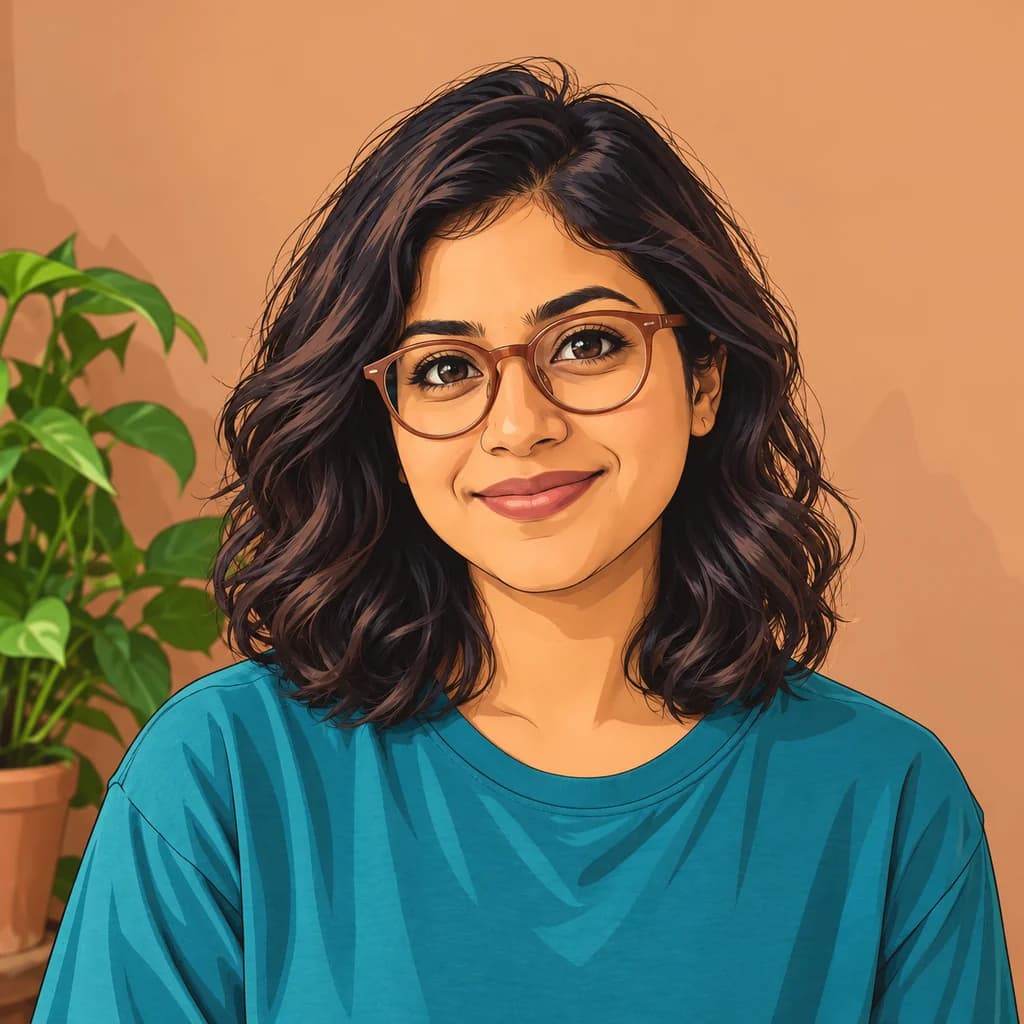
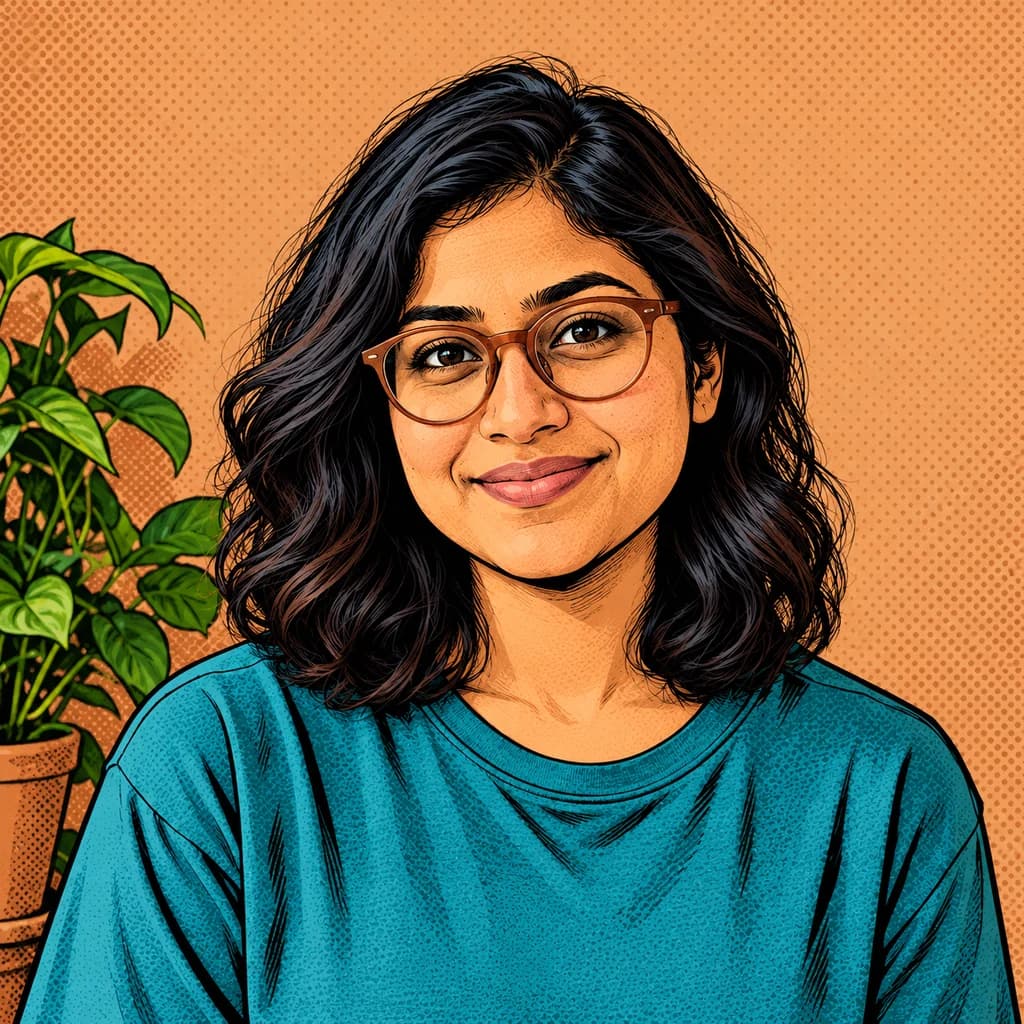
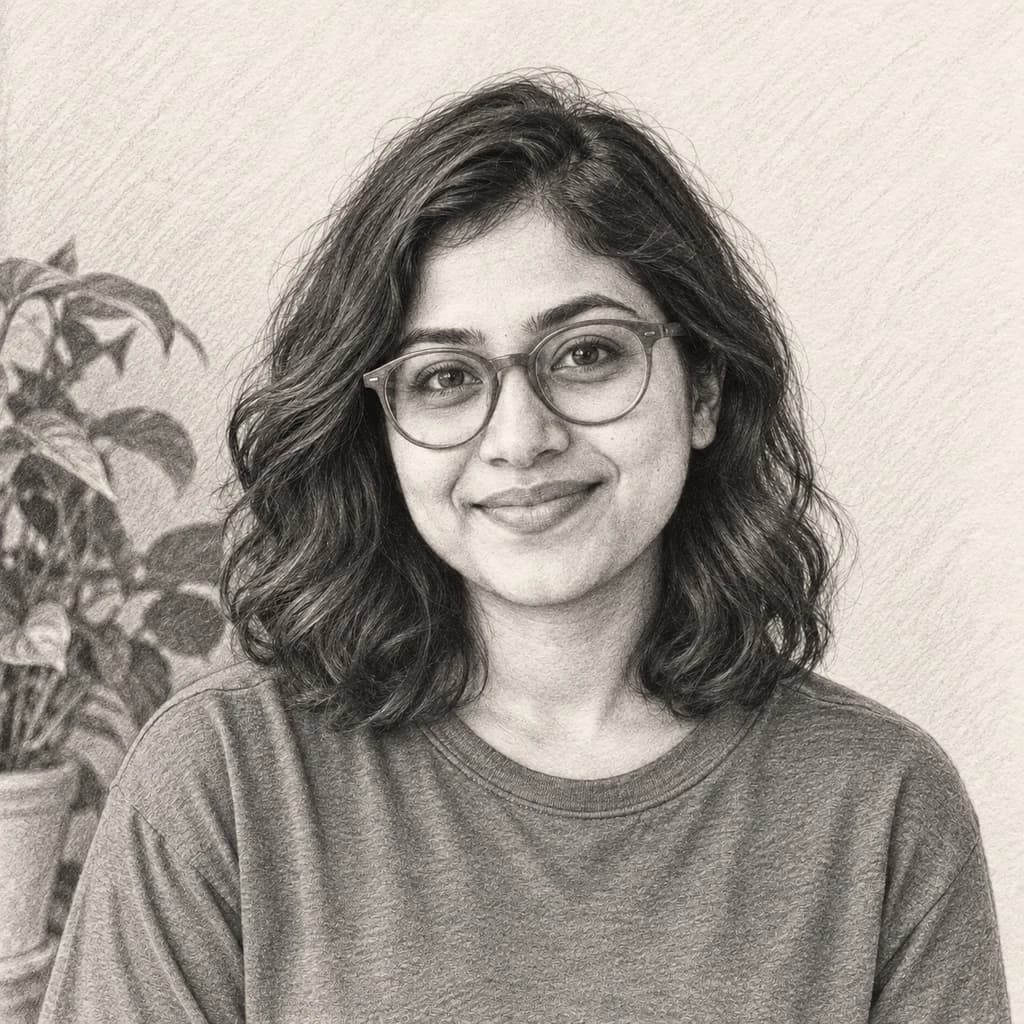
All three drop color for black ink. In the portrait with terracotta glasses, the curls are drawn strand by strand and the wall fills with diagonal lines. The expressive portrait in teal keeps the wide eyes and open mouth against a dotted gray backdrop. The portrait in a tan jacket shows how far the inking goes: every brick, railing and paving stone is drawn.
 ORIGINALMANGA
Portrait with terracotta glasses01  ORIGINAL
 MANGA
Expressive portrait in teal02 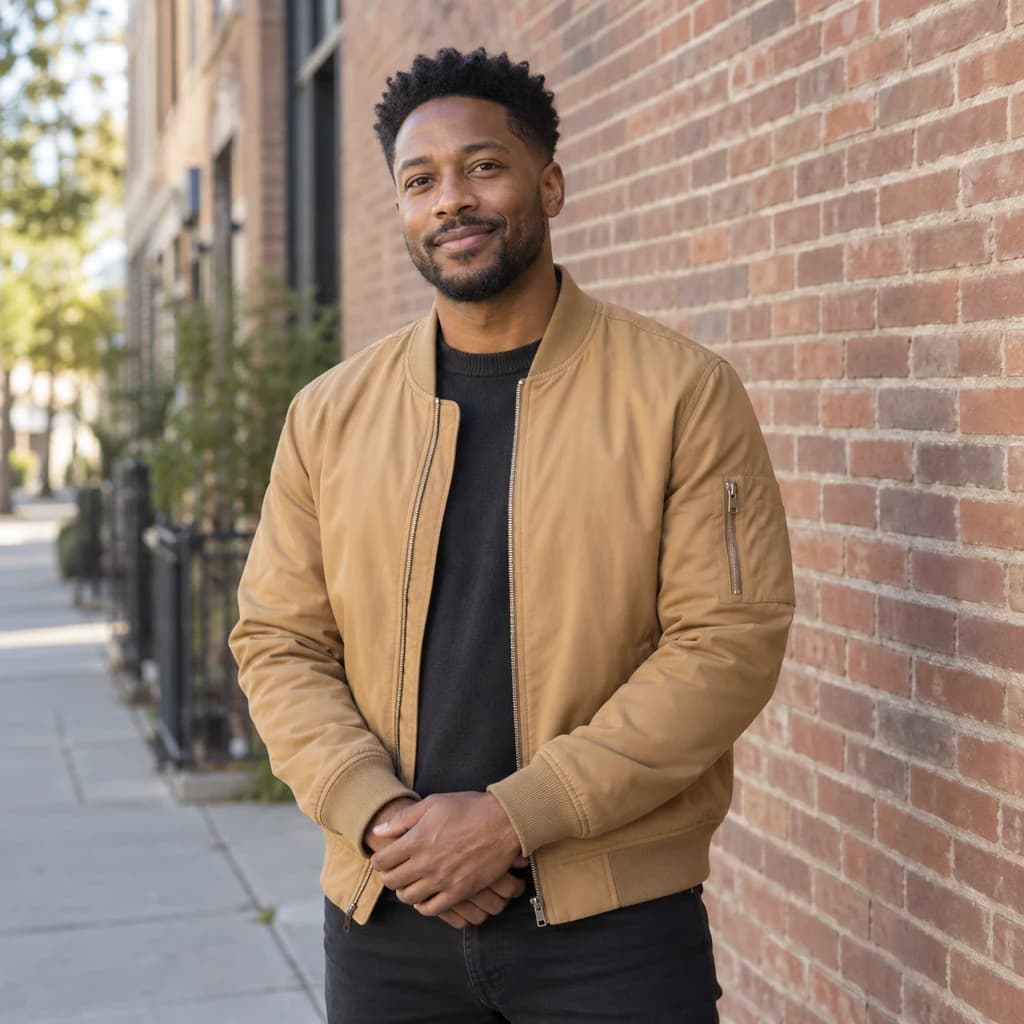 ORIGINAL
 MANGA
Portrait in a tan jacket03
Illustrative style preview · Your result will vary
What is manga style?
Manga is the Japanese word for comics, and most manga are printed in black and white. Weekly magazines such as Shueisha's Weekly Shōnen Jump, launched in 1968, print new chapters on inexpensive paper, which helps explain why the art leans on ink rather than color. Faces get clean outlines, hair gets fine strands, and shadows come from rows of lines or dot patterns that read as gray.
Photos with strong light and shadow give the inking the most to work with, since shadows become line shading. The redraw keeps your proportions close to real life. Color mostly disappears: a teal shirt and a tan jacket both turn into shades of gray, so patterns and contrast matter more than bright clothes.
How to turn a photo into manga
Three steps from a color photo to a black-ink panel.
Expressive portrait in teal STEP 01
Choose a photo with real shadows
Upload a JPG, PNG or WebP up to 10 MB, or begin with a sample. A window or low sun off to one side gives the ink clear dark shapes to fill, while flat light leaves less to draw.
- OriginalManga
STEP 02
Redraw it in black ink
Color is replaced with black ink and gray tones. Outlines get crisp, hair is drawn strand by strand, and shadows turn into rows of fine lines. The background is inked too, so the whole frame reads like a printed page.
STEP 03
Sign in and keep the inked page
Sign in, check the price in the studio and generate; manga images start at 8 credits. The finished black-and-white PNG downloads right away and is stored in your history for later.
Ways to use it
Good uses for a black-and-white version of you.
- Your own manga panelsCast yourself and your friends in a short comic or zine.
- Moody profile picturesBlack-and-white ink stands out in a feed full of color photos.
- Framed ink printsInk art suits simple black frames and looks sharp on a white wall.
- Shirts and tote bagsBlack ink art looks clean on white shirts and canvas totes.
- Gifts for manga readersPut a friend inside their favorite kind of story, drawn in ink.
- Pet portraits in inkFur turns into fine parallel lines, and the eyes stay sharp.
Photo to Manga: what to expect
What the inking keeps, what turns gray and where it struggles.
| FEATURE | What you get | Before you start | Limits |
|---|---|---|---|
| Faces and glasses | Real proportions traced in ink, with glasses, stubble and expression kept | Pick a sharp photo; motion blur turns into messy, scratchy lines | Some runs draw the eyes slightly larger, and fine skin detail becomes line texture |
| Clothing color | Colors become shades of gray, with folds and seams drawn as lines | If an outfit matters, wear one with a clear pattern or a strong light-dark contrast | Two different colors of similar brightness can end up as the same gray |
| Backgrounds | Walls, plants and streets inked in detail, down to single bricks and paving stones | Crop closer if a busy street might compete with the person | Dense backgrounds can make the panel feel crowded at small sizes |
| Gray tones | Shading built from parallel lines and dot patterns, like a printed page | Check the result at full size before printing, because fine dots soften when shrunk | Dot patterns can shimmer or blur when an app resizes the image |
Tips for better manga results
Manga is all about light, shadow and line. These help.
- 01
Side light makes better rows of fine lines
Light from one side gives strong shadows, and shadows are what turn into rows of fine lines. Flat, front-on light can come out pale and thin.
- 02
Think in shapes, not colors
A red shirt and a blue shirt can end up the same gray. Patterns, stripes and textures survive better than color does.
- 03
Busy backgrounds can work
Leaves, bricks and fences turn into detailed linework, like a real manga background. If the subject gets lost, crop in closer.
- 04
Try a few versions
Some runs come out pure black and white, while others keep a hint of color. Make a few and keep the one you like.
Photo to Manga FAQ
Questions about inking, gray tones and print sizes for manga panels; account, credit and privacy topics are answered in the main FAQ.
Will the manga version look like me?
Can I print my manga panel?
Does it work for groups, kids and pets?
What's the difference between manga and anime?
Manga or comic book: which fits me?
Will any color stay?
Why does every inked version differ?
Can I add speech bubbles or text?
Can I sell zines or shirts with my manga art?
Turn your photo into a manga panel
Look through the inked sample panels without signing up. When you're ready to ink a photo of your own, sign in and use credits; you only pay for panels that are actually generated. Monthly plans begin at $9.99.