Photo to
Origami
Photo to origami remakes the person or pet in your picture as folded paper, with crisp creases, layered sheets and a visible paper grain. Upload a portrait, a full-length photo or a pet with bold markings. Fur becomes overlapping flaps, hair turns into crumpled paper pieces, and clothes pick up fold lines, while colors carry over as paper tones. Looking at the samples is free; to fold your own photo, sign in and spend credits.
From 8 creditsJPG, PNG or WebP up to 10 MB
- COST
- From 8 credits
- TIME
- Usually under a minute
- UPLOAD
- JPG, PNG, WebP · 10 MB
- OUTPUT
- PNG up to 4096 px
Styles
57 stylesAnime & Cartoon
11Artistic
133D & Avatars
8Fun & Creative
9Retro & Vintage
3Digital & Modern
8Sculptures & Crafts
5Illustrative style preview · Your result will vary
Green-eyed tuxedo cat
Sample photo
PRESET · /tools/photo-to-origami · Seedream 4 · 2K · 1:1
Open full studio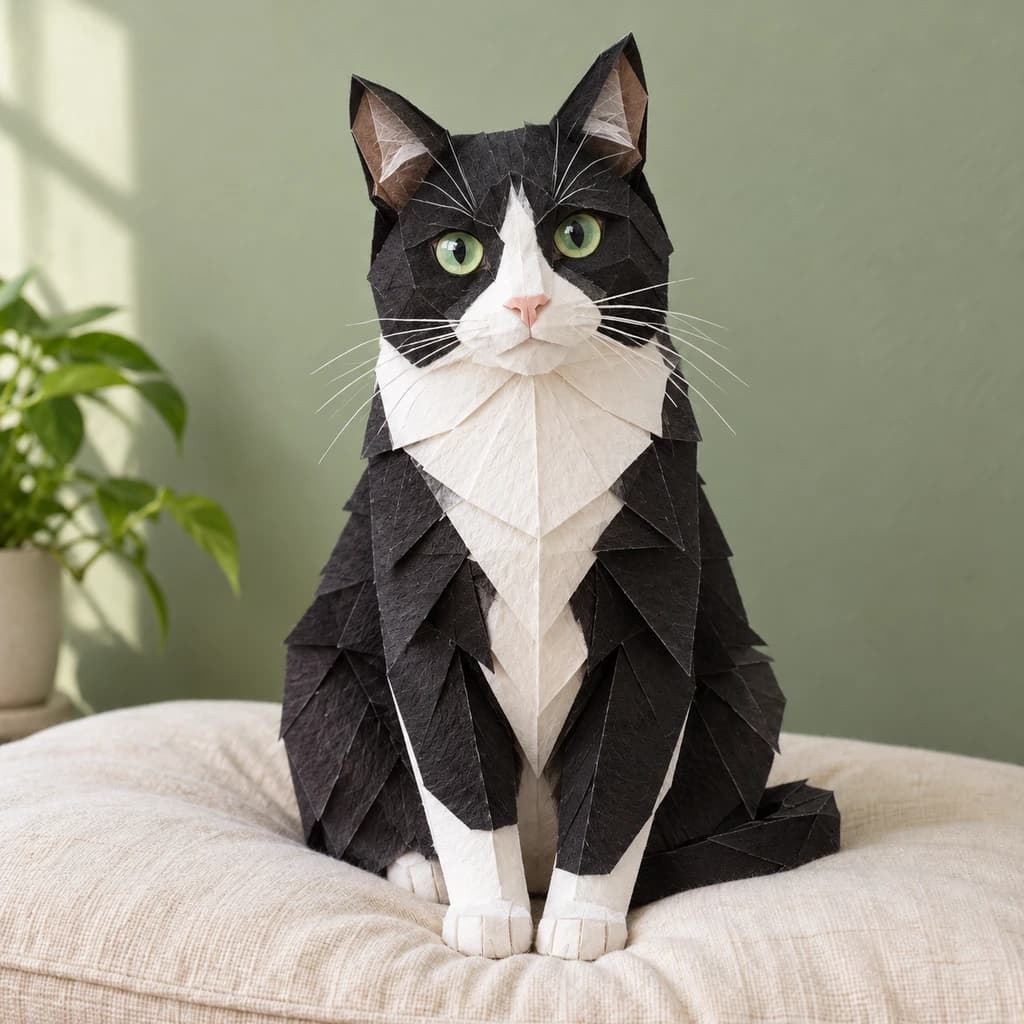 OrigamiSeedream 4 · 2K · 1:1
Illustrative style preview · Your result will vary
11 credits / image · From $9.99 a month
/tools/photo-to-origami
Open full studioPhoto to Origami examples
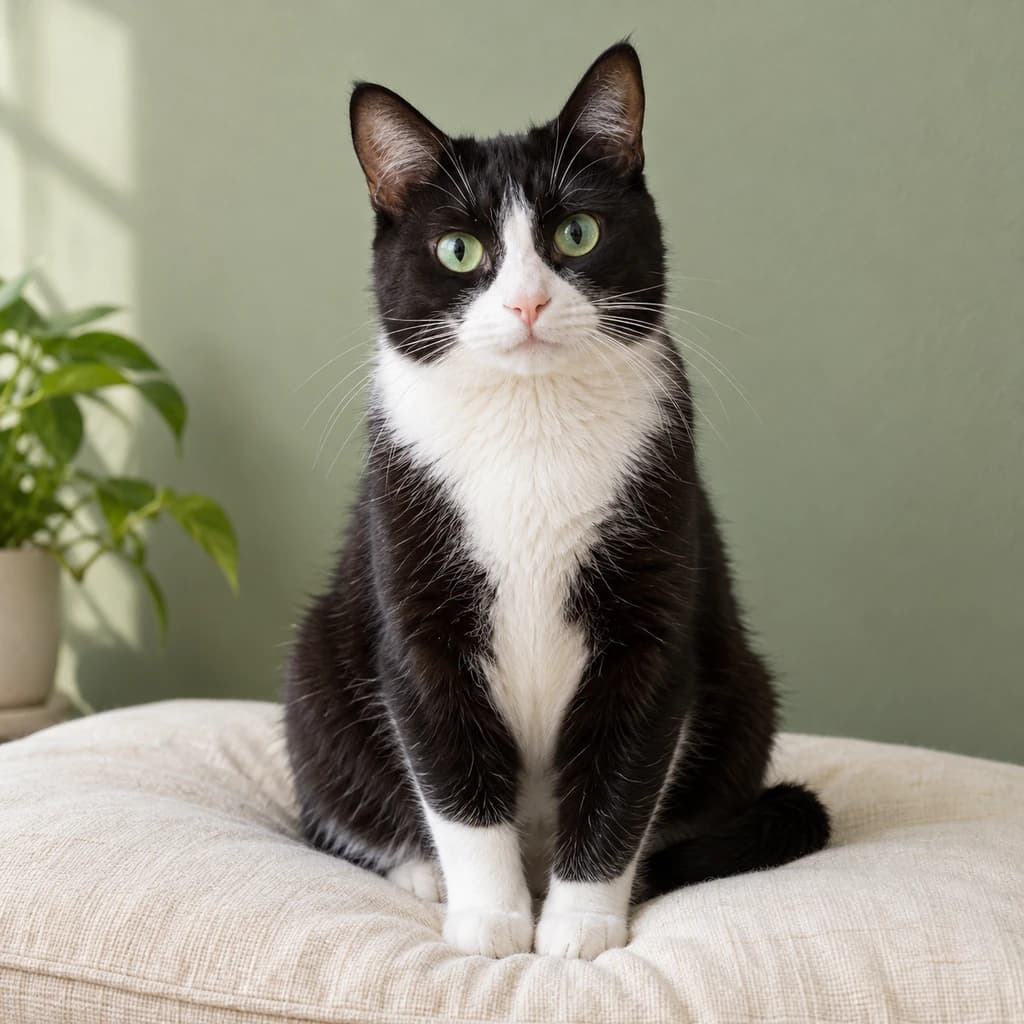
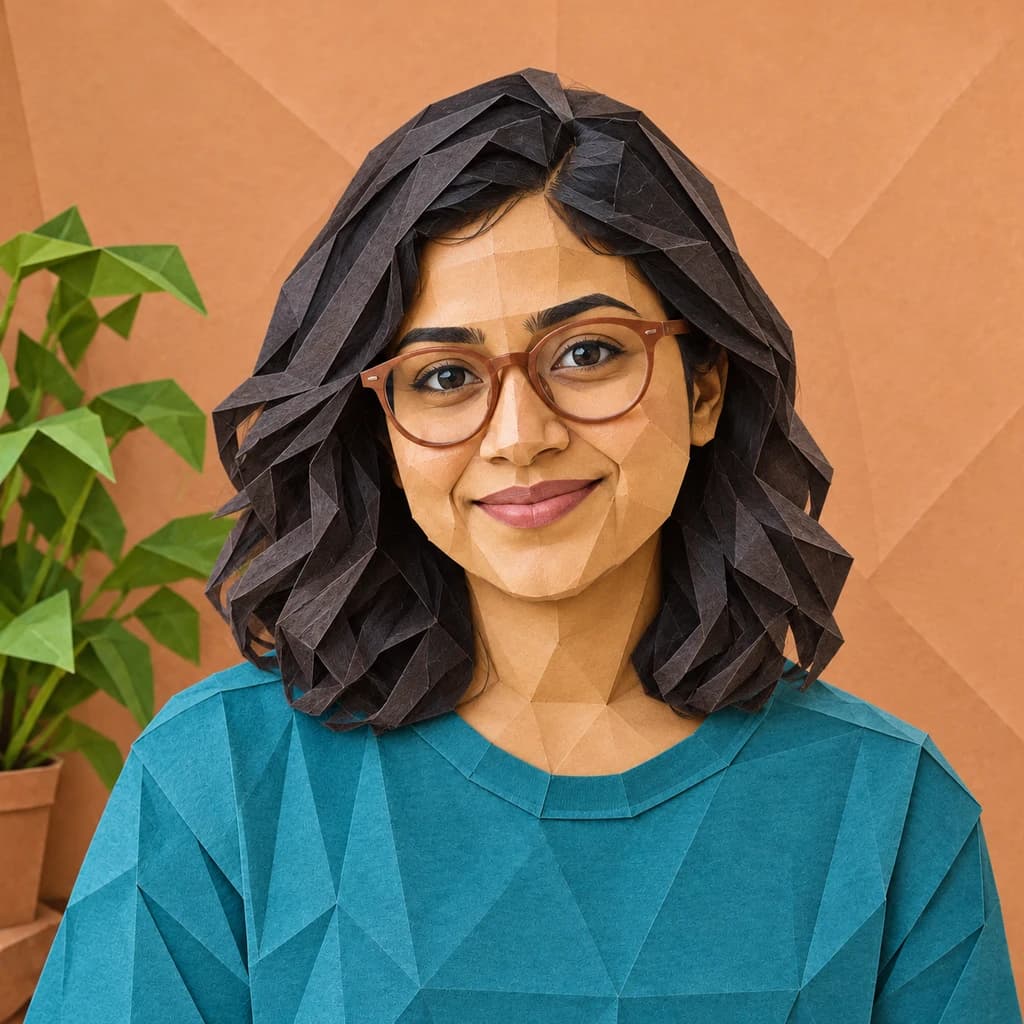
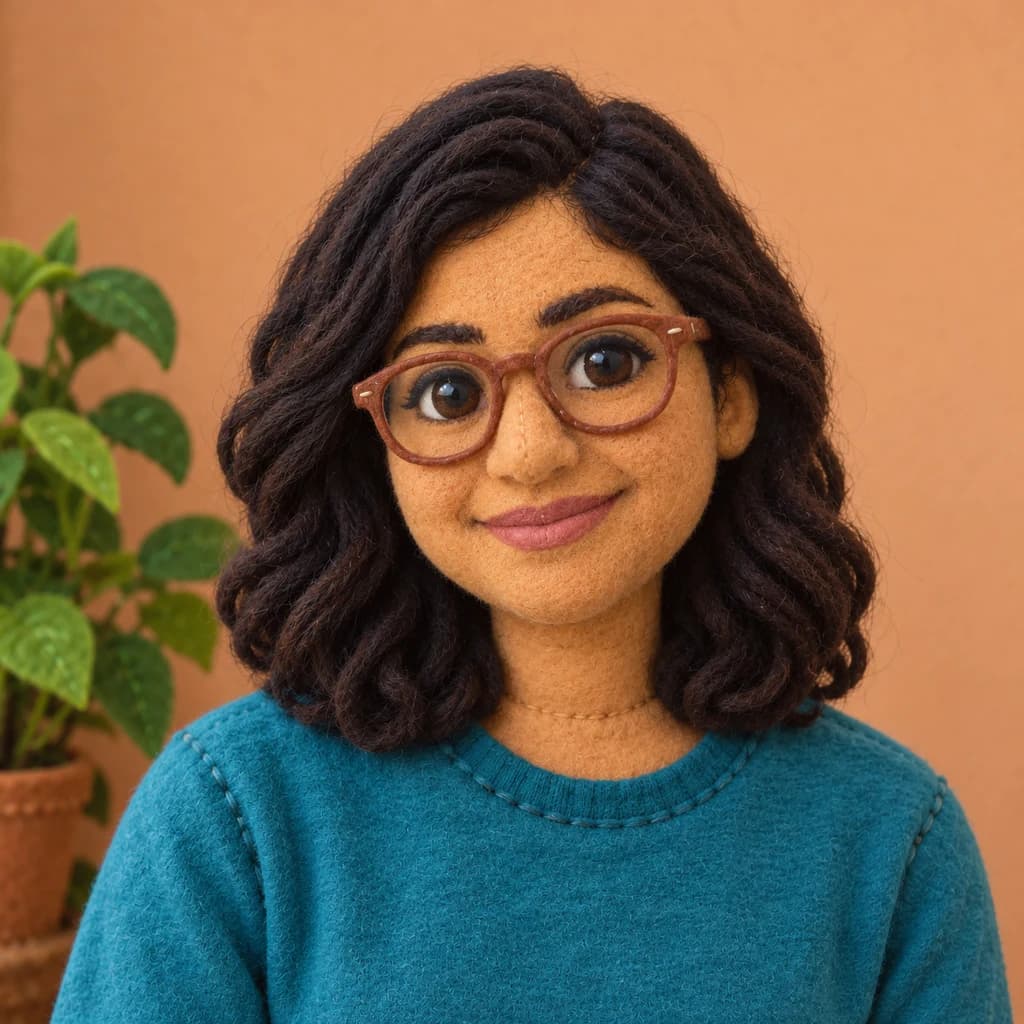
The green-eyed tuxedo cat shows the effect most clearly: black fur becomes layered paper flaps, the chest a single white sheet with a center crease, and the eyes stay bright green. The portrait with terracotta glasses has her hair, top and even the wall behind her folded. The full-body portrait in coral is subtler, with creases mostly in the hoodie and jeans.
 ORIGINALORIGAMI
Green-eyed tuxedo cat01  ORIGINAL
 ORIGAMI
Portrait with terracotta glasses02 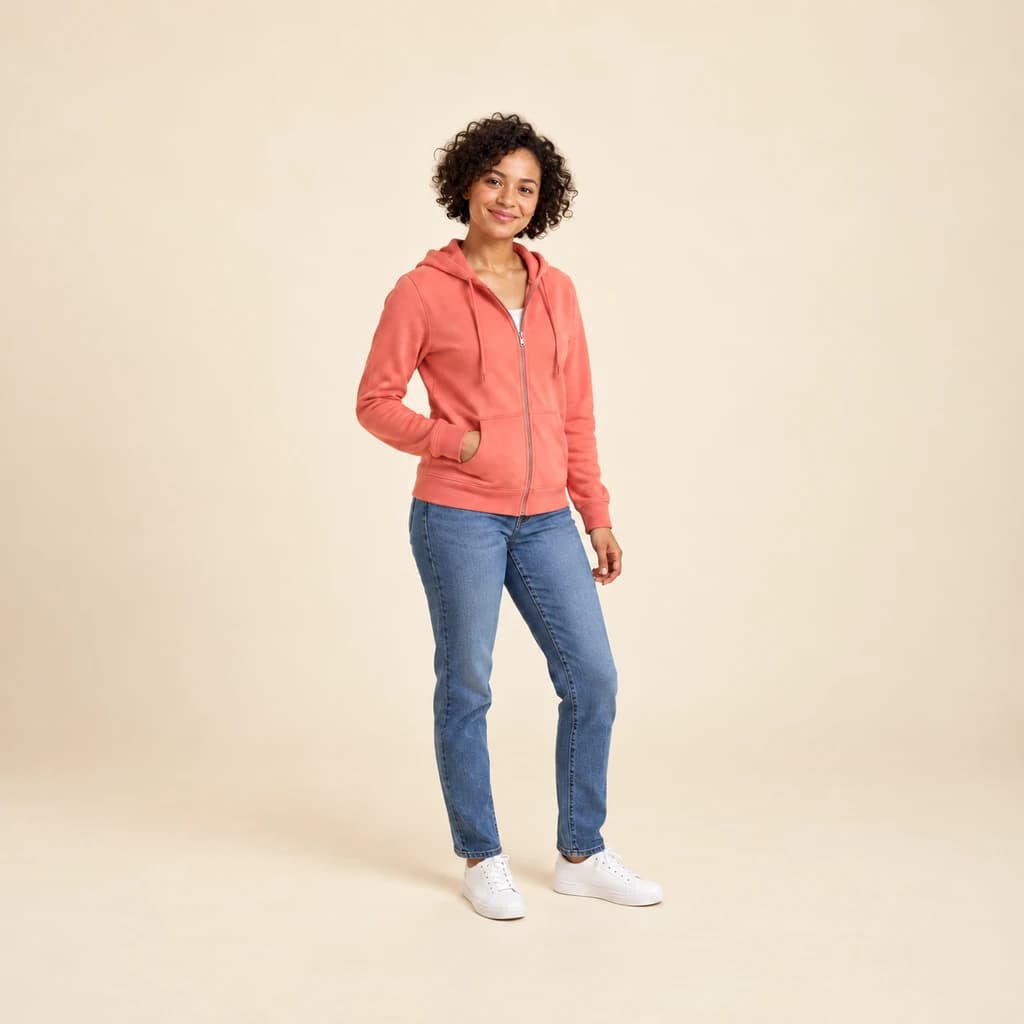 ORIGINAL
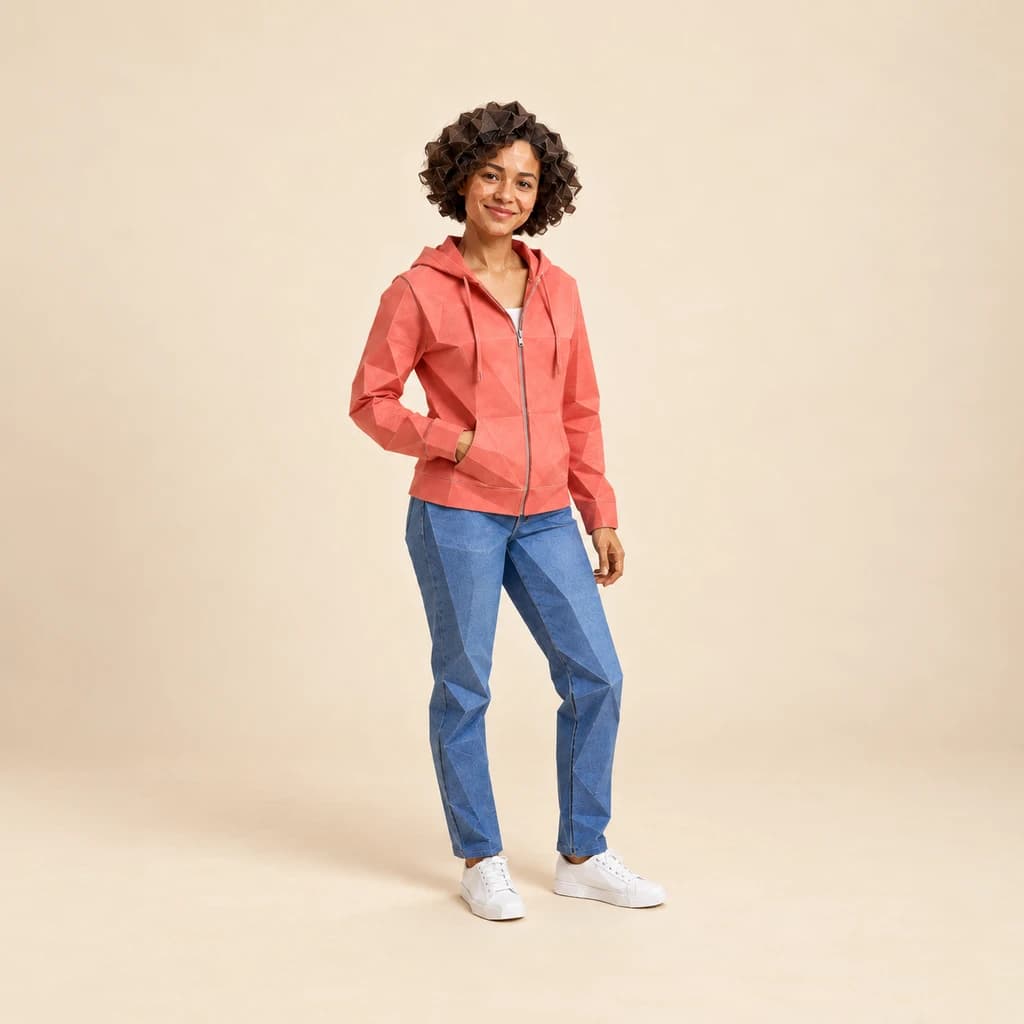 ORIGAMI
Full-body portrait in coral03
Illustrative style preview · Your result will vary
What is origami style?
Origami is the Japanese art of folding paper into figures, often from a single square sheet without cuts or glue. The word joins oru (to fold) and kami (paper). Akira Yoshizawa (1911–2005) helped turn it into a modern art form, folding thousands of models and creating the arrow-and-dash diagram notation that folders still use today.
This style borrows the look of folded paper for your subject. Fur and hair become overlapping flaps and crumpled pieces, faces break into softly creased planes, and each color turns into its own sheet with a matte grain. The background may stay photographic, as with the cat, or fold into large paper panels, as behind the glasses portrait. You get a picture, not folding instructions.
How to turn a photo into origami
Origami turns each patch of color into its own sheet, so bold, simple colors give the cleanest folds.
Portrait with terracotta glasses STEP 01
Upload a sharp photo
Send a JPG, PNG or WebP up to 10 MB, or test the look on a sample first. Focus matters here: paper grain and crease lines are fine details, and a blurry photo gives them nothing to hold onto.
- OriginalOrigami
STEP 02
Fold it into paper
Your subject is rebuilt from flat paper pieces that meet at sharp creases. Colors turn into solid paper tones, and fur and hair become layered sheets. The setting behind usually stays photographic.
STEP 03
Generate and download the paper figure
Sign in and generate with credits, from 8 per image depending on model and quality. Download the PNG, then find it in your history later if you want to compare a heavily folded version with a subtler one.
Ways to use it
Where a folded-paper version of your photo shines.
- Paper anniversary giftsA paper-themed portrait for the traditional first-anniversary gift.
- Cards and stationeryPut a folded-paper you on thank-you cards, invitations or notes.
- Paper pet portraitsYour dog or cat as a crisp origami figure, markings kept.
- Craft-time inspirationShow kids their origami selves before an afternoon of folding.
- Profile picturesA geometric paper version of you that stands out in a grid of selfies.
- Design mood boardsTry a folded-paper look for a project before you commit to it.
Photo to Origami: what to expect
How fur, faces, clothes and backgrounds turn into paper, and where the fold effect stays light.
| FEATURE | What you get | Before you start | Limits |
|---|---|---|---|
| Fur and markings | Fur as overlapping paper flaps, with each marking on its own colored sheet. | Pick a photo where the pet sits upright and still, so the folds follow a clear shape. | Long, fluffy fur loses its softness and reads as stiff paper points. |
| Faces | Softly creased paper planes, with eyes, glasses and nose often kept close to the photo. | A face turned toward the camera keeps its features readable between the creases. | Freckles, fine lines and makeup details fold away into flat paper tones. |
| Clothes | Fold lines and angular planes across hoodies, tops and jeans, in their original colors. | Crop closer for a stronger paper look; on full-length shots the folds stay lighter. | Prints, logos and lettering on clothing are usually folded away. |
| Backgrounds | Either your real setting or a backdrop folded into large paper panels. | If the room matters to you, plan on a couple of runs to get a photographic one. | You cannot choose whether the background folds; each run decides. |
Tips for better origami results
Paper rewards simple shapes and clean color.
- 01
Choose clear outlines
Origami is made of big, simple shapes. A subject that stands out from the background folds into the cleanest figure.
- 02
Wear solid colors
Each color becomes a sheet of paper. Solid tops and simple patterns fold neatly, while busy prints get simplified.
- 03
Pick pets with bold markings
Patches, masks and two-tone coats turn into separate paper sheets. Pets like these usually come out especially crisp.
- 04
Mind the light
Soft, directional light helps the folds show depth. Flat, dim photos can make the folded surfaces look less defined.
Photo to Origami FAQ
How the folds treat fur, faces and backgrounds, and how origami differs from low poly and sculpture; for account, credit and privacy questions, the main FAQ has the answers.
Will the paper version still look like me?
Why is the effect stronger on some photos than others?
Does the background get folded too?
Do I get folding instructions or a model I can fold?
How is origami different from low poly?
How does origami compare with the sculpture style?
Can I fold a pet, a child or a whole group?
Can I print it for a card or a frame?
Why does each version fold differently?
Can I use my origami portrait commercially?
Try these styles next
Same photo, different look.
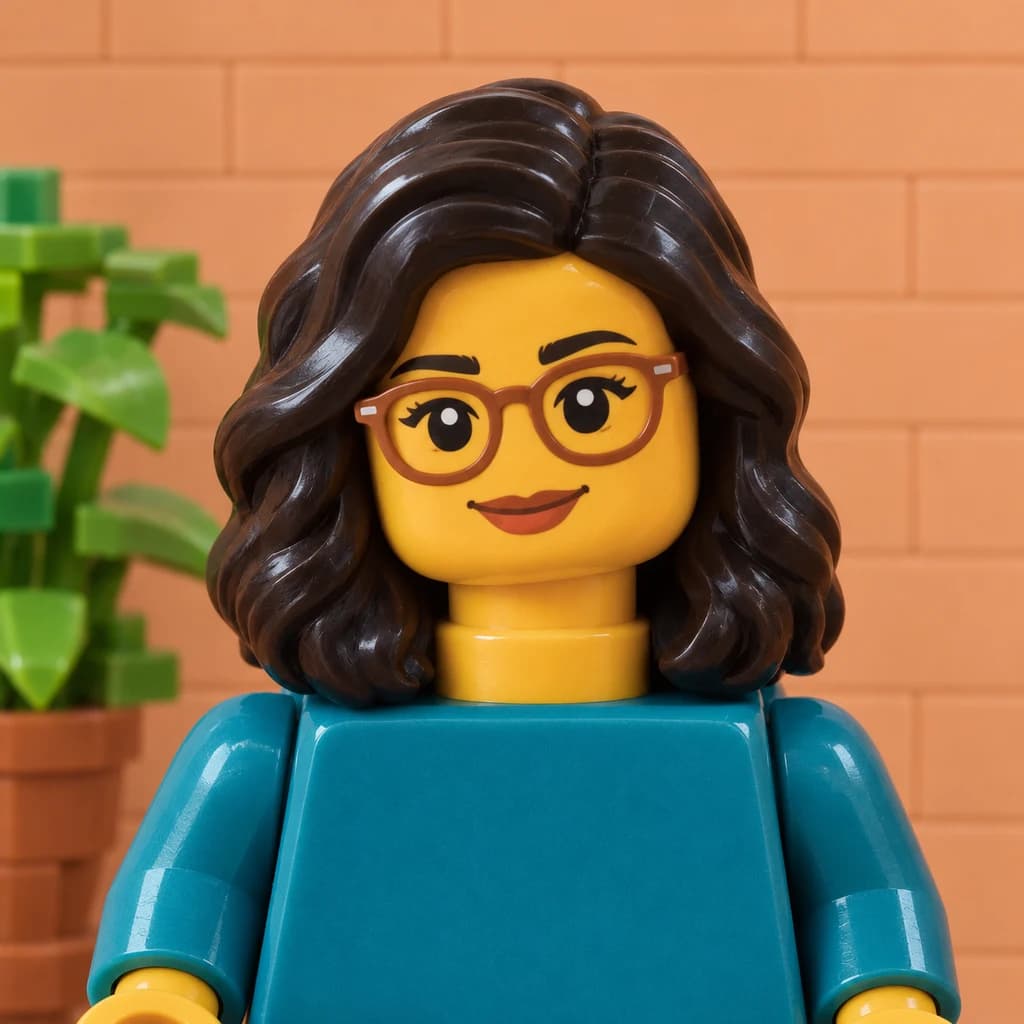
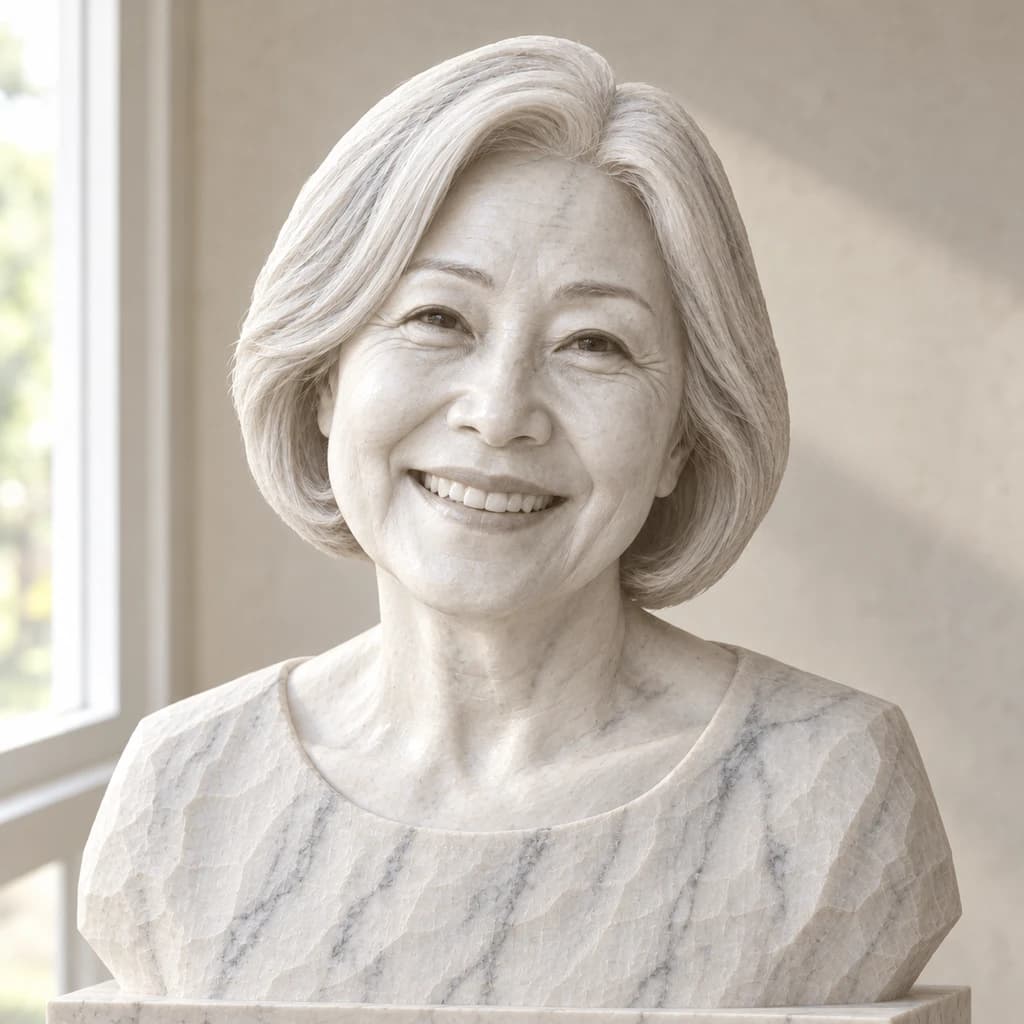
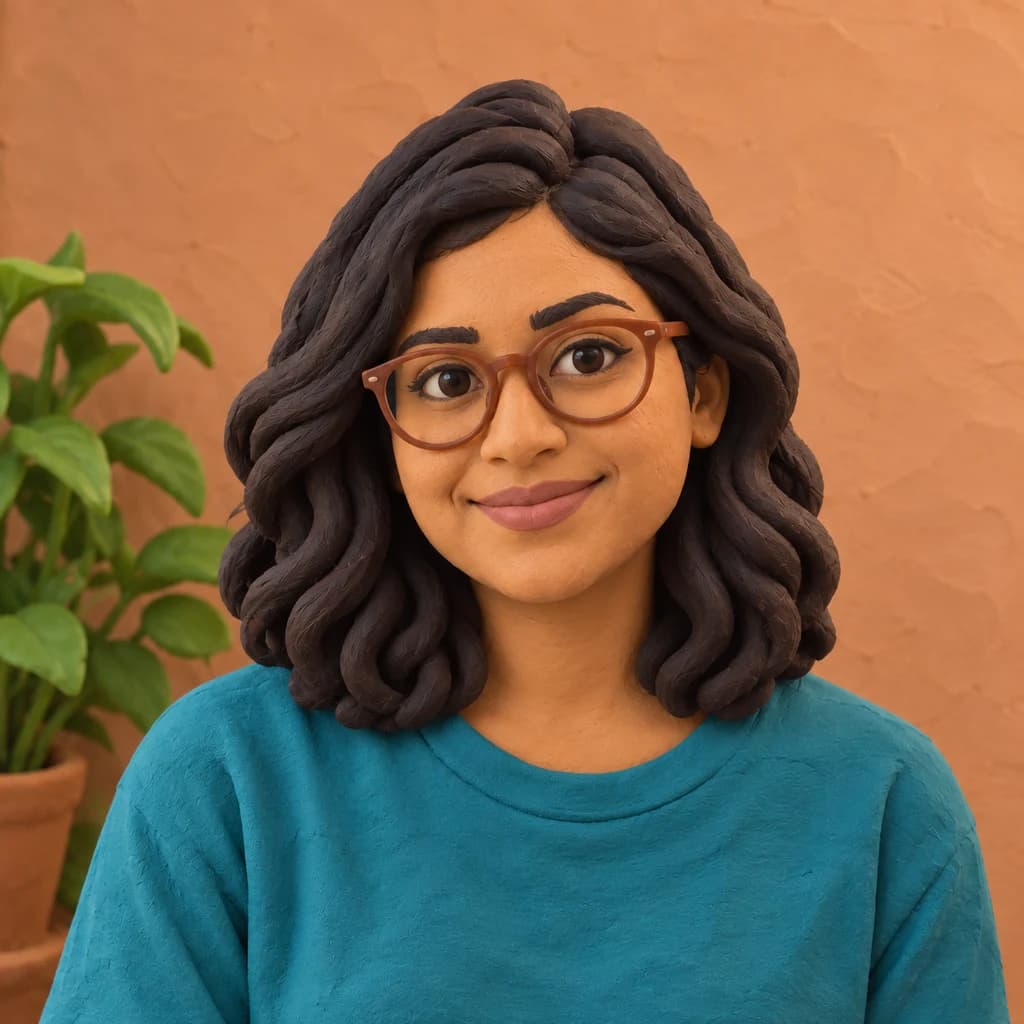
Fold your photo into paper art
Open the cat, the glasses portrait and the full-length sample for free to see how deep the folds go. Folding your own photo takes a sign-in and credits. Plans start at $9.99 a month, and the studio shows each image's price before you start.