Batch photo to cartoon
Run up to 50 photos through the studio in one go. Use one style for the whole set, or pick a different style for each photo. Handy for family albums, team pages and product lines.
From 8 credits a photo · up to 50 photos at once
3 photos · one style · Studio Ghibli
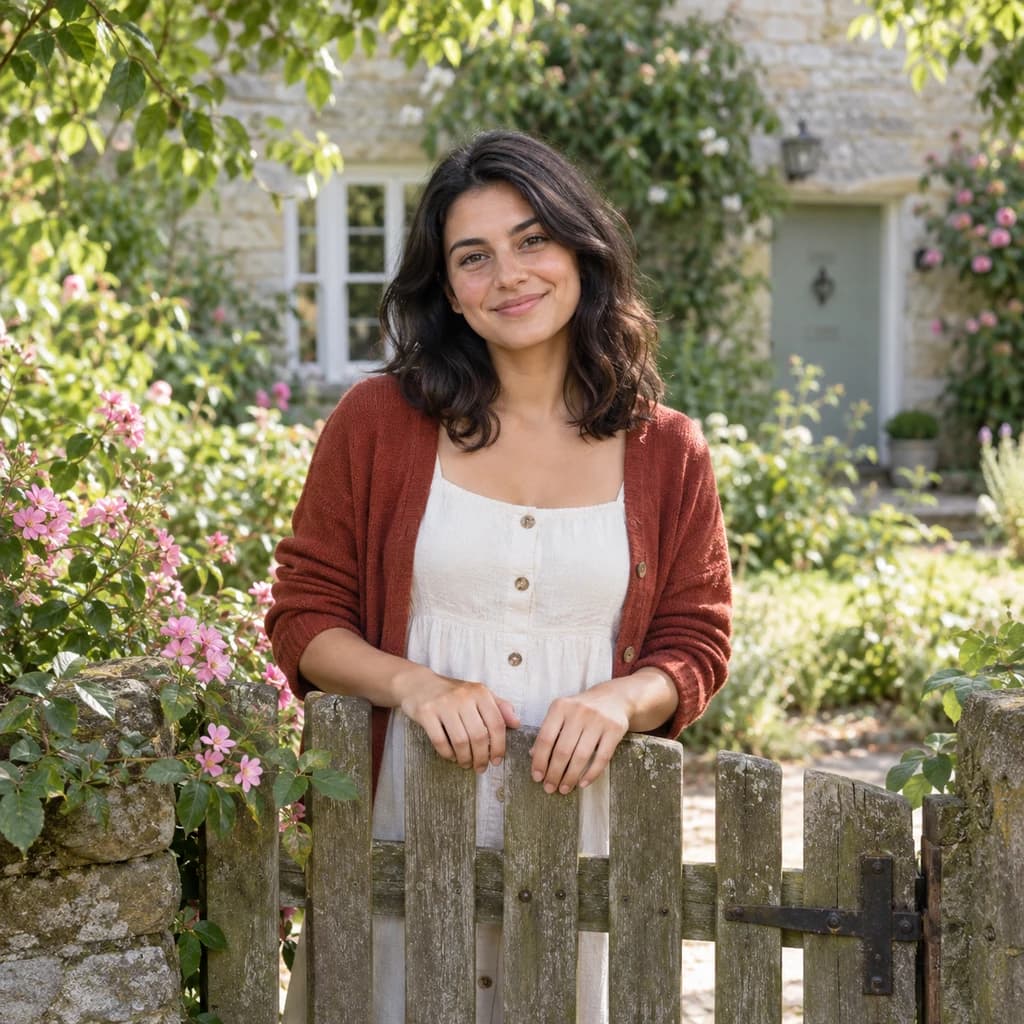
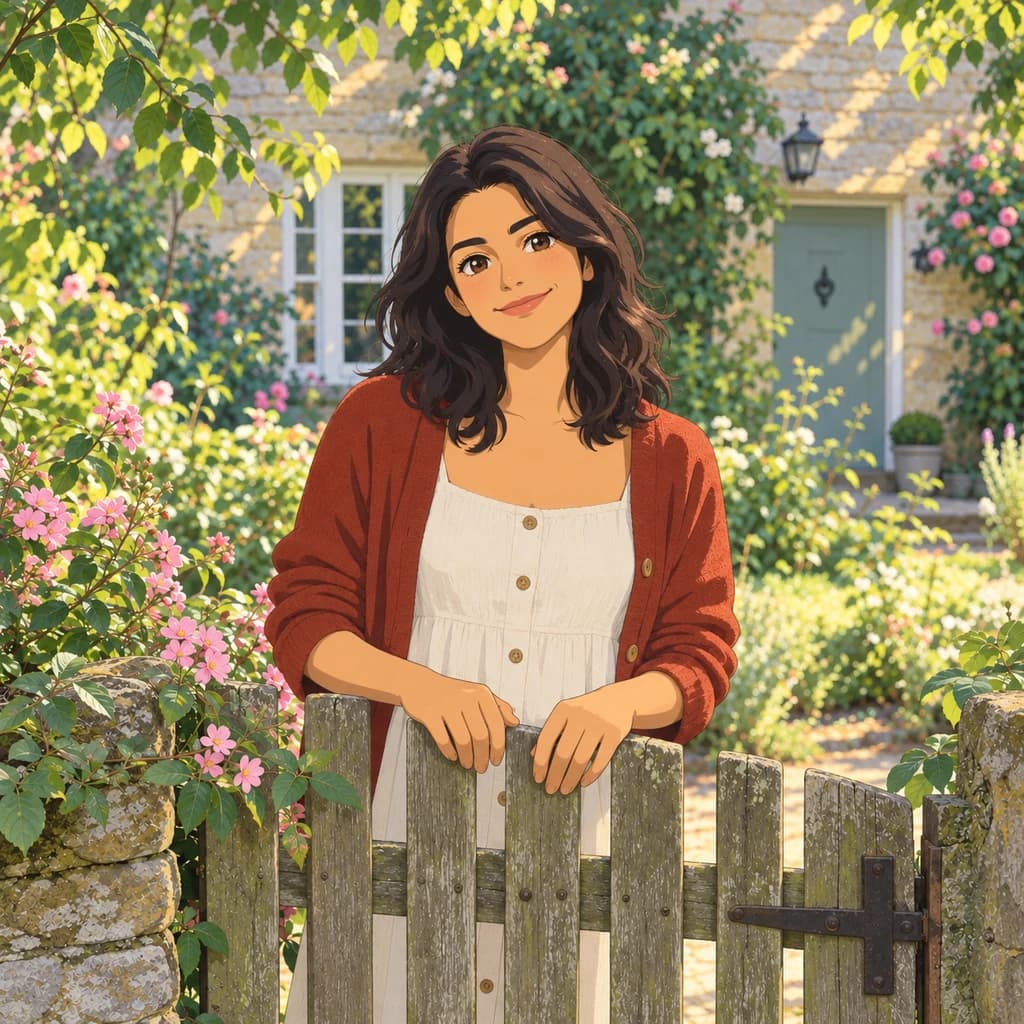
Portrait at the garden gate
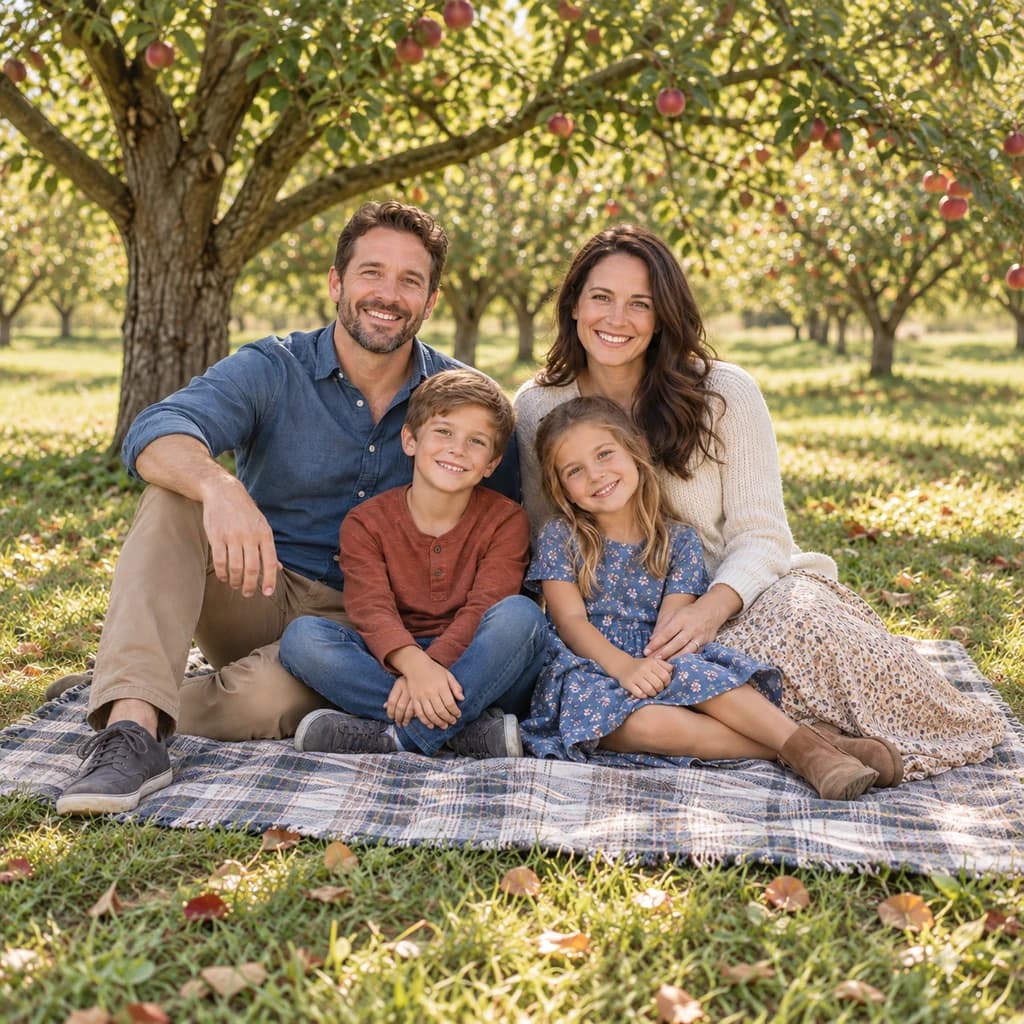
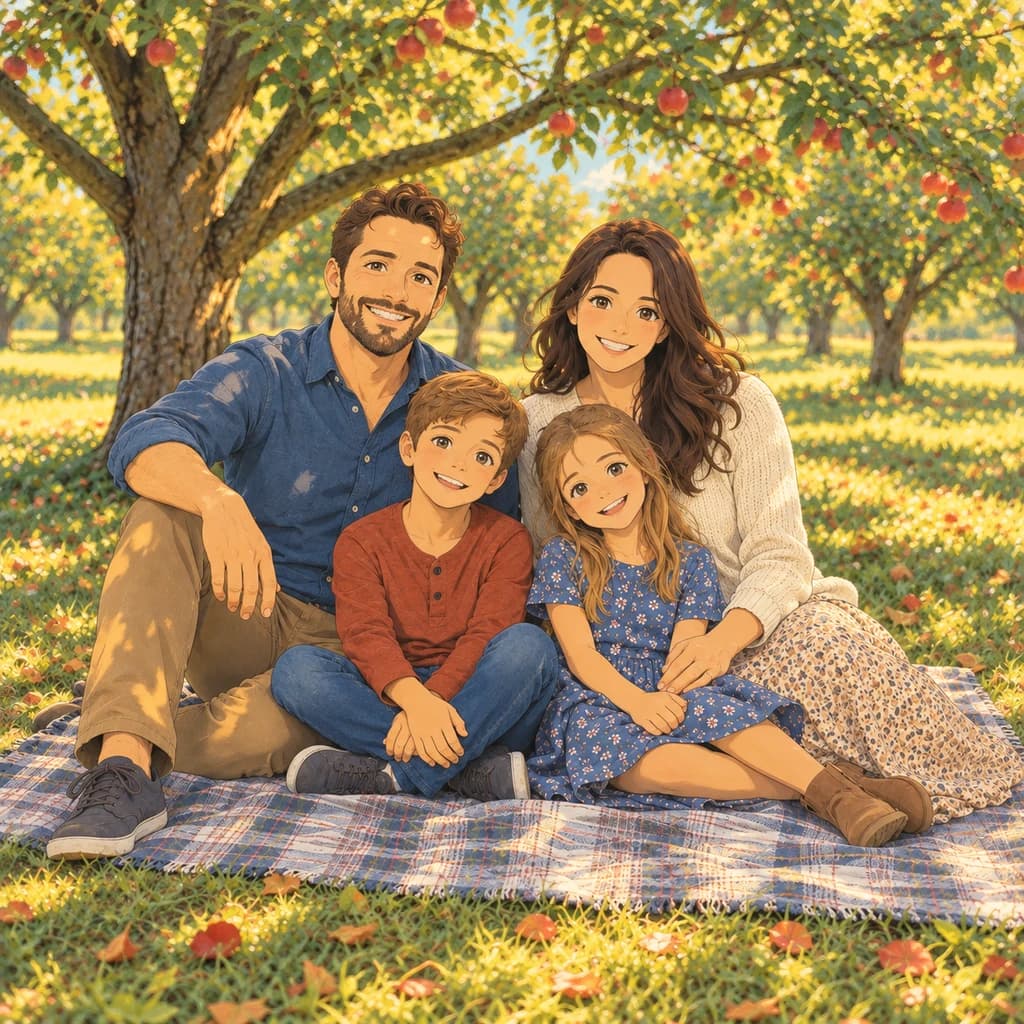
Family picnic
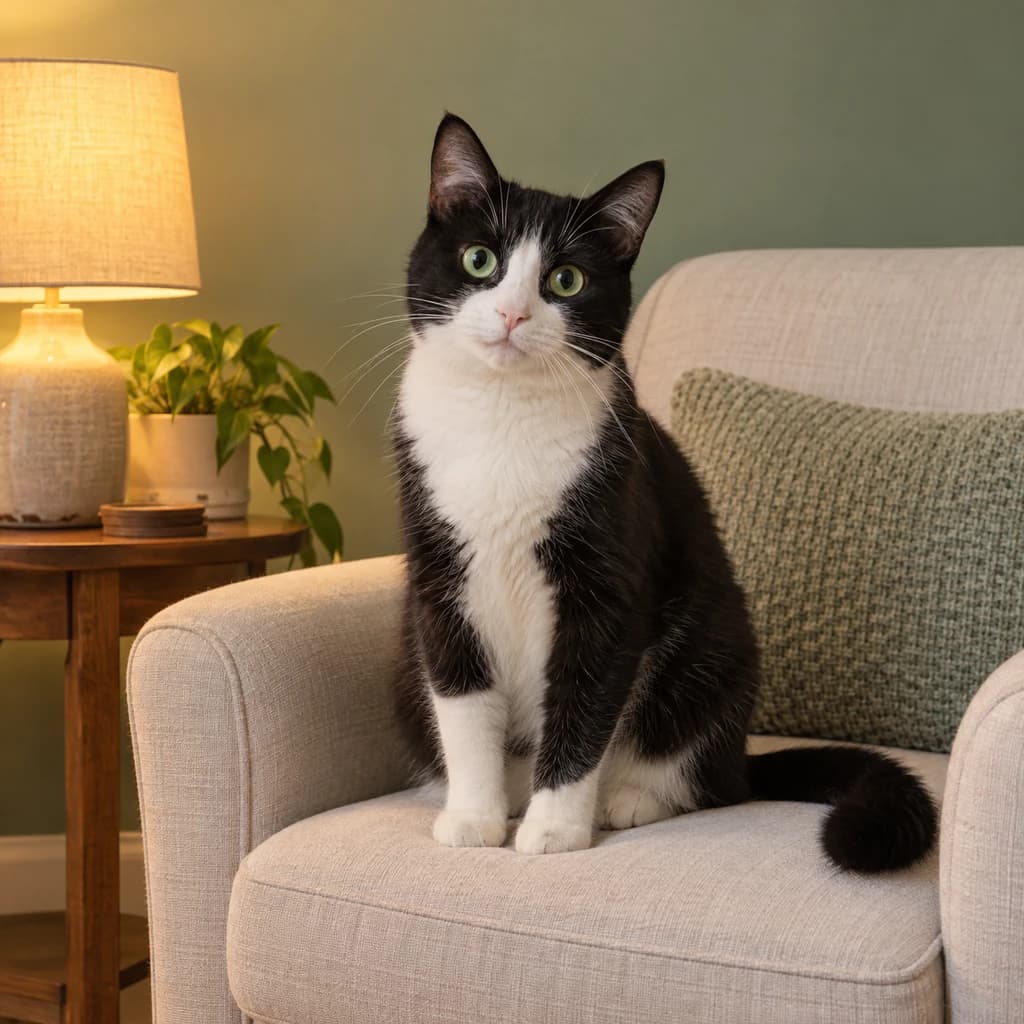
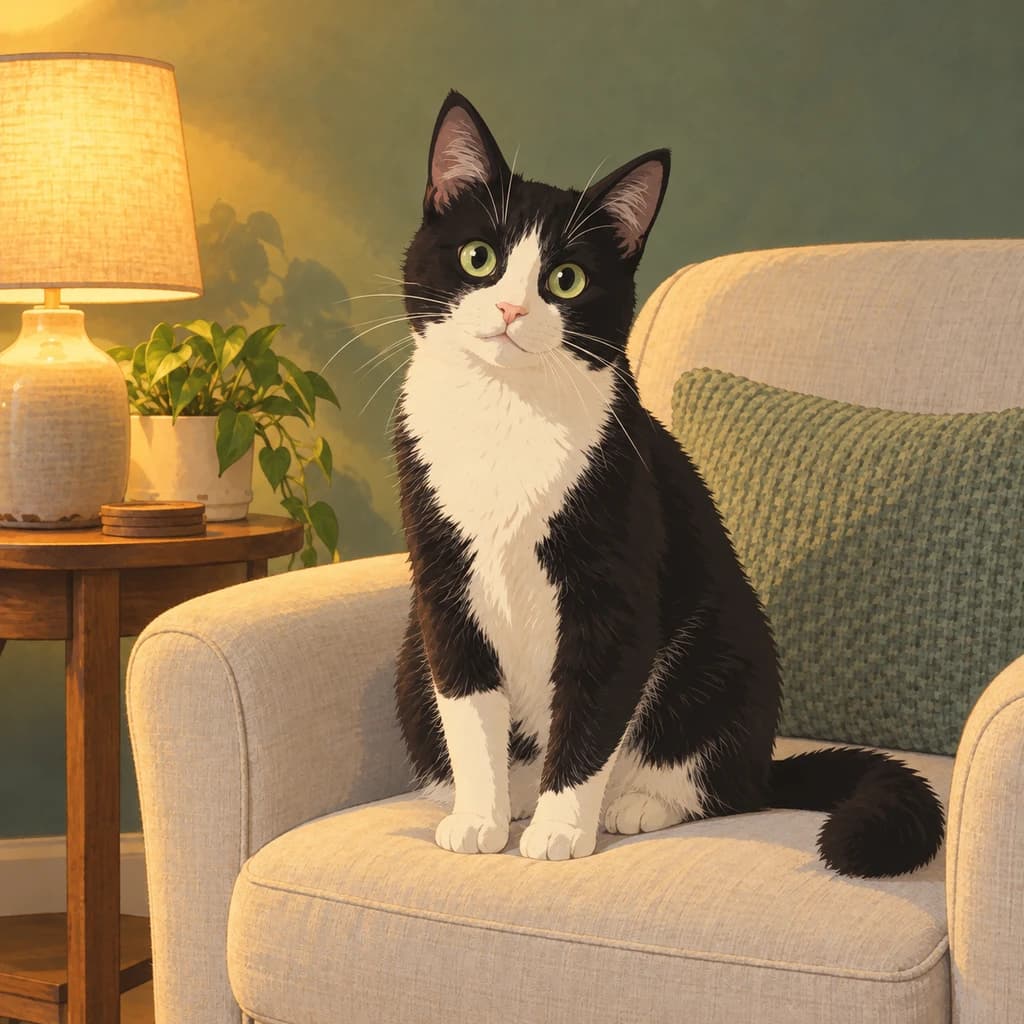
Cat in a cozy room
3 photos · one style · Pixar
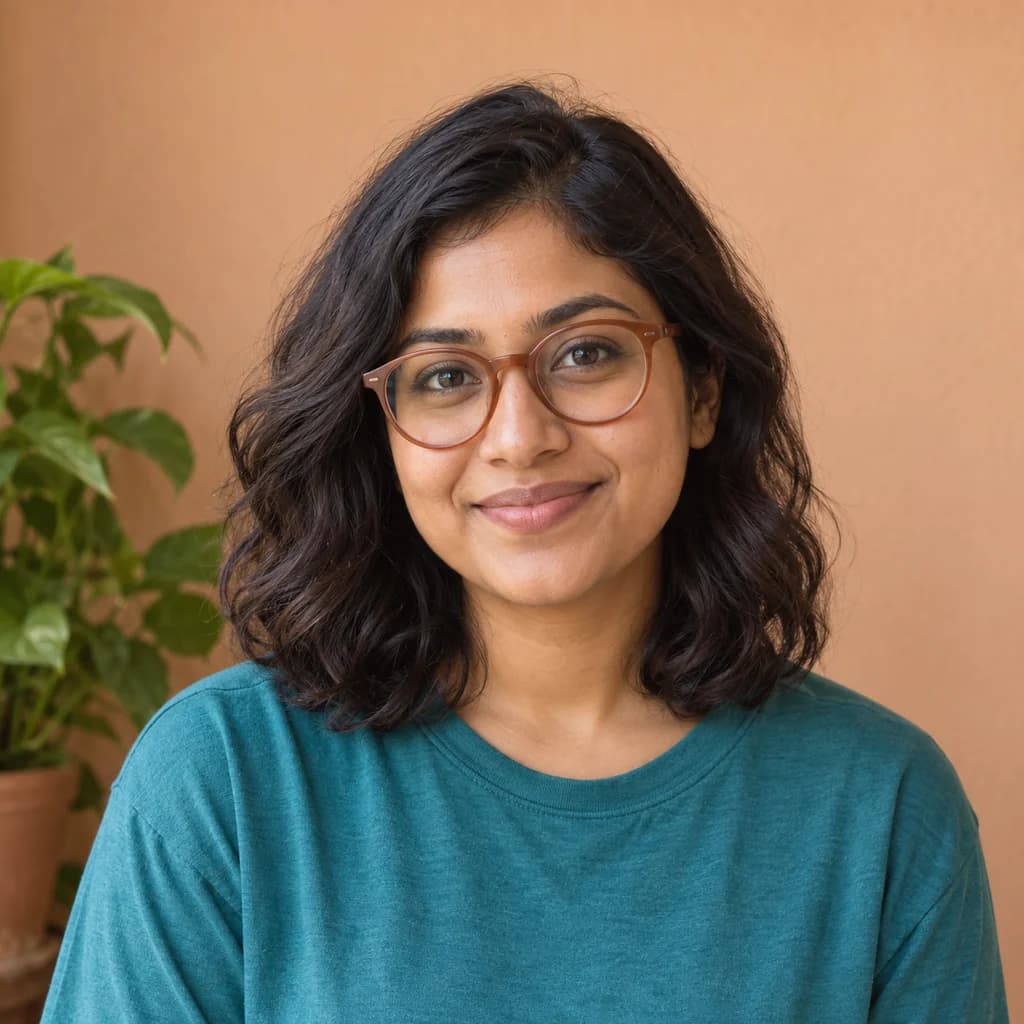
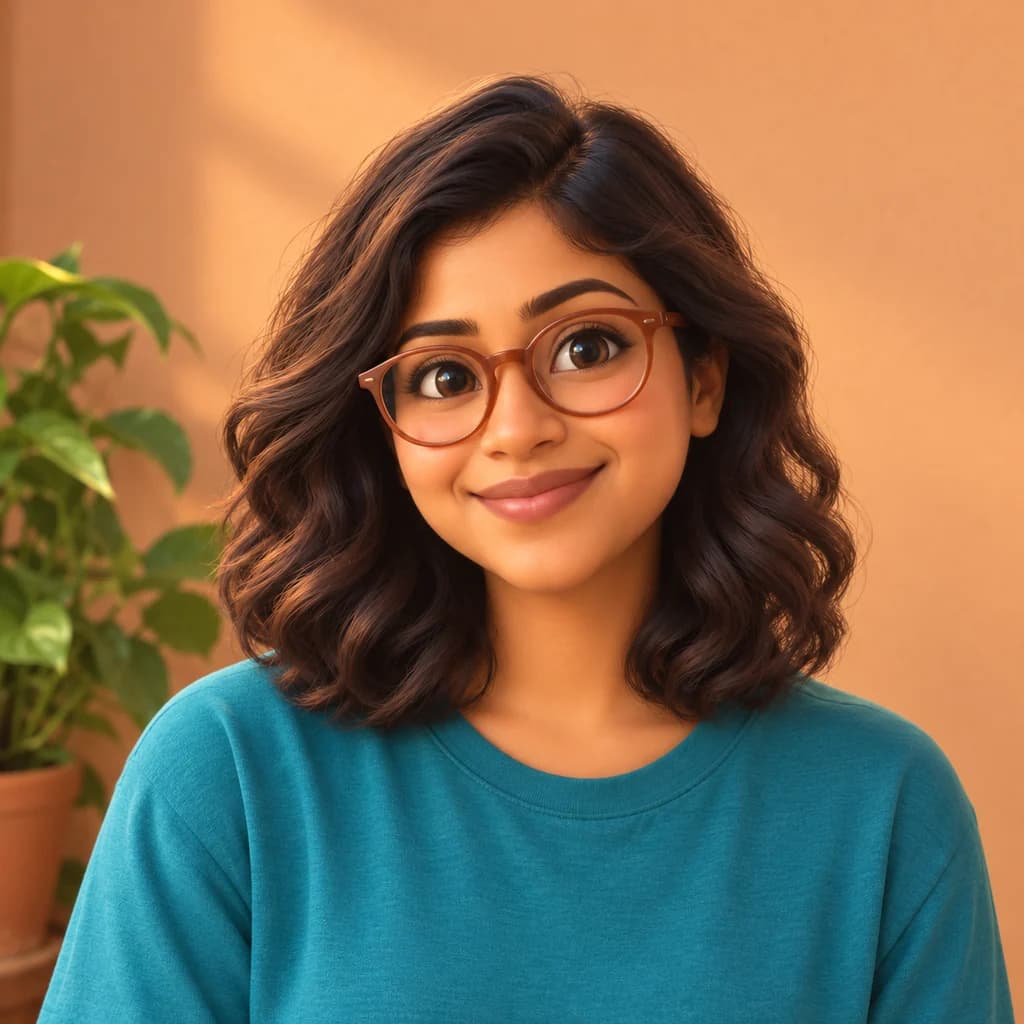
Portrait with terracotta glasses
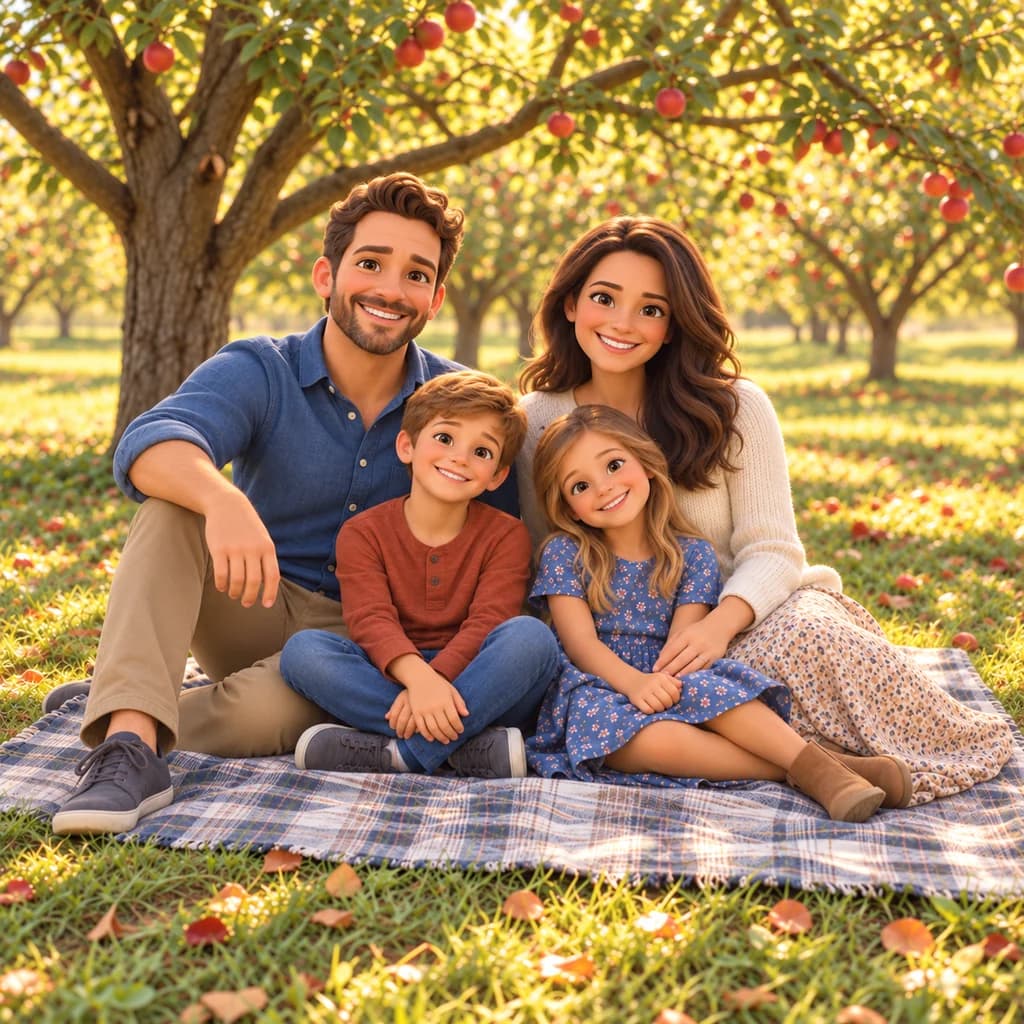
Family picnic
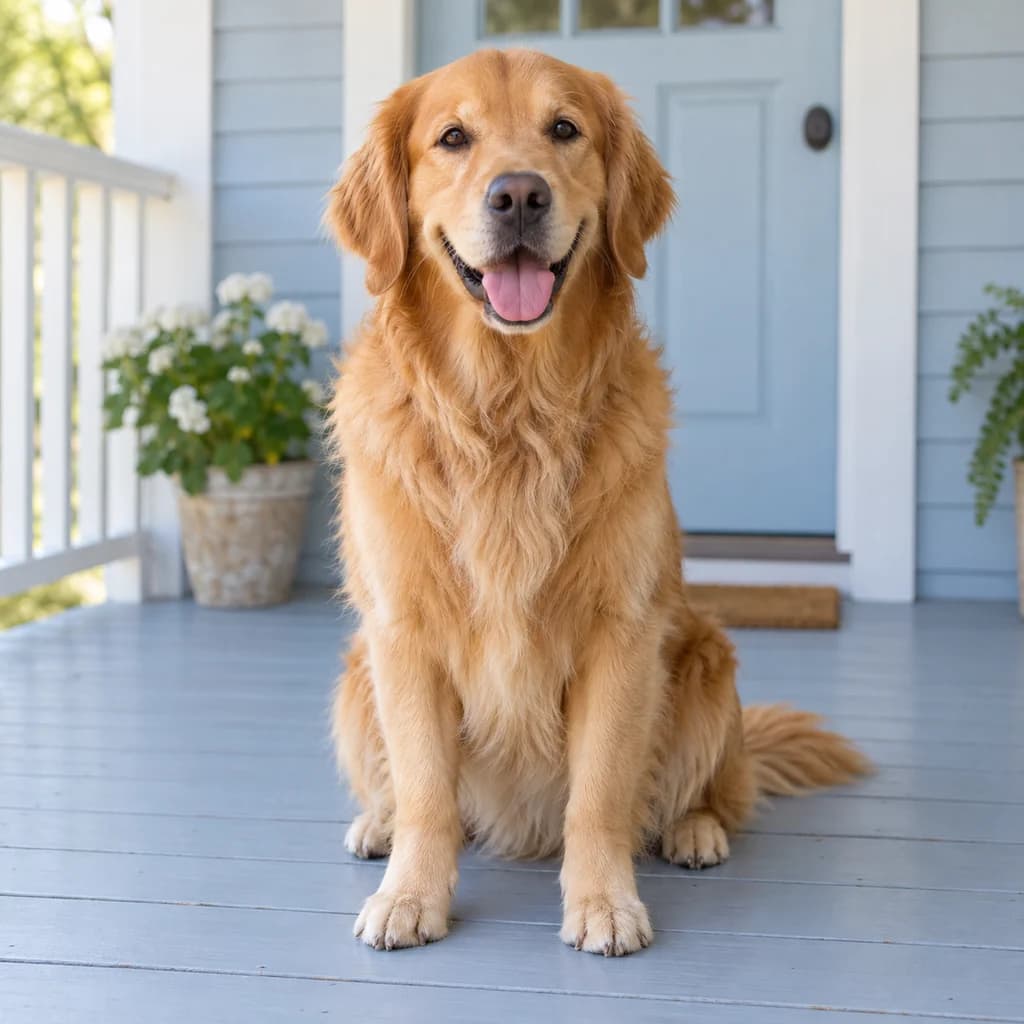
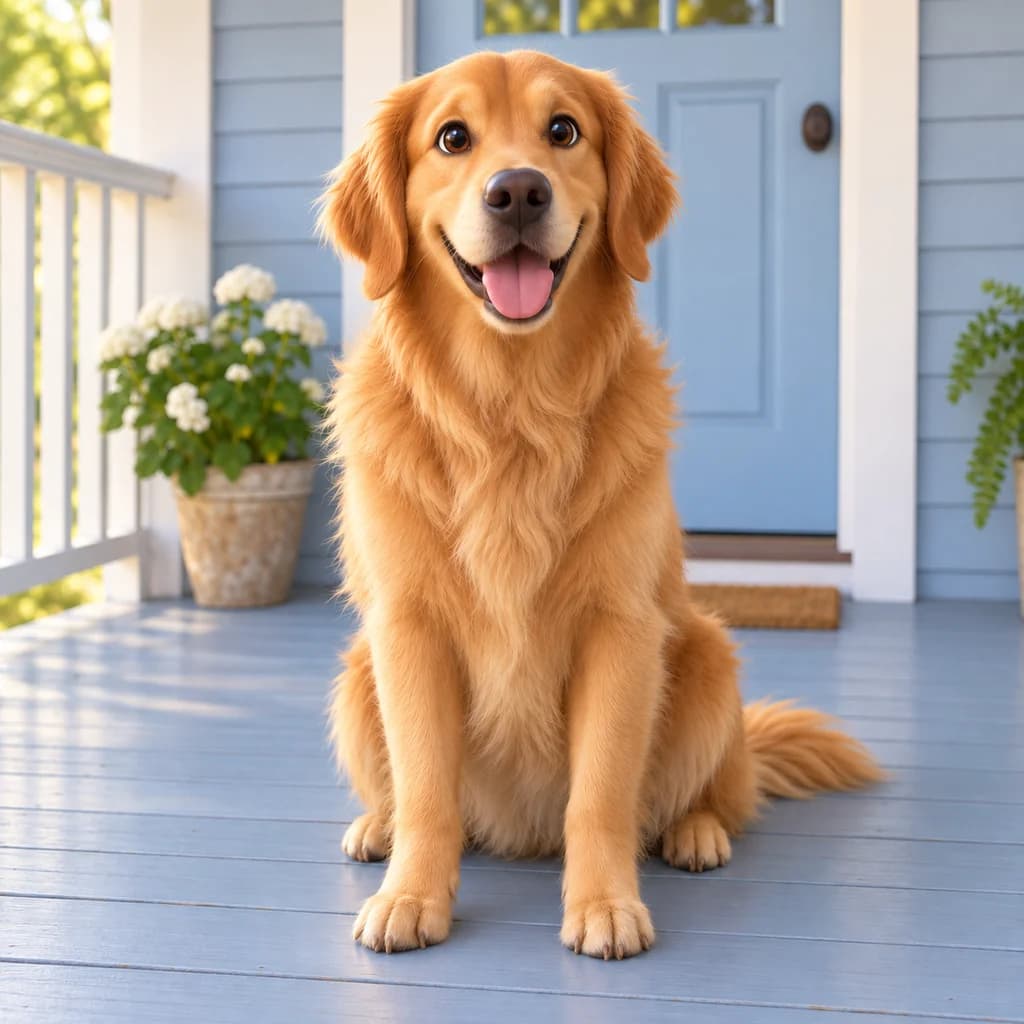
Golden retriever on the porch
3 photos · one style · LEGO
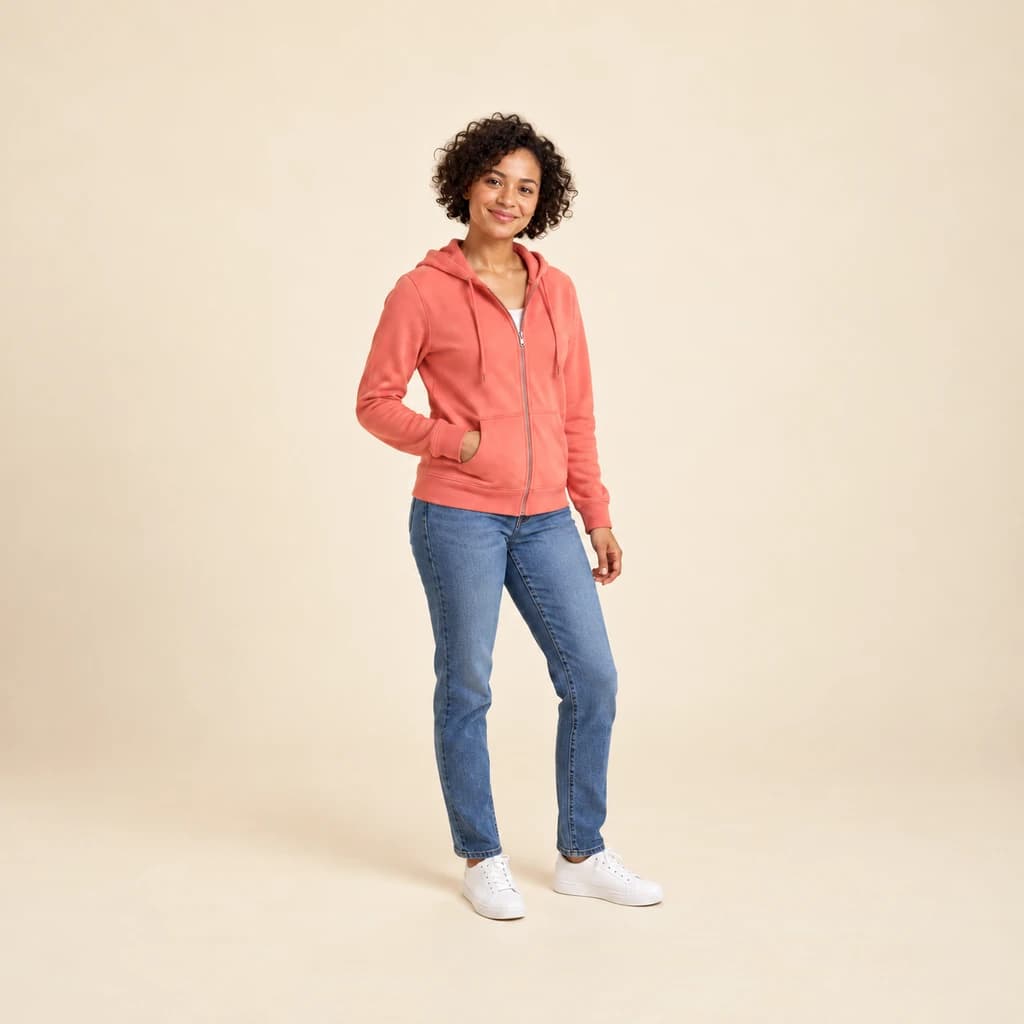
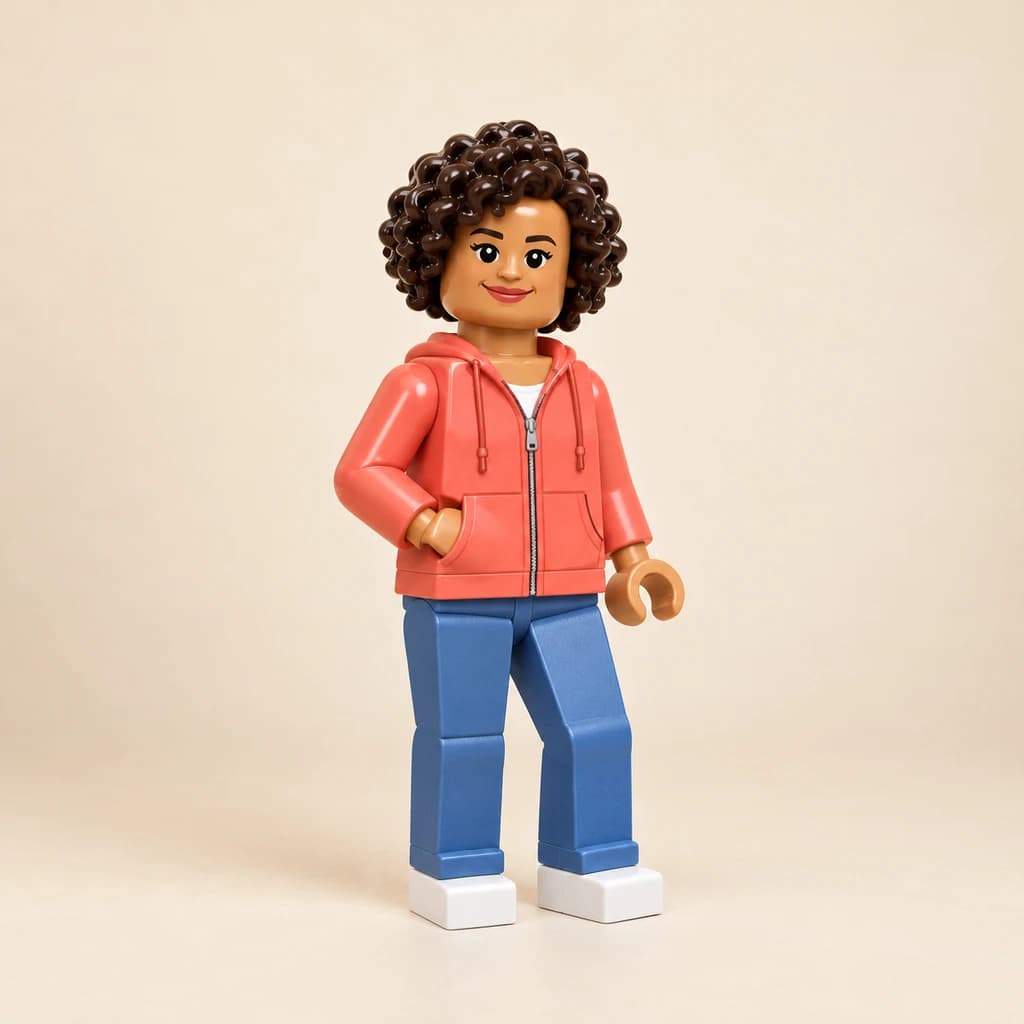
Full-body portrait in coral

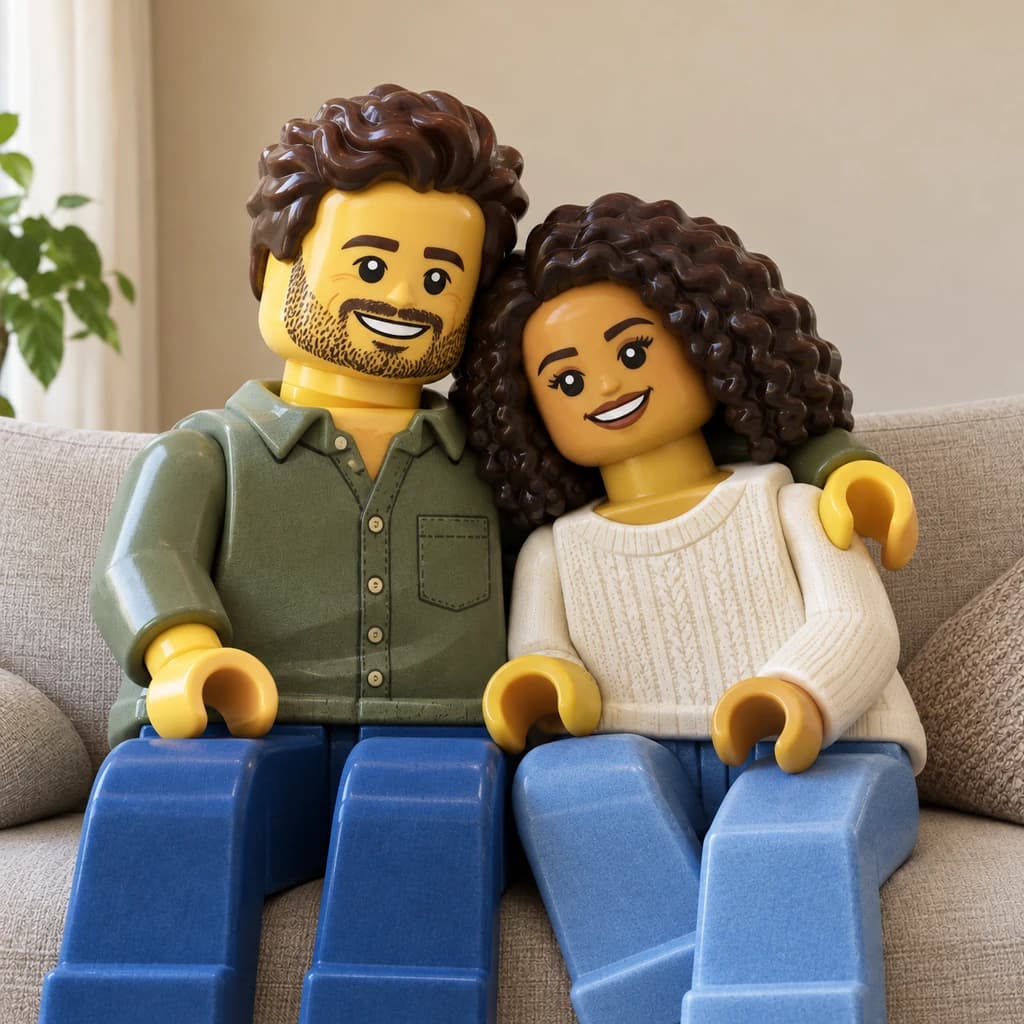
Couple on the sofa
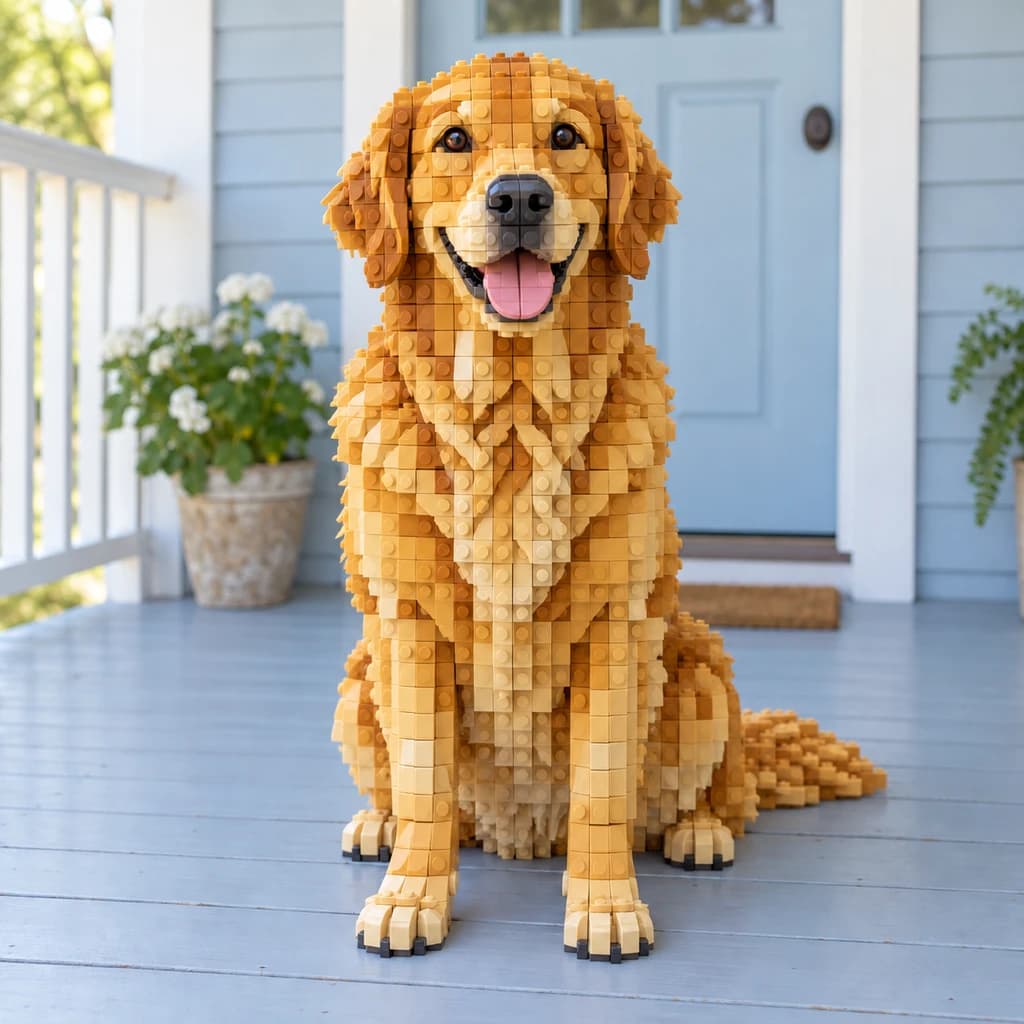
Golden retriever on the porch
Illustrative examples · Your result will vary
Use one style for the whole set, or pick one for each photo.
- LIMIT
- Up to 50 photos
- STYLES
- Any of the 57
- PLAN
- Any plan
From 8 credits per photo · Plans from $9.99/month
How it works
How batch processing works
- 01Step 01
Upload up to 50 photos
JPG, PNG or WebP, up to 10 MB each.
- 02Step 02
Pick styles and a model
Use one style for everything, or a different one per photo. The model, quality and resolution you choose determine the cost. Review the total before starting.
- 03Step 03
Download your results
Results arrive as they finish. Only finished photos use credits.
Uses
Good for
FAQ
Batch processing FAQ
How much does it cost?
How many photos can I add?
Can each photo get a different style?
Which plan do I need?
Do I need an account?
Where do the results go?
More tools in the studio
- Image upscalerMake any photo or result bigger and sharper for print.3 credits / image
- Background removerCut out people, pets and products in one click.4 credits / image
- Image to videoTurn a still into a short moving clip.12–57 credits / second
- All 57 stylesGhibli, Pixar, oil paint, LEGO and 53 more.Browse

Fifty photos, one style, one go.
Open batch processing, upload your set and let the studio work through it.