Photo to
Ghibli
Photo to Ghibli repaints a photo in a style inspired by Studio Ghibli films: simple, gentle faces in front of richly painted settings and warm natural light. Upload a picture that shows some of its surroundings, such as a garden, a park or a sunlit room. Your clothes, pose and setting stay, while faces soften and leaves, flowers and light get a hand-painted finish. The sample scenes are open to everyone; painting your own photo means signing in and using credits.
An independent Ghibli-inspired style. PhotoToCartoon is not affiliated with or endorsed by Studio Ghibli.
From 8 creditsJPG, PNG or WebP up to 10 MB
- COST
- From 8 credits
- TIME
- Usually under a minute
- UPLOAD
- JPG, PNG, WebP · 10 MB
- OUTPUT
- PNG up to 4096 px
Styles
57 stylesAnime & Cartoon
11Artistic
133D & Avatars
8Fun & Creative
9Retro & Vintage
3Digital & Modern
8Sculptures & Crafts
5Illustrative style preview · Your result will vary
Portrait at the garden gate
Sample photo
PRESET · /tools/photo-to-ghibli · Seedream 4 · 2K · 1:1
Open full studio Studio GhibliSeedream 4 · 2K · 1:1
Illustrative style preview · Your result will vary
11 credits / image · From $9.99 a month
/tools/photo-to-ghibli
Open full studioPhoto to Ghibli examples
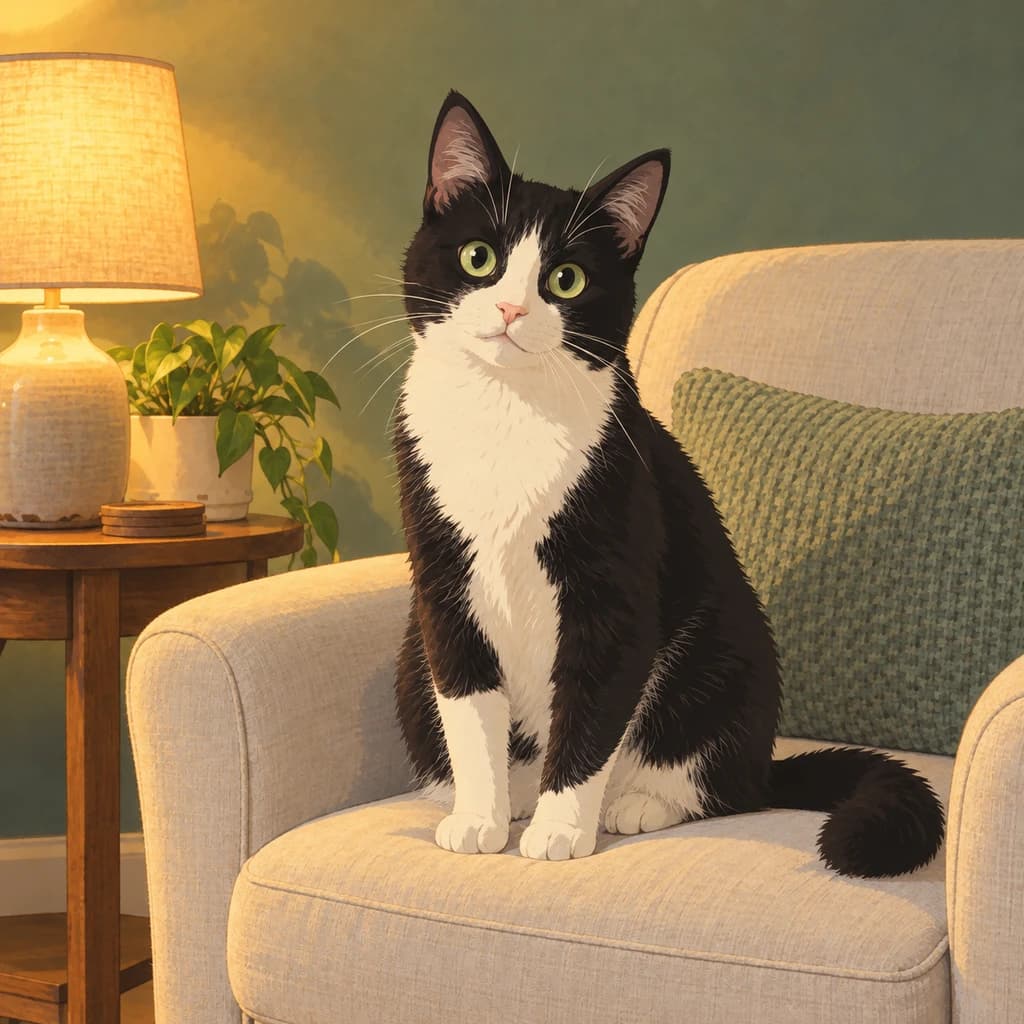
Start with the portrait at the garden gate: the weathered wooden gate, stone cottage and pink roses are all repainted, and the face gets simpler, with larger, darker eyes. The family picnic keeps its plaid blanket and apple orchard, with sunlight falling through the leaves. In the cat in a cozy room, the lamp glows gold against the green wall.
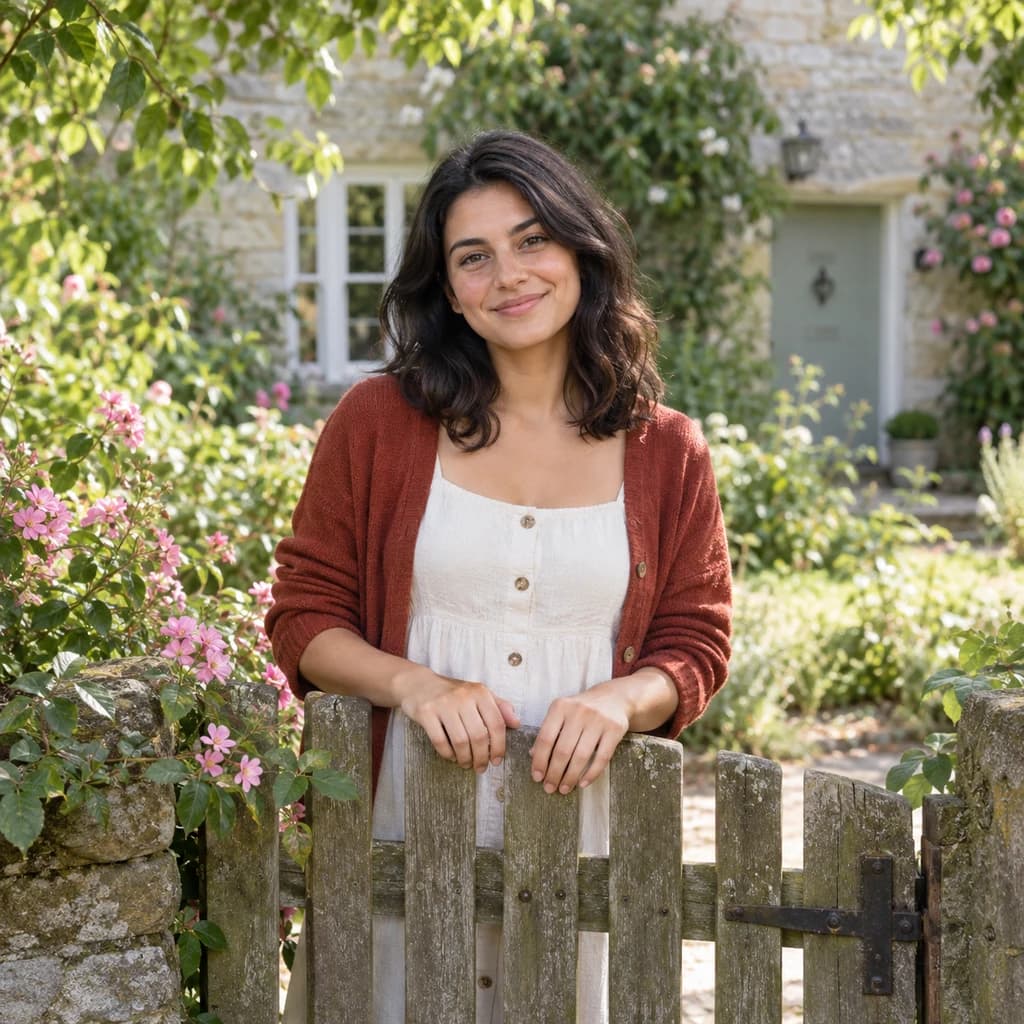 ORIGINAL
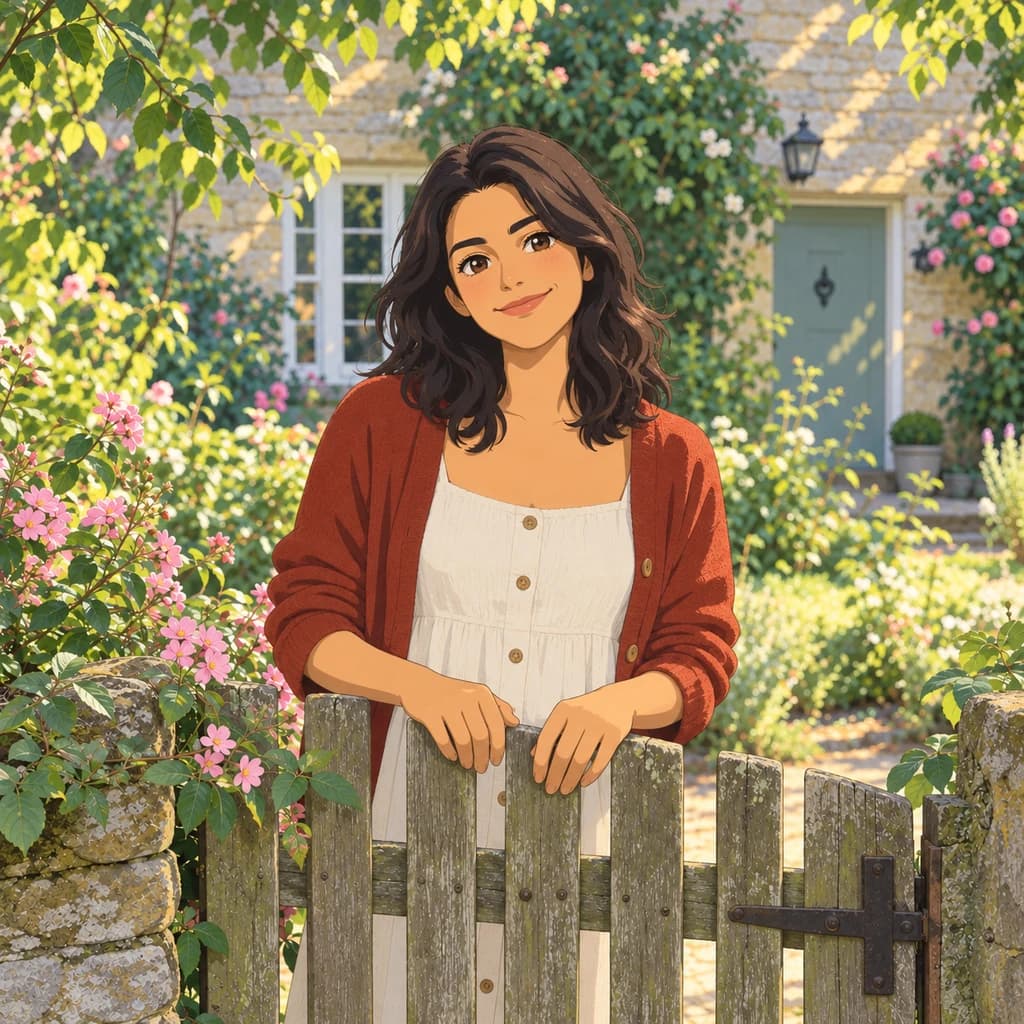 STUDIO GHIBLI
Portrait at the garden gate01 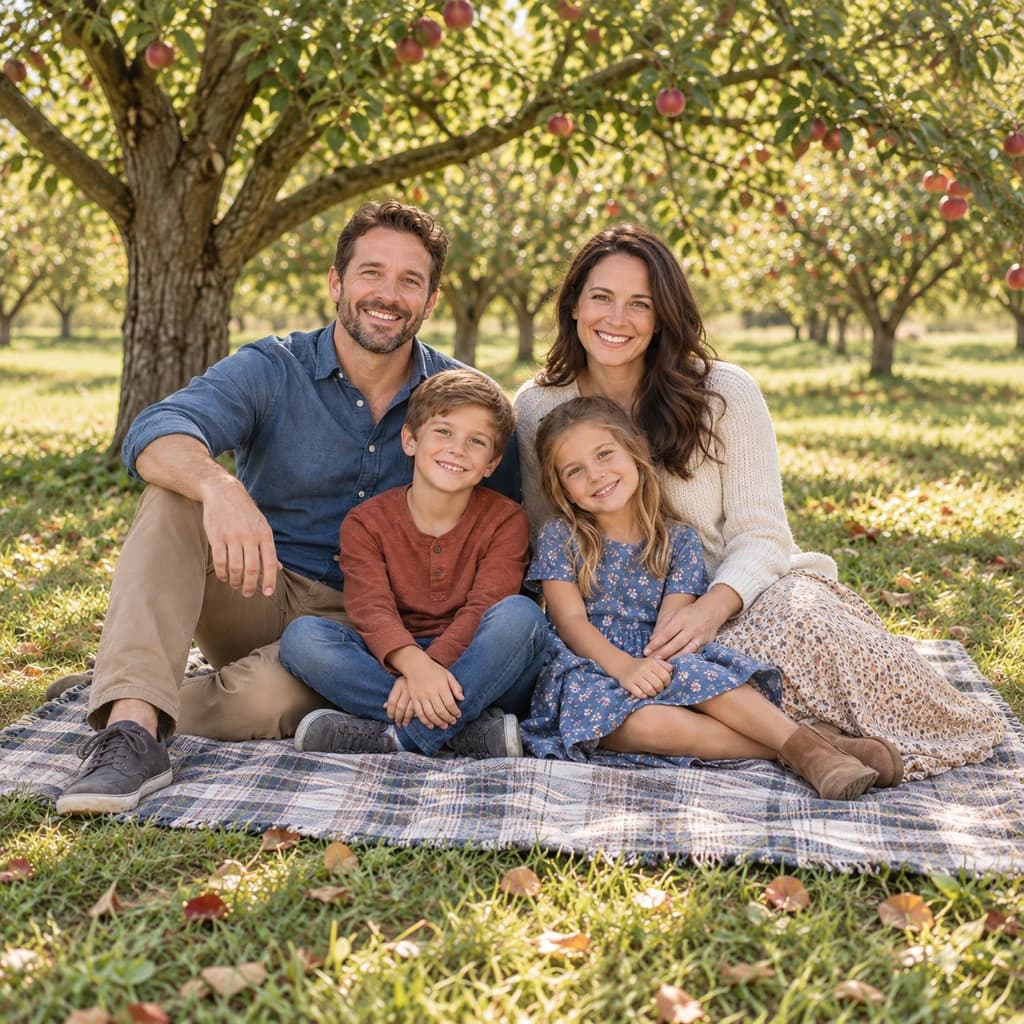 ORIGINAL
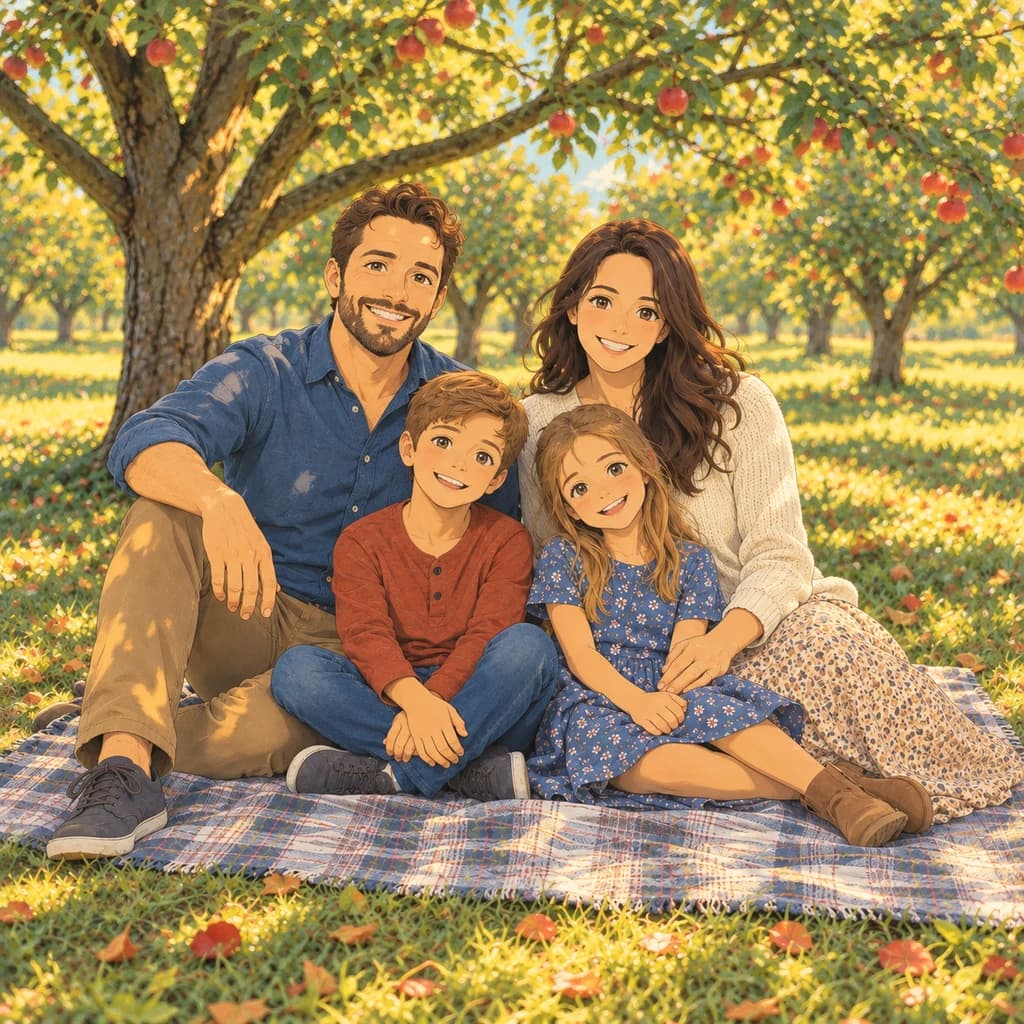 STUDIO GHIBLI
Family picnic02 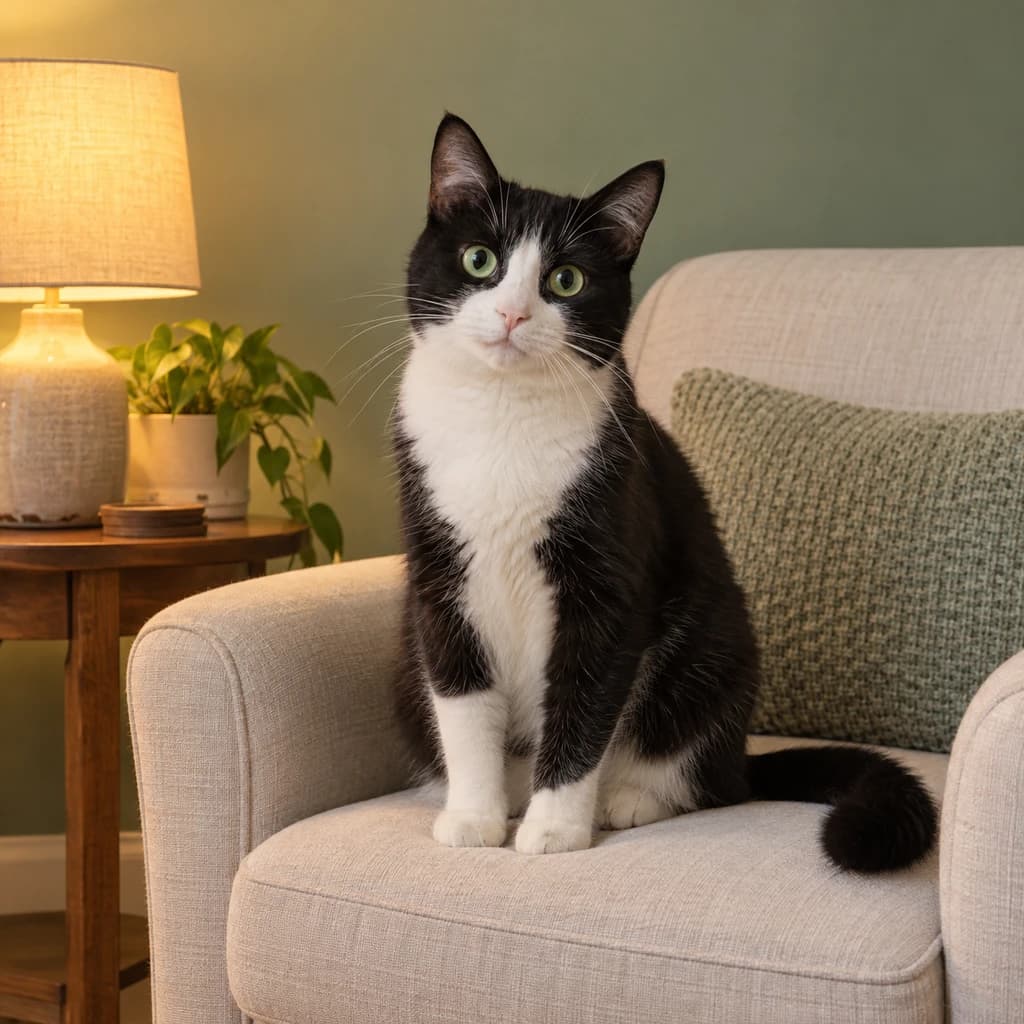 ORIGINAL
 STUDIO GHIBLI
Cat in a cozy room03
Illustrative style preview · Your result will vary
What is Ghibli style?
Ghibli style is the look of Studio Ghibli, the Japanese animation studio founded in 1985 by Hayao Miyazaki, Isao Takahata and Toshio Suzuki. Films such as My Neighbor Totoro (1988) and Spirited Away (2001) are known for hand-painted skies, fields and old houses, and for characters drawn simply, with soft faces. Spirited Away won the Academy Award for Best Animated Feature.
Photos with greenery, flowers or soft daylight give this style the most to paint, though a room lit by a single lamp works too. The repaint keeps your pose, hair and clothes, simplifies the face and gives the background soft, layered color. It suits quiet, everyday moments more than action shots.
How to turn a photo into Ghibli art
Bring a photo with some scenery in it; the setting gets as much paint as you do.
Family picnic STEP 01
Choose a photo with surroundings
Upload a JPG, PNG or WebP up to 10 MB, or start from a sample. Step back from the subject a little: gardens, trees and a sunny window give the painted background its leaves, flowers and light.
- OriginalStudio Ghibli
STEP 02
Repaint it in Ghibli style
Your face is simplified into soft, gentle features. Hair and clothes become clean shapes with light shading. The background is repainted with layered color, natural sunlight and, where there's sky, big summer clouds.
STEP 03
Sign in and download the scene
Sign in to generate. Prices start at 8 credits, and the studio shows the cost before anything runs. The finished PNG downloads directly and is kept in your history too.
Ways to use it
Good places for a gentle, storybook version of you.
- Couple keepsakesA quiet moment together, repainted like a film still, makes a warm anniversary gift.
- Pets in painted gardensDogs and cats look right at home in sunny, leafy scenes.
- Nursery and bedroom printsSoft colors and calm scenes suit a print above a bed or crib.
- Engagement and wedding artTurn an outdoor engagement photo into a painted scene for cards or a guest book.
- Calm profile picturesA gentle, painted look for social profiles, blogs and personal sites.
- Travel memoriesRepaint a trip photo, from a mountain trail to a seaside town, as a calm scene.
Photo to Ghibli: what to expect
How the painted look handles faces, settings, light and pets.
| FEATURE | What you get | Before you start | Limits |
|---|---|---|---|
| Faces | Simpler features, larger dark eyes and a soft smile, with hairstyle and clothes kept | Choose a photo where the face is softly lit and not squinting into the sun | Freckles, makeup and fine skin detail are usually smoothed away |
| Settings | Gardens, orchards and rooms repainted with layered leaves, flowers and texture | Frame the person at waist or full length if the place matters to you | Modern clutter such as cars, signs and screens can look out of place or get simplified |
| Light | Warm, natural light: sun through leaves outdoors, a golden lamp glow indoors | Skip photos taken with on-camera flash, which flattens the light the repaint builds on | Night shots and harsh flash usually come out flatter and less atmospheric |
| Pets | Coat pattern and eye color kept, with fur painted in soft strokes | Catch your pet sitting still in its usual spot, so the room becomes part of the picture | Fast-moving or blurred pets can lose their markings |
Tips for better Ghibli results
The right setting and light do most of the work.
- 01
Go outside if you can
Sky, trees, fields and gardens are where this style shines. An outdoor photo turns into a full painted scene, not just a portrait.
- 02
Soft light beats harsh sun
Morning or late-afternoon light matches the warm Ghibli colors. Harsh midday sun can leave dark patches on faces.
no flash. pretty please.
- 03
Leave some room around you
A little space around you gives the style room to paint sky and scenery. Tight face crops come out more like a simple portrait.
- 04
Relaxed expressions fit best
The style favors calm, natural expressions. A soft smile or a thoughtful look usually fits better than a big, posed grin.
Photo to Ghibli FAQ
How the Ghibli-style repaint treats faces, scenery and pets, and how it compares with anime; general account, credit and privacy answers sit in the main FAQ.
Will the painted version still look like me?
Can I print my Ghibli-style picture?
Does it work with family photos, kids and pets?
Ghibli-style or anime: which should I pick?
Does my photo need sky or clouds?
Will it work on indoor photos?
Why does each Ghibli version come out a little different?
What doesn't suit this style?
Is PhotoToCartoon affiliated with Studio Ghibli?
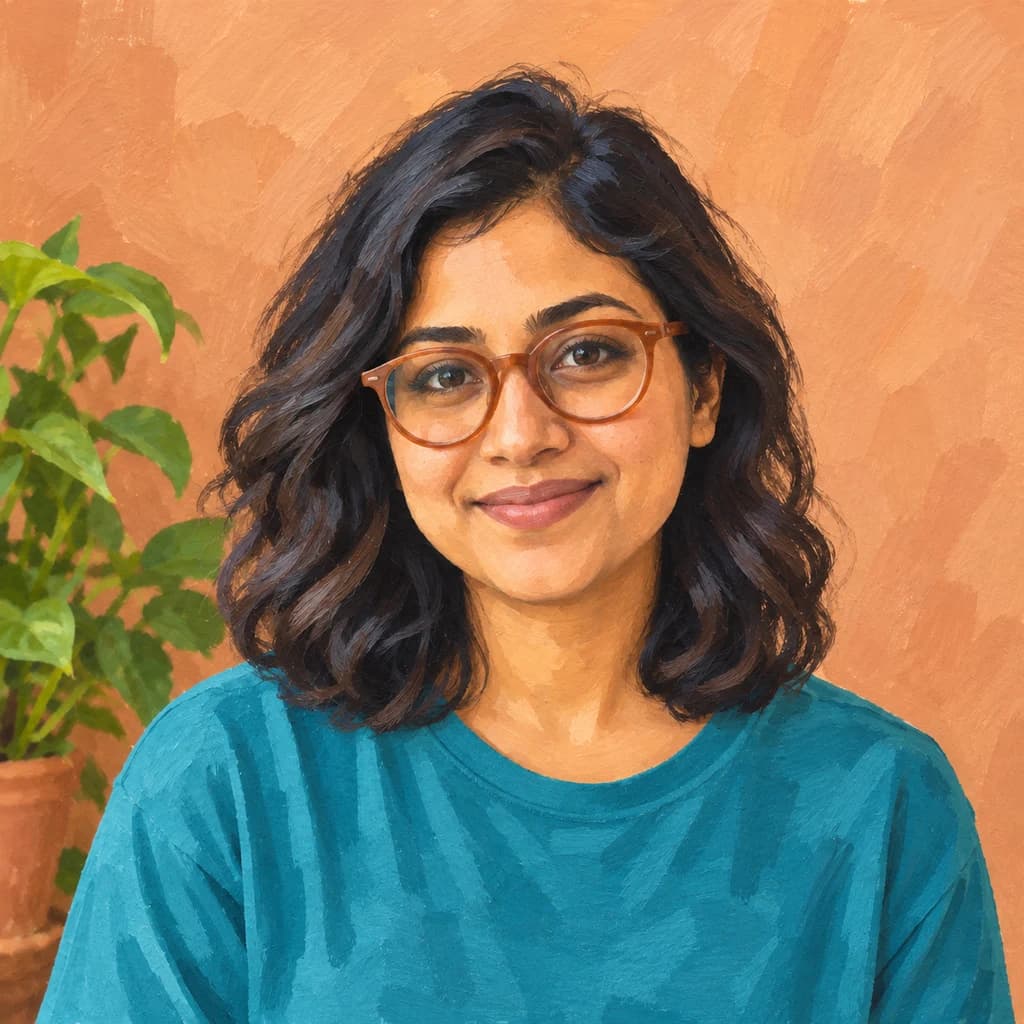
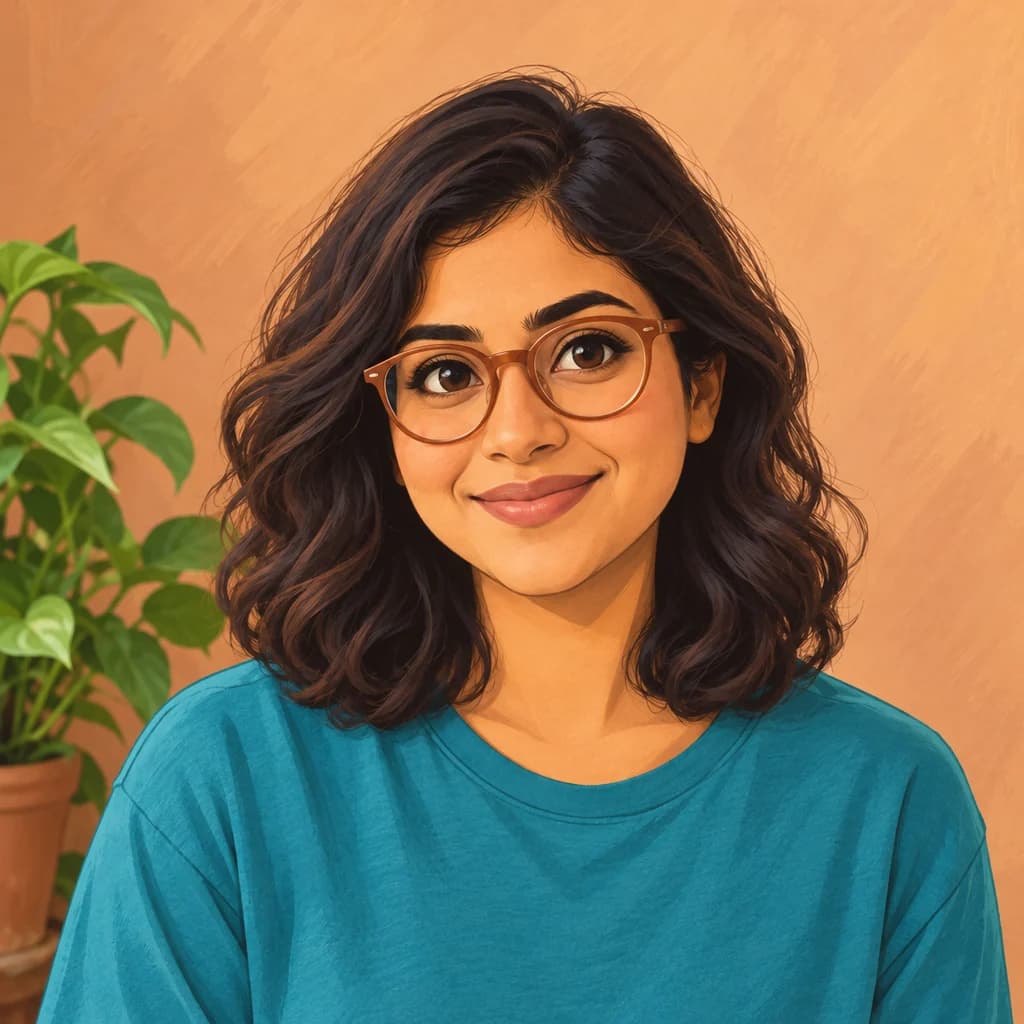
Turn your photo into a Ghibli-style scene
Wander through the painted sample scenes first; that part is free and needs no account. To repaint one of your own photos, sign in and use credits, which are only spent on finished images. Plans start from $9.99 a month.