Photo to
Watercolor
Photo to watercolor repaints a picture in thin, transparent washes of color, the way paint thinned with water behaves on paper. Upload a portrait, a pet or a sunny place as a JPG, PNG or WebP. Your pose, setting and colors stay put, while flat areas like walls and shirts turn into pooled, mottled washes with soft, bleeding edges. Sample photos show the style at no cost; painting your own picture takes a sign-in and credits.
From 8 creditsJPG, PNG or WebP up to 10 MB
- COST
- From 8 credits
- TIME
- Usually under a minute
- UPLOAD
- JPG, PNG, WebP · 10 MB
- OUTPUT
- PNG up to 4096 px
Styles
57 stylesAnime & Cartoon
11Artistic
133D & Avatars
8Fun & Creative
9Retro & Vintage
3Digital & Modern
8Sculptures & Crafts
5Illustrative style preview · Your result will vary
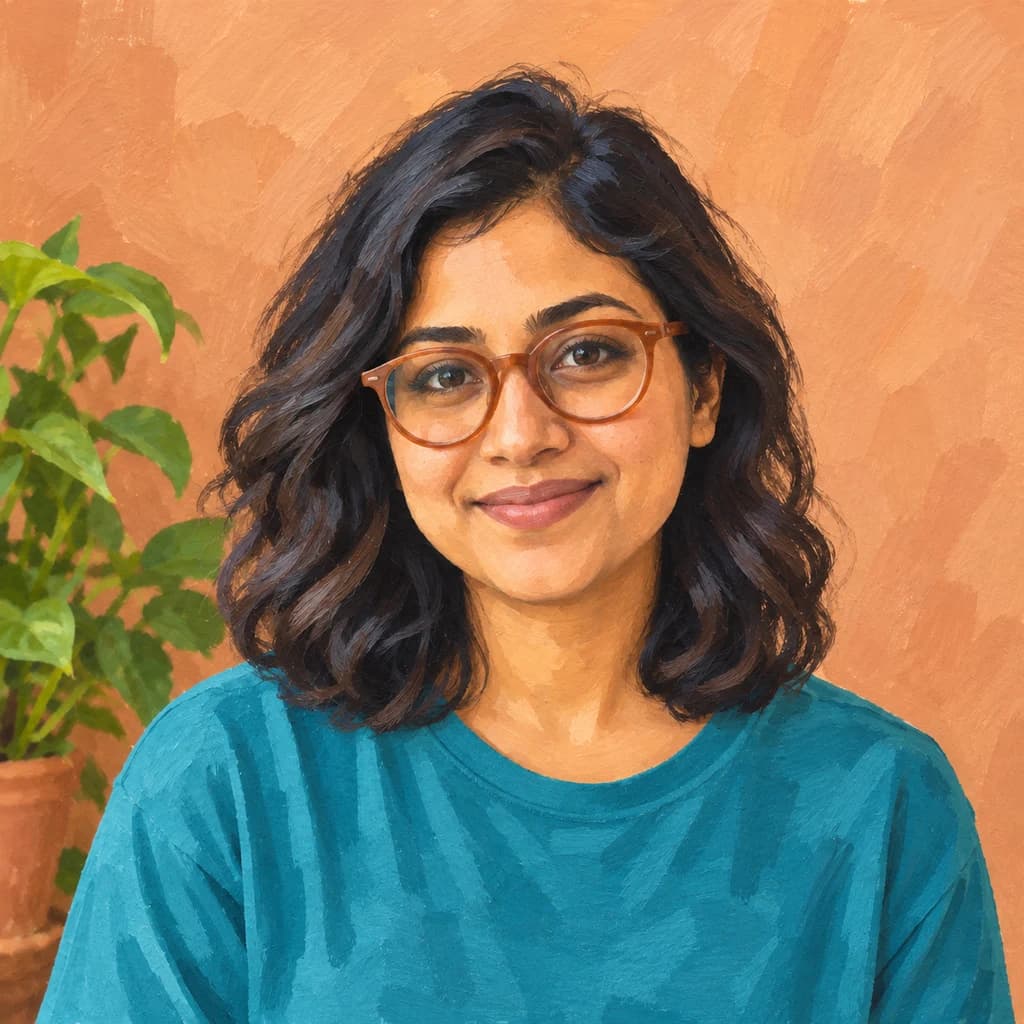
Portrait with terracotta glasses
Sample photo
PRESET · /tools/photo-to-watercolor · Seedream 4 · 2K · 1:1
Open full studio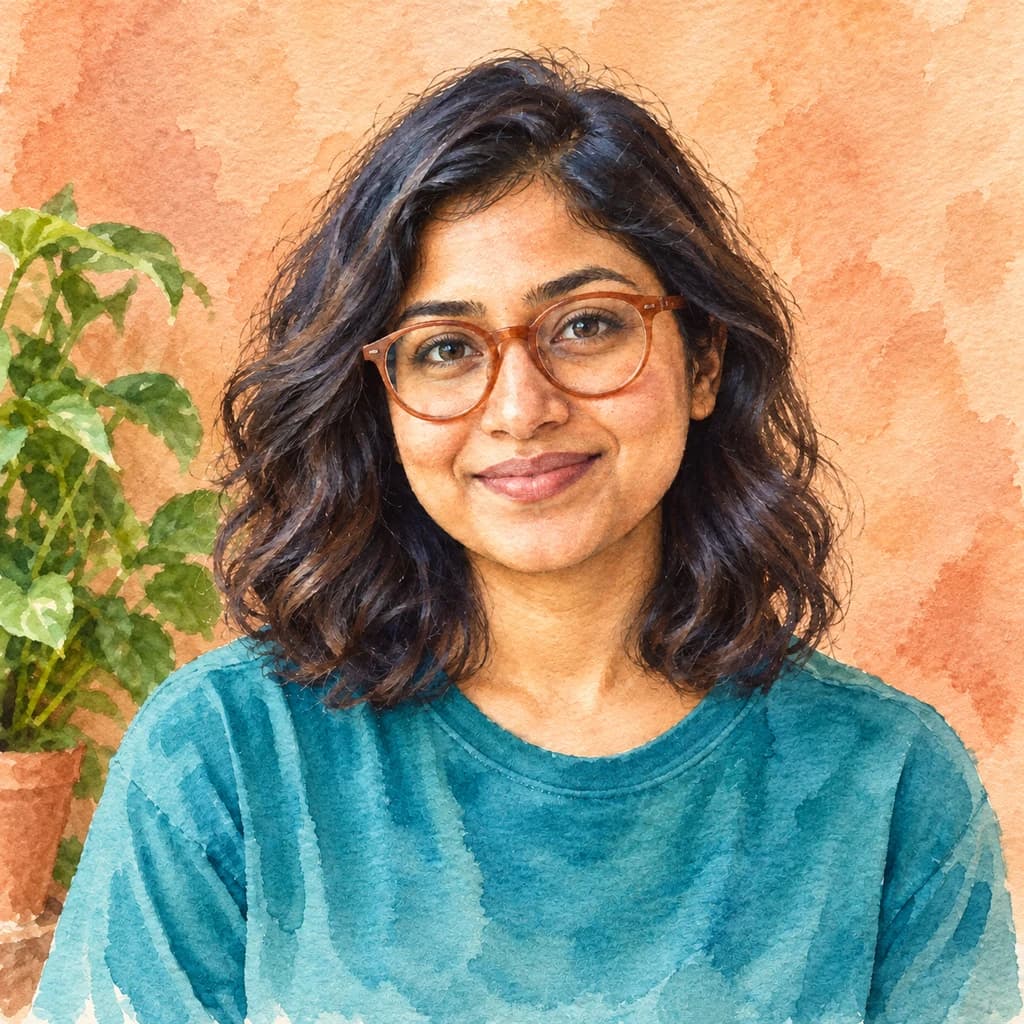 WatercolorSeedream 4 · 2K · 1:1
Illustrative style preview · Your result will vary
11 credits / image · From $9.99 a month
/tools/photo-to-watercolor
Open full studioPhoto to Watercolor examples
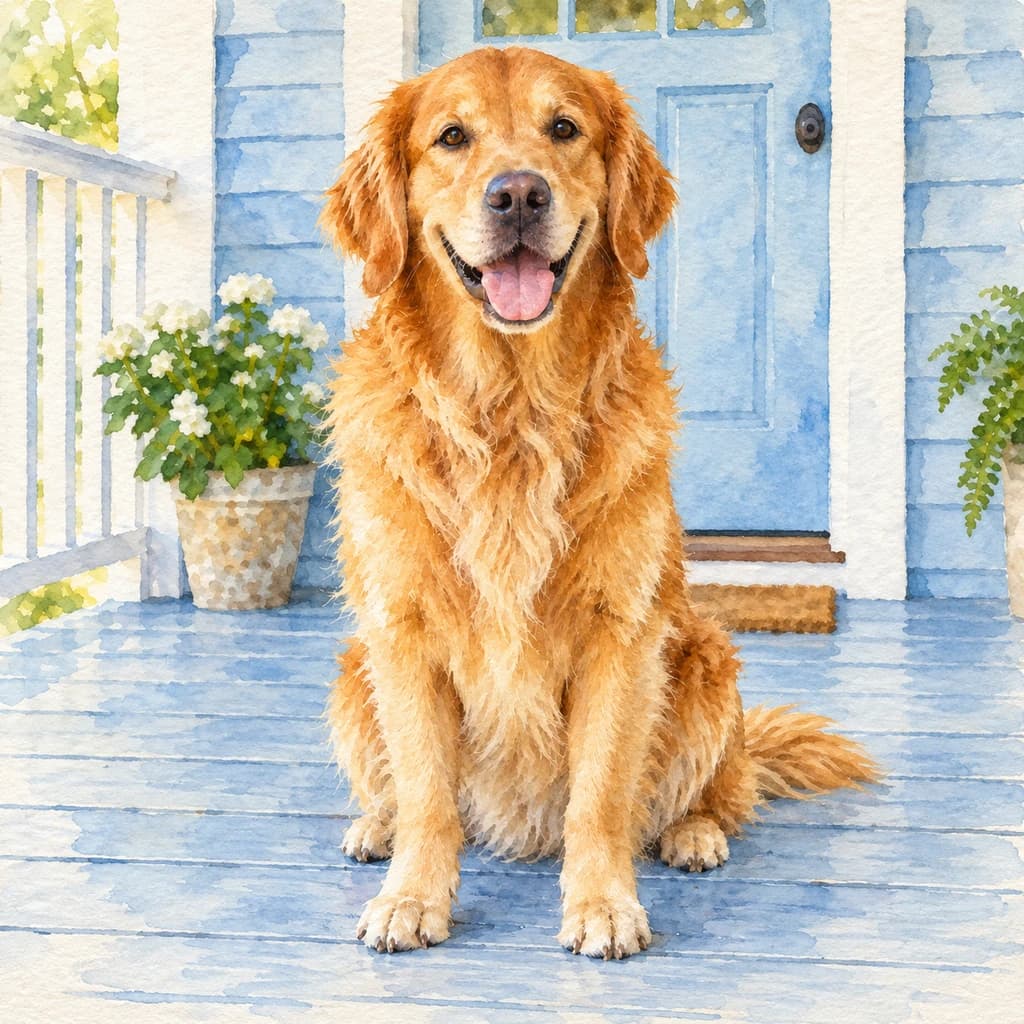
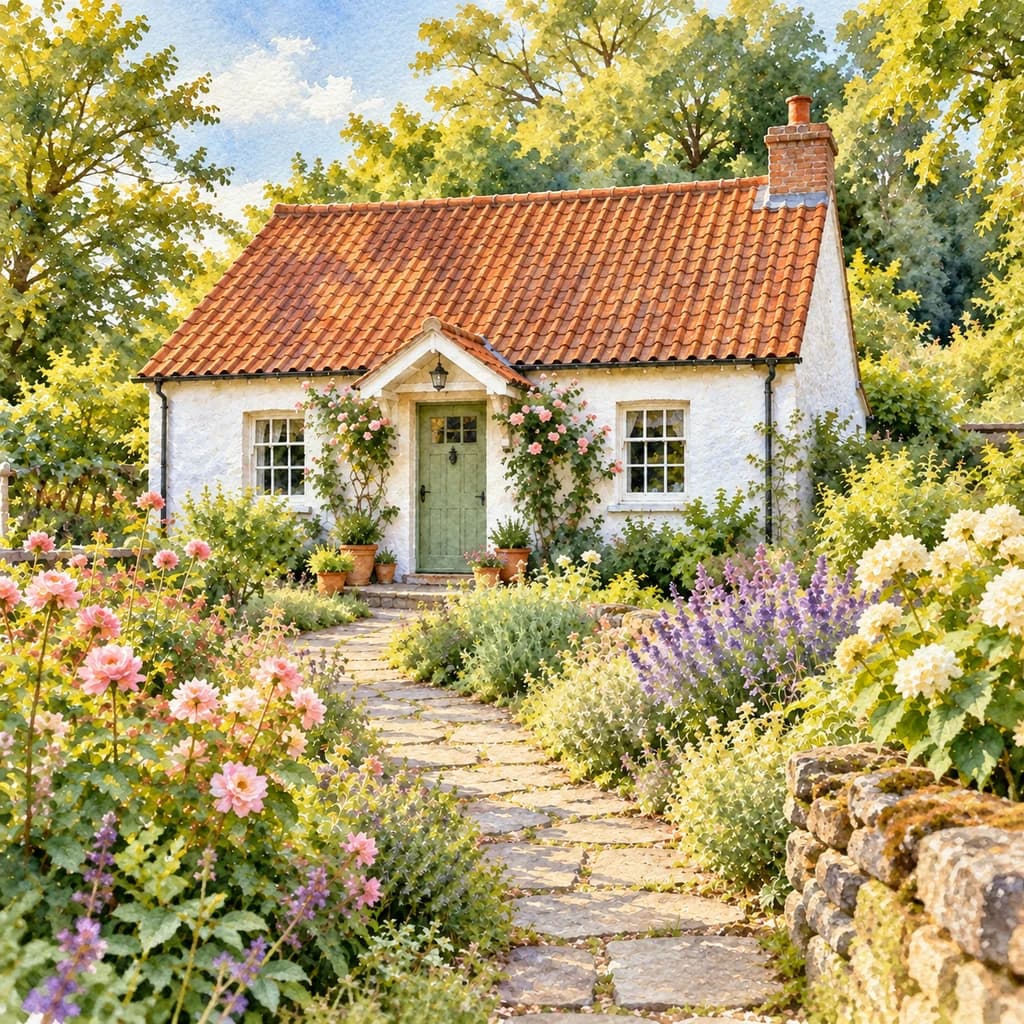
Start with the portrait with terracotta glasses: the peach wall and teal shirt dry into mottled washes with darker rims where the paint pooled, while her face stays crisp. The golden retriever on the porch gets loose gold streaks of fur over pale blue boards. The cottage and flower garden shows how much detail survives: roses, lavender and the stone path.
 ORIGINALWATERCOLOR
Portrait with terracotta glasses01 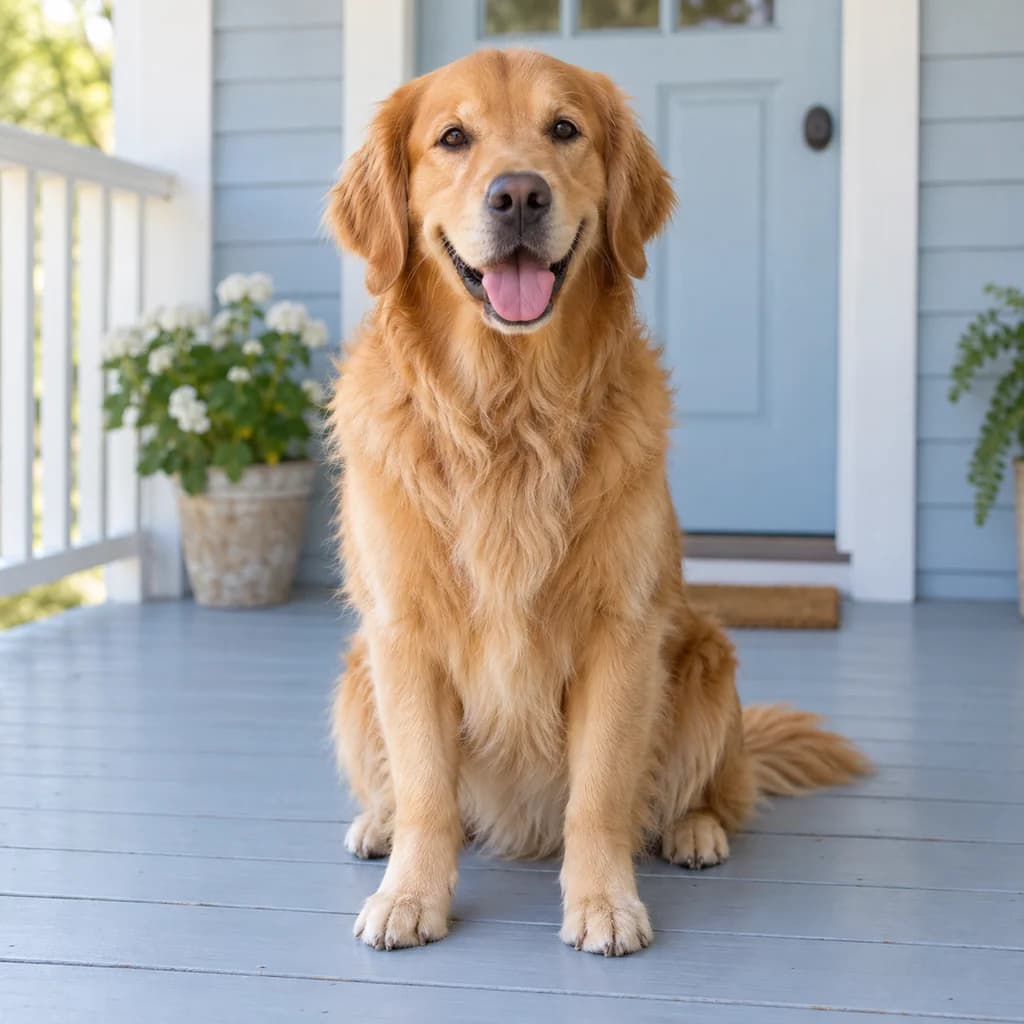 ORIGINAL
 WATERCOLOR
Golden retriever on the porch02 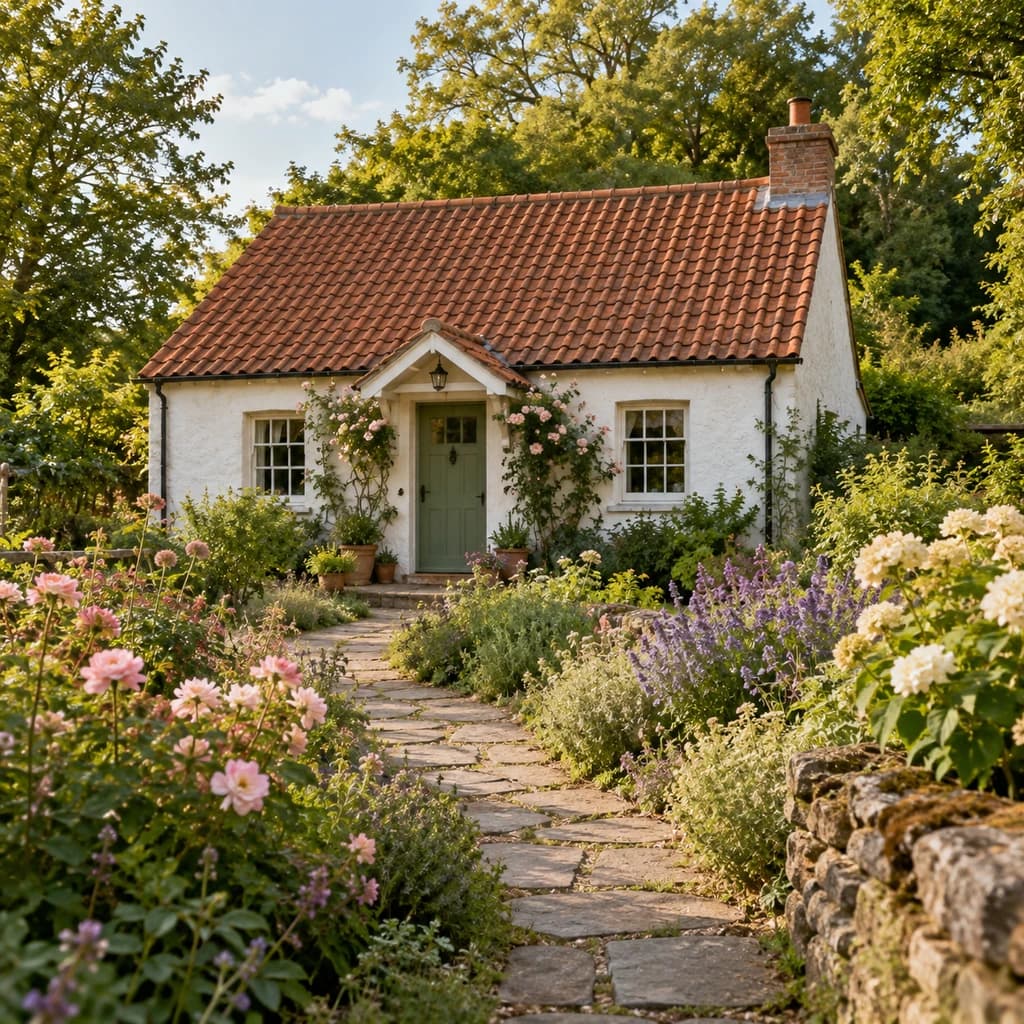 ORIGINAL
 WATERCOLOR
Cottage and flower garden03
Illustrative style preview · Your result will vary
What is watercolor art?
Watercolor is pigment bound with gum arabic, thinned with water and brushed onto paper in see-through layers called washes. Because the paint is transparent, the paper does the job of white: painters leave it bare for highlights. Where two wet washes touch they bleed together, and a drying puddle leaves a darker rim. J. M. W. Turner and, later, Winslow Homer made the medium famous for skies and sea.
Here the generator keeps your scene and repaints it in washes rather than thick strokes. Large flat areas show the most character: a wall or a shirt turns mottled, with soft blooms and darker edges. Faces and eyes stay fairly detailed. Bright daylight photos suit it best, because the style depends on pale, glowing color.
How to turn a photo into a watercolor painting
Bright photo in, layered washes out.
Cottage and flower garden STEP 01
Upload a photo
Add a JPG, PNG or WebP up to 10 MB, or pick a sample photo. Shots with pale areas, like sky, a light wall or a white porch, give the washes room to stay clean and luminous.
- OriginalWatercolor
STEP 02
Paint it in thin layers
The generator lays your picture down in thin, see-through color. Shadows become pale layers of paint and small details soften. The edges of the scene can fade into white paper, like a hand-painted watercolor.
STEP 03
Generate and download
Sign in, check the price (from 8 credits, depending on the model) and generate. Your watercolor downloads as a PNG and is also saved to your history, so you can find it again later.
Ways to use it
Convert your photo to watercolor art for soft, personal projects like these.
- Wedding stationeryPaint your engagement photo for save-the-dates, invitations or a guest book page.
- Nursery wall artSoft layers and pale colors suit a baby's room. Paint a family photo or a pet.
- Pet portraitsFur turns into loose, layered strokes. A watercolor of your dog or cat makes a gentle keepsake.
- Travel memoriesTurn vacation photos into painted postcards that look like pages from a travel sketchbook.
- Greeting cardsPrint a watercolor portrait on birthday, holiday or thank-you cards for a hand-painted feel.
- Personal giftsA watercolor of a favorite family moment makes a thoughtful gift for parents or grandparents.
Photo to Watercolor: what to expect
How washes treat faces, fur, flat areas and busy scenes, so you know what a watercolor version keeps.
| FEATURE | What you get | Before you start | Limits |
|---|---|---|---|
| Faces | Features, glasses and expression stay readable, with skin built from pale, warm washes. | Use a photo where the face is in focus and lit from the front or side, not from behind. | Freckles, fine wrinkles and stubble often melt into the wash. |
| Walls, shirts and sky | Mottled washes with soft blooms and darker rims where the paint pooled. | A plain wall or open sky behind the subject gives the washes space to show. | Printed patterns, logos and text on clothes rarely survive; they become patches of color. |
| Fur and hair | Loose streaks of color that follow the direction of the coat or curls. | Choose a shot where the coat catches some light, so the streaks have highlights to work with. | Very dark coats can turn flat and heavy, because dark washes stack up and lose their glow. |
| Houses and gardens | The layout stays, with flowers reduced to dabs and bleeds of pink, lavender and green. | Pick a scene with one clear subject, such as a single house or a path leading in. | Tiny background people, signs and window panes may blur or shift between runs. |
Tips for better watercolor results
Watercolor loves light, so give it bright, simple photos.
- 01
Start with a bright photo
Watercolor builds from light to dark. Daylight photos with soft shadows give clear, light layers of paint, while dim photos can turn heavy and muddy.
- 02
Leave some empty space
Sky, a pale wall or open ground gives the washes room to stay light, and in some runs to fade into white paper. That open, airy space is a big part of the watercolor look.
- 03
Keep the subject clear
Thin layers of paint soften small details. Make sure the face or pet is in focus and fills a good part of the frame.
- 04
Try a landscape
Watercolor is a natural fit for gardens, beaches and city streets. Run a travel photo without people and see how the sky paints.
Photo to Watercolor FAQ
Questions about washes, paper and printing a watercolor; account, credit and privacy questions are answered in the main FAQ.
Will a watercolor still look like me?
How large can I print a watercolor?
Can I paint my pet, my kids or a group?
Watercolor or gouache: which should I choose?
Why are there blotches and dark rims in flat areas?
Will the edges fade to white paper?
Which photos turn out poorly in watercolor?
Does it work for houses and gardens, not just people?
Why does each watercolor look a little different?
Can I sell watercolor prints or cards made here?
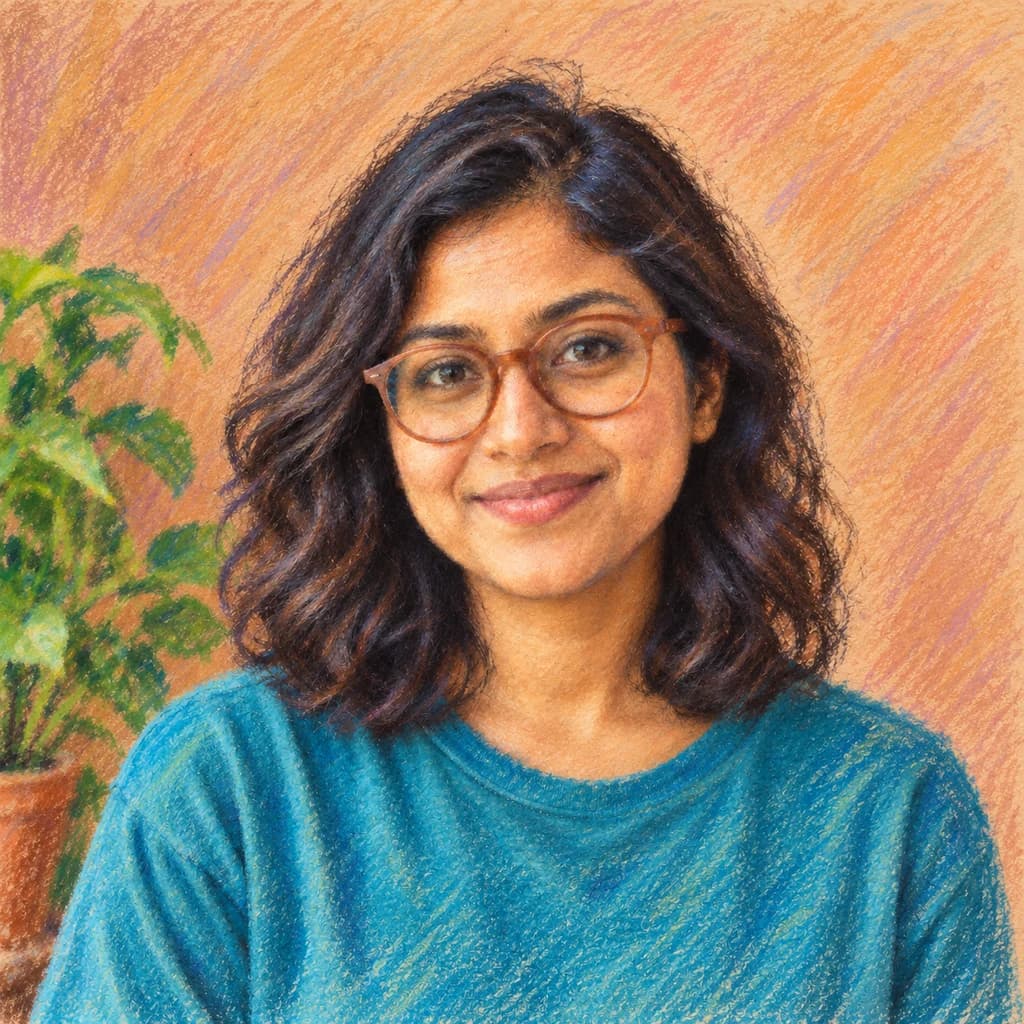
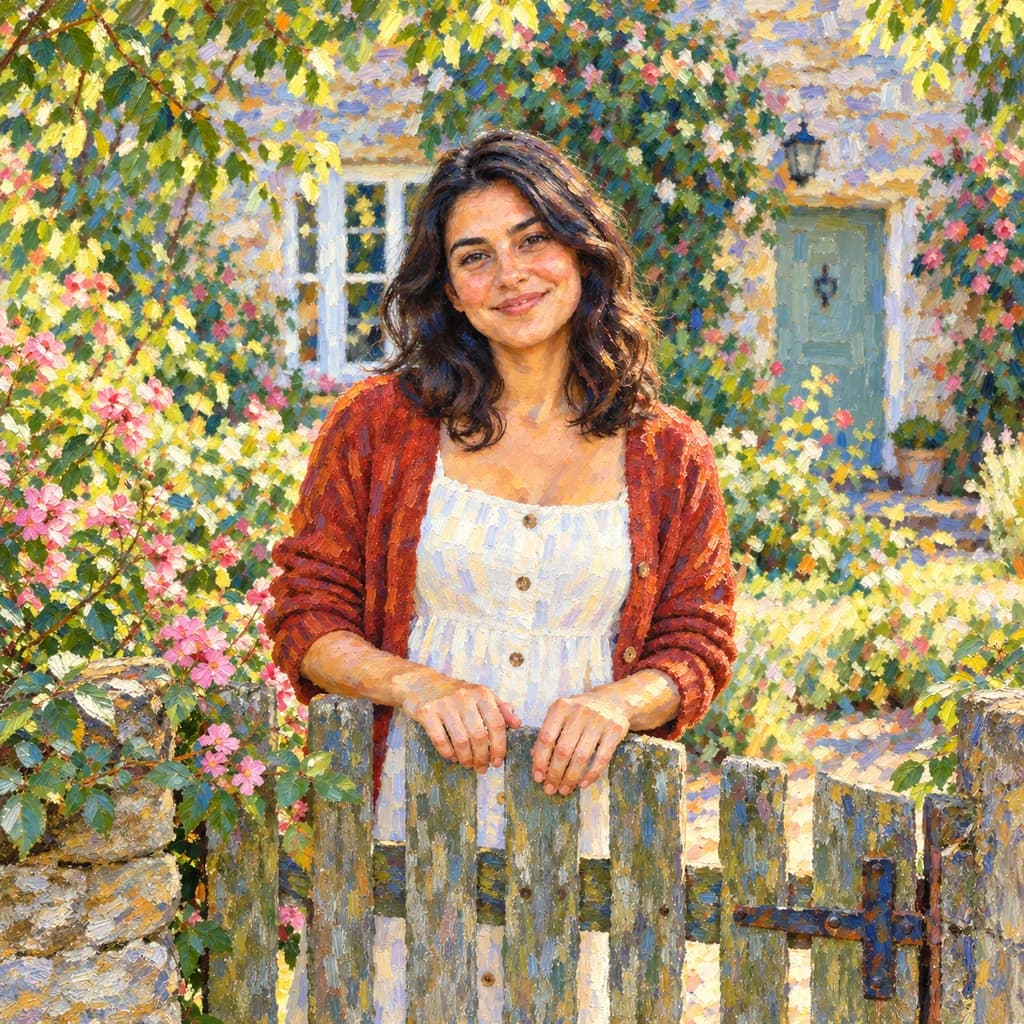

Turn your photo into a watercolor painting
Watch a sample photo turn into washes before you spend anything. When you'd like your own portrait, pet or garden painted, sign in and use credits; the price appears before you generate. Plans cost from $9.99 a month.