Photo to
3D
Photo to 3D turns a photo into a 3D cartoon image, like a still from a computer-animated film, with rounder faces, larger eyes and soft light across the whole scene. Upload a portrait, a family shot or a pet photo and leave some background in. People, props and setting come back in the same 3D look, but as a flat picture, not a model file. Testing the look on samples costs nothing; converting your own photo needs an account and credits.
From 8 creditsJPG, PNG or WebP up to 10 MB
- COST
- From 8 credits
- TIME
- Usually under a minute
- UPLOAD
- JPG, PNG, WebP · 10 MB
- OUTPUT
- PNG up to 4096 px
Styles
57 stylesAnime & Cartoon
11Artistic
133D & Avatars
8Fun & Creative
9Retro & Vintage
3Digital & Modern
8Sculptures & Crafts
5Illustrative style preview · Your result will vary
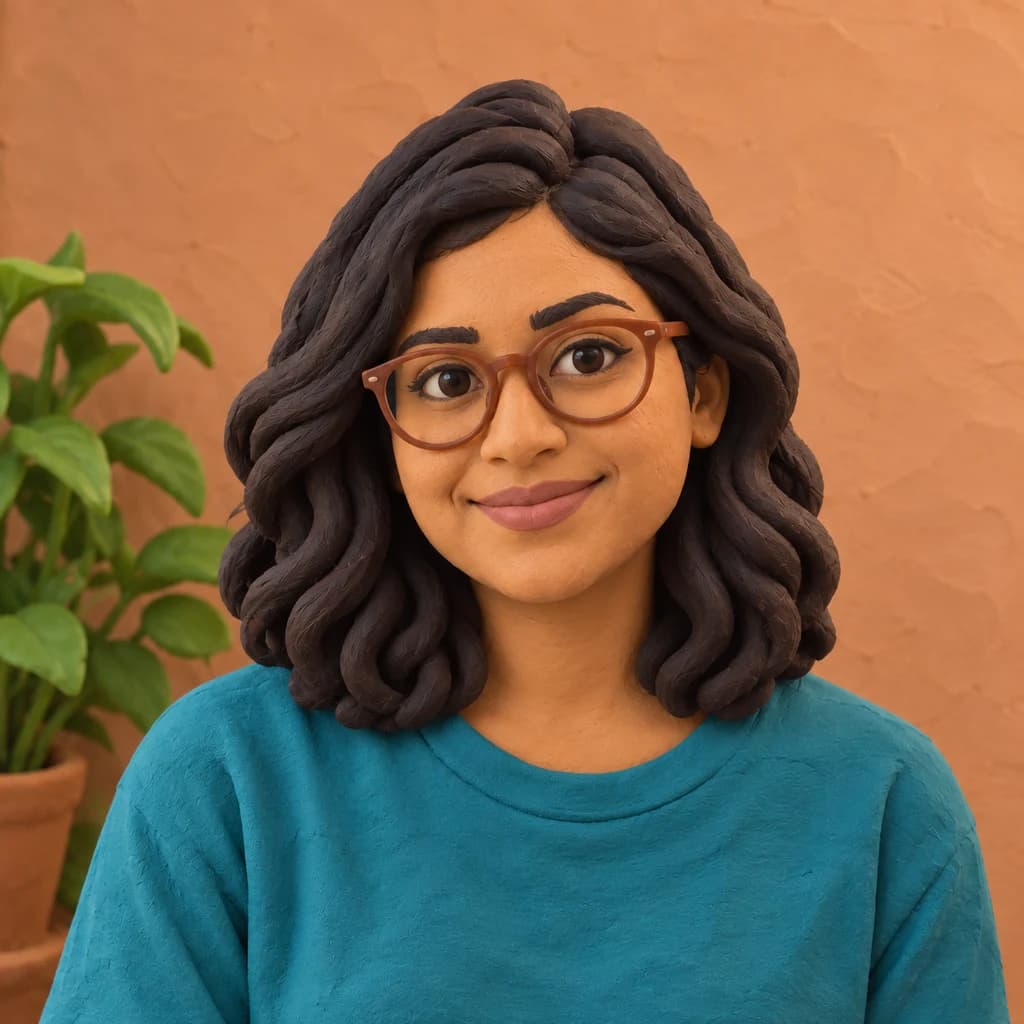
Portrait with terracotta glasses
Sample photo
PRESET · /tools/photo-to-3d · Seedream 4 · 2K · 1:1
Open full studio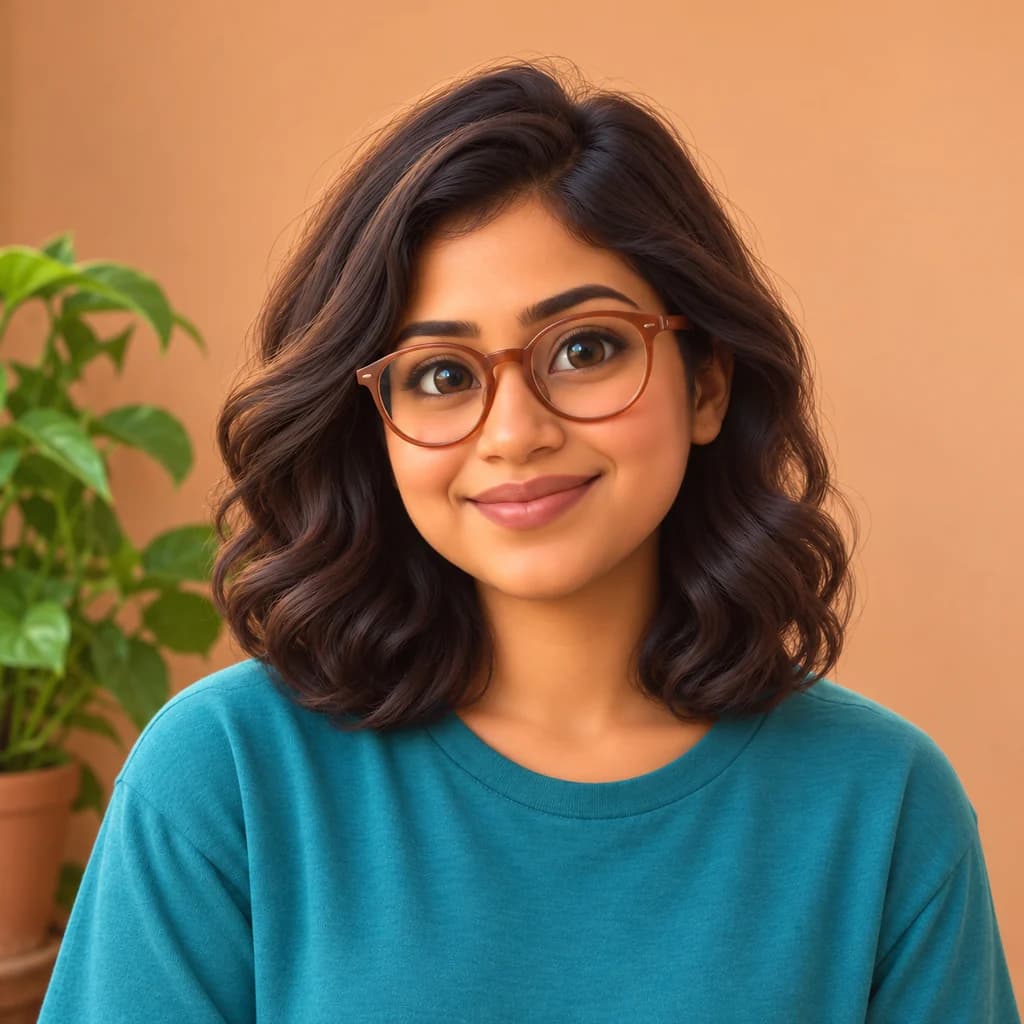 3D CartoonSeedream 4 · 2K · 1:1
Illustrative style preview · Your result will vary
11 credits / image · From $9.99 a month
/tools/photo-to-3d
Open full studioPhoto to 3D examples
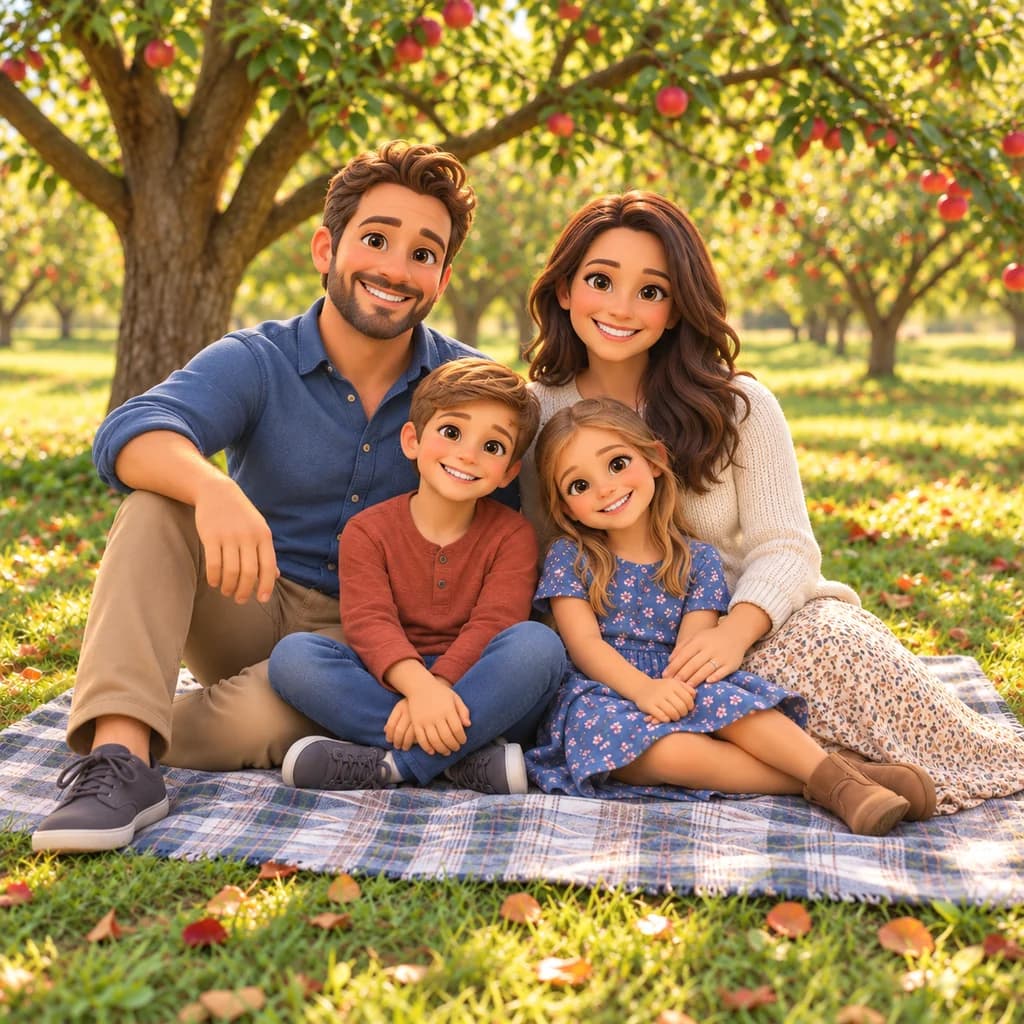
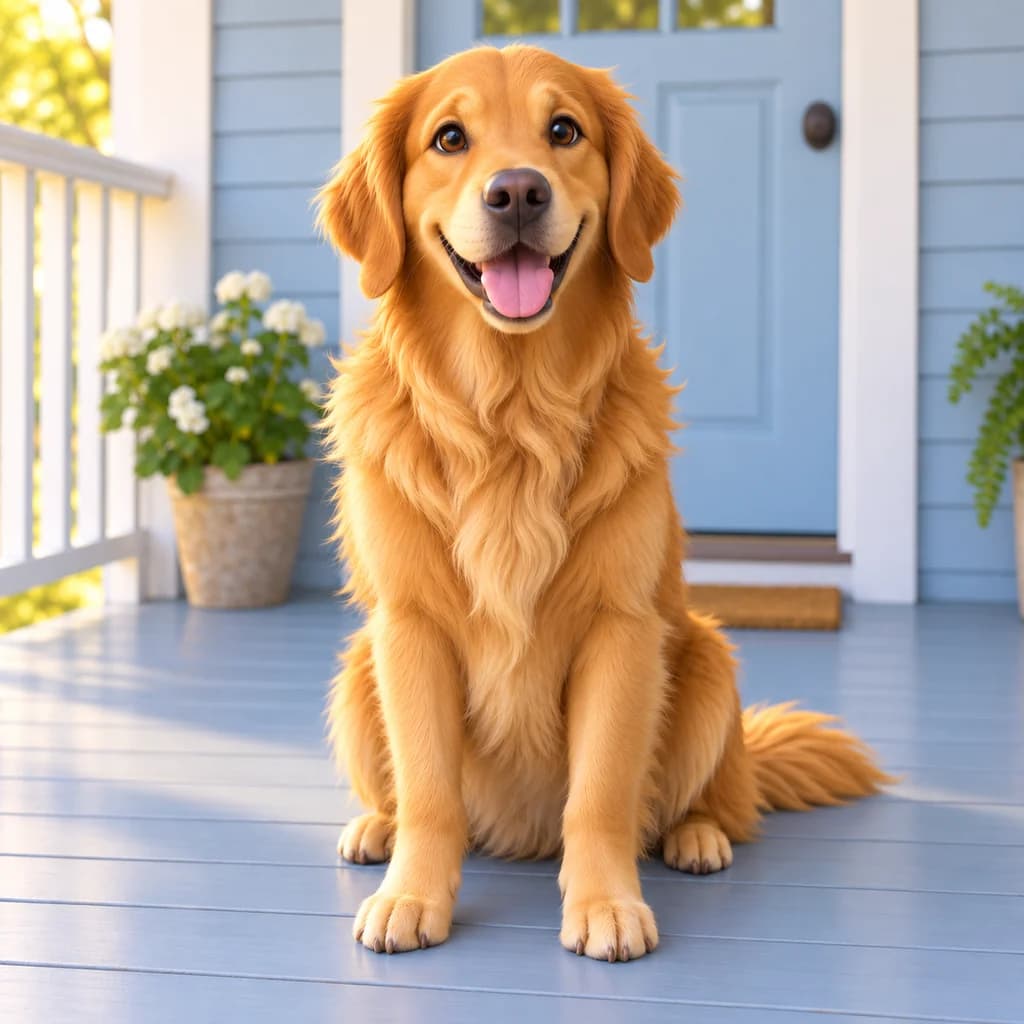
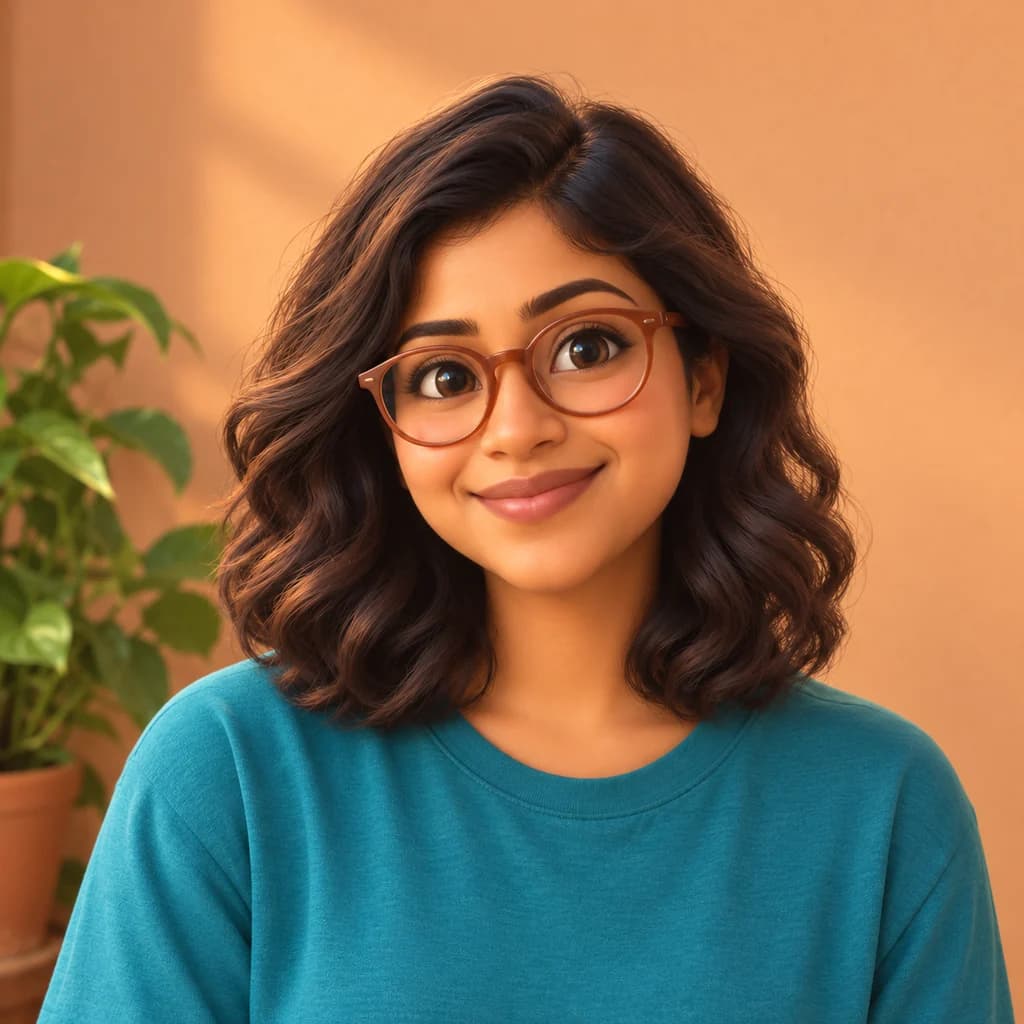
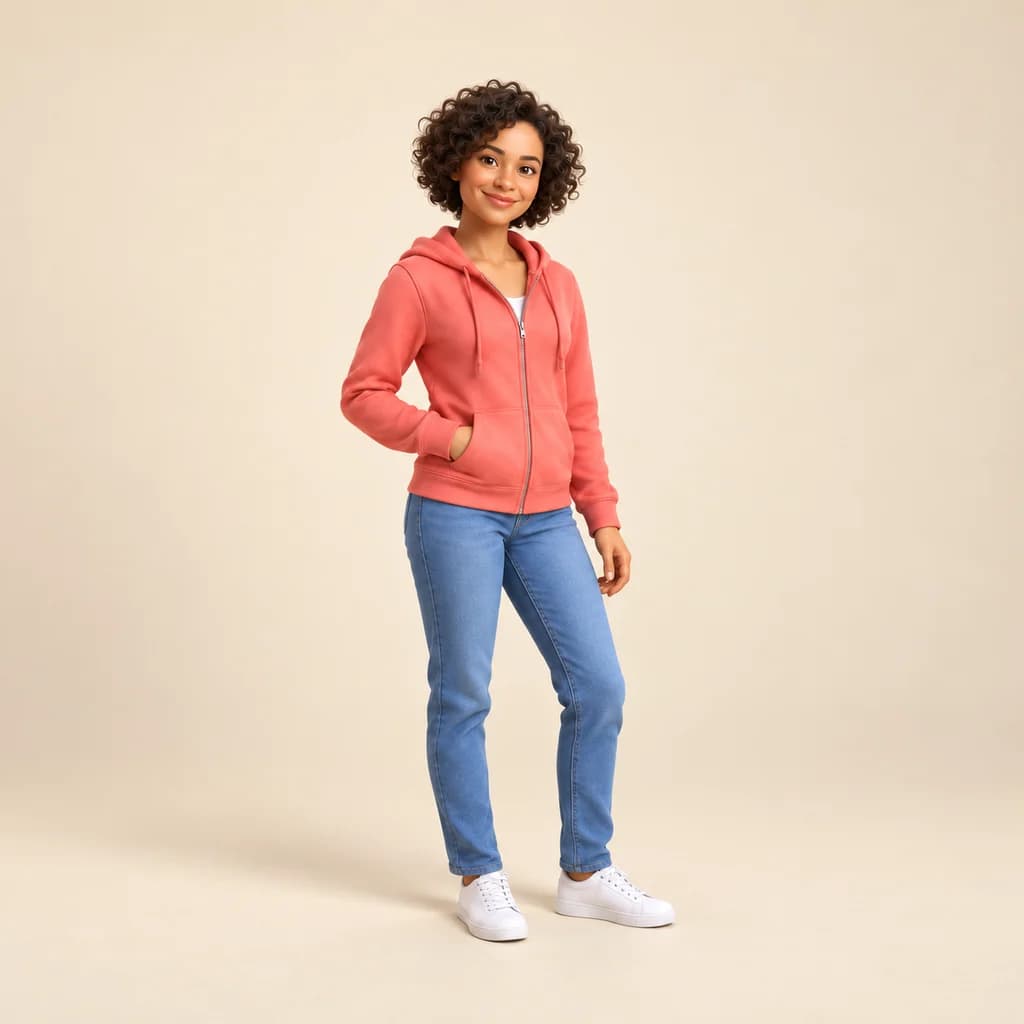
In the family picnic, all four faces turn rounder, with bigger eyes and rosy cheeks, while the plaid blanket and apple trees stay where they were. The portrait with terracotta glasses gets smoother skin and slightly fuller cheeks. The golden retriever on the porch stays closest to its photo, with fur turned soft and smooth. Every scene keeps its background.
 ORIGINAL3D CARTOON
Portrait with terracotta glasses01 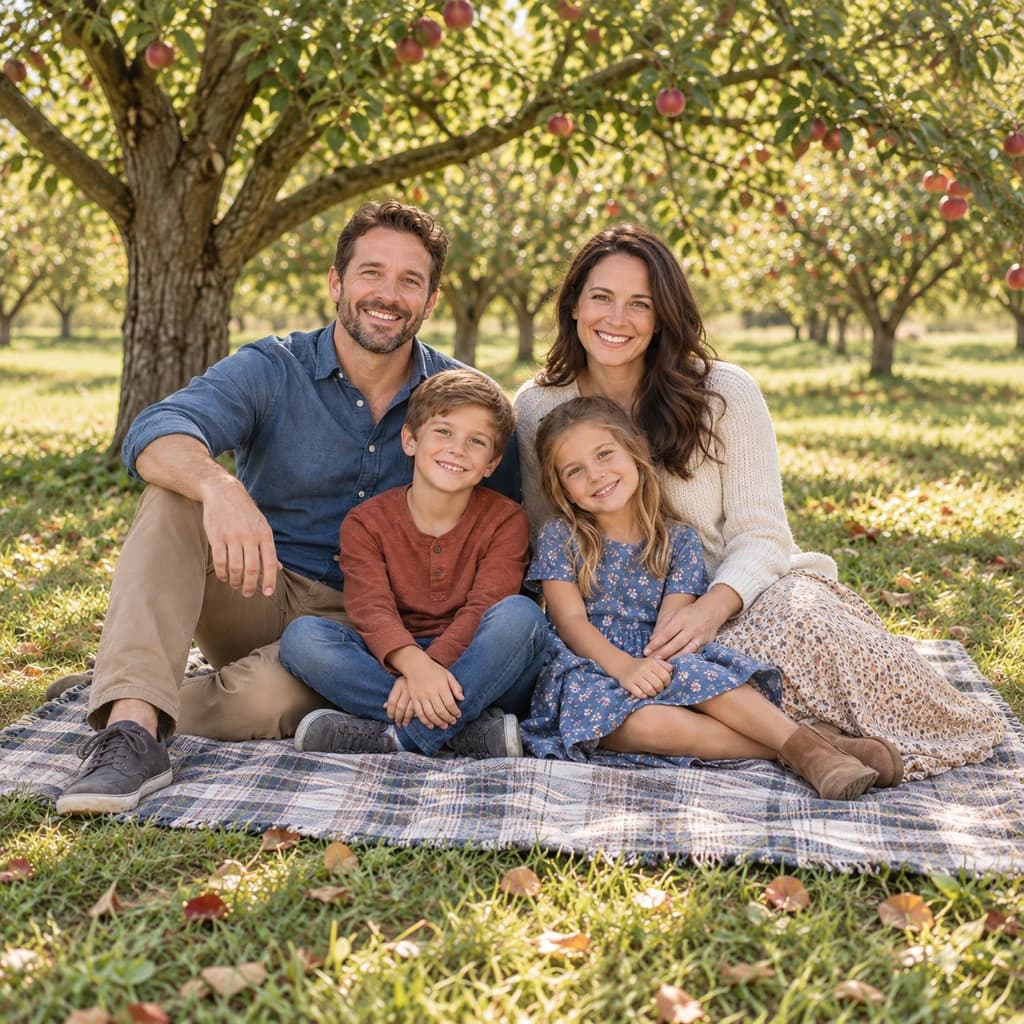 ORIGINAL
 3D CARTOON
Family picnic02 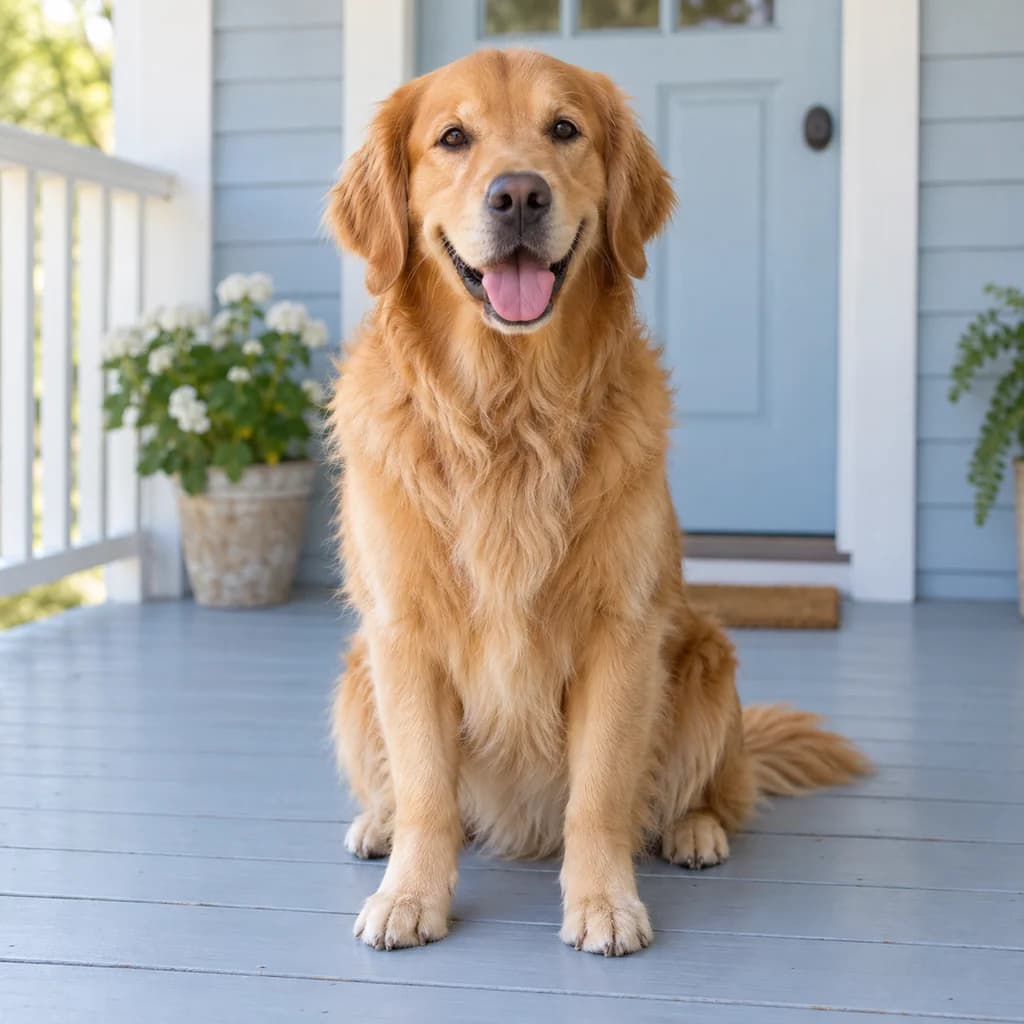 ORIGINAL
 3D CARTOON
Golden retriever on the porch03
Illustrative style preview · Your result will vary
What is 3D cartoon style?
3D cartoon style is the look of computer-animated feature films: characters built as digital models, then lit like actors on a set. The approach went mainstream after Toy Story in 1995, and DreamWorks' Shrek (2001) won the first Academy Award for Best Animated Feature. Faces are rounded, eyes are large, skin is smooth with a soft glow, and light wraps around every shape.
A photo with a clear subject and a setting worth keeping works best: a family outing, a pet on the porch, a portrait by a window. The whole frame is rebuilt, not just the face, so background and props come back with depth. The result is a flat PNG with a 3D look, not a model you can rotate or print.
How to turn a photo into a 3D cartoon
Turn a whole scene, not just a face, into a 3D cartoon in three steps.
Family picnic STEP 01
Upload a photo with its setting
JPG, PNG or WebP files up to 10 MB work, or pick a sample photo. Keep some of the surroundings in frame, since the porch, the room or the park is rebuilt in 3D along with you.
- Original3D Cartoon
STEP 02
Give it a 3D look
Your photo is redrawn as one scene with a 3D look. Faces round out, eyes grow a little and skin turns smooth. Hair, clothes and background get soft light and depth, while your pose and colors stay close.
STEP 03
Sign in and keep the PNG
Sign in to generate. A 3D cartoon costs from 8 credits, and the studio lists the cost before it runs. Download the flat PNG once it appears, or open it again later from your account history.
Ways to use it
Good places for a 3D cartoon version of your photo.
- Family portraitsTurn a group snapshot into a scene that looks like a frame from an animated film.
- Pet portraitsGive your dog or cat a soft 3D look and smooth, soft-looking fur.
- Holiday cardsPut the whole family on a card as 3D cartoon characters.
- Kids' room printsFrame your child as the star of their own animated movie.
- Profile picturesA friendly 3D version of you that still looks like you.
- Short animated clipsFeed the result into our image-to-video tool to make it move.
Photo to 3D: what to expect
What the 3D cartoon look does to faces, scenes and pets, and what it can't give you.
| FEATURE | What you get | Before you start | Limits |
|---|---|---|---|
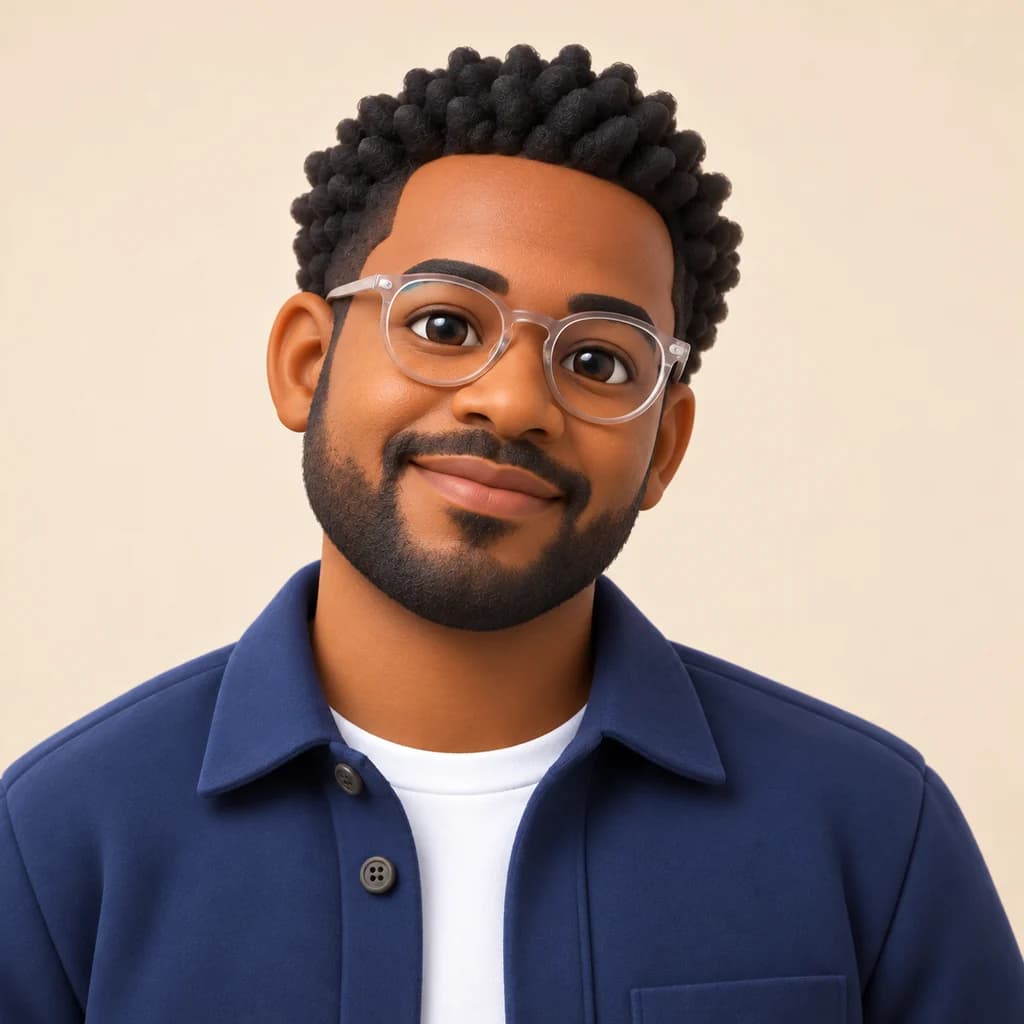
| Faces | Rounder cheeks, larger eyes and smooth skin, with hairstyle, glasses and skin tone kept | Pick a photo where the eyes are open and not hidden behind dark lenses | Adult faces may change only a little; children and groups show the biggest shift |
| Scene and props | Background, furniture and props rebuilt in the same 3D look with soft depth | Frame wider than a headshot if the place matters to you | Small objects, signs and text in the background may be simplified or garbled |
| Pets | Fur smoothed into soft, sculpted shapes, with coat color and pose kept | Choose a photo where your pet is sitting still and in sharp focus | Animals often stay close to the original photo rather than turning cartoonish |
| File type | A flat PNG image with a 3D look, ready to share or print | Decide whether you need a picture or an actual 3D model before you generate | No mesh, rig or printable 3D file; it can't be rotated or opened in 3D software |
Tips for better 3D cartoon results
Small choices that make the image look better.
- 01
Keep the background in
This style rebuilds the setting too. A garden, a beach or a cozy room gives the scene depth, so don't crop too tight.
- 02
Use soft, even light
Window light or open shade gives the clearest faces. Harsh midday sun can leave hard shadows on the rounded 3D features.
- 03
Lose the sunglasses
Sunglasses usually stay on in the result. Take them off if you want the big, expressive 3D eyes.
- 04
Make a few versions
Each run comes out a little different. Generate two or three and keep the one with the expression you like most.
Photo to 3D FAQ
How the 3D cartoon look treats faces and scenes, what file you get and how it compares with Pixar-style; the main FAQ handles accounts, credits and privacy.
Will the 3D cartoon still look like me?
Does photo to 3D give me a 3D model file?
3D cartoon vs Pixar-style: which should I pick?
How is it different from the clay and 3D model styles?
Can I print it?
Does it work for group photos, pets and kids?
Why does each run look different?
Will it keep my background?
Can I use my 3D cartoons commercially?
Turn your photo into a 3D cartoon
Try the 3D look on the sample photos without creating an account. To rebuild your own picture, sign in and spend credits per finished image; plans cost from $9.99 monthly. You'll get a PNG picture, ready to share or print.