Photo to
Simpsons
Photo to Simpsons redraws a photo in the look of The Simpsons: yellow skin, big round eyes with dot pupils and thick black outlines. Upload a clear portrait, a couple shot or a family photo. Skin turns yellow and eyes become white circles, while your hairstyle, beard, glasses and clothes stay close to the original. The sample photos show the style at no cost; to redraw your own picture, sign in and spend credits.
An independent Simpsons-inspired style. PhotoToCartoon is not affiliated with or endorsed by 20th Television or Disney.
From 8 creditsJPG, PNG or WebP up to 10 MB
- COST
- From 8 credits
- TIME
- Usually under a minute
- UPLOAD
- JPG, PNG, WebP · 10 MB
- OUTPUT
- PNG up to 4096 px
Styles
57 stylesAnime & Cartoon
11Artistic
133D & Avatars
8Fun & Creative
9Retro & Vintage
3Digital & Modern
8Sculptures & Crafts
5Illustrative style preview · Your result will vary
Portrait with round glasses
Sample photo
PRESET · /tools/photo-to-simpsons · Seedream 4 · 2K · 1:1
Open full studio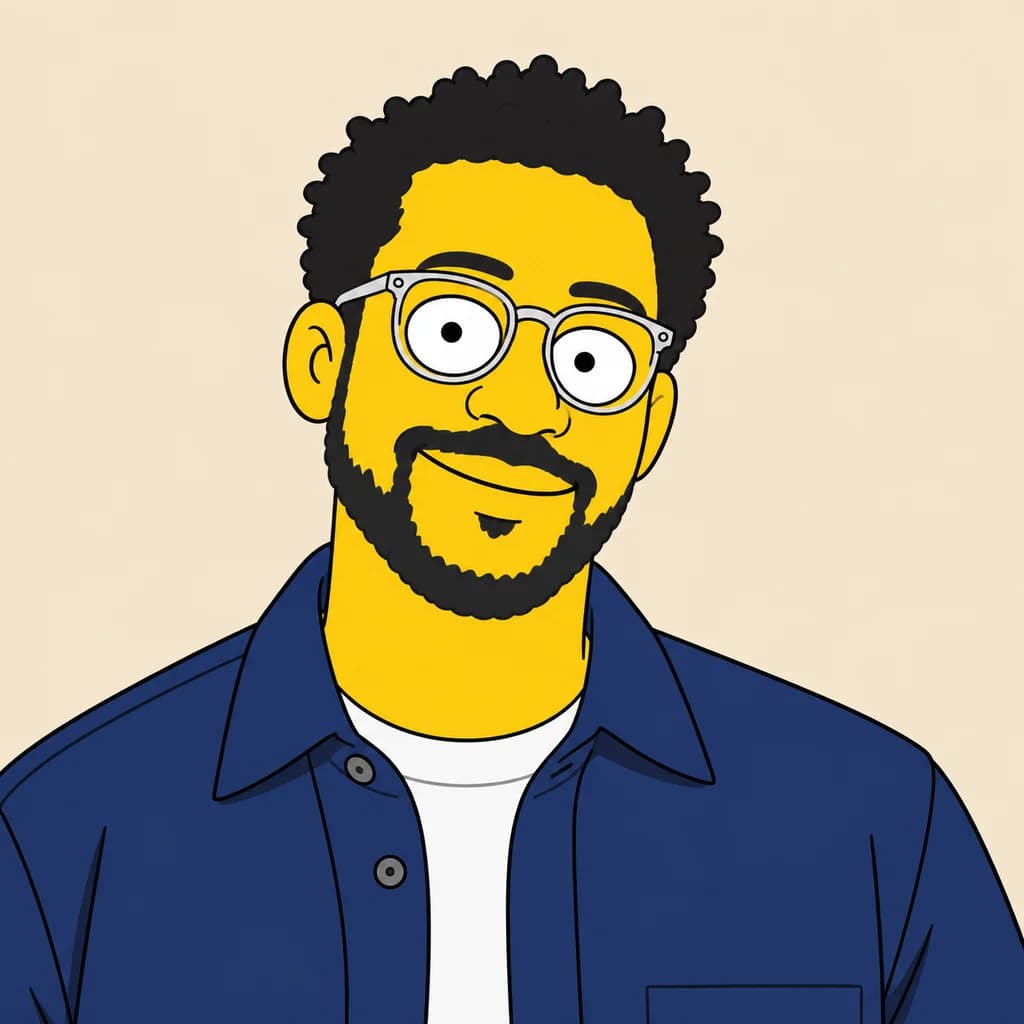 The SimpsonsSeedream 4 · 2K · 1:1
Illustrative style preview · Your result will vary
11 credits / image · From $9.99 a month
/tools/photo-to-simpsons
Open full studioPhoto to Simpsons examples
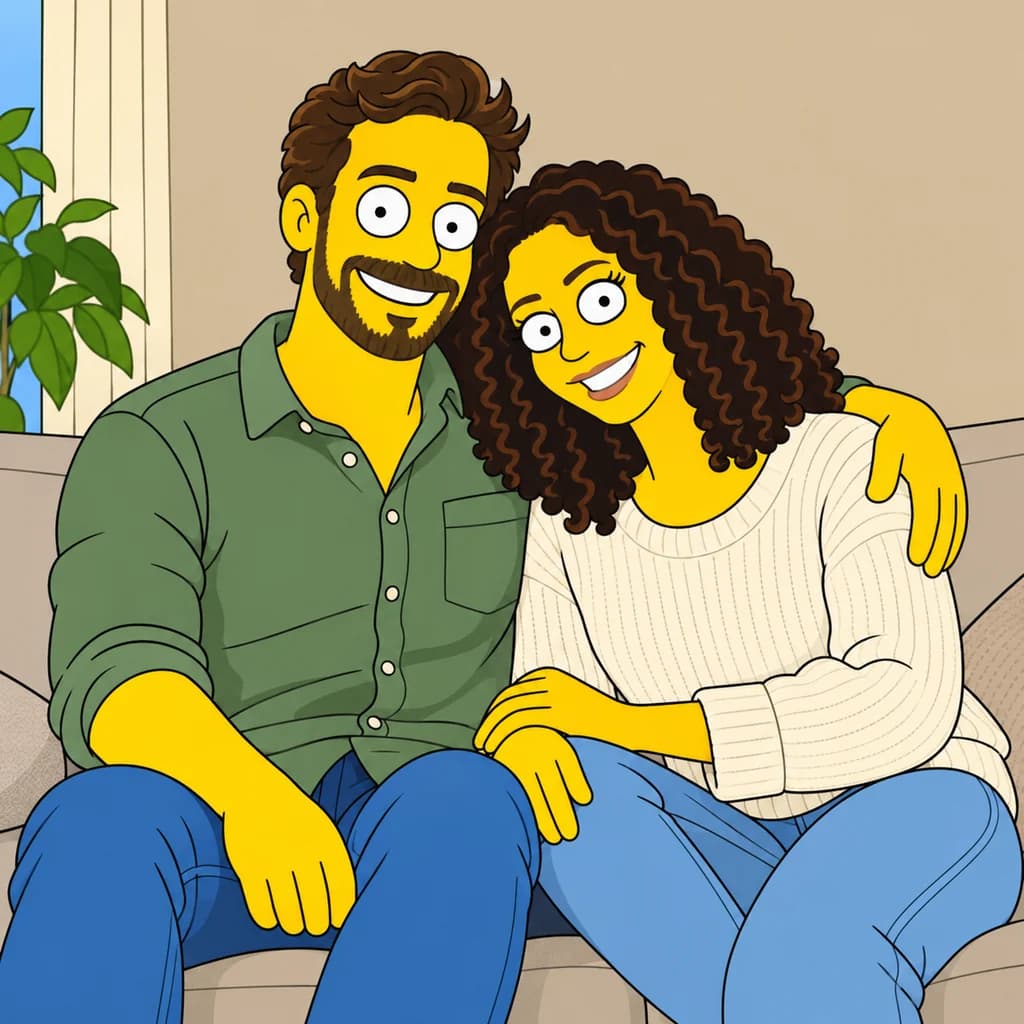
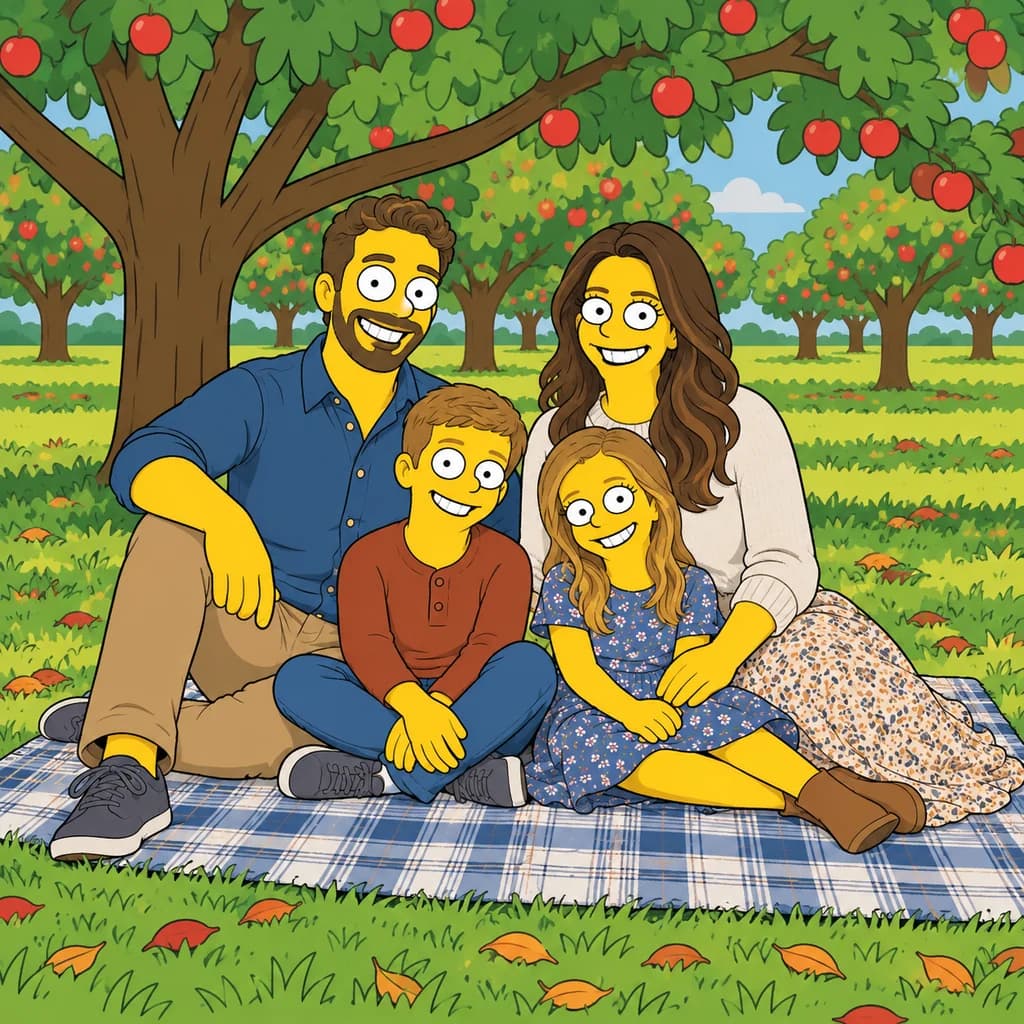
In the portrait with round glasses, the curly hair, full beard and clear frames all survive the switch to yellow skin. The couple on the sofa keeps his green shirt and her cream knit sweater, curls and all. The family picnic seats four people on a plaid blanket under apple trees, each with the same white circle eyes.
 ORIGINALSIMPSONS
Portrait with round glasses01  ORIGINAL
 SIMPSONS
Couple on the sofa02 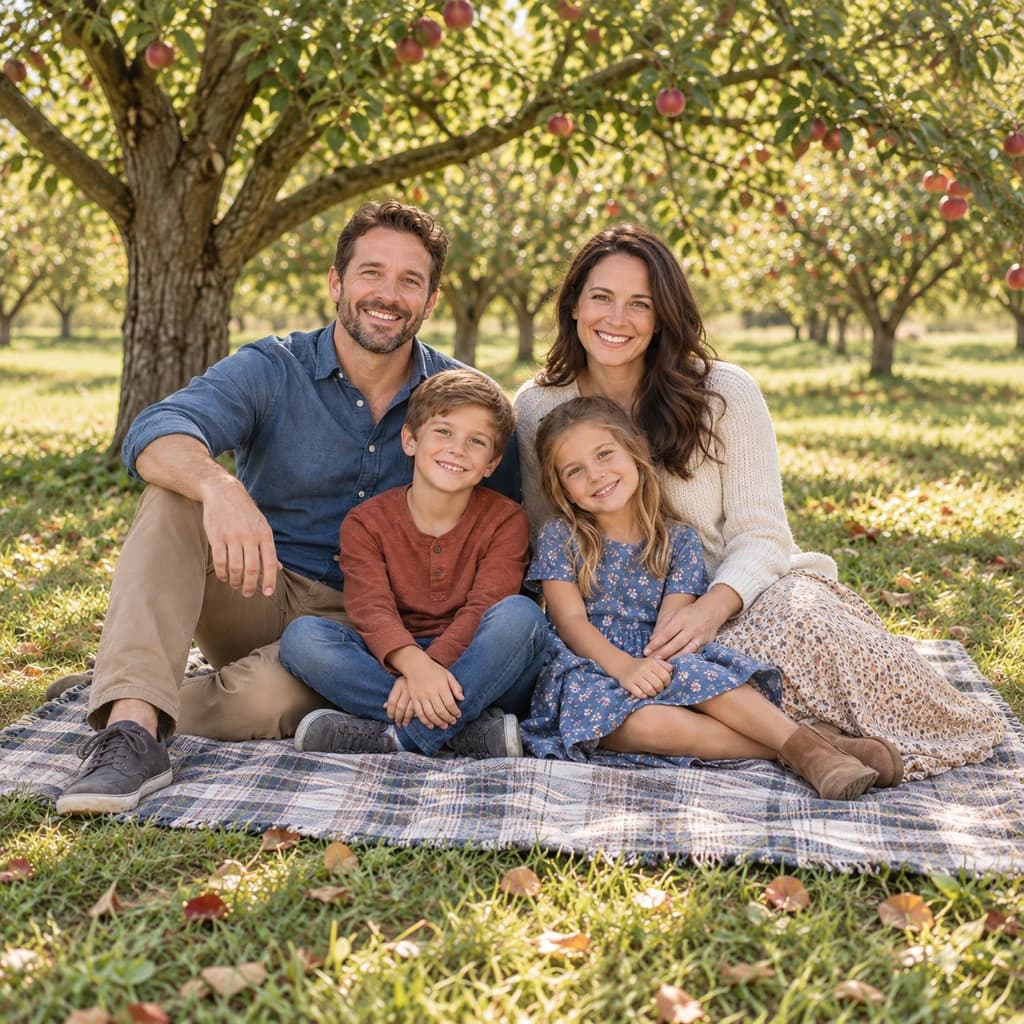 ORIGINAL
 SIMPSONS
Family picnic03
Illustrative style preview · Your result will vary
What is Simpsons style?
Simpsons style is the drawing look of The Simpsons, the animated sitcom created by Matt Groening. The family first appeared in short segments on The Tracey Ullman Show in 1987, and the half-hour series began on Fox in December 1989. The rules are simple and strict: yellow skin, large circular eyes with tiny pupils, an overbite, spiky or blocky hair, thick even outlines and flat color.
Because every character shares the same eyes and skin, likeness rests on the details around the face. That is why a distinctive haircut, beard, glasses or outfit matters so much here. This tool keeps your clothes, pose and setting, then redraws people in yellow with the show's eyes and mouth. Some runs drift toward a famous character from the show, so it pays to make more than one.
How to turn a photo into a Simpsons character
Pick a photo where your hair and glasses are easy to see, and the studio turns everyone yellow.
Couple on the sofa STEP 01
Upload a photo
Use a JPG, PNG or WebP up to 10 MB, or watch a sample photo turn yellow first. Since every face turns yellow, choose a shot where your haircut, beard and glasses are clearly visible.
- OriginalSimpsons
STEP 02
Redraw it Simpsons-style
Your skin turns yellow and your eyes become big white circles with dot pupils. Your mouth gets the classic overbite. Everything is outlined in thick black lines and filled with flat, bright color.
STEP 03
Generate and download
Sign in, choose a model and generate your yellow version from 8 credits. The PNG downloads straight away and also waits in your history for later.
Ways to use it
Fun places for a yellow cartoon version of you.
- Group chat and social postsDrop a yellow version of the whole crew into the chat.
- Profile picturesBold outlines and flat color stay easy to read at thumbnail size.
- Birthday cardsPut the birthday person on the front of a card, yellow and grinning.
- Gifts for cartoon fansA framed print of a friend, cartoon-yellow, makes a fun gift.
- Yellow pet portraitsDogs and cats turn yellow too, which is half the fun.
- Couple portraitsDraw the two of you as a cartoon couple for an anniversary laugh.
Photo to Simpsons: what to expect
What the yellow redraw keeps, what to check in your photo, and where it falls short.
| FEATURE | What you get | Before you start | Limits |
|---|---|---|---|
| Faces | Yellow skin, round white eyes with dot pupils and a simple cartoon mouth on every person. | Pick a photo with open eyes and a front or three-quarter view of each face. | Your own eye shape and skin tone are replaced, so the face alone won't identify you. |
| Hair and beards | Curls, waves, beards and stubble kept as bold dark shapes, as in the round-glasses portrait. | Make sure your hairline and hairstyle aren't hidden under a hat or cropped out. | Some runs swap your hair for a shape borrowed from the show, such as spikes. |
| Clothes and props | Shirts, knit sweaters, floral skirts, glasses and shoes keep their colors and cut. | Wear something with a clear color or pattern; it becomes a key identifier. | Small text and tiny logos may not stay readable after the redraw. |
| Backgrounds | Rooms, trees and picnic blankets redrawn with the same flat color and outlines as the people. | Simple settings read best; a cluttered room adds lines that compete with faces. | Background objects can be moved, added or tidied in each new version. |
Tips for better Simpsons results
In a style where everyone is yellow, these details matter.
- 01
Show off your hairstyle
In this style, hair is your signature. A clear view of your haircut, beard or bun makes the yellow version easier to recognize.
- 02
Wear something memorable
Bold clothes and accessories carry over well. A bright shirt, a cap or big glasses helps your character stand apart from the show's cast.
- 03
Got a famous haircut? Try again
Sometimes the style borrows a famous look, like spiky hair or a tall blue beehive. If that happens, generate again for a version closer to you.
- 04
Keep the background simple
A clean wall or open sky usually redraws more neatly than a busy street. It also keeps the focus on your new cartoon self.
Photo to Simpsons FAQ
Questions about the yellow Simpsons look; account, credit and privacy questions are answered in the main FAQ linked below.
Will people recognize me once I turn yellow?
How large is the download, and can I print it?
Can I do the whole family, the kids or the dog?
Simpsons or Family Guy style: which should I pick?
Why do two runs of the same photo look different?
Is this connected to The Simpsons, 20th Television or Disney?
Why did my hair come back spiky or blue?
Will my clothes and hair keep their colors?
What kind of photo works worst?
Try these styles next
Same photo, different look.
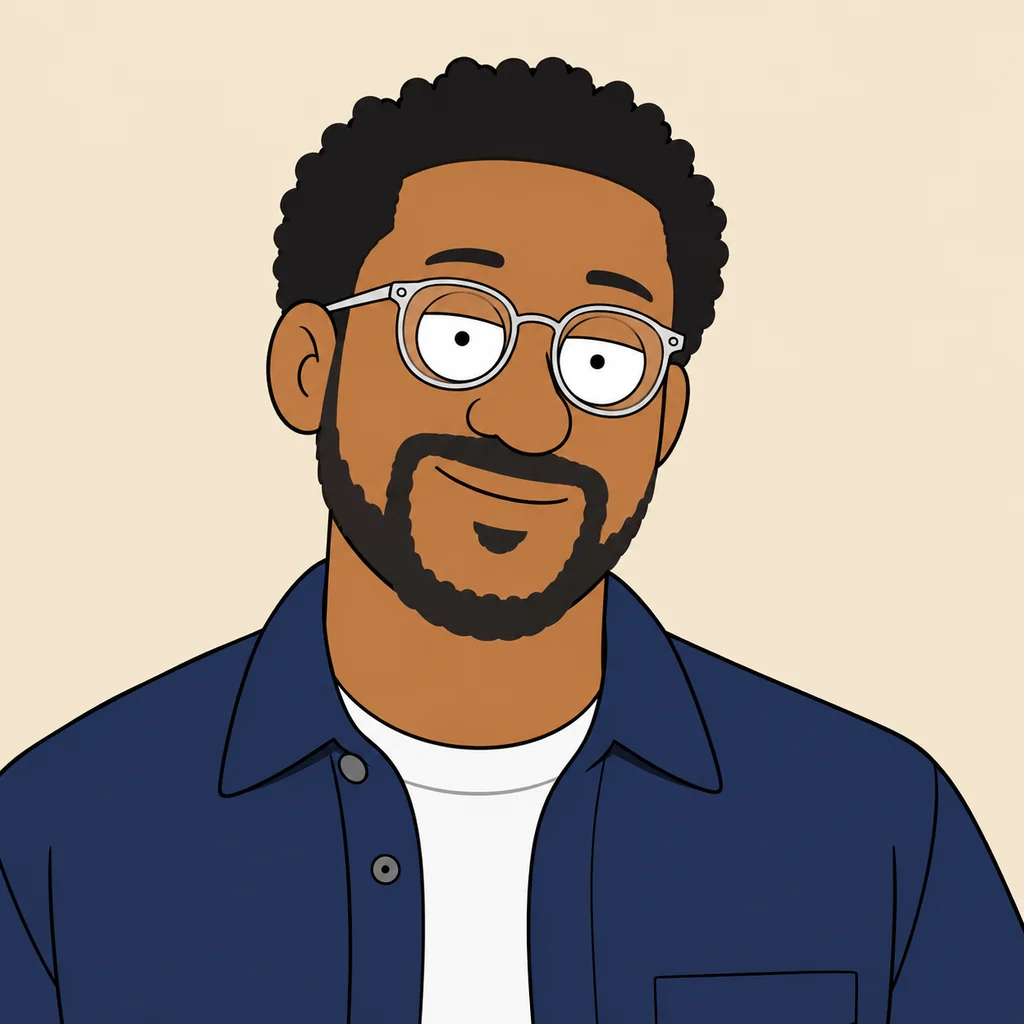

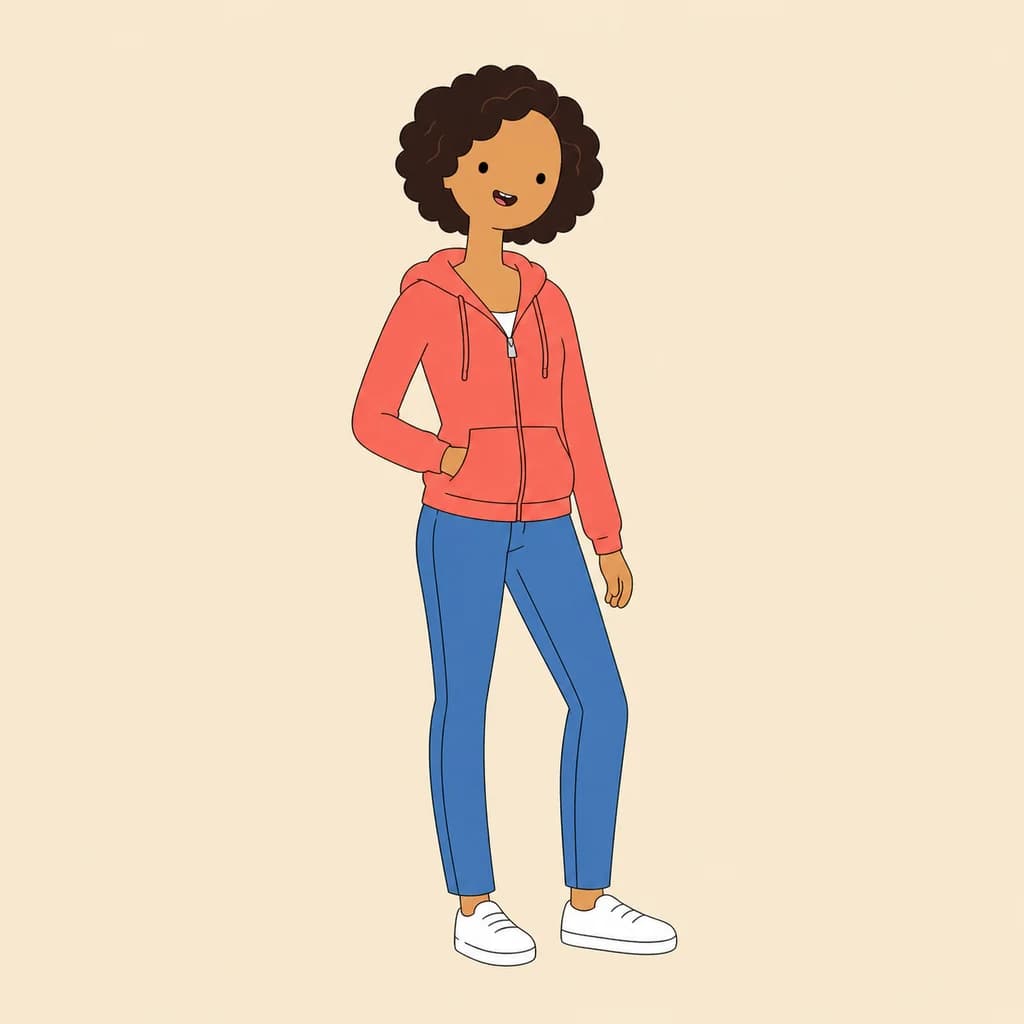

See yourself as a yellow cartoon character
Watch the sample photos turn yellow without signing up. When you want your own family on the couch in Simpsons style, sign in and use credits; each picture is priced before you generate. Credit plans for your yellow family portraits start at $9.99 a month.