Photo to
Cyberpunk
Photo to cyberpunk keeps you photo-real and rebuilds the world around you as a rainy city of the future at night. Upload a portrait, a couple shot or a pet photo with some space around the subject. Streets, walls and skies fill with towers, signs and wet reflections in magenta and cyan, and your clothes may pick up glowing seams. Your face, pose and outfit stay as they were. Exploring the samples is free; your own city scene takes an account and credits.
From 8 creditsJPG, PNG or WebP up to 10 MB
- COST
- From 8 credits
- TIME
- Usually under a minute
- UPLOAD
- JPG, PNG, WebP · 10 MB
- OUTPUT
- PNG up to 4096 px
Styles
57 stylesAnime & Cartoon
11Artistic
133D & Avatars
8Fun & Creative
9Retro & Vintage
3Digital & Modern
8Sculptures & Crafts
5Illustrative style preview · Your result will vary
Portrait in a tan jacket
Sample photo
PRESET · /tools/photo-to-cyberpunk · Seedream 4 · 2K · 1:1
Open full studio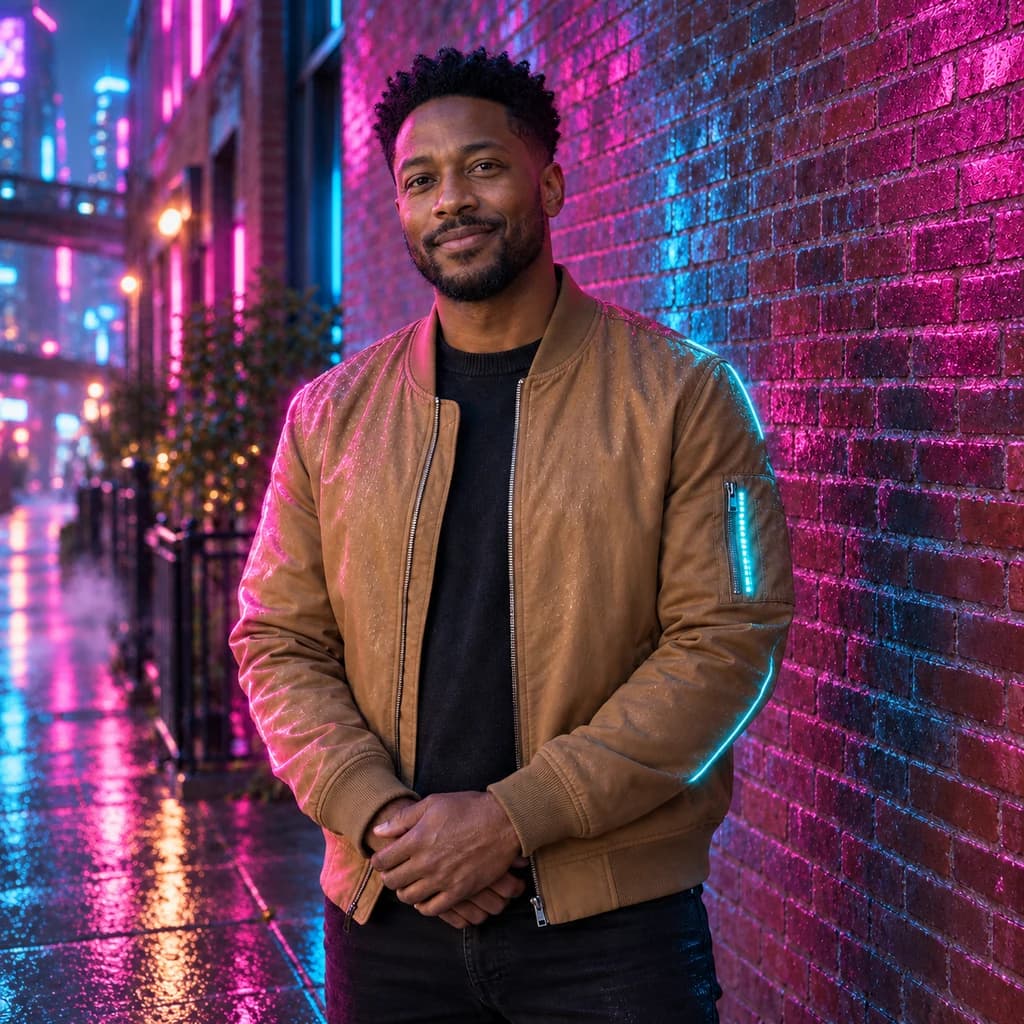 CyberpunkSeedream 4 · 2K · 1:1
Illustrative style preview · Your result will vary
11 credits / image · From $9.99 a month
/tools/photo-to-cyberpunk
Open full studioPhoto to Cyberpunk examples
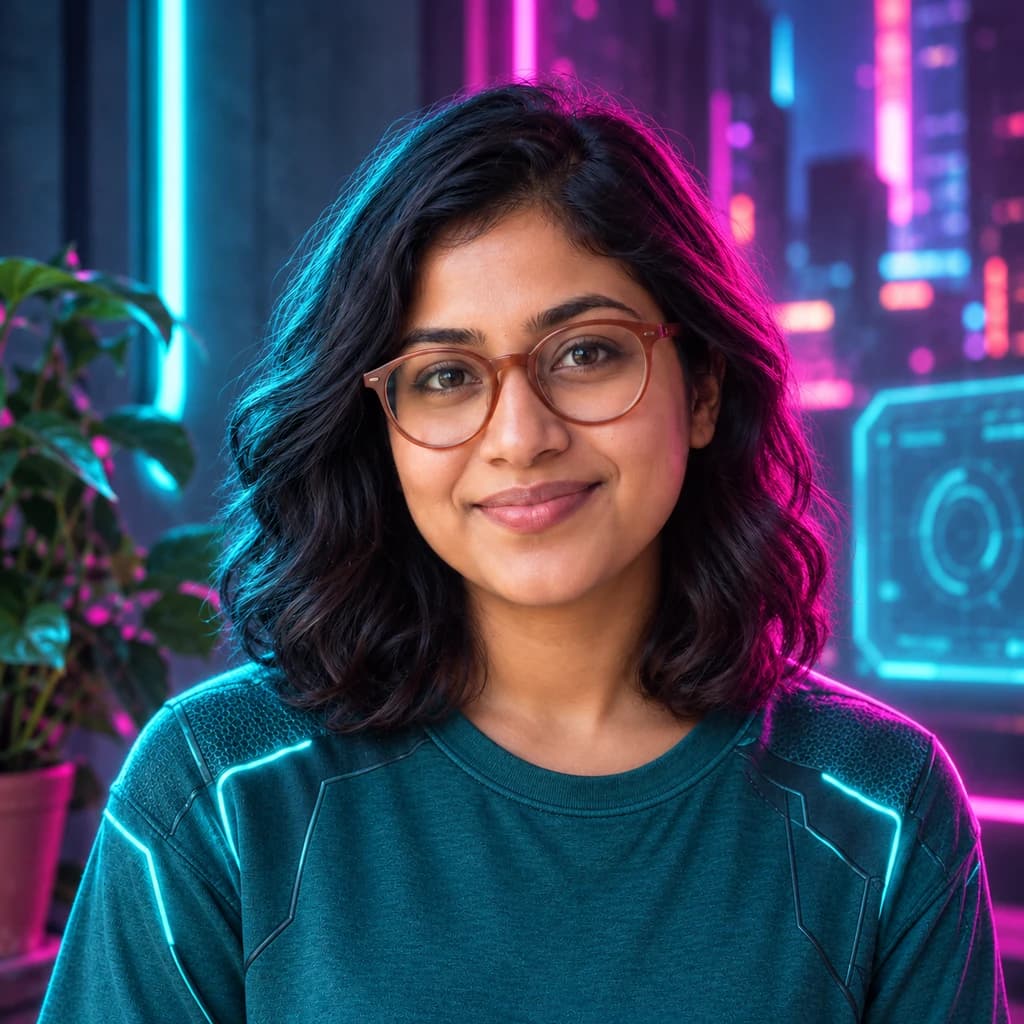
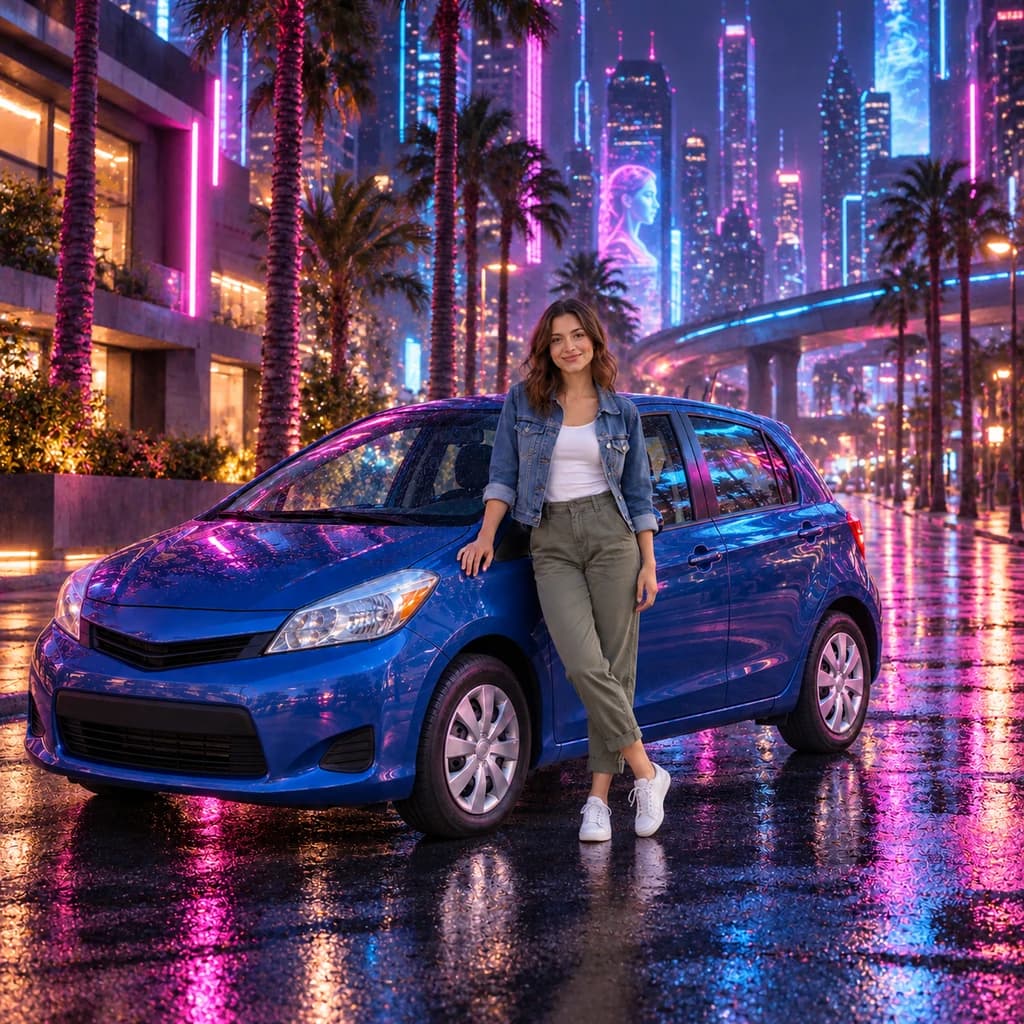
In the portrait in a tan jacket, a daytime brick street becomes a wet sidewalk at night, and cyan light runs along the jacket's sleeve. The portrait with terracotta glasses gains a glowing screen panel and towers outside the window. In the portrait beside a blue car, palm trees glow pink and a giant face lights up a skyscraper. Every face stays photo-real.
 ORIGINALCYBERPUNK
Portrait in a tan jacket01  ORIGINAL
 CYBERPUNK
Portrait with terracotta glasses02 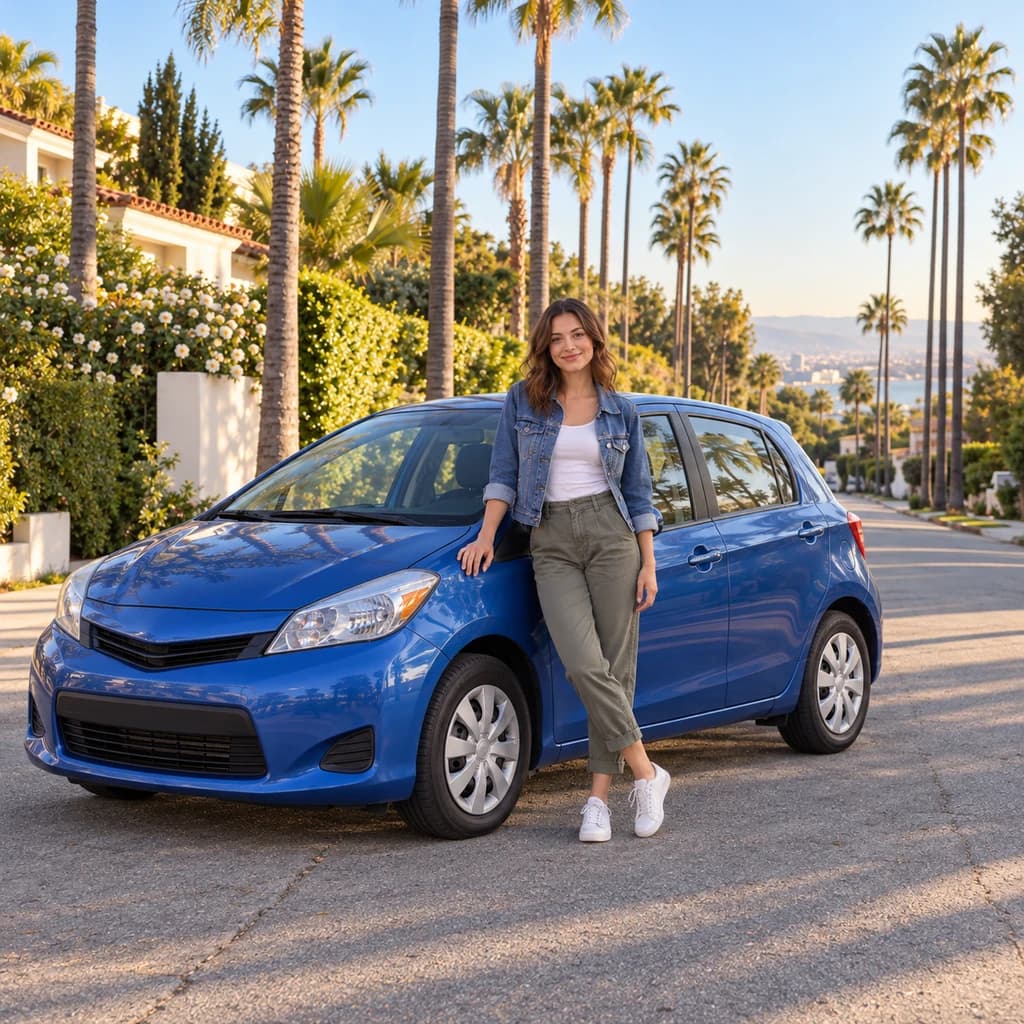 ORIGINAL
 CYBERPUNK
Portrait beside a blue car03
Illustrative style preview · Your result will vary
What is cyberpunk style?
Cyberpunk is a branch of science fiction set in crowded, high-tech cities where everyday life is still rough. The name comes from Bruce Bethke's short story "Cyberpunk", published in 1983, and William Gibson's 1984 novel Neuromancer shaped the genre. Ridley Scott's film Blade Runner (1982) gave it a look that has stuck: rain, night, giant glowing ads and street life under towers.
This style borrows that look for a single picture. You stay photo-real, but the place around you becomes a wet street or skyline after dark, lit in magenta and cyan. Signs, building screens, elevated roads and towers fill the background, and tech touches such as glowing seams can appear on clothes. A sunny afternoon photo works too; it gets relit as night.
How to turn a photo into cyberpunk art
Cyberpunk replaces your setting with a future city, so the framing you choose decides how much city fits in.
Portrait with terracotta glasses STEP 01
Upload a half-body shot
Pick a half-body or full-length JPG, PNG or WebP up to 10 MB, or start with a sample. Those framings leave space for streets and towers; a tight face crop gives the city only a sliver of background.
- OriginalCyberpunk
STEP 02
Rebuild the world around you
Your face, pose and clothes stay lifelike. The background becomes a future city of towers, signs and glowing screens. The light turns pink and blue, and small tech details may appear on you.
STEP 03
Generate your night scene
Sign in and generate with credits, from 8 per image depending on the model and quality. Download the finished PNG; it also stays in your history, so you can come back to the city later.
Ways to use it
Places where a sci-fi version of you fits right in.
- Gaming profile picturesA sci-fi version of you for gaming profiles, streams and chat servers.
- Sci-fi game charactersUse your own face as the starting point for a tabletop or video game character.
- Channel art and thumbnailsPut yourself in front of a glowing future city for banners and video thumbnails.
- Sci-fi pet portraitsYour dog or cat in a city of the future, sometimes with glowing eyes.
- Phone and desktop wallpapersA glowing future-city portrait of you to use as a phone or desktop background.
- Posts that stand outHot pink and electric blue cut through a feed of everyday photos.
Photo to Cyberpunk: what to expect
How your face, clothes and surroundings change in a cyberpunk scene, and where the look has limits.
| FEATURE | What you get | Before you start | Limits |
|---|---|---|---|
| Faces | Photo-real features, skin tone and expression, lit by magenta from one side and cyan from the other. | Pick a shot where your face is sharp and not shaded by a cap brim or a raised hand. | Strong colored light can push skin toward pink or blue along one cheek. |
| Clothes | The same outfit and colors, sometimes with glowing cyan seams or light strips added to jackets and tops. | Solid jackets and tops give glowing seams a clean line to follow. | You can't choose where tech details go, and some runs add none at all. |
| Backgrounds | A city after dark: wet pavement, towers, signs, building screens and elevated roads. | Frame yourself so a wall, street or patch of sky is visible beside you. | Landmarks in travel photos are often replaced by invented towers. |
| Text and signs | Signs and billboards glow in the background as shapes and color. | Treat the signs as decoration rather than a place for a message. | Lettering is usually invented or garbled, so it will not spell your name or brand. |
Tips for better cyberpunk results
Small choices that give the future city more to work with.
- 01
Leave room around yourself
Head-and-shoulders or half-body shots give the background space for screens and towers. Very tight face crops leave little room for the city.
- 02
Try a serious expression
Cyberpunk is a moody look, and a calm, steady stare fits the scene. Big smiles work too and make a fun contrast.
- 03
Daylight photos work too
You don't need a night shot. Sunny photos are relit in pink and blue, though dusk or evening photos tend to glow most naturally.
- 04
Bring it to life
Turn your cyberpunk portrait into a short clip with our image to video tool. It costs 8 credits per second at 480p.
Photo to Cyberpunk FAQ
What changes around you in a cyberpunk scene and what to expect from it; anything about your account, credits or privacy lives in the main FAQ.
Will I still look like myself?
Will my real street or room still be there?
Do I need a photo taken at night?
Can I put readable text on the signs?
How is cyberpunk different from neon glow?
Does it work with pets, kids or a group?
Can I print a cyberpunk scene as a poster?
Why does each version look different?
Can I use a cyberpunk portrait on a book cover or game card?


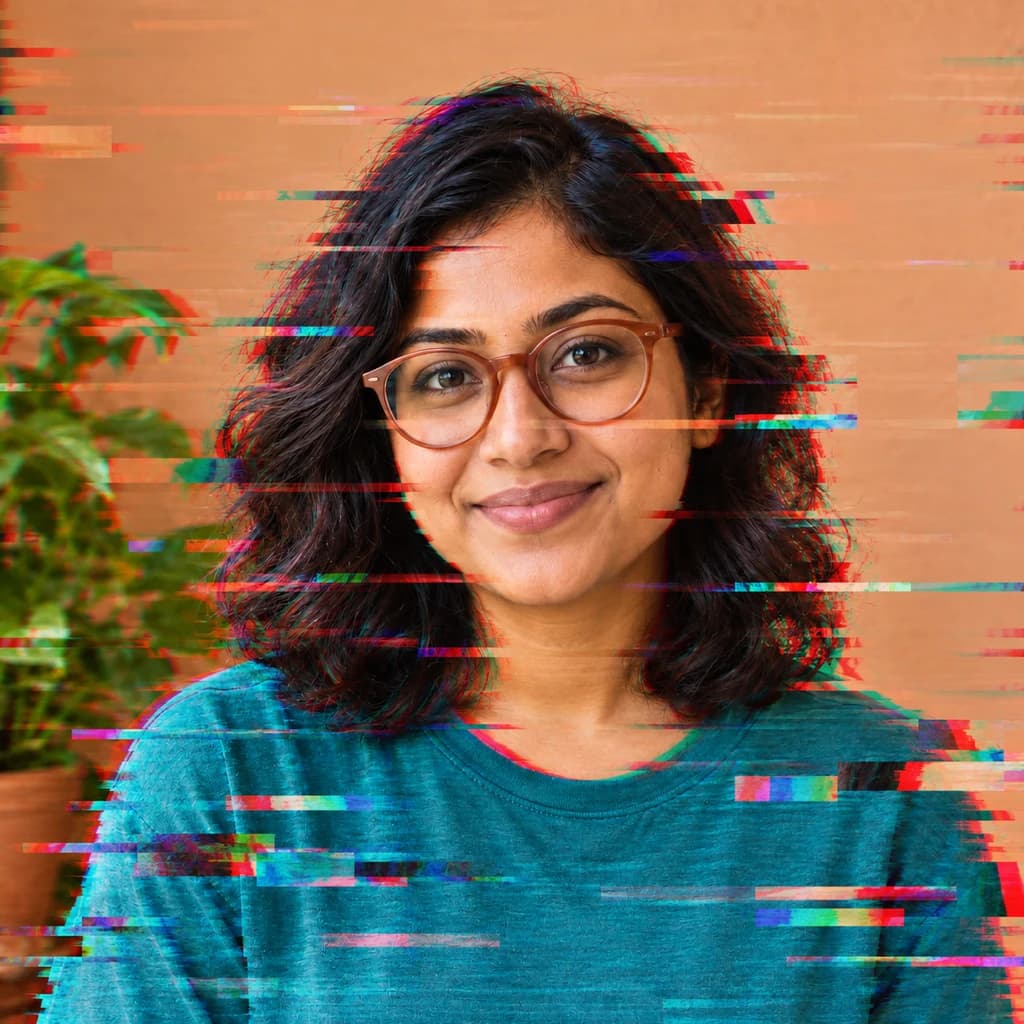
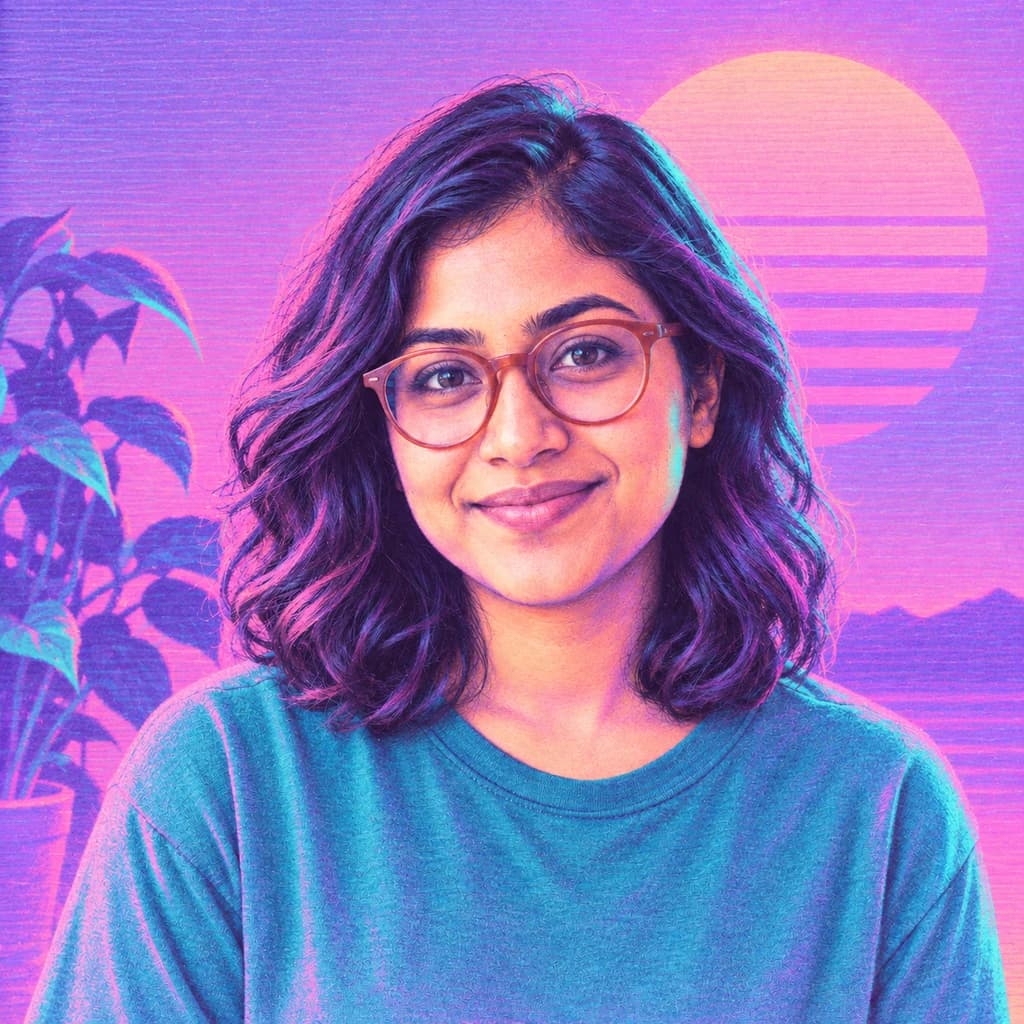
Put yourself in a neon city of the future
Open the samples and compare the rainy streets and skylines at no cost. When you want your own photo in a night city, sign in and spend credits on it. Plans begin at $9.99 a month, and the studio lists the price of each image before it runs.