Photo to
Neon Glow
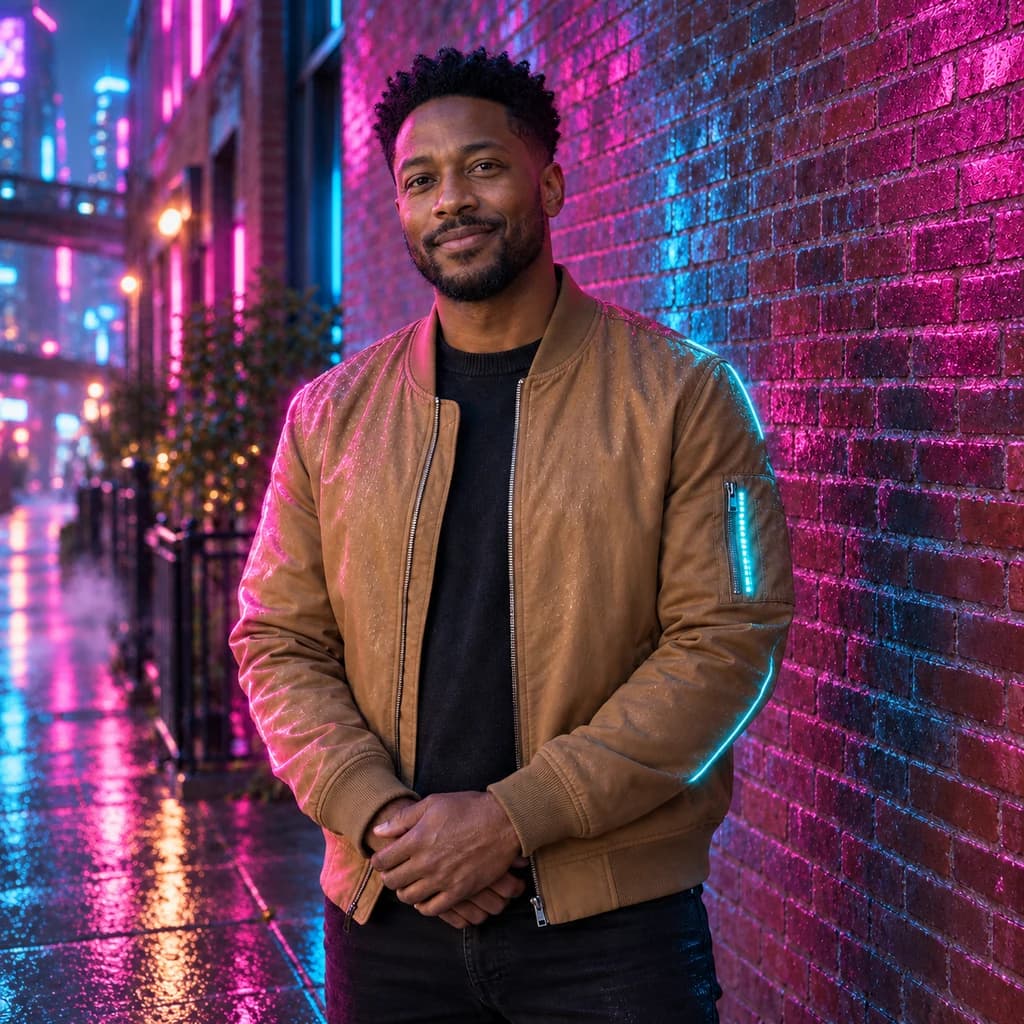
Photo to neon glow traces the edges of a person or pet in bright colored light, like the tube of a neon sign, while the rest of the photo stays natural. Upload a portrait or pet picture with a clear outline against a plain wall. Hair, shoulders and fur pick up a two-tone glow, and glasses can turn into glowing tubes. Faces, clothes and the room stay as they were. Browse the samples freely, then sign in and use credits when it's your photo.
From 8 creditsJPG, PNG or WebP up to 10 MB
- COST
- From 8 credits
- TIME
- Usually under a minute
- UPLOAD
- JPG, PNG, WebP · 10 MB
- OUTPUT
- PNG up to 4096 px
Styles
57 stylesAnime & Cartoon
11Artistic
133D & Avatars
8Fun & Creative
9Retro & Vintage
3Digital & Modern
8Sculptures & Crafts
5Illustrative style preview · Your result will vary
Portrait with terracotta glasses
Sample photo
PRESET · /tools/photo-to-neon-glow · Seedream 4 · 2K · 1:1
Open full studio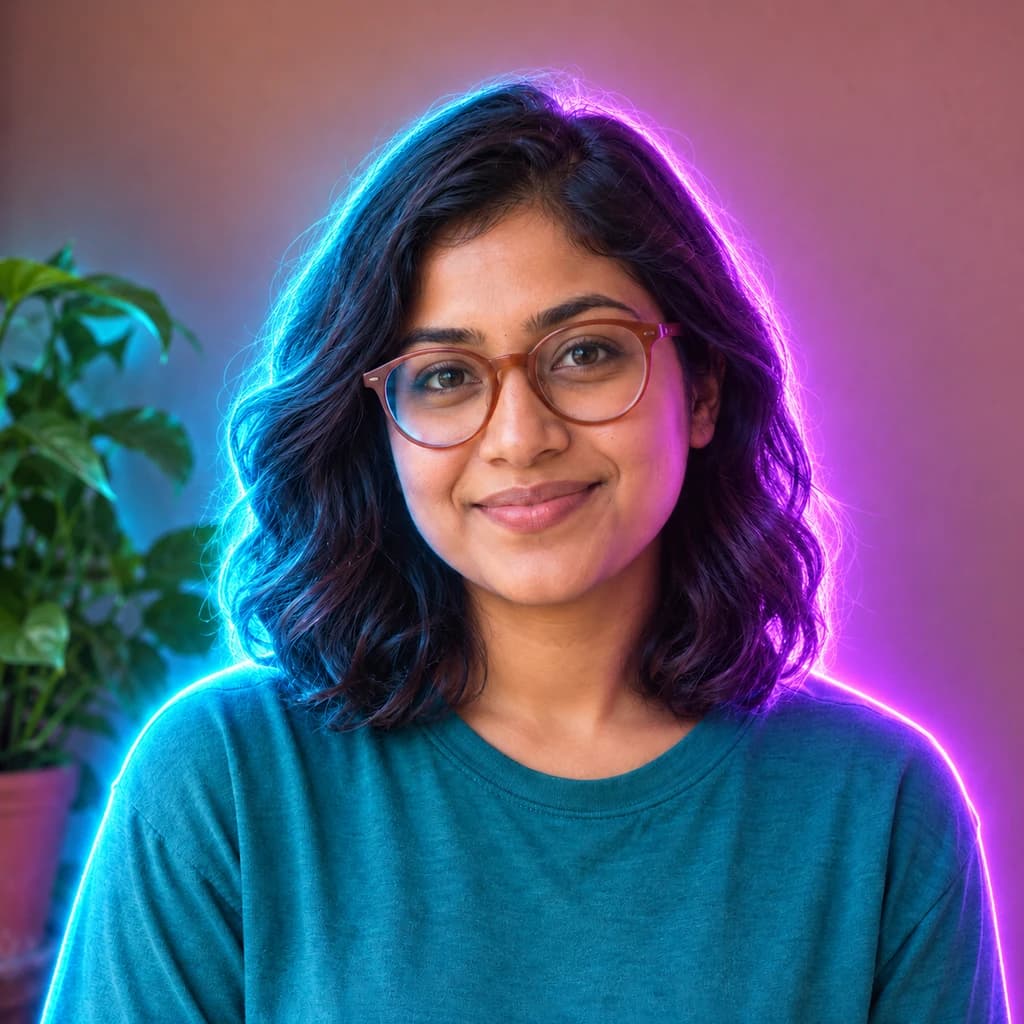 Neon GlowSeedream 4 · 2K · 1:1
Illustrative style preview · Your result will vary
11 credits / image · From $9.99 a month
/tools/photo-to-neon-glow
Open full studioPhoto to Neon Glow examples
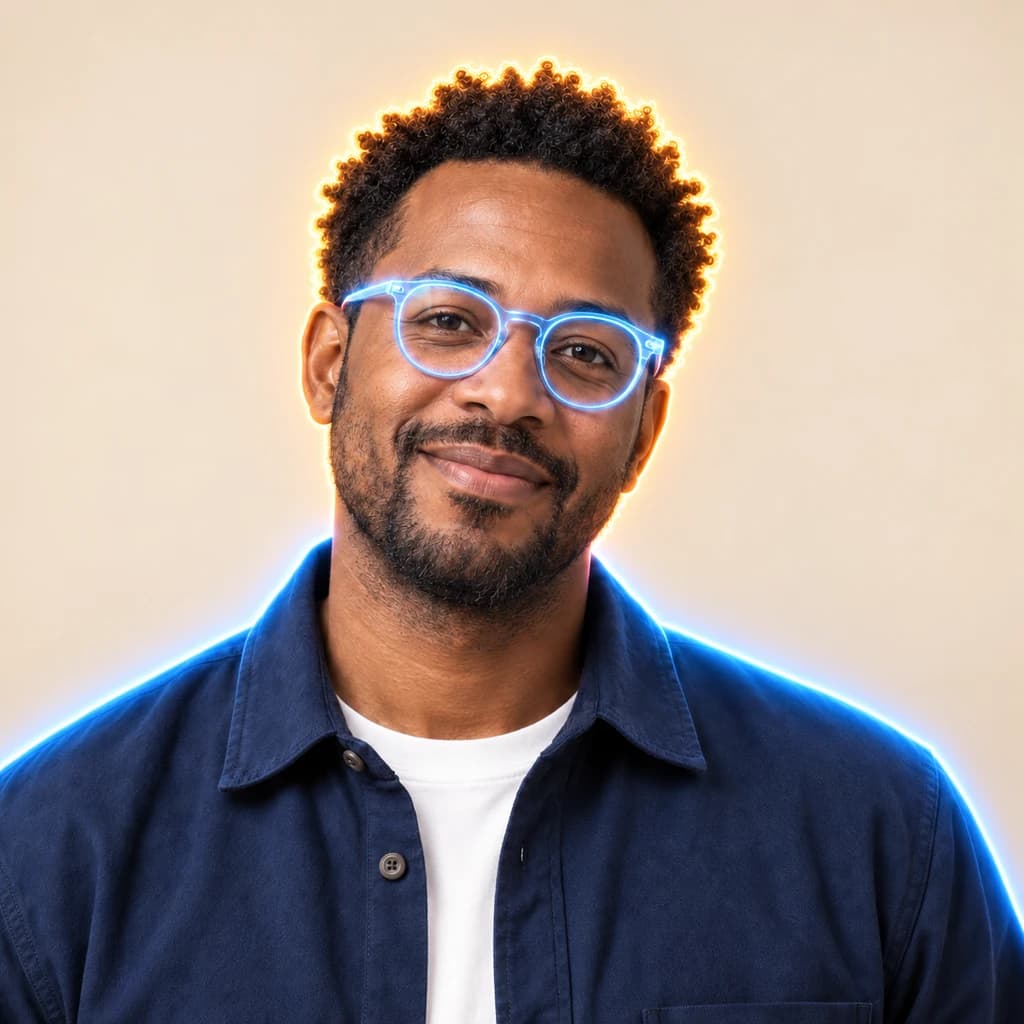
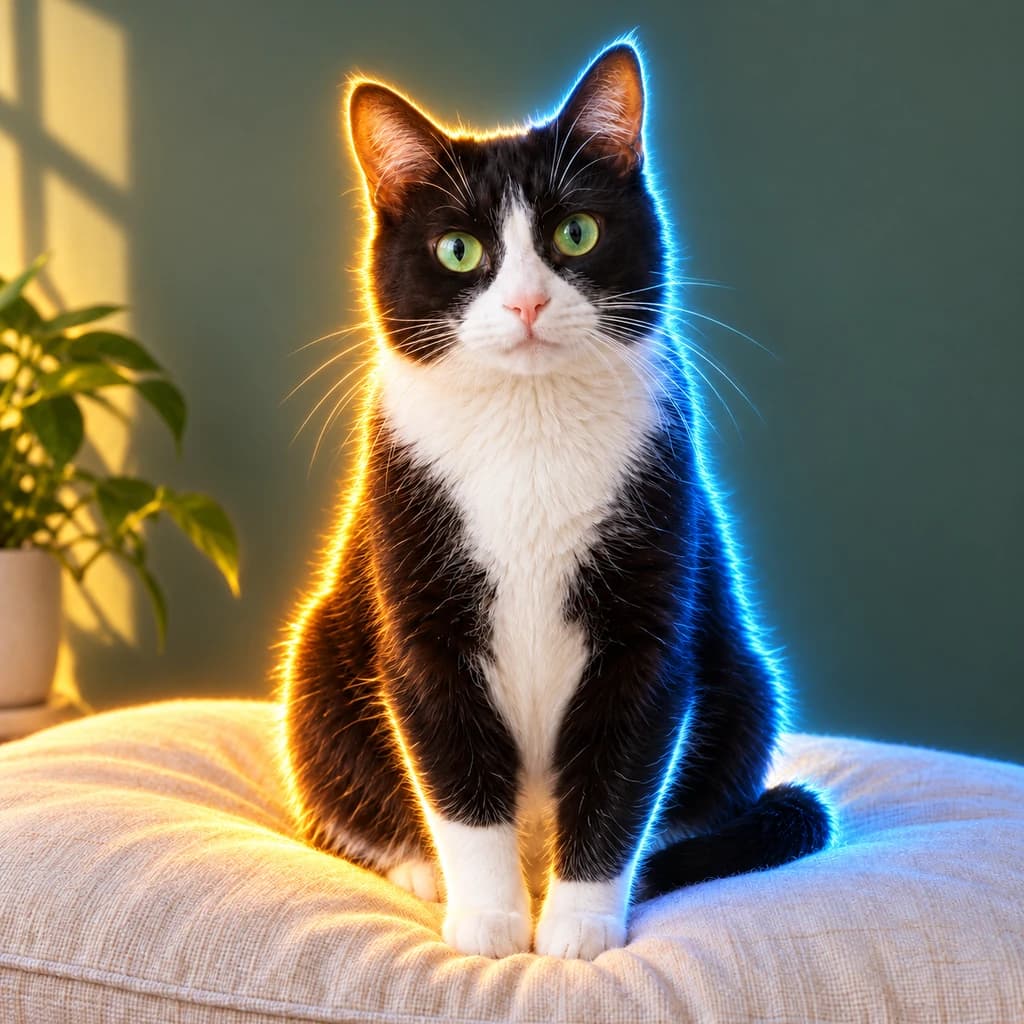
Follow the edges. The portrait with terracotta glasses gets a cyan rim on one side and violet on the other, and the wall behind her warms to pink. In the portrait with round glasses, the frames themselves light up like blue tubes. The green-eyed tuxedo cat is outlined in amber and blue, while the sunlight on the wall stays as it was.
 ORIGINALNEON GLOW
Portrait with terracotta glasses01  ORIGINAL
 NEON GLOW
Portrait with round glasses02 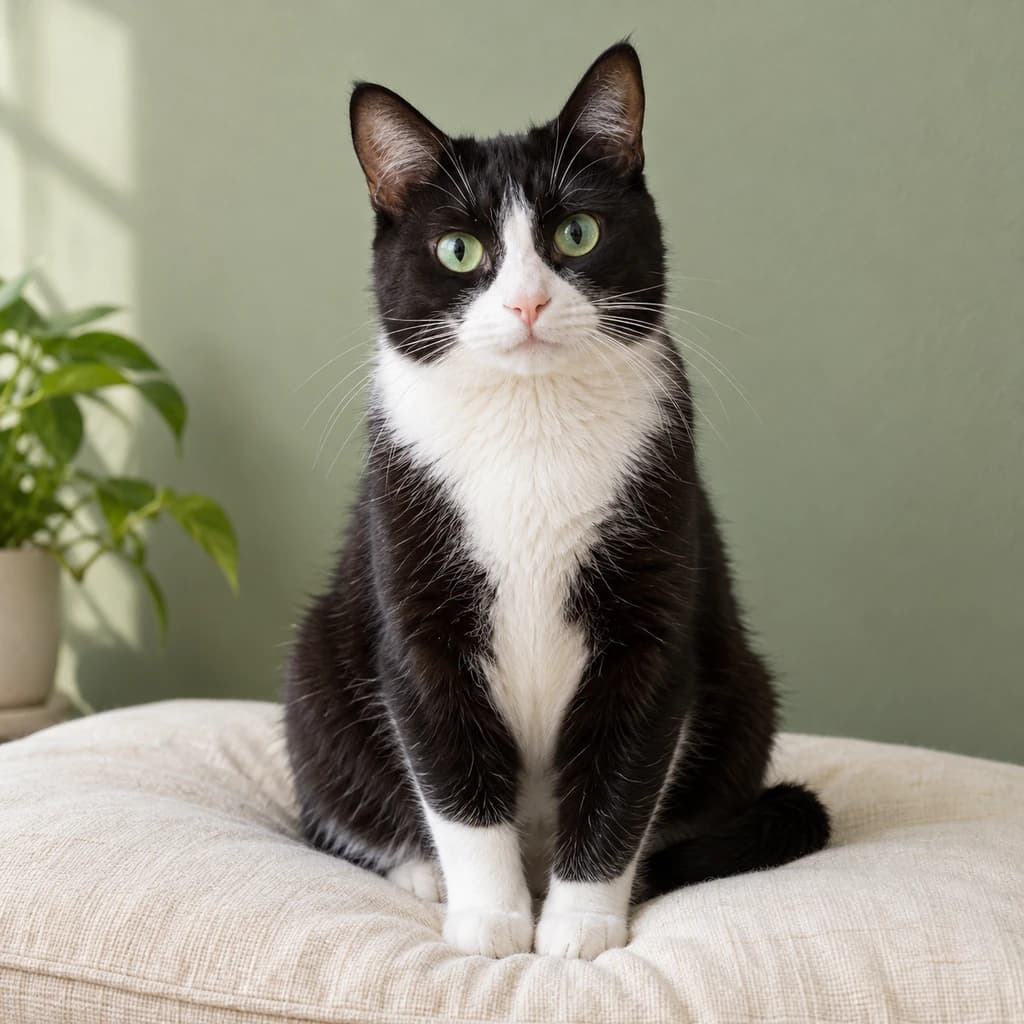 ORIGINAL
 NEON GLOW
Green-eyed tuxedo cat03
Illustrative style preview · Your result will vary
What is neon glow art?
Neon glow is the look of light from a sealed glass tube filled with gas. William Ramsay and Morris Travers discovered neon in 1898, and Georges Claude showed neon tube lighting in Paris in 1910. Pure neon burns red-orange; blues and other colors come from different gases, coated tubes or tinted glass. The light is bright at the core and soft where it meets the air.
This style treats your photo as if a sign maker had bent tubes along its edges. The outline of hair, shoulders, ears and fur lights up, often in two colors, and thin objects like glasses frames may become tubes of their own. Inside that outline, skin, fabric and fur keep their real color, and the room around you usually stays.
How to turn a photo into neon glow art
Neon glow works on edges, so a clean outline matters more than the setting.
Portrait with round glasses STEP 01
Upload a clear silhouette
Choose a JPG, PNG or WebP of 10 MB or less where hair, ears or shoulders stand apart from the wall, or open a sample instead. A clear edge lets the glow follow you all the way around.
- OriginalNeon Glow
STEP 02
Trace it in neon light
Light traces the edges of people, pets and thin objects such as glasses, often pink or amber on one side and cyan or blue on the other. Some runs darken the room toward evening; in others the setting stays bright.
STEP 03
Generate and save the glow
Sign in to generate; each image takes credits, from 8 depending on the model. Download the PNG, and find it again in your history whenever you want to compare it with a new run.
Ways to use it
Spots where a glowing portrait catches the eye.
- Glowing profile picturesA neon outline helps your avatar stand out, even at small sizes.
- Party and night-out invitesPut the guest of honor in neon light for a birthday or club-night invite.
- Neon pet portraitsYour dog or cat traced in glowing tubes, like a sign with fur.
- Date-night couple portraitsThe two of you lit by neon, like a night out downtown.
- Game room wall artA glowing portrait that suits a game room, home bar or studio wall.
- Posts that catch the eyePink and blue light stands out in a feed of daylight photos.
Photo to Neon Glow: what to expect
Where the colored light lands on your photo, what it leaves alone and what the effect cannot do.
| FEATURE | What you get | Before you start | Limits |
|---|---|---|---|
| Outlines | A bright rim of colored light around hair, shoulders, ears and fur, often split into two colors left and right. | Make sure your outline doesn't vanish into a backdrop of the same tone, like dark hair against a dark door. | Where people or pets overlap, the glow may merge their outlines or skip a section. |
| Faces and skin | Natural features and skin color, with only a soft tint close to the glowing edge. | Face the camera or turn slightly; the light sits at the hairline, jaw and ears. | This is not a neon line drawing of your face. The features inside the outline stay photographic. |
| Glasses and accessories | Thin frames close to the face can light up as small glowing tubes of their own. | In the round-glasses sample, clear frames turned blue, so wear the pair you want lit. | Accessories may stay unlit or glow only in part, and you cannot pick which. |
| Backgrounds | Your real room, porch or street, sometimes tinted warmer and occasionally darkened toward evening. | Choose a backdrop a few shades lighter or darker than your hair so the edge reads clearly. | It will not move you somewhere new; for a different setting, cyberpunk replaces it. |
Tips for better neon glow results
How to get cleaner lines and a stronger glow.
- 01
Simple backgrounds glow best
A plain wall or open sky lets the neon outline stand out. A cluttered background competes with the glow.
- 02
Daylight works, dusk is easier
Evening and indoor shots already have the right mood. Bright midday photos work too; the glow is added on top, and some runs dim the scene.
- 03
Light clothes catch the color
White shirts, pale fur and light walls pick up pink and blue light most clearly. Dark clothes show the glow mostly along their edges.
- 04
Compare a few versions
Each run picks different colors and details: violet and cyan one time, amber and blue the next, now and then a sign. Make a few and keep the best.
Photo to Neon Glow FAQ
How the glow follows your outline, which colors to expect and how it compares with nearby styles; questions about your account, credits and privacy have their own place in the main FAQ.
Does the glow change my face?
Where does the light go, exactly?
Will I get neon signs or a night scene?
Why are the colors different each time?
Neon glow or cyberpunk: which should I pick?
How is this different from the hologram style?
Does it work on pets and group photos?
Is the file big enough for wall art?
Can I sell prints or use the image for an event?

Light up your photo with neon
Drag through the three samples to see where the light lands, free and without signing up. To trace your own photo, sign in and use credits. Plans open at $9.99 a month, and each new version of the same photo costs credits again.