Photo to
Rick and Morty
Photo to Rick and Morty redraws a photo in the look of the Adult Swim cartoon: wide white eyes with tiny pupils, loose thin outlines and flat color. Upload a clear selfie, a street portrait or a picture of your pet. Your clothes, skin tone, hair and surroundings stay; your eyes and face shape are swapped for the show's stunned stare. Look through the sample results free of charge, then sign in to use credits on a photo of your own.
A fan-style take on the show's look; PhotoToCartoon is not affiliated with or endorsed by Adult Swim or Warner Bros. Discovery.
From 8 creditsJPG, PNG or WebP up to 10 MB
- COST
- From 8 credits
- TIME
- Usually under a minute
- UPLOAD
- JPG, PNG, WebP · 10 MB
- OUTPUT
- PNG up to 4096 px
Styles
57 stylesAnime & Cartoon
11Artistic
133D & Avatars
8Fun & Creative
9Retro & Vintage
3Digital & Modern
8Sculptures & Crafts
5Illustrative style preview · Your result will vary
Expressive portrait in teal
Sample photo
PRESET · /tools/photo-to-rick-and-morty · Seedream 4 · 2K · 1:1
Open full studio Rick and MortySeedream 4 · 2K · 1:1
Illustrative style preview · Your result will vary
11 credits / image · From $9.99 a month
/tools/photo-to-rick-and-morty
Open full studioPhoto to Rick and Morty examples
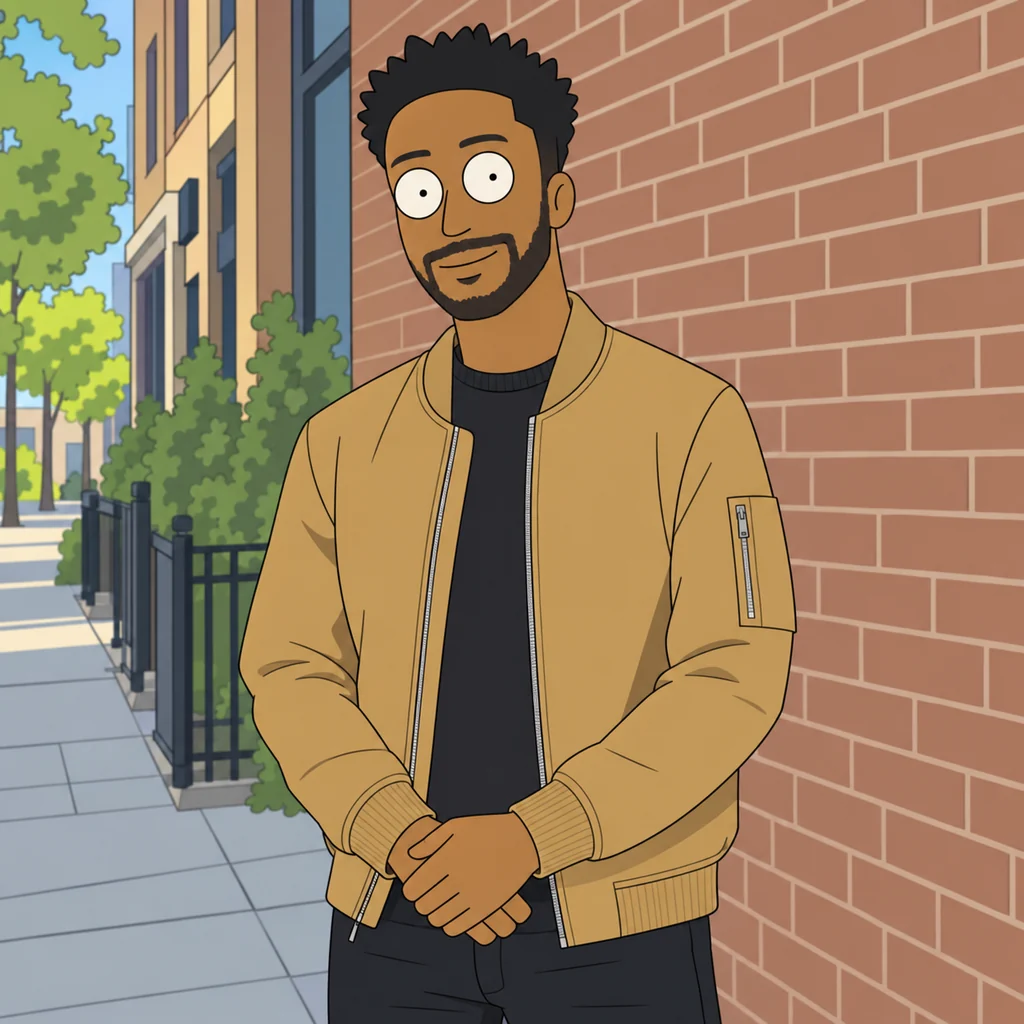
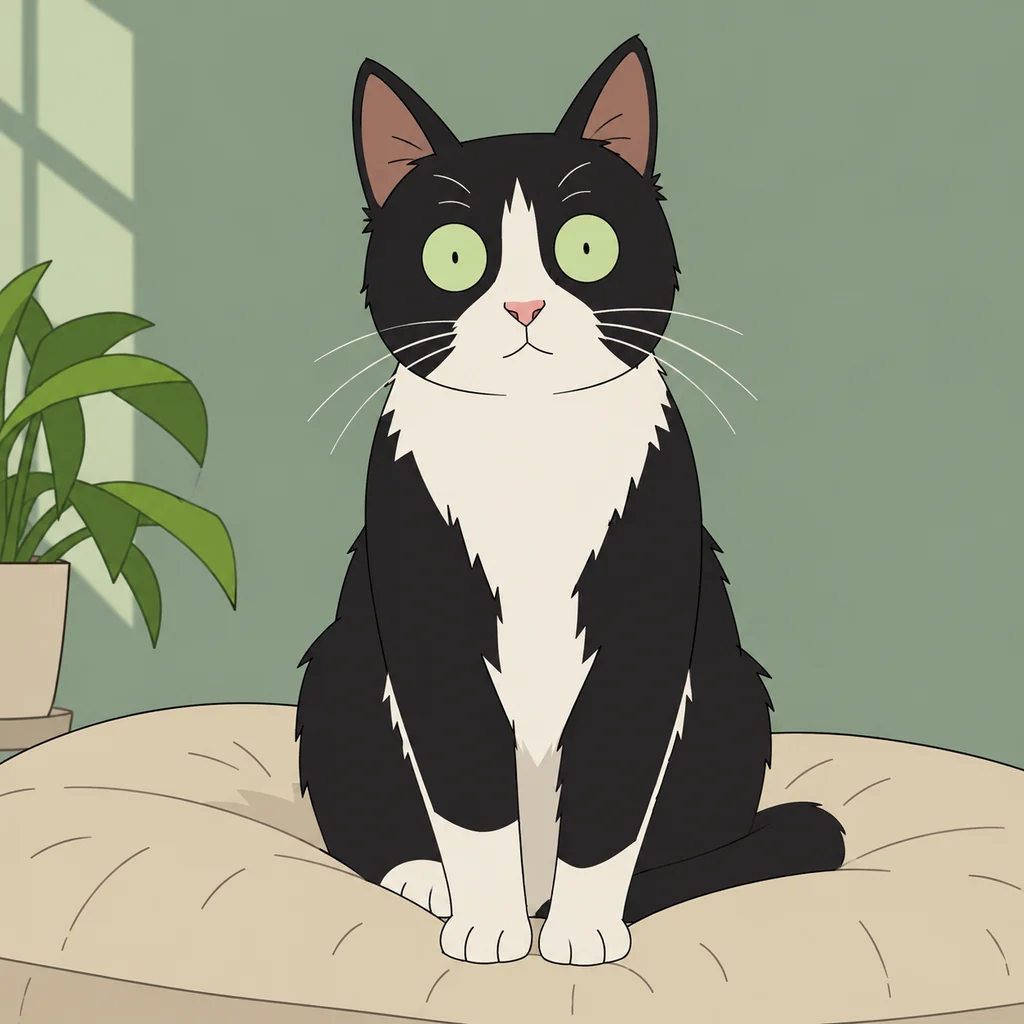
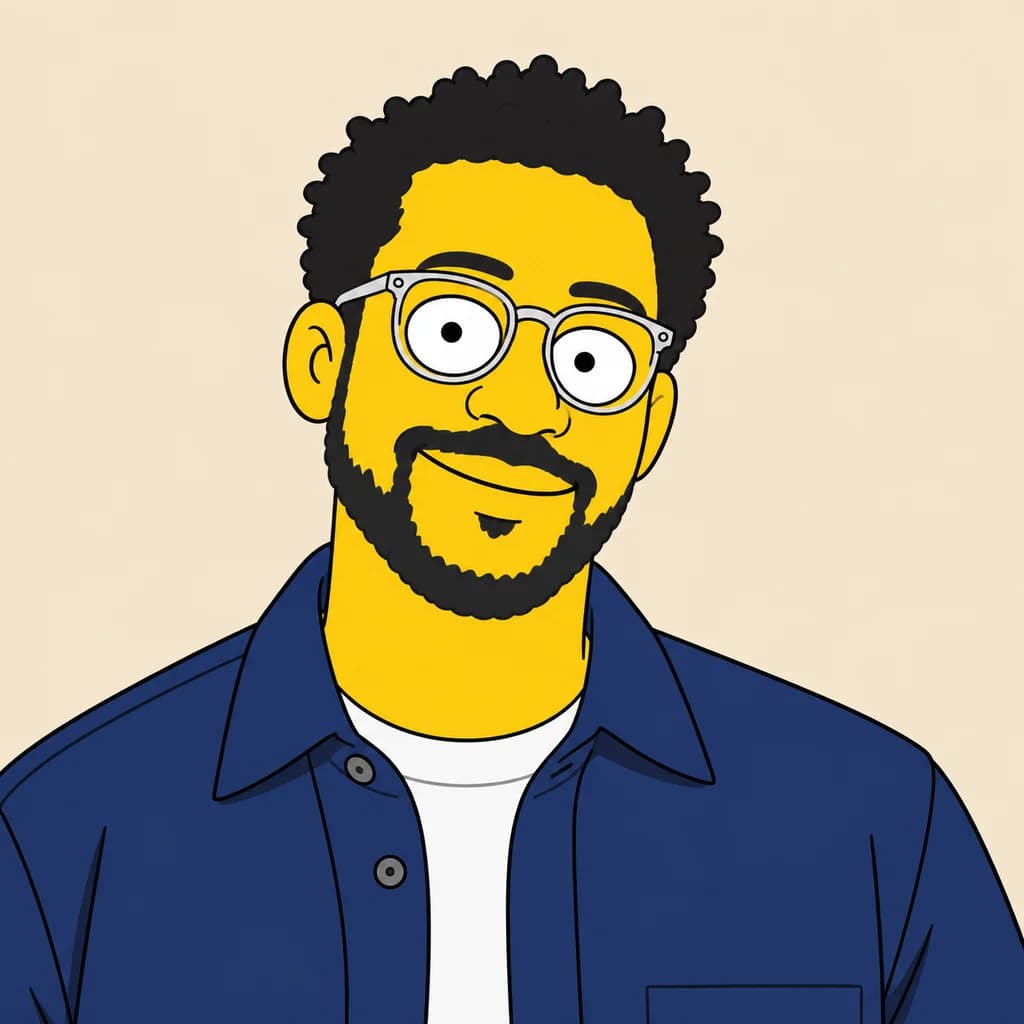
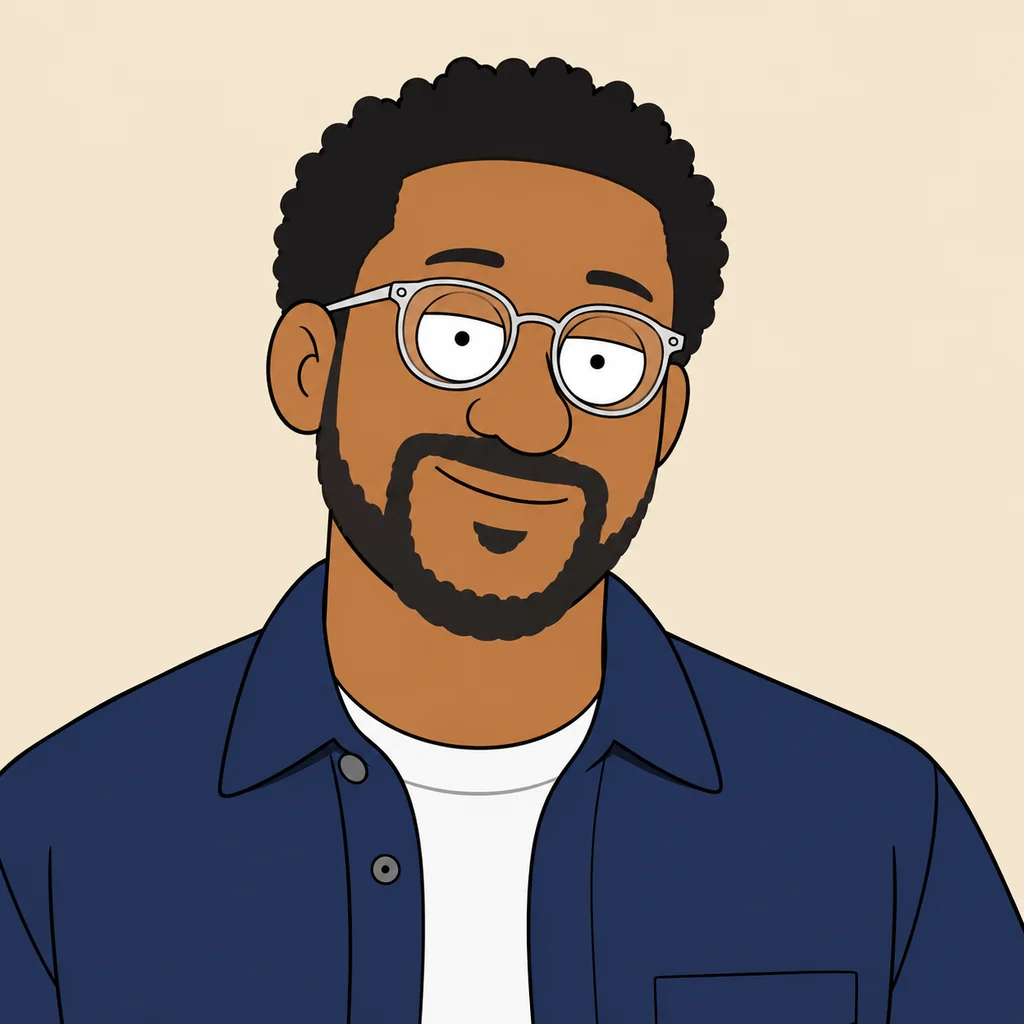
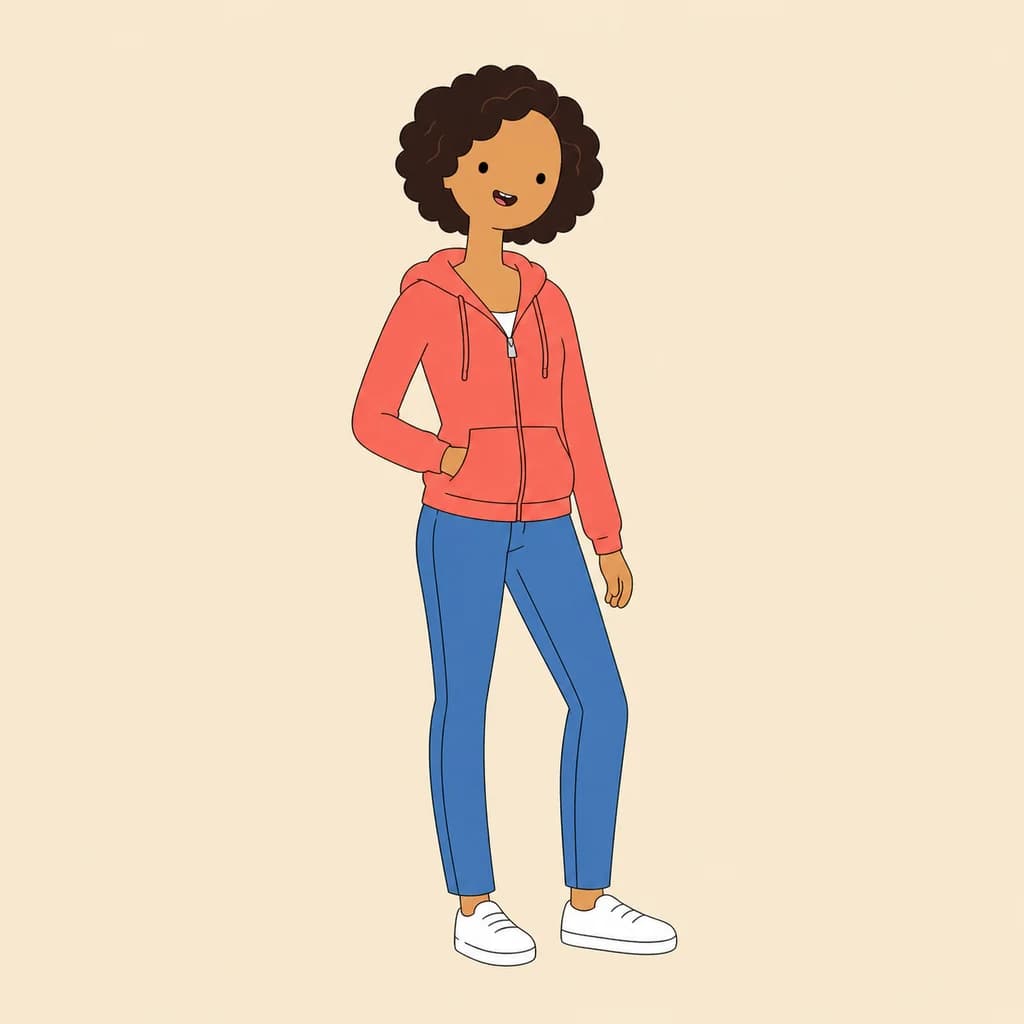
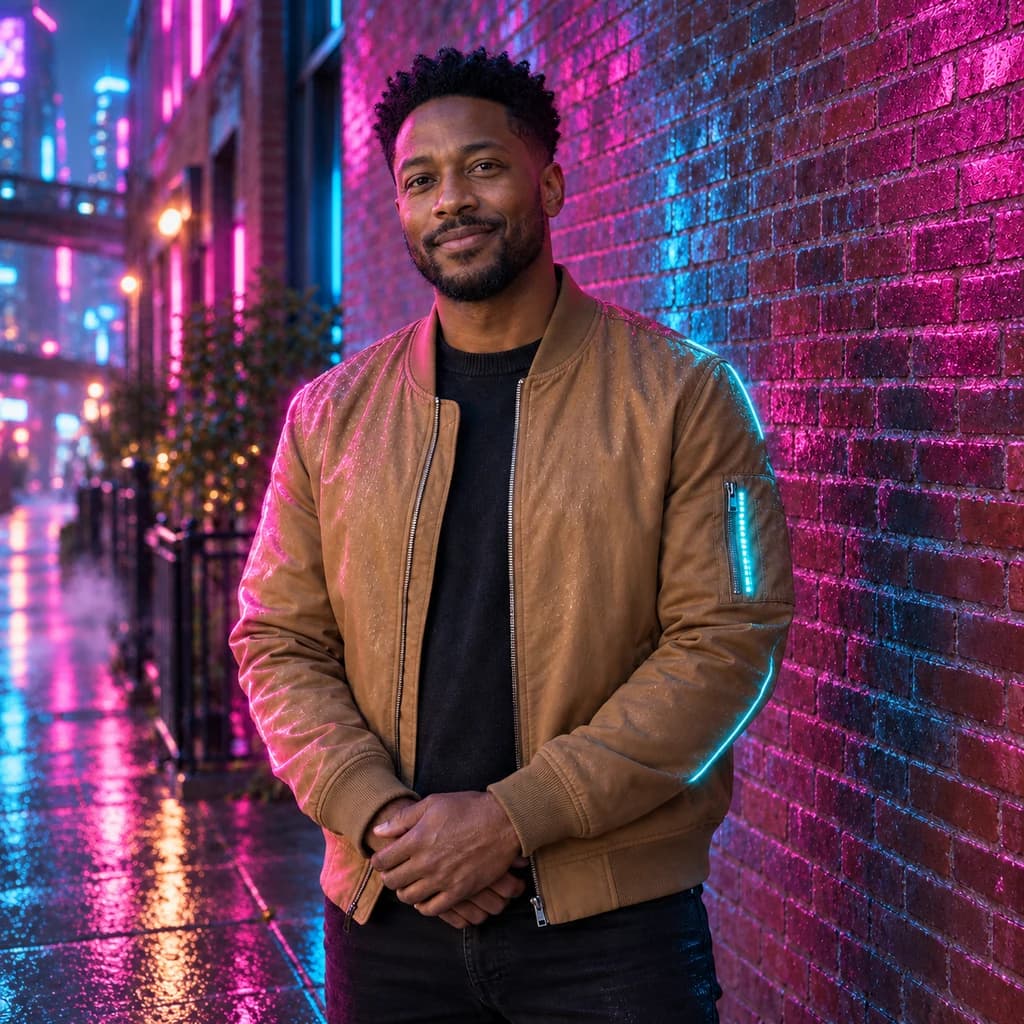
The expressive portrait in teal shows the core trick: round wire glasses, stubble and a big open grin, with eyes turned into white circles. The portrait in a tan jacket keeps the bomber's sleeve pocket, the brick wall and the street behind him. The green-eyed tuxedo cat gets the same wide stare, now in pale green.
 ORIGINALRICK AND MORTY
Expressive portrait in teal01  ORIGINAL
 RICK AND MORTY
Portrait in a tan jacket02 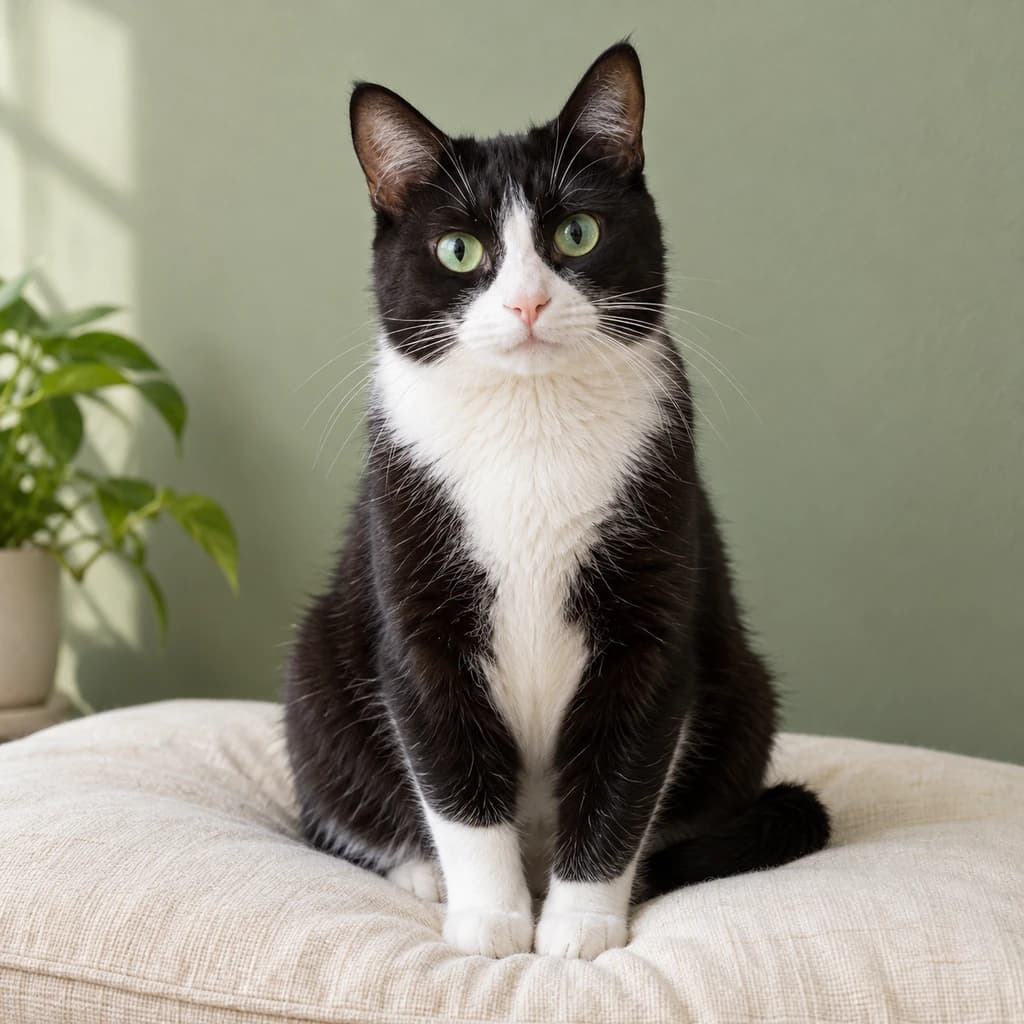 ORIGINAL
 RICK AND MORTY
Green-eyed tuxedo cat03
Illustrative style preview · Your result will vary
What is Rick and Morty style?
Rick and Morty style is the drawing look of Rick and Morty, the adult sci-fi cartoon created by Justin Roiland and Dan Harmon, which premiered on Adult Swim in December 2013. The drawing is loose and simple on purpose. Characters have round white eyes with tiny pupils, thin outlines with a slight wobble and flat color, and their faces often look tired, nervous or stunned.
Because the eyes do most of the acting, expression matters more here than in other cartoon styles. A big grin or a startled look carries through, while the rest of the face is simplified into a few loose shapes. Skin tone, clothing and backgrounds stay close to the photo. Pets get the same wide stare, as the tuxedo cat shows.
How to turn a photo into a Rick and Morty character
Start with a photo where your eyes are open and your expression is clear.
Portrait in a tan jacket STEP 01
Upload a photo
Upload a JPG, PNG or WebP up to 10 MB, or pick a sample photo to see the wide-eyed look first. Eyes become the focus in this style, so choose a shot where they're open and not hidden by sunglasses.
- OriginalRick and Morty
STEP 02
Redraw it Rick and Morty-style
Your eyes become round and white with tiny pupils, and your face is simplified into loose cartoon shapes. Outlines turn thin and slightly wobbly, color goes flat, and clothes keep their patterns.
STEP 03
Generate and download
Sign in and generate your wide-eyed version from 8 credits. You download a PNG, and the same picture is saved to your history for later.
Ways to use it
Good uses for a sci-fi cartoon of you.
- Gaming and Discord avatarsA wide-eyed cartoon avatar fits right into gaming servers and stream chats.
- Watch-party invitesPut your crew on the invite for the next episode night.
- Stickers and laptop decalsSimple shapes and flat color make clean stickers. Cut it out with our background remover.
- Gifts for sci-fi fansPrint a friend as a wide-eyed cartoon on a card or poster.
- Profile picturesA loose, wobbly cartoon stands out next to a feed of polished photos.
- Weird and funny petsPets get wide white eyes, and sometimes an oddly human face, like our retriever.
Photo to Rick and Morty: what to expect
How the Rick and Morty look handles eyes, expressions, outfits and pets, plus what to check before you upload.
| FEATURE | What you get | Before you start | Limits |
|---|---|---|---|
| Eyes | Wide white circles with tiny dot pupils, even behind glasses, as in the teal portrait. | Pick a photo with both eyes open; sunglasses hide what this style needs. | Your real eye shape and color are replaced, and the stare can look startled. |
| Expressions | Open grins, smirks and nervous smiles carry over in a loose, simplified mouth. | A clear expression gives the drawing more personality than a blank face. | Subtle expressions can flatten into a neutral or slightly dazed look. |
| Clothes and scenery | Jackets, zips, pockets, brick walls and street trees redrawn in flat color. | Keep the outfit visible; it does a lot of the identifying here. | Very busy backgrounds gain extra lines and may lose small objects. |
| Pets | Cats and dogs keep their markings and get the same wide-eyed stare. | Use a sharp photo where your pet faces the camera. | Pet faces can drift toward a human-like expression in some runs. |
Tips for better Rick and Morty results
Eyes, expressions and props do the heavy lifting here.
- 01
Keep your eyes open
The round white eyes are the heart of this style. Squinting or closed eyes can leave the result with less personality.
- 02
Go for a big reaction
Shock, confusion or a nervous grin fits the show's energy. A neutral selfie works, but a strong expression is funnier.
- 03
Spot the borrowed hairdo
The style sometimes borrows a famous haircut from the show, like our sample dad's spiky blue hair. If that happens, generate again.
- 04
Bring a prop
Props carry over well, from a tulip to a jeep. A gadget, a drink or a pet in hand gives your scene a bit of story.
Photo to Rick and Morty FAQ
Rick and Morty-specific questions are below; the main FAQ linked underneath covers accounts, credits and privacy.
Will people still know it's me?
Is the picture big enough for a sticker or print?
Can I use it for my cat, my kids or a group?
How is it different from the Simpsons and Family Guy styles?
Why does the same photo come back different each time?
Is this an Adult Swim or Warner Bros. Discovery product?
Why do my eyes look so big and blank?
Does it add sci-fi gadgets or portals?
Which photos give the strongest result?
Turn your photo into a sci-fi cartoon
Check how the teal portrait, the tan jacket and the tuxedo cat came out before you commit. Turning your own photo into a wide-eyed cartoon takes a sign-in and credits, with plans starting at $9.99 a month.