Photo to
Polaroid
Photo to Polaroid turns a photo into an instant-film style snapshot, with the picture set inside a white frame that has a wider strip at the bottom. Upload a candid shot, a couple, a family outing or a pet. Colors warm and fade a little and the corners darken, while faces, clothes and setting stay as they were. Anyone can view the samples, while framing your own pictures requires an account and credits.
An independent instant-film style. PhotoToCartoon is not affiliated with or endorsed by Polaroid.
From 8 creditsJPG, PNG or WebP up to 10 MB
- COST
- From 8 credits
- TIME
- Usually under a minute
- UPLOAD
- JPG, PNG, WebP · 10 MB
- OUTPUT
- PNG up to 4096 px
Styles
57 stylesAnime & Cartoon
11Artistic
133D & Avatars
8Fun & Creative
9Retro & Vintage
3Digital & Modern
8Sculptures & Crafts
5Illustrative style preview · Your result will vary
Couple on the sofa
Sample photo
PRESET · /tools/photo-to-polaroid · Seedream 4 · 2K · 1:1
Open full studio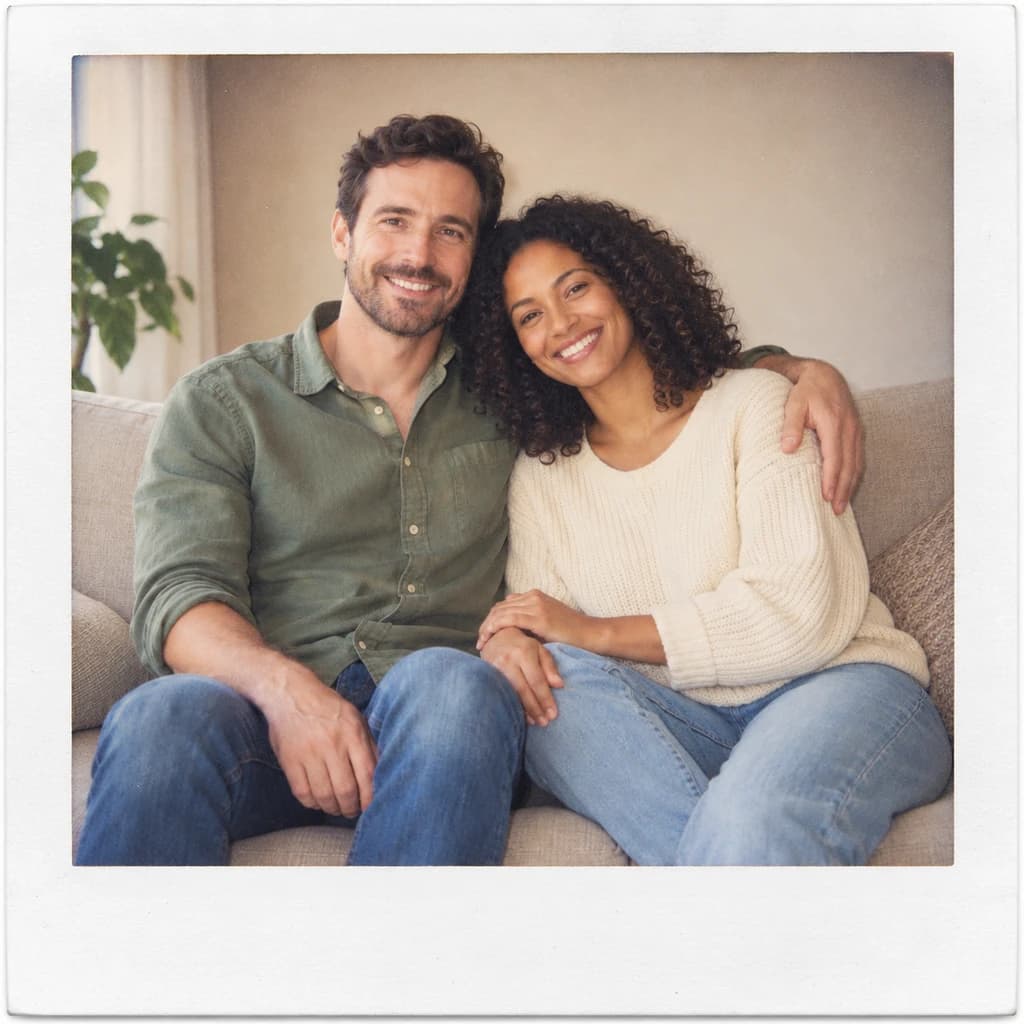 PolaroidSeedream 4 · 2K · 1:1
Illustrative style preview · Your result will vary
11 credits / image · From $9.99 a month
/tools/photo-to-polaroid
Open full studioPhoto to Polaroid examples
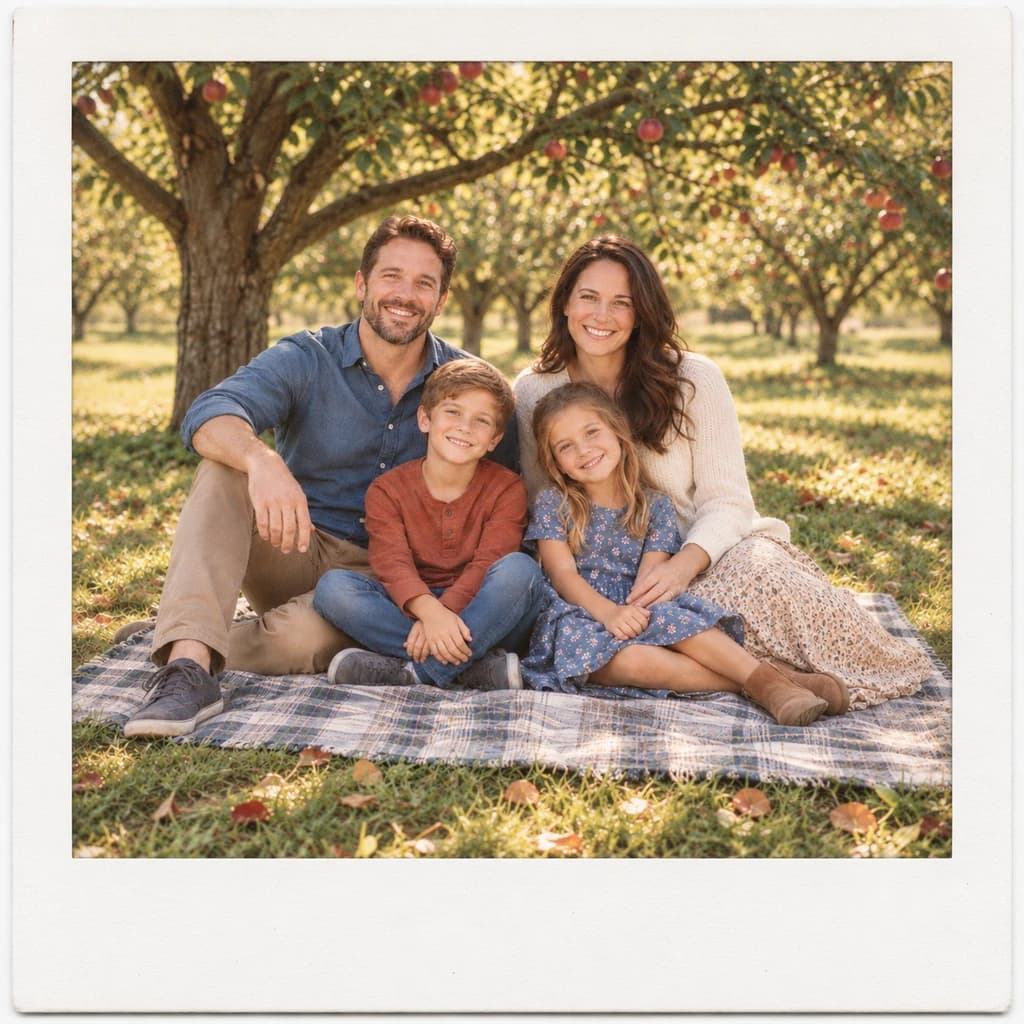
All three samples share the same kind of frame: off-white, with a deeper strip along the bottom and a faint paper texture. The couple on the sofa comes out soft and low in contrast. The portrait with terracotta glasses shows darker corners and a few tiny specks. In the family picnic, the apple trees and plaid blanket stay crisp inside the border.
 ORIGINALPOLAROID
Couple on the sofa01  ORIGINAL
 POLAROID
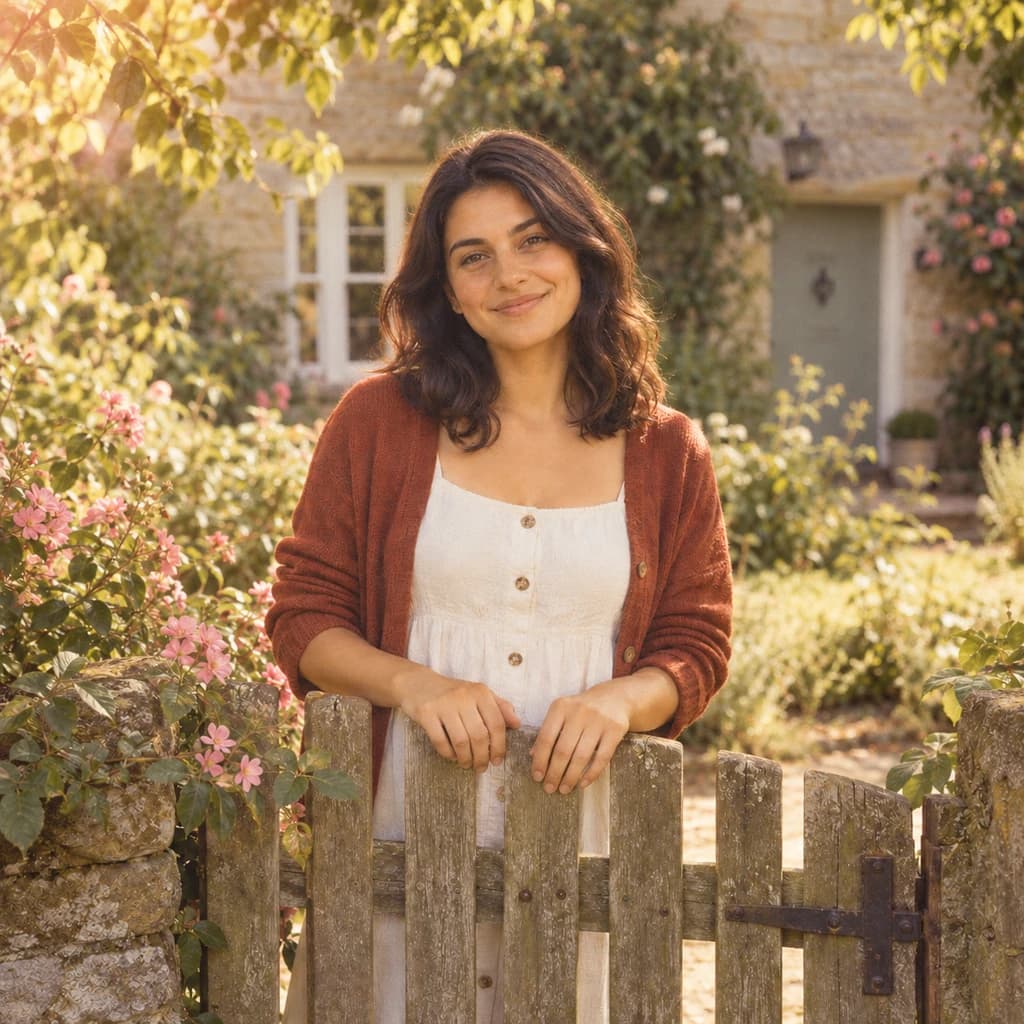
Portrait with terracotta glasses02  ORIGINAL
 POLAROID
Family picnic03
Illustrative style preview · Your result will vary
What is Polaroid style?
Polaroid style is the look of an instant print: a square-ish photo inside a white frame with a wider bottom strip, where people write names and dates. Edwin Land’s Polaroid company sold the first instant camera in 1948, and the SX-70 of 1972 made the white-framed print that develops in your hand the classic format. Instant film has its own color, too: soft, a little faded and often warm.
This style recreates that format as one flat image. Your photo is fitted into the frame, the colors soften and the corners darken slightly, while the people in it stay themselves. Nothing is shot on instant film, and the frame is drawn into the PNG, so plan for it when you crop or print.
How to turn a photo into a Polaroid-style print
Pick a casual snapshot and get it back inside a white instant-film frame.
Portrait with terracotta glasses STEP 01
Upload a photo
Upload a JPG, PNG or WebP up to 10 MB, or frame a sample photo first. Keep people away from the edges: the frame takes up space, so anything right at the border of your photo may be trimmed.
- OriginalPolaroid
STEP 02
Frame it like instant film
Your picture is fitted into a white or cream instant-film frame with a wider bottom strip. The color softens and warms, the corners darken slightly, and faces and pose stay just as they were.
STEP 03
Generate and download
Sign in and generate, from 8 credits per framed snapshot depending on the model. Download the PNG with its frame included; it is saved to your history too, ready for when you print a whole set.
Ways to use it
Instant-film prints for walls, books and keepsakes.
- Photo wallsPrint a set and hang them with clips, string or tape for an instant-photo wall.
- Scrapbooks and memory booksMatching instant-film frames give trip and party photos a handmade look.
- Wedding guest booksTurn guest photos into instant-style prints for a sign-in book or table display.
- Pet keepsakesYour dog or cat as a small framed print for a desk or the fridge.
- Cards and invitationsAn instant-film photo on a save-the-date, party invite or thank-you card.
- Throwback-style postsA framed, softly faded snapshot stands out among crisp phone photos.
Photo to Polaroid: what to expect
What the instant-film frame and color do to your snapshot, and where the look stops.
| FEATURE | What you get | Before you start | Limits |
|---|---|---|---|
| Frame | An off-white border with a deeper bottom strip and faint paper texture, drawn into the image | Leave space around your subject so nothing important ends up under the border | Proportions are close to a real instant print, not an exact match |
| Color | Warm, slightly faded color with soft contrast and darker corners | Start with colors you like; the style softens them rather than fixing them | Bright, saturated colors are toned down, so the punch of a phone photo is gone |
| Faces and groups | Expressions, clothes and poses kept, as in the couple and family picnic samples | Choose a shot where faces are reasonably large, since the frame shrinks the photo area | Small faces in big groups lose detail because the picture area is smaller than your original |
| Caption strip | An empty strip along the bottom, like a real instant print | Plan to write your caption by hand after printing, or add it in a design app | No text is added; the style does not write names or dates for you |
Tips for better Polaroid-style results
Little things that make it feel like a real instant snapshot.
- 01
Go for candid moments
Instant cameras belong at parties and on road trips. Laughing friends, a pet mid-yawn or a messy kitchen table feel right in the frame.
- 02
Warm light suits the look
Golden-hour sun or lamp light matches the warm, faded color of instant film. Cold office light can look a little flat.
- 03
Caption it by hand
Real instant prints get names and dates written on the bottom strip. Print yours and add a caption with a fine marker.
- 04
Make a matching set
Run several photos from the same day for a set of prints. Each frame comes out a little different, like a real stack of instant photos.
Photo to Polaroid FAQ
About the instant-film frame, its colors and printing your snapshots; accounts, credits and privacy are handled in the main FAQ.
Will the snapshot still look like me?
Is this made or approved by Polaroid?
Can I add a caption on the bottom strip?
Is the picture shaped like a real instant print?
Can I put several snapshots on one page?
What's the difference between Polaroid and Vintage?
Does it work on family photos, kids and pets?
Can I print it at instant-photo size or bigger?
Why does each frame look a bit different?
Can I use the Polaroid-style images commercially?



Turn your photo into an instant-film keepsake
Try the instant-film look on the samples for free. Then sign in, pick a candid photo with faces big enough to read and frame it using credits; the entry plan runs $9.99 a month. Print a few, and the bottom strips are ready for names and dates.