Photo to
Metaverse Avatar
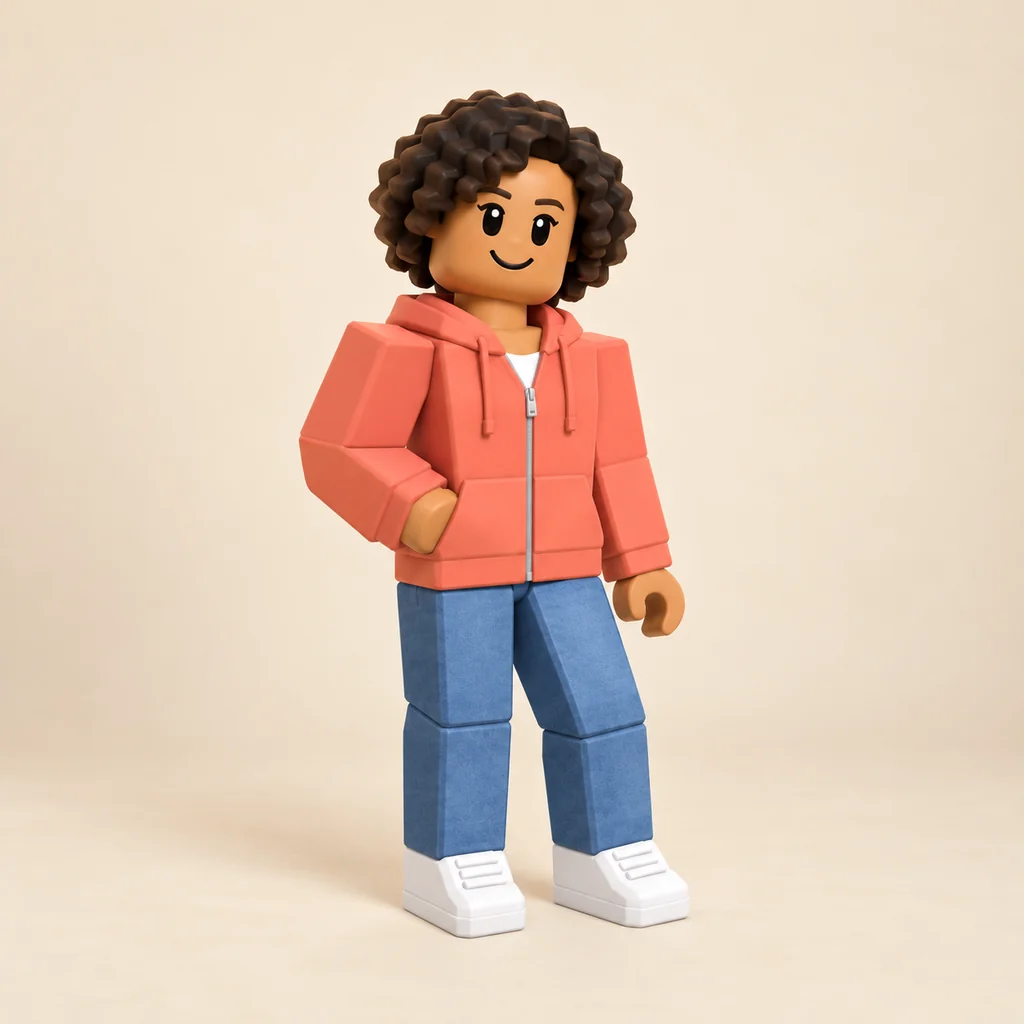
Photo to Metaverse Avatar redraws you as a sleek virtual-world character, inspired by the avatars people wear in social spaces such as VRChat, Rec Room and Meta Horizon Worlds. Upload a full-length or waist-up photo of yourself. Shapes get cleaner and fabric smoother, while your face, hair, outfit and pose stay. It's a 2D picture, not an importable avatar. Browse the sample results for free, then sign in when you want to spend credits on yourself.
From 8 creditsJPG, PNG or WebP up to 10 MB
- COST
- From 8 credits
- TIME
- Usually under a minute
- UPLOAD
- JPG, PNG, WebP · 10 MB
- OUTPUT
- PNG up to 4096 px
Styles
57 stylesAnime & Cartoon
11Artistic
133D & Avatars
8Fun & Creative
9Retro & Vintage
3Digital & Modern
8Sculptures & Crafts
5Illustrative style preview · Your result will vary
Full-body portrait in coral
Sample photo
PRESET · /tools/photo-to-metaverse-avatar · Seedream 4 · 2K · 1:1
Open full studio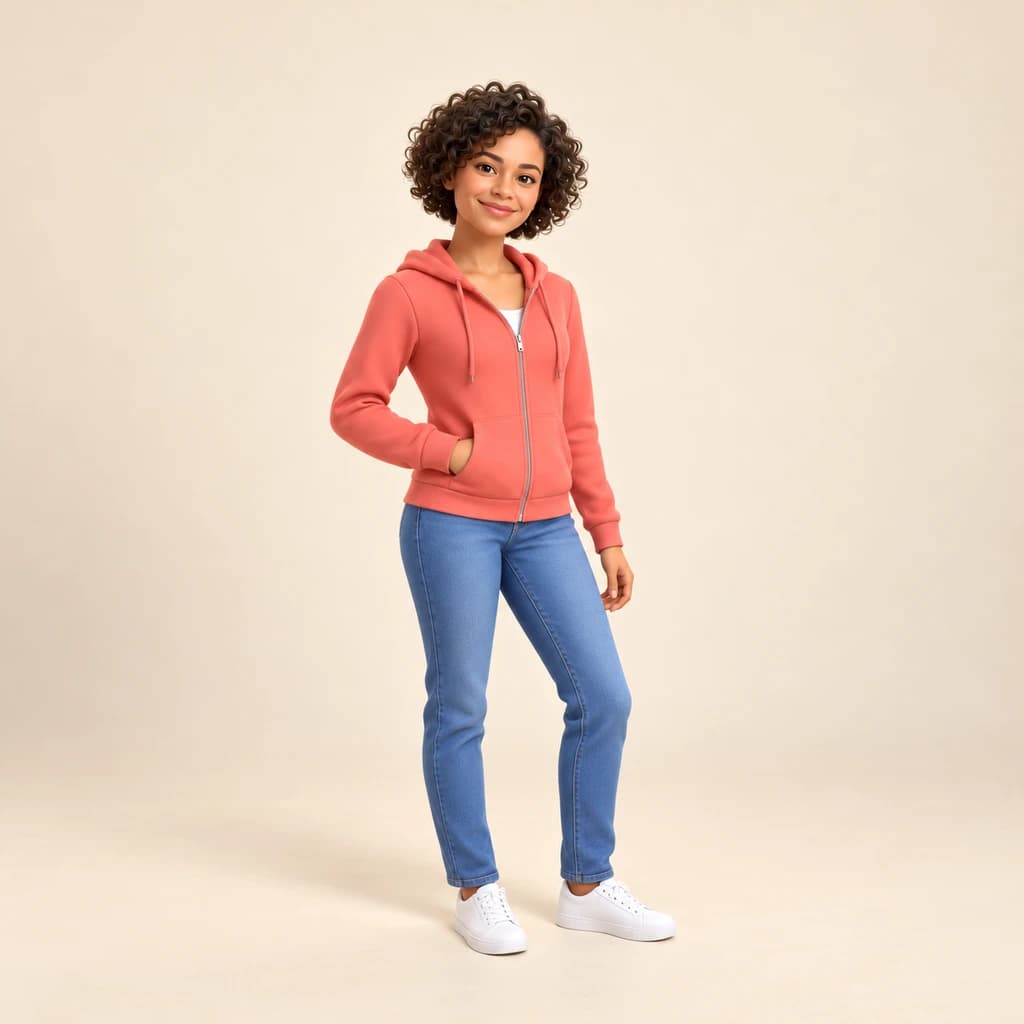 Metaverse AvatarSeedream 4 · 2K · 1:1
Illustrative style preview · Your result will vary
11 credits / image · From $9.99 a month
/tools/photo-to-metaverse-avatar
Open full studioPhoto to Metaverse Avatar examples
All three samples are full-length, so look at the whole figure. The full-body portrait in coral keeps her curls, zip hoodie and white sneakers. In the full-body portrait in mustard, the four flap pockets and his glasses survive. The sporty portrait in cobalt holds its mid-stride pose. The change is subtle: smoother fabric, tidier shapes and even light on a plain backdrop.
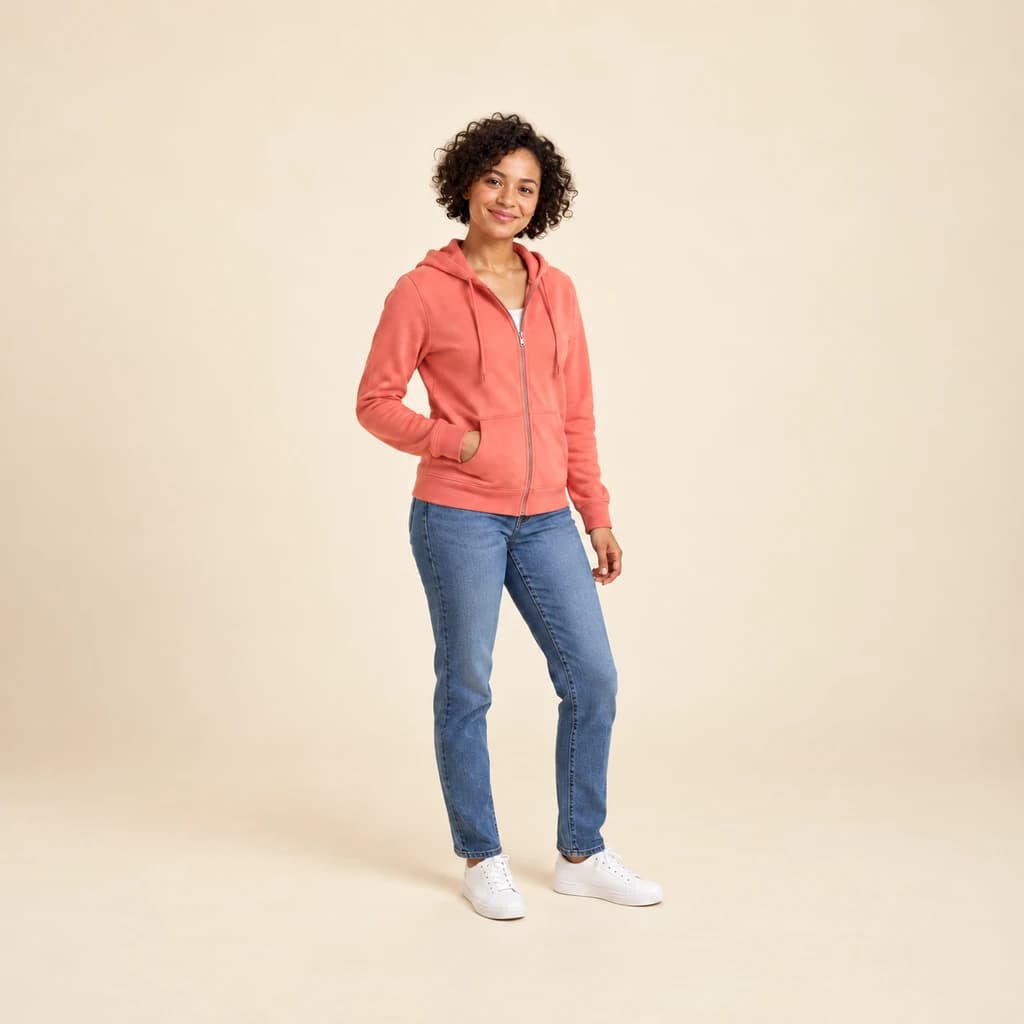 ORIGINALMETAVERSE AVATAR
Full-body portrait in coral01 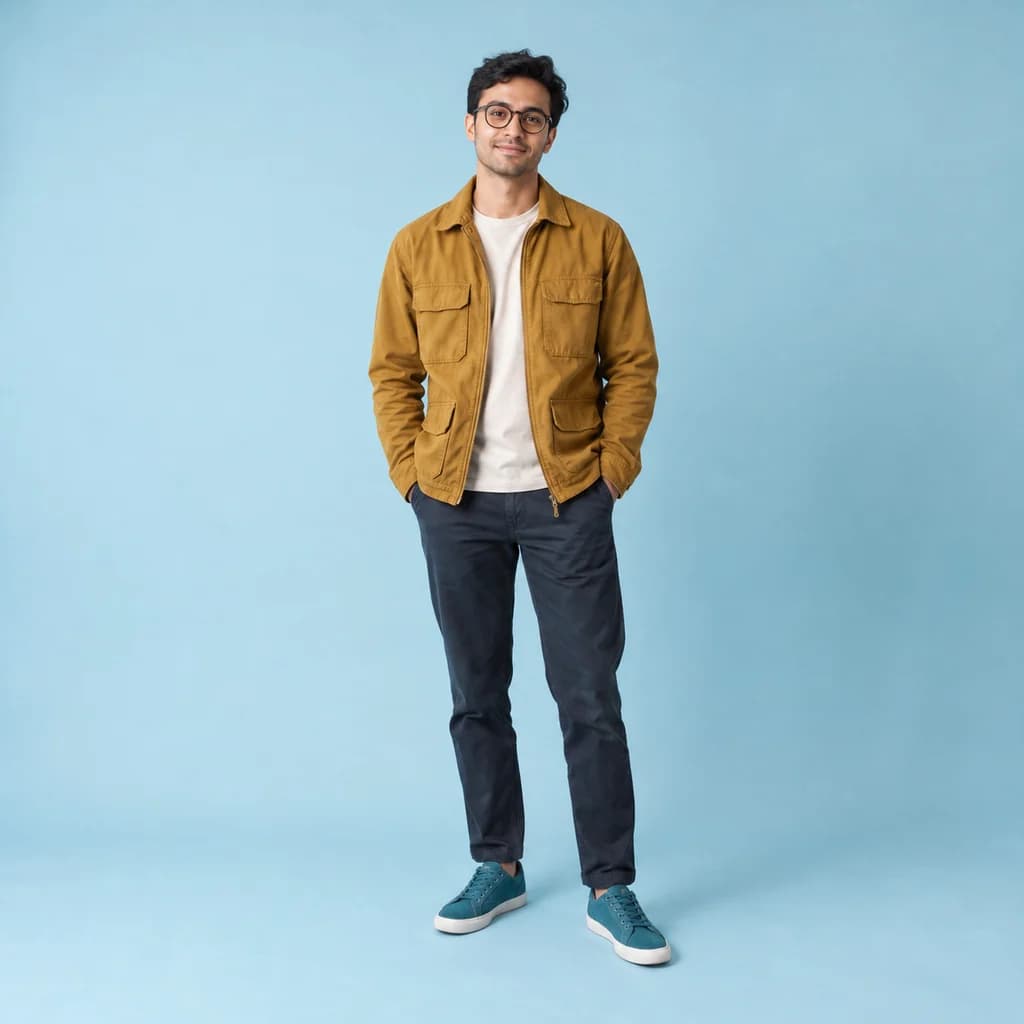 ORIGINAL
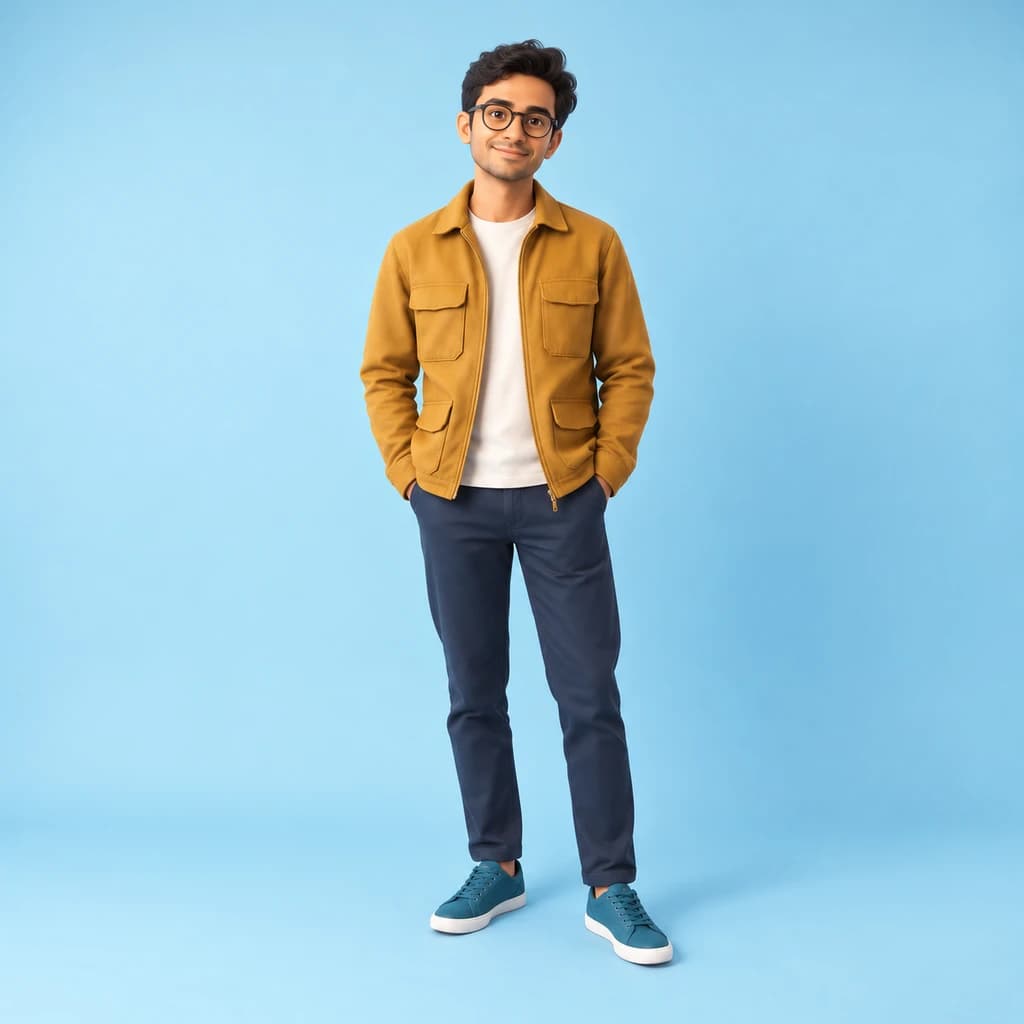 METAVERSE AVATAR
Full-body portrait in mustard02 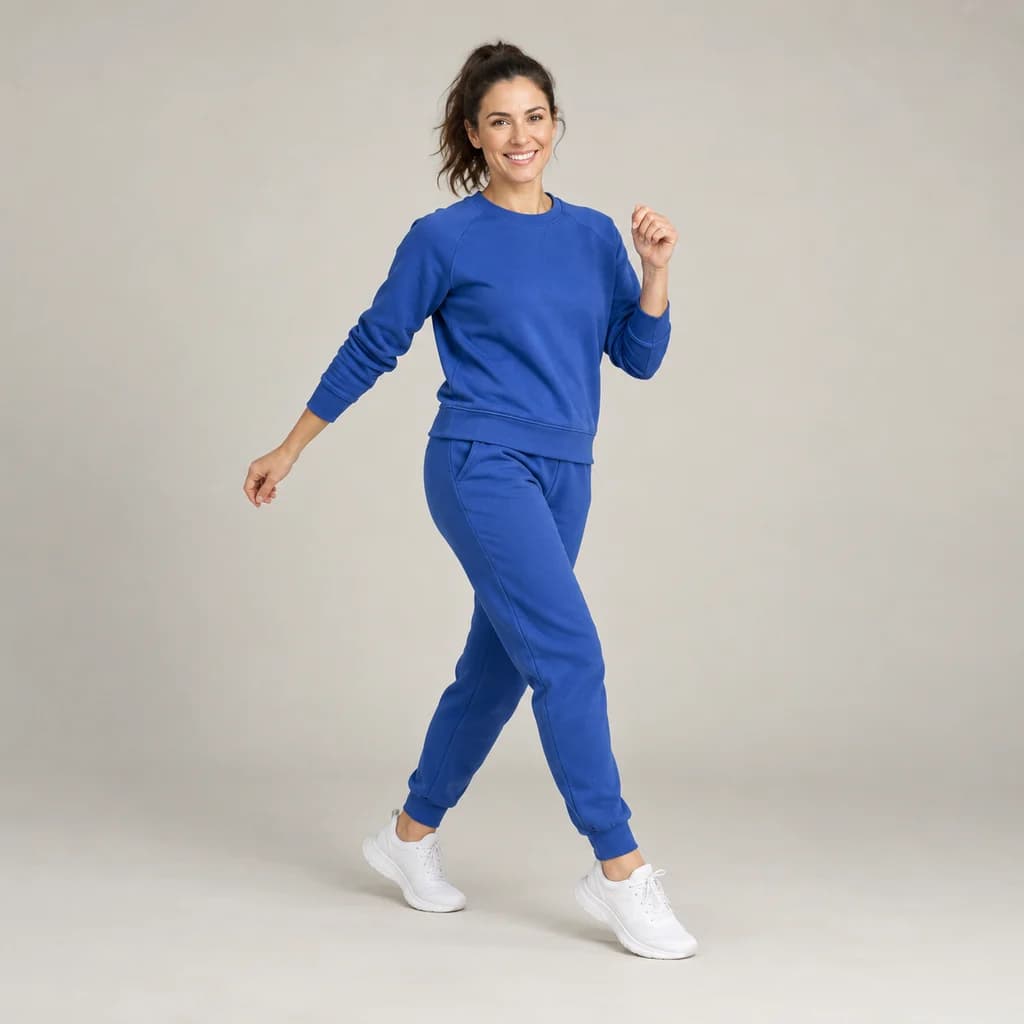 ORIGINAL
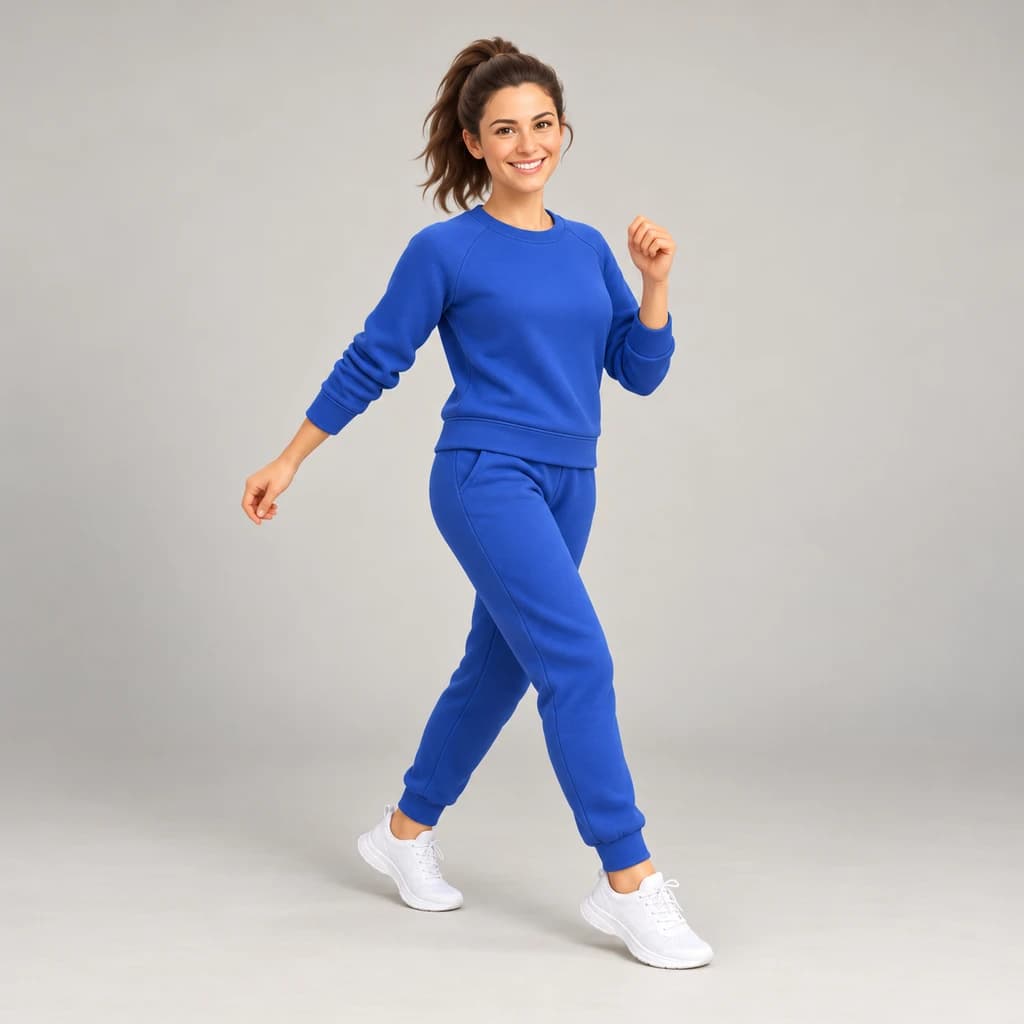 METAVERSE AVATAR
Sporty portrait in cobalt03
Illustrative style preview · Your result will vary
What is metaverse avatar style?
A metaverse avatar is the character you appear as inside a shared online world. Neal Stephenson's 1992 novel Snow Crash coined the word metaverse, Second Life opened in 2003, and Facebook renamed itself Meta in 2021. Today people meet in social spaces such as VRChat, Rec Room, Meta Horizon Worlds and Zepeto, where avatars range from realistic humans to rounded cartoons.
This style borrows the clean finish those worlds share: smoother fabric, tidier features and bright, even light on a plain backdrop. A full-length photo gets you your whole outfit, head to sneakers. One honest limit: the download is a 2D PNG picture, not an avatar file. Use it for profile pictures, banners and as a guide while you build your avatar in each app's own editor.
How to turn a photo into a metaverse avatar
Three steps to a virtual-world picture of you for social profiles.
Full-body portrait in mustard STEP 01
Upload a full-length photo
Pick a JPG, PNG or WebP up to 10 MB, or begin with one of our sample figures. Stand back far enough that your shoes are in frame against a plain wall; a head-to-toe shot shows off the outfit your avatar would wear.
- OriginalMetaverse Avatar
STEP 02
Give it the virtual-world finish
Your features are smoothed and tidied into a 3D character, with bright eyes and neater hair. Lighting turns soft and even. Your outfit, hair color and pose stay, so the avatar still looks like you.
STEP 03
Generate, then post it
Sign in to generate; the studio lists the cost before you start, from 8 credits. You download a PNG, and a copy lands in your history so you can come back later and crop a banner or a profile square.
Ways to use it
Places where a polished virtual you fits.
- One look everywhereUse the same avatar across chat apps, forums and gaming profiles.
- Virtual meetings and eventsA tidy avatar for online event badges, speaker cards and remote-team pages.
- Avatar-builder referenceKeep it open while you build your avatar in a virtual world's editor.
- Streaming and videoA clean channel icon, or a short clip made with our image-to-video tool.
- Community serversStand out in community servers and group chats with a polished 3D you.
- A fresh online personaTry a sleek 3D version of yourself before you change your profile look.
Photo to Metaverse Avatar: what to expect
What a virtual-world picture of you includes, how to prepare, and why it is not an avatar you can import.
| FEATURE | What you get | Before you start | Limits |
|---|---|---|---|
| Outfit and shoes | Your clothes, colors and footwear, smoothed into clean, simple fabric | Wear the outfit you'd pick for your avatar and get your shoes in frame | Prints, logos and small text on clothing may simplify or blur |
| Pose | Your stance carries over, from hands in pockets to a mid-stride walk | Pick a pose with some character; standing relaxed works, and so does walking | Hands and crossed limbs are the parts most likely to come out oddly |
| Faces | Your face, hair and glasses, tidied and evenly lit | Even in a full-length shot, keep your face sharp and turned toward the camera | In full-length shots the face is small, so expressions and fine features may simplify |
| Use on platforms | A 2D PNG in that virtual-world look, for profile pictures, banners and posts | Build the 3D body itself in each platform's own avatar editor | No VRM, FBX or Unity avatar; VRChat, Rec Room, Horizon Worlds and Zepeto cannot import it |
Tips for better metaverse avatar results
A few habits that make the avatar feel like you.
- 01
Face the camera
Avatars are usually seen head-on. A straight-on photo with both eyes visible gives the cleanest, most balanced result.
- 02
Bring your signature look
Your usual hairstyle, glasses or favorite jacket make an avatar feel like you. Wear them in the photo you upload.
- 03
Choose a calm background
A plain wall keeps the focus on you. Want no background at all? Run the result through the background remover for 4 credits.
- 04
Try two or three runs
Each run comes out a little different, from the smile to the lighting. Make a few and keep the one that fits.
Photo to Metaverse Avatar FAQ
Answers about social VR platforms, file types and how this style differs from 3D Avatar; the main FAQ handles account, credit and privacy topics.
Can I import this into VRChat, Rec Room or Meta Horizon Worlds?
How is Metaverse Avatar different from 3D Avatar?
Can I use it as a guide when I build my avatar in an app?
Will the figure still look like me?
What photo works best for a metaverse look?
Can I make avatars for a group, my kids or my pets?
How big is the file for a banner?
Why does the same photo give different figures?
Can I use it for a brand or a client?
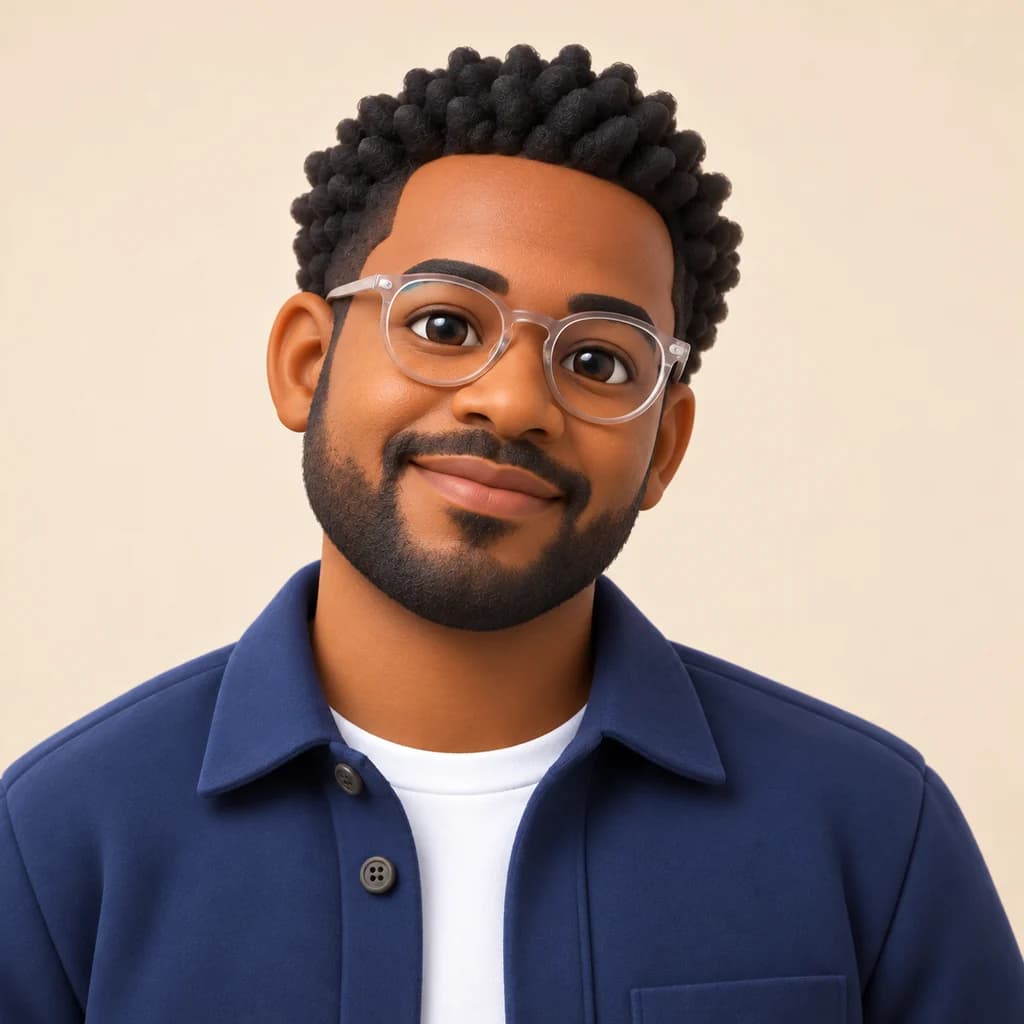
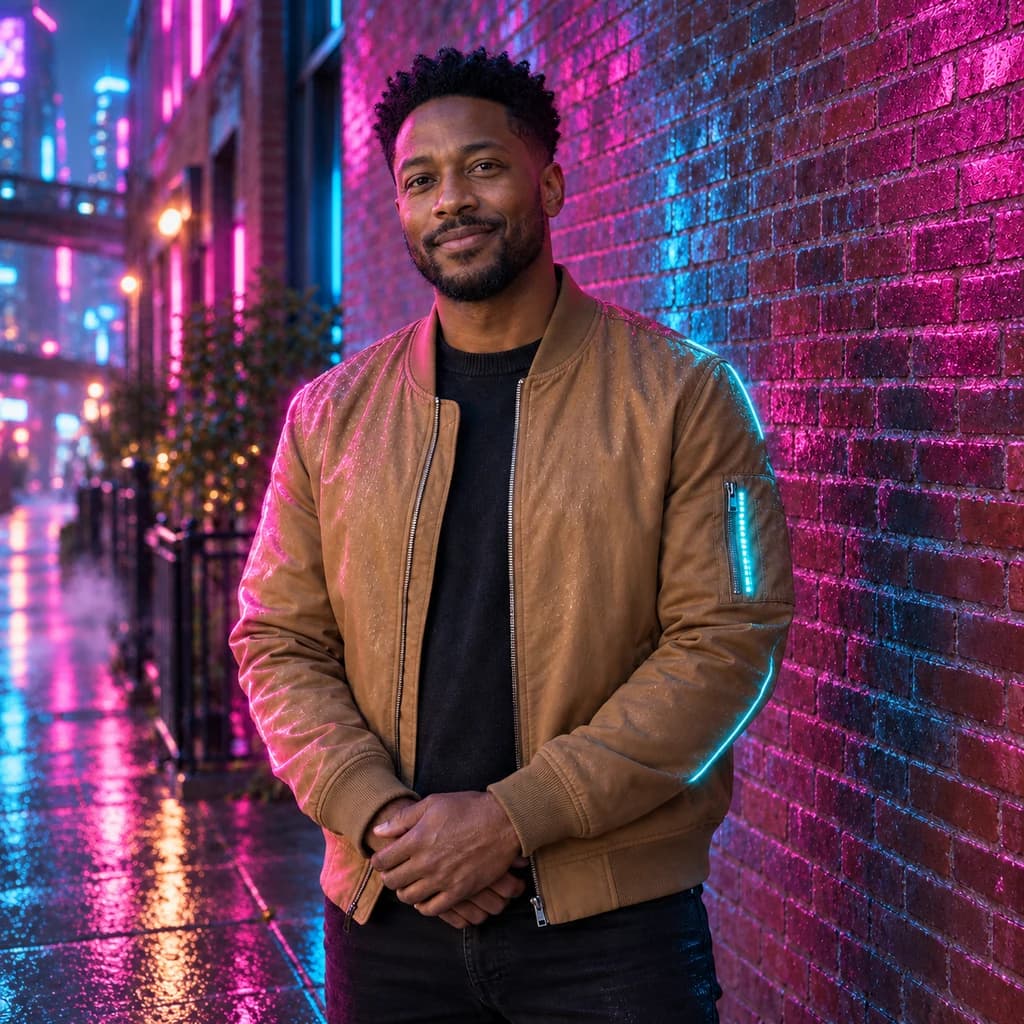

Meet the virtual-world version of you
Look through the sample figures at no cost and with no sign-up. To redraw your own full-length photo, sign in and use credits; a plan costs from $9.99 a month. Remember that you get a picture for profiles, not a file to import.