Photo to
Sculpture
Photo to sculpture recarves the person or pet in your picture as polished white marble with gray veins, often as a bust on a stone block. Upload a portrait, ideally head and shoulders, or a pet sitting still. Skin turns to smooth stone, hair and fur become carved locks, and chisel marks rough up the shoulders. The room around the statue keeps its real colors. Every sample can be viewed free, and carving your own uses credits after you sign in.
From 8 creditsJPG, PNG or WebP up to 10 MB
- COST
- From 8 credits
- TIME
- Usually under a minute
- UPLOAD
- JPG, PNG, WebP · 10 MB
- OUTPUT
- PNG up to 4096 px
Styles
57 stylesAnime & Cartoon
11Artistic
133D & Avatars
8Fun & Creative
9Retro & Vintage
3Digital & Modern
8Sculptures & Crafts
5Illustrative style preview · Your result will vary
Silver-haired portrait
Sample photo
PRESET · /tools/photo-to-sculpture · Seedream 4 · 2K · 1:1
Open full studio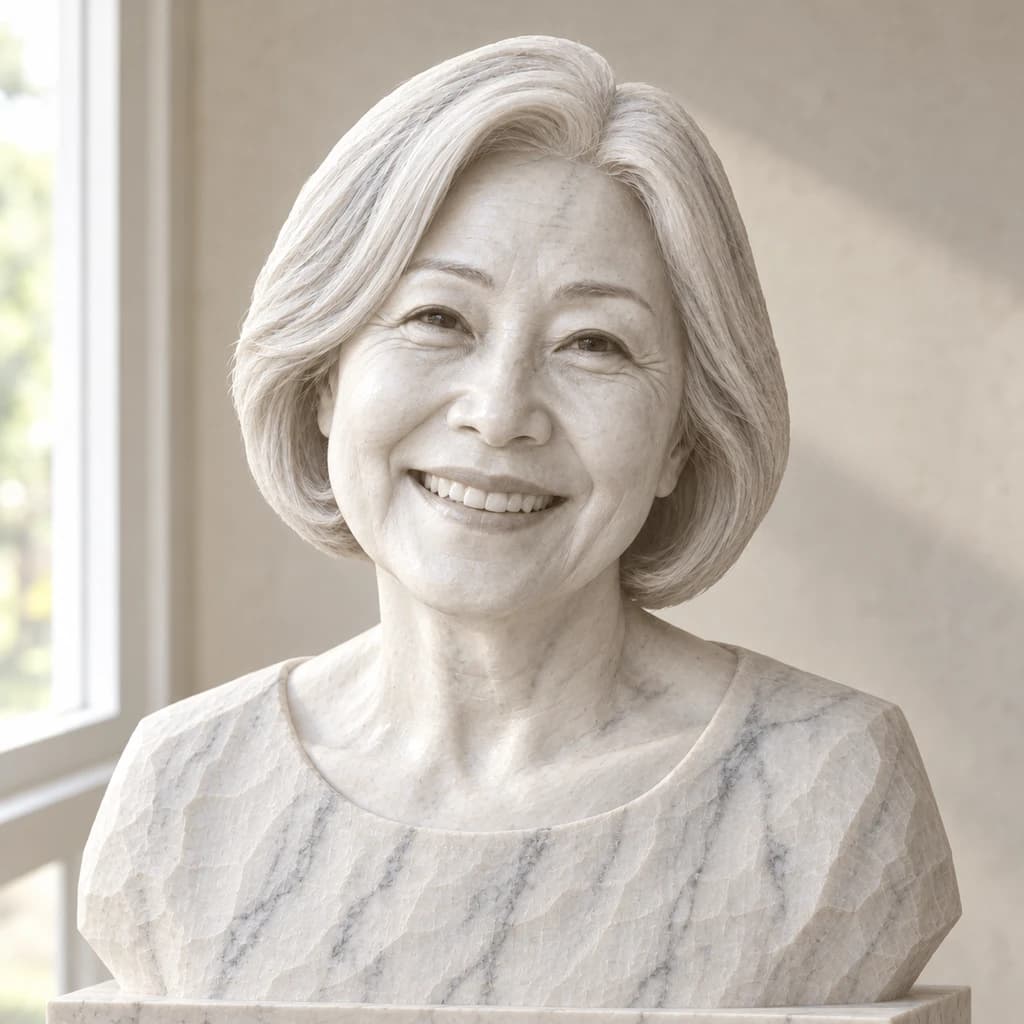 Marble SculptureSeedream 4 · 2K · 1:1
Illustrative style preview · Your result will vary
11 credits / image · From $9.99 a month
/tools/photo-to-sculpture
Open full studioPhoto to Sculpture examples
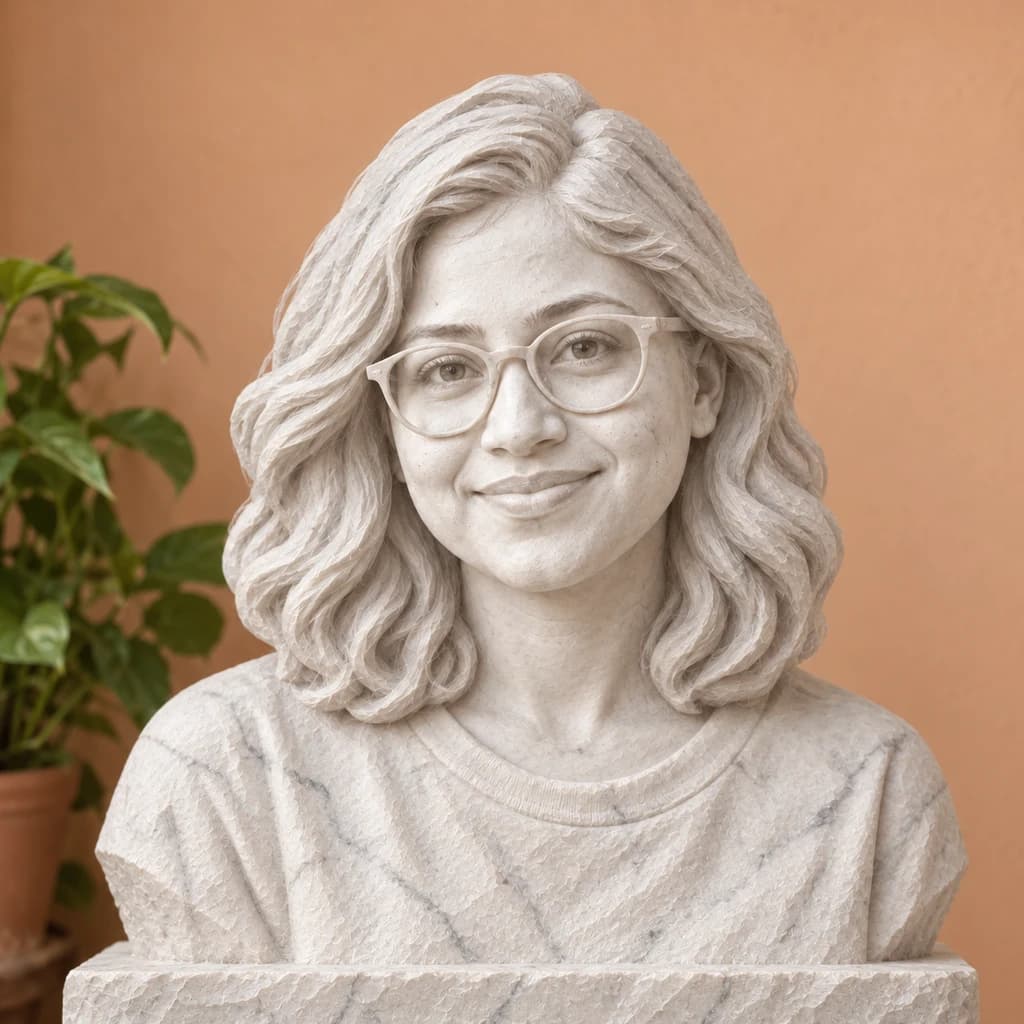
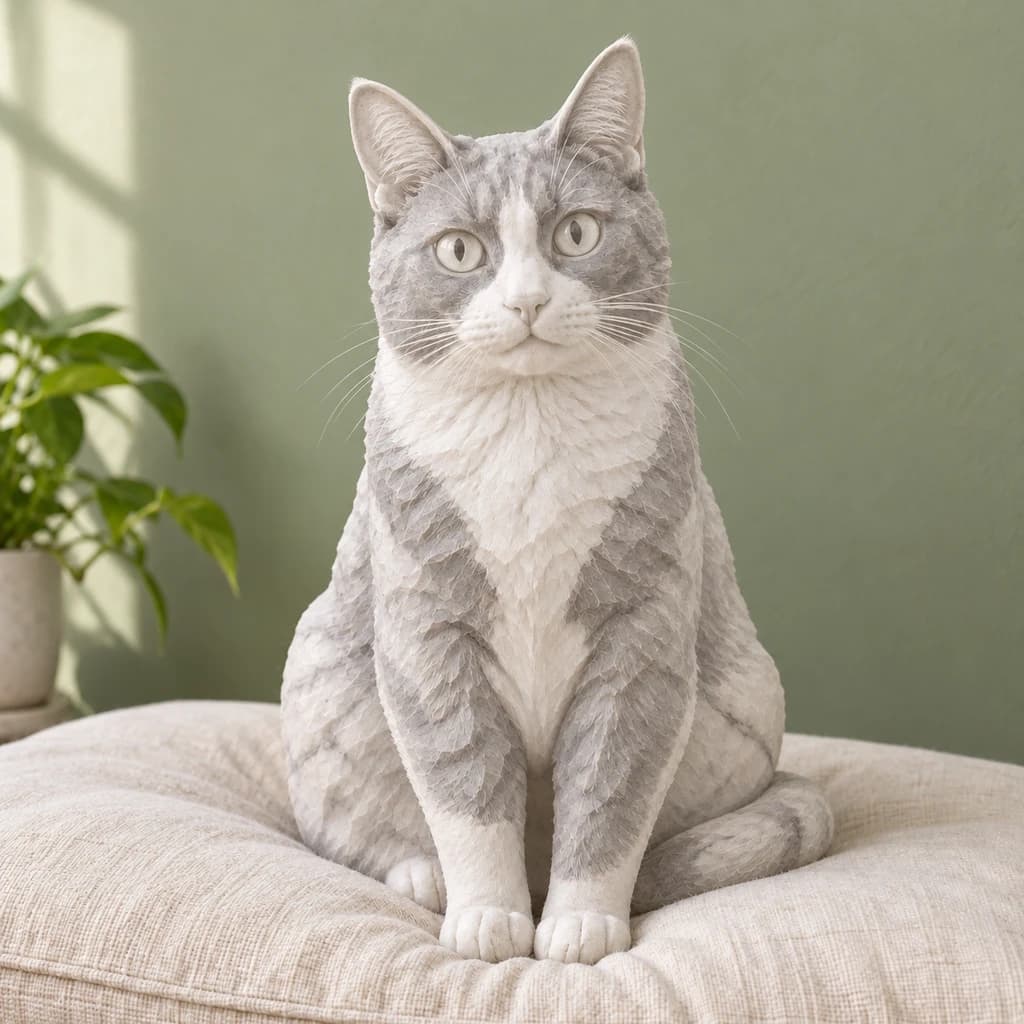
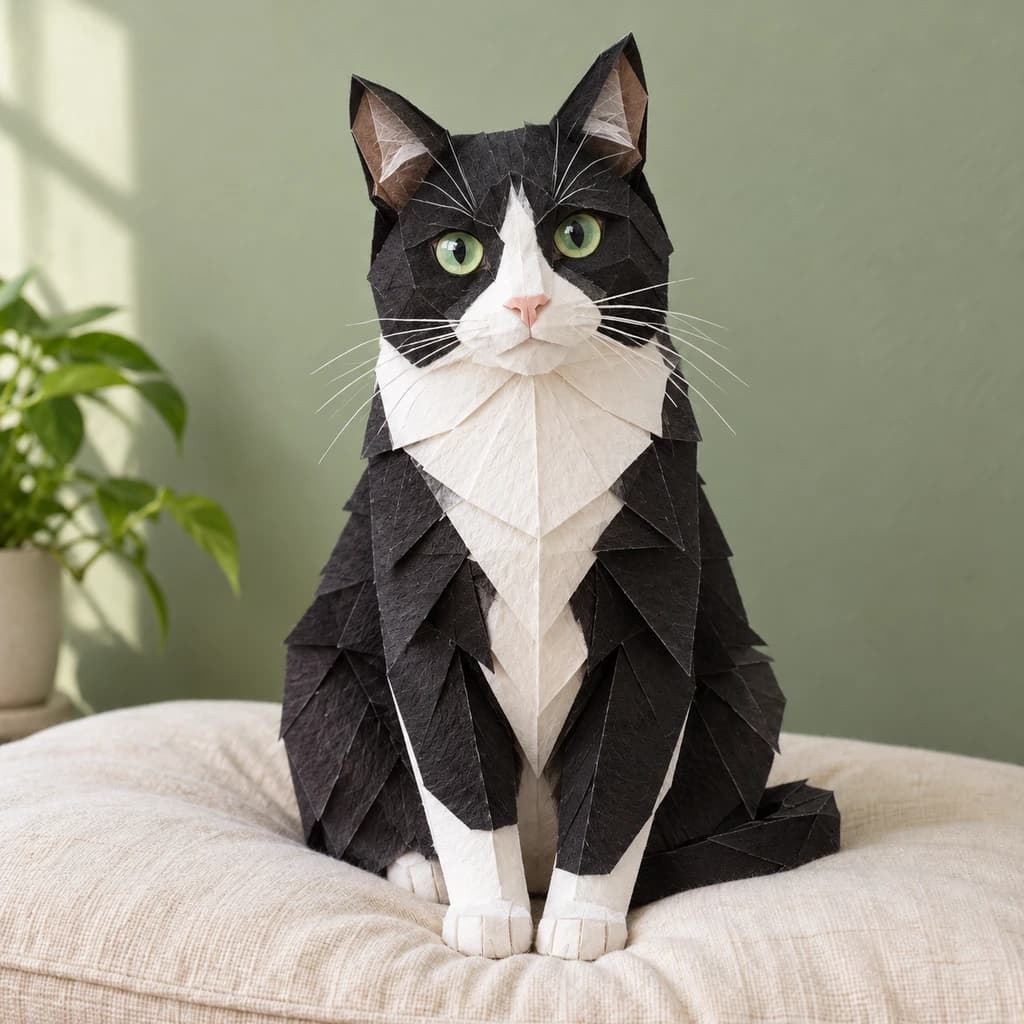
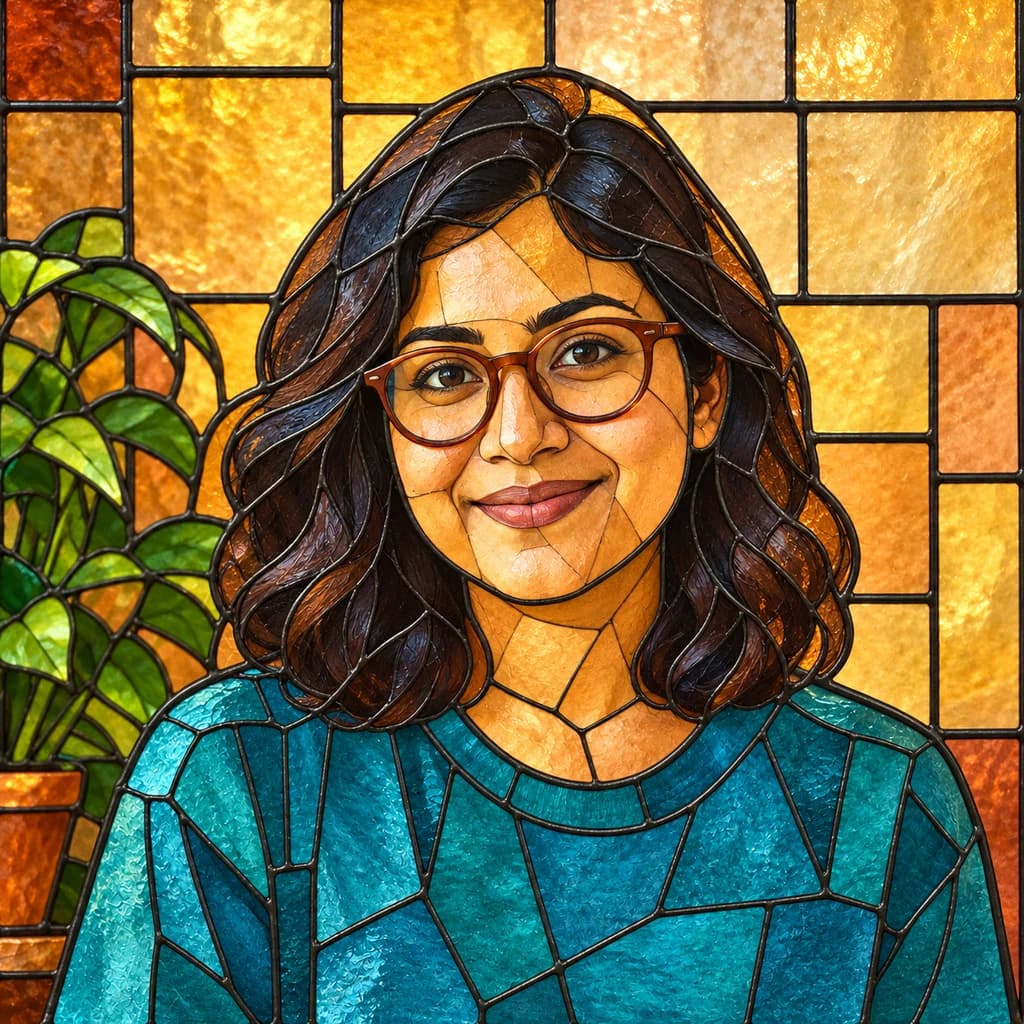
In the silver-haired portrait, a smile with teeth and a soft bob survive in polished stone, and the shoulders end in rough chisel marks above a plinth. The portrait with terracotta glasses keeps her frames, carved in marble too, against a real orange wall. The green-eyed tuxedo cat turns white and gray, its black patches now veined stone.
 ORIGINALMARBLE SCULPTURE
Silver-haired portrait01  ORIGINAL
 MARBLE SCULPTURE
Portrait with terracotta glasses02 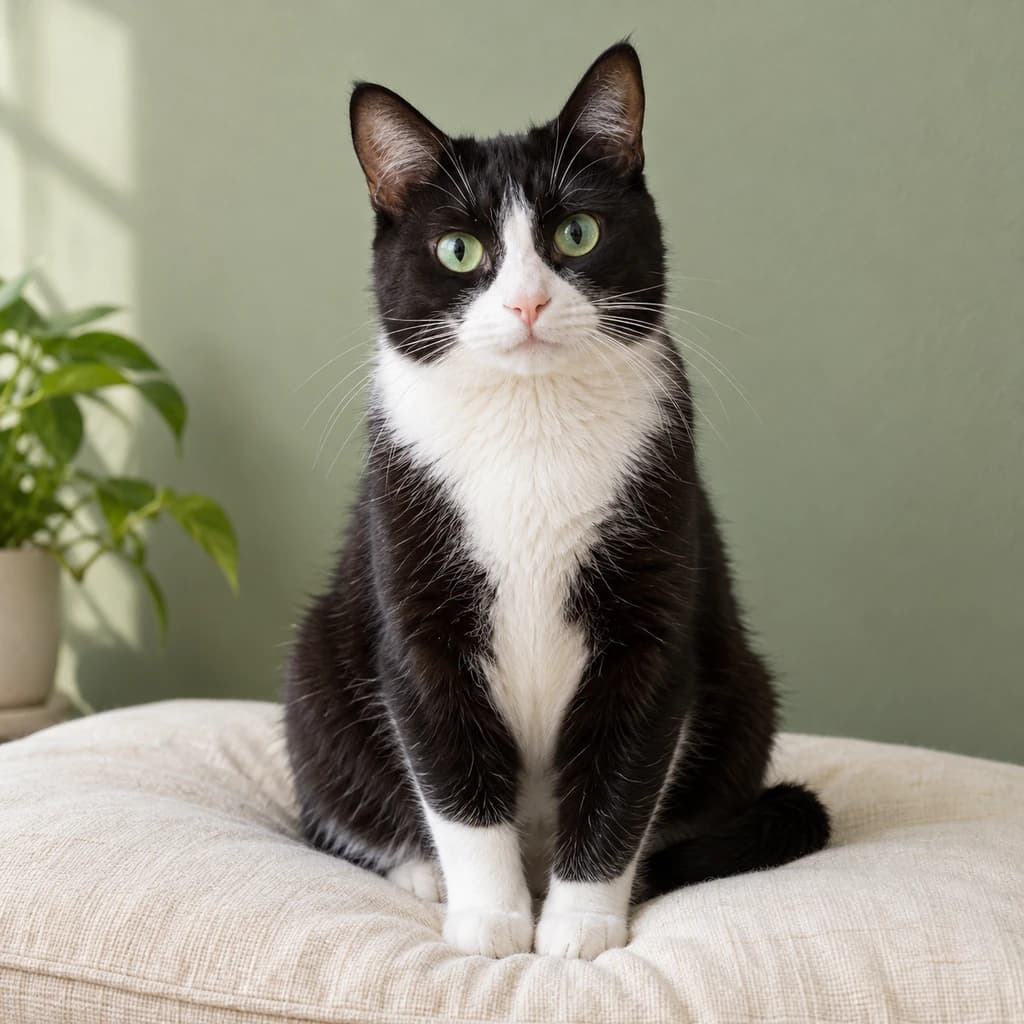 ORIGINAL
 MARBLE SCULPTURE
Green-eyed tuxedo cat03
Illustrative style preview · Your result will vary
What is sculpture style?
Marble sculpture is the art of carving a figure from a block of marble by cutting material away. Michelangelo carved his David (1501–1504) from white marble quarried at Carrara in Tuscany. Ancient Greek and Roman statues were often painted, but most of that color has worn off, which is why we picture classical portraits as pale stone with soft shadows.
The style recreates that look as a photograph of a finished statue. Your subject becomes polished marble with natural gray veins, eyes carved rather than painted, and rougher tool marks where a bust is cut off at the chest. The setting stays real and in color, so the statue looks as if someone placed it in your room.
How to turn a photo into a sculpture
A marble carving lives on light and shadow, so the lighting in your photo carries straight into the stone.
Portrait with terracotta glasses STEP 01
Upload a head-and-shoulders photo
JPG, PNG or WebP files up to 10 MB are accepted, and sample photos are there to test with. A relaxed, natural expression carries well into stone, as the smiling silver-haired sample shows, so pick a photo where you look the way you want to be remembered.
- OriginalMarble Sculpture
STEP 02
Carve it in stone
Your subject is redrawn as carved stone. Skin turns smooth and pale, hair and fur get chisel marks, and figures often gain a base. The setting around them stays real, so the statue looks placed there.
STEP 03
Generate and download your statue
Sign in and generate with credits, starting at 8 per image depending on the model. Download the PNG of your statue; it stays in your history, which is handy when you want to compare a bust with a full-figure version.
Ways to use it
Good homes for a statue version of your photo.
- Anniversary giftsCarve a couple's favorite photo into a classic stone portrait.
- Pet tributesHonor a dog or cat as a garden-style statue in carved marble.
- Home decor printsA classic stone portrait suits a hallway, a study or a reading nook.
- Family keepsakesTurn a family photo into one carved statue group.
- Sculptor referenceShow a sculptor or 3D artist the statue you have in mind.
- Standout postsShare a photo of yourself turned to stone, setting and all.
Photo to Sculpture: what to expect
How faces, hair, pets and settings turn out in marble, and what a picture of a statue can't be used for.
| FEATURE | What you get | Before you start | Limits |
|---|---|---|---|
| Faces | Face shape, smile and laugh lines carved in pale marble, with irises cut into the stone. | Choose a clear, relaxed expression, since the stone has no color to help the likeness. | Skin tone, eye color and makeup are lost, so likeness rests on shape alone. |
| Hair and glasses | Hair carved into smooth or deep locks, and glasses rendered in marble along with the face. | Hair kept off the face shows its shape best once it turns to stone. | Flyaways and tight curls get simplified into larger carved forms. |
| Pets | Fur as carved tufts, with dark markings turned into gray, veined stone. | A pet sitting upright and still already looks like a statue pose. | Eye and coat colors disappear: the tuxedo cat's green eyes came out gray. |
| Output | A PNG of a marble statue inside your real room or setting. | Use it as a picture or as a reference for a sculptor, not as a model file. | No 3D model, STL or depth data, so it cannot be 3D printed or turned around. |
Tips for better sculpture results
Stone is all about shape and shadow.
- 01
Light from the side
Carving is all about shadow. A window or a low sun to one side gives the stone deeper hollows and stronger form.
- 02
Keep the pose simple
Classic statues hold still. Standing, sitting or a head-and-shoulders portrait carve cleanly, while busy, overlapping poses get harder to read in stone.
- 03
Crop close for a bust
Want a classic bust? Frame from the chest up. Wider shots turn into full statues, sometimes with the scenery carved too.
- 04
Look for clear shapes
Stone has no color to lean on, so shapes do the work. A face turned slightly to the side shows the nose, jaw and cheekbones best.
Photo to Sculpture FAQ
What a marble bust keeps from your photo, what stays real around it and how it compares with clay; your account, credits and privacy are covered in the main FAQ.
Will the statue still look like me?
Will I get a bust or a full statue?
Does the background turn to stone too?
What happens to glasses, jewelry and clothes?
Can I 3D print it?
How large can I print it on paper or canvas?
How is sculpture different from the clay style?
Does it work on pets and family photos?
Why does the marble look different from run to run?
Can I use my sculpture image commercially?


See yourself carved in stone
Compare the bust, the glasses portrait and the stone cat at no cost before you choose a photo. Carving your own takes a sign-in and credits. Plans start at $9.99 a month, and credits are spent only when a finished image is made.