Photo to
Clay
Photo to Clay remakes your photo as a claymation scene, as if every person and pet had been sculpted from plasticine for a stop-motion film. Upload a close portrait, a couple or a pet with a clear face. Hair becomes rolled ropes and coils, fabric gets a soft modeled surface, and your smile, glasses and colors stay. Anyone can view the sample results; generating from your own photo means signing in and using credits.
From 8 creditsJPG, PNG or WebP up to 10 MB
- COST
- From 8 credits
- TIME
- Usually under a minute
- UPLOAD
- JPG, PNG, WebP · 10 MB
- OUTPUT
- PNG up to 4096 px
Styles
57 stylesAnime & Cartoon
11Artistic
133D & Avatars
8Fun & Creative
9Retro & Vintage
3Digital & Modern
8Sculptures & Crafts
5Illustrative style preview · Your result will vary
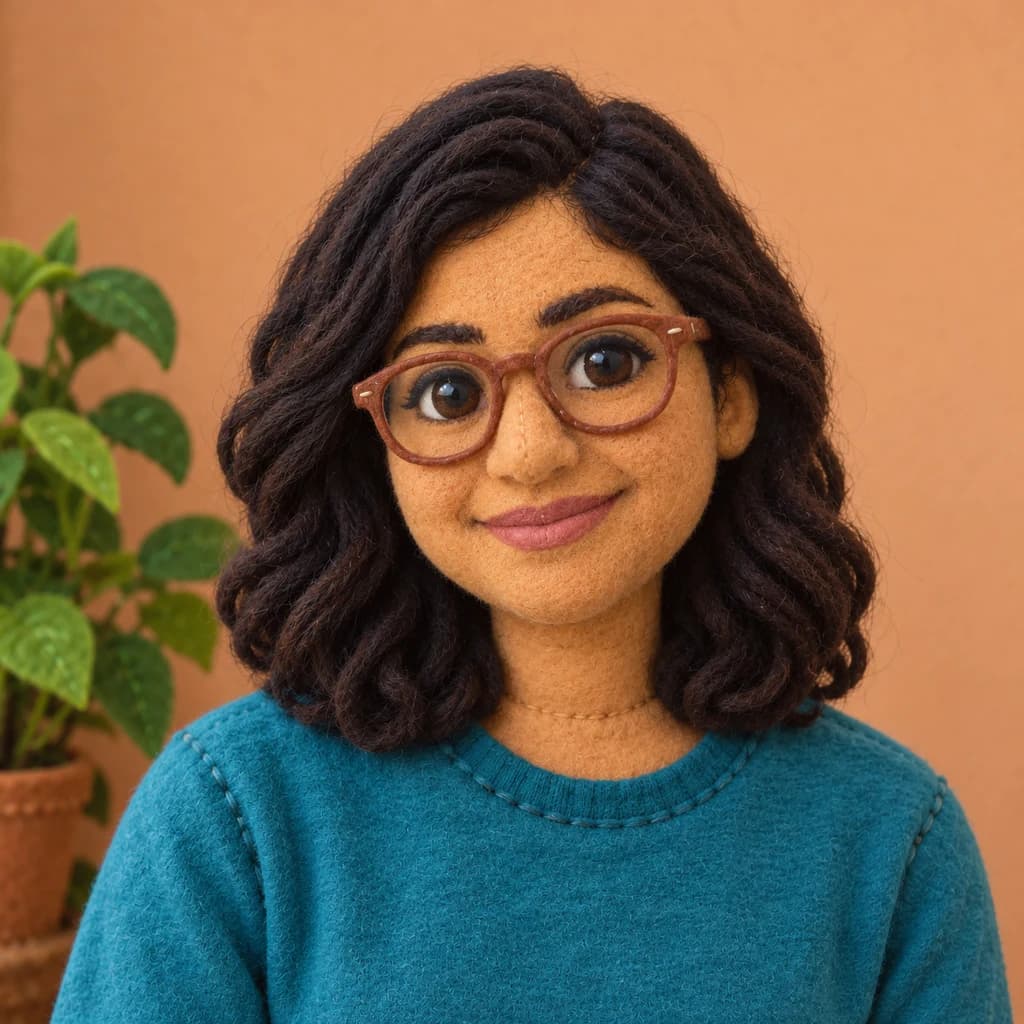
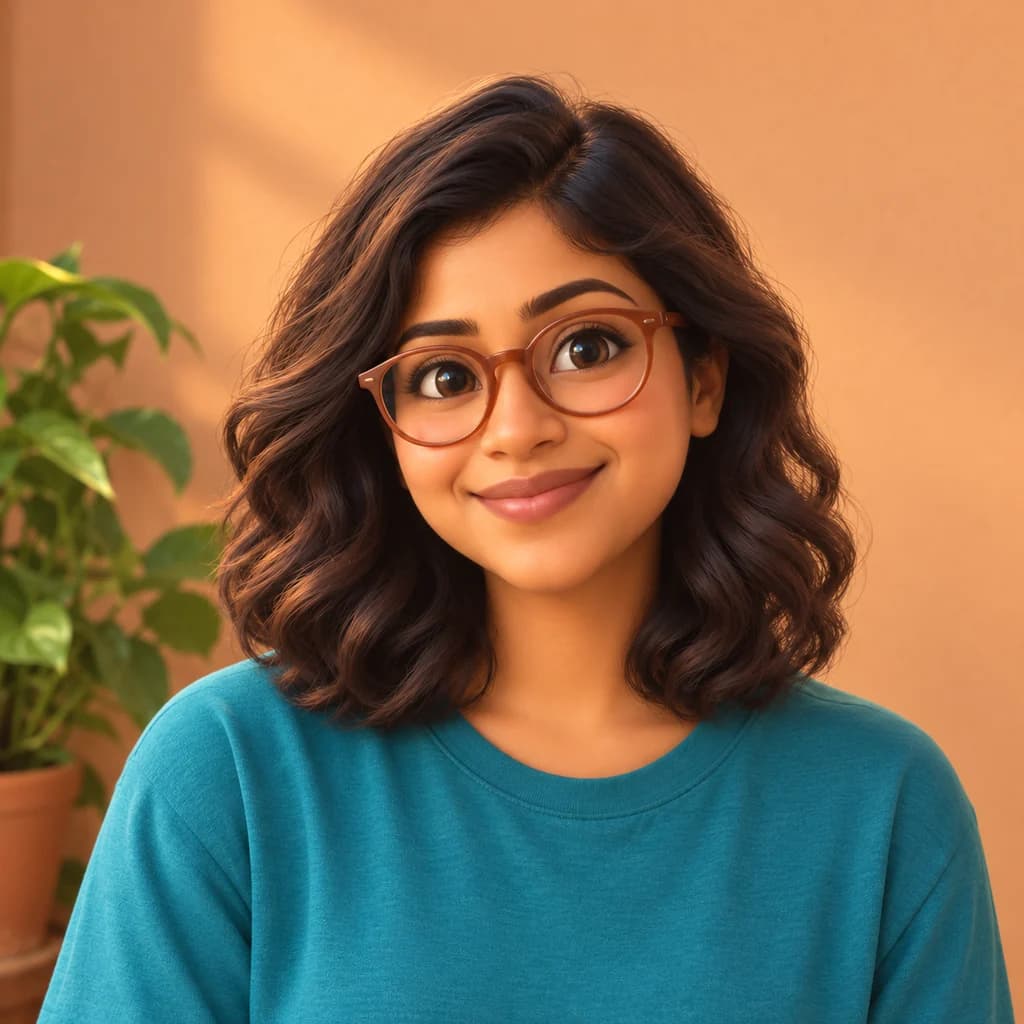
Portrait with terracotta glasses
Sample photo
PRESET · /tools/photo-to-clay · Seedream 4 · 2K · 1:1
Open full studio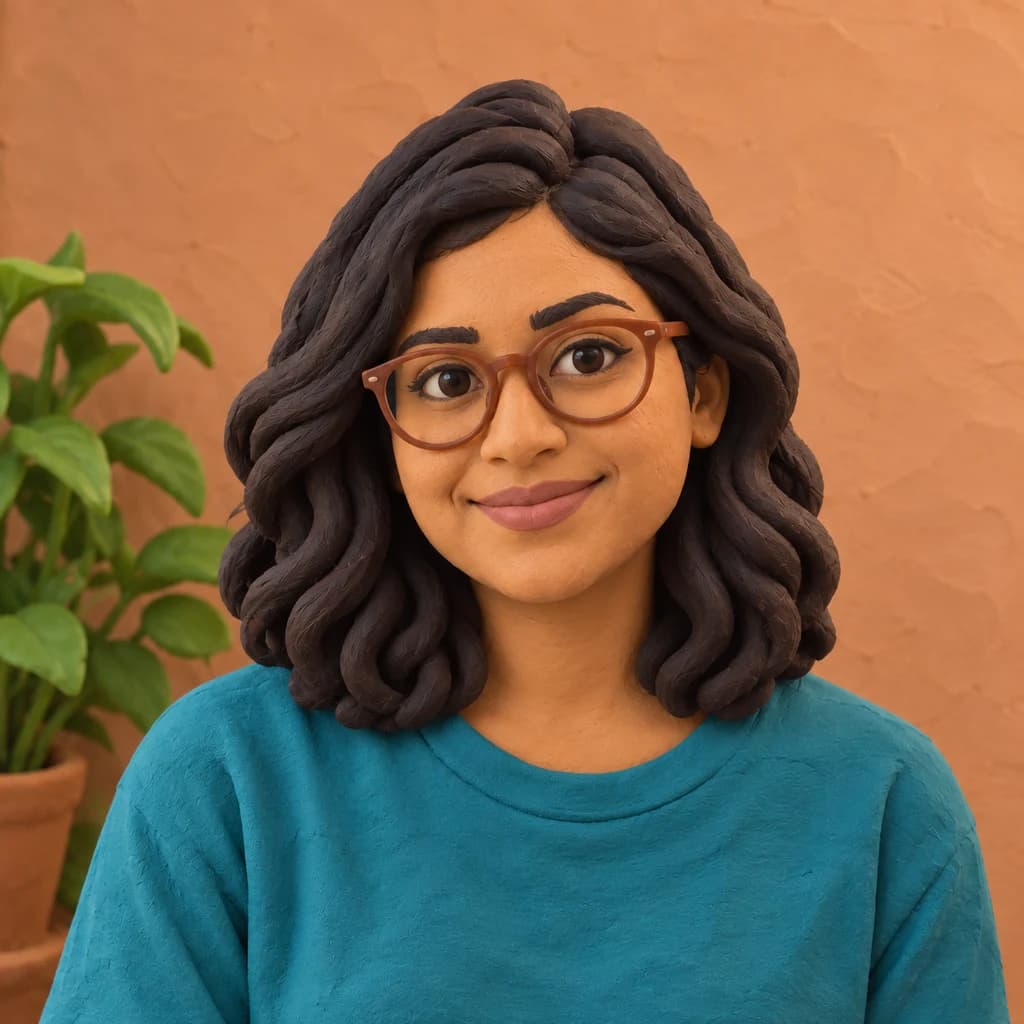 ClaymationSeedream 4 · 2K · 1:1
Illustrative style preview · Your result will vary
11 credits / image · From $9.99 a month
/tools/photo-to-clay
Open full studioPhoto to Clay examples
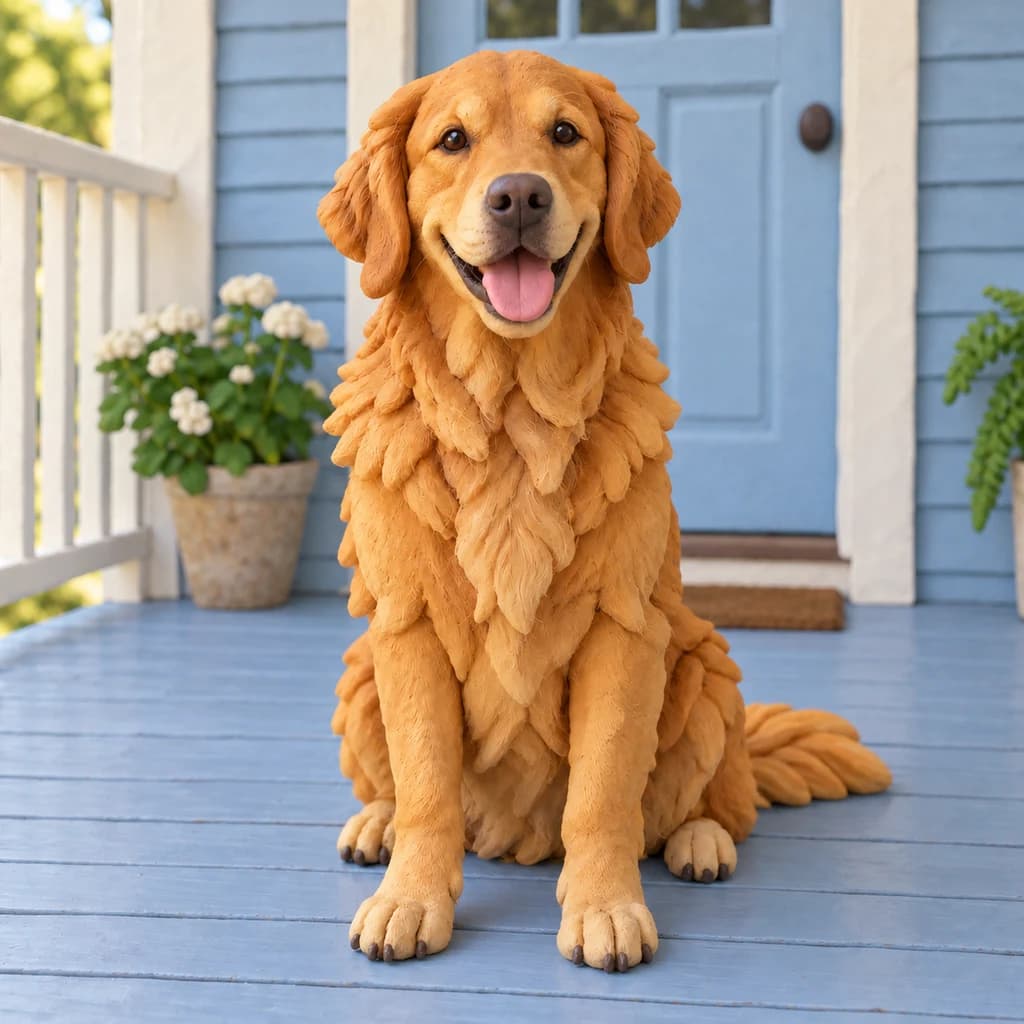
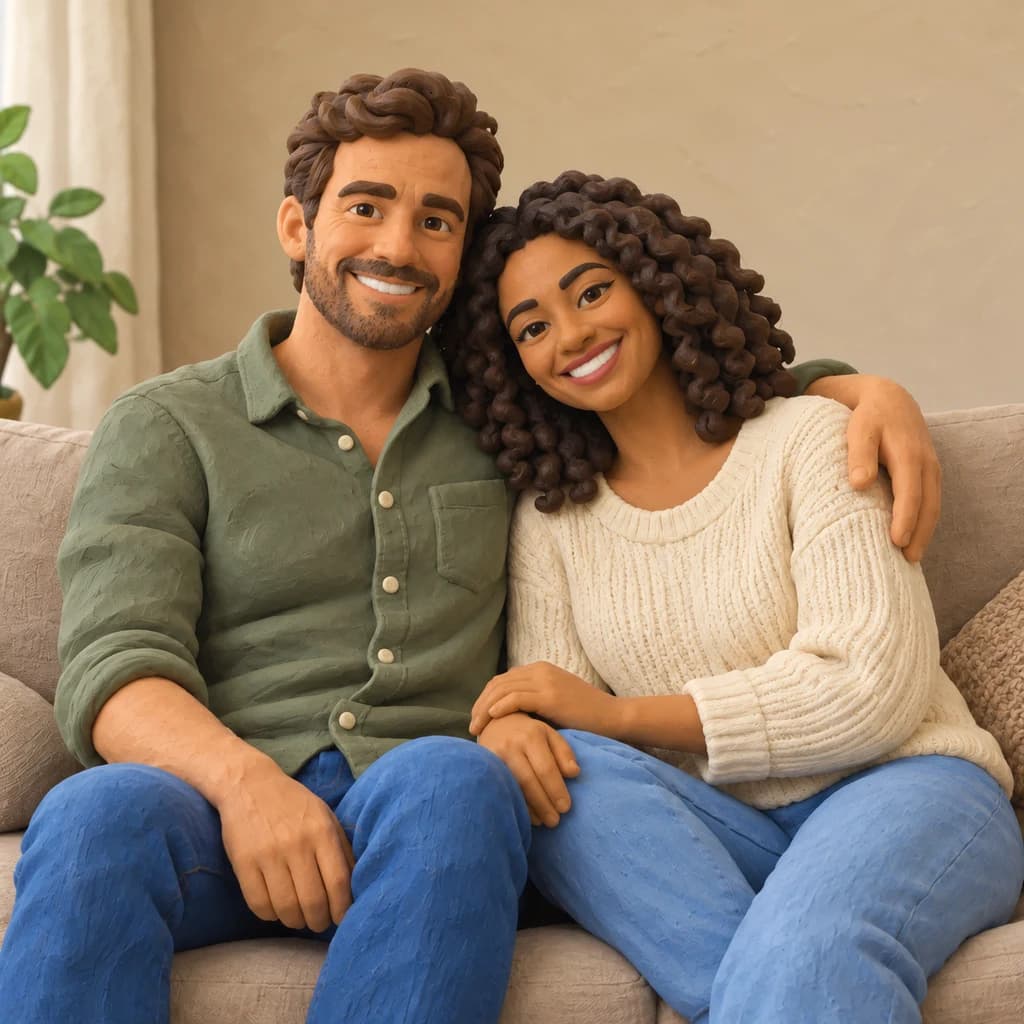
Look at the hair first. The portrait with terracotta glasses turns her waves into thick rolled ropes, and the wall behind her picks up a hand-smoothed texture. The golden retriever on the porch wears layered clay flaps for fur and a twisted rope for a tail. The couple on the sofa keep their wide smiles, his stubble and her coiled curls.
 ORIGINALCLAYMATION
Portrait with terracotta glasses01 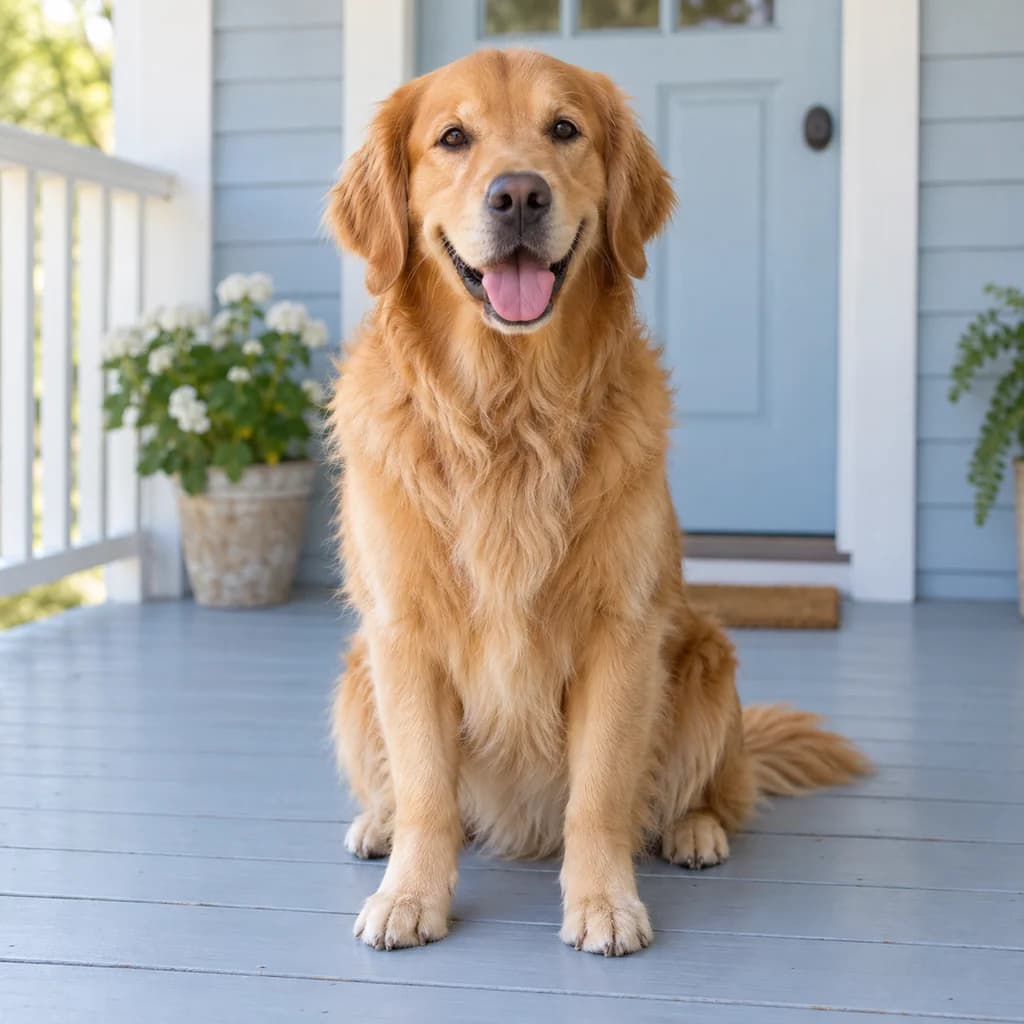 ORIGINAL
 CLAYMATION
Golden retriever on the porch02 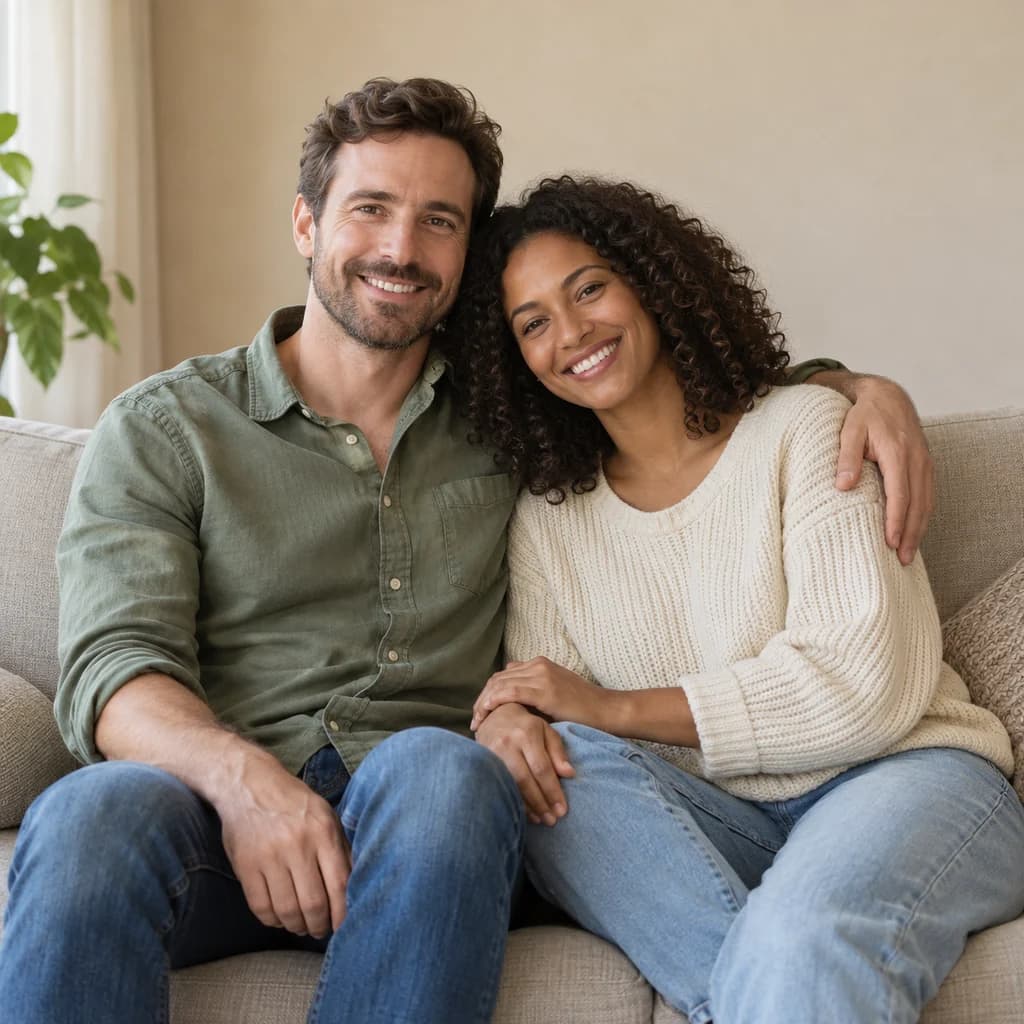 ORIGINAL
 CLAYMATION
Couple on the sofa03
Illustrative style preview · Your result will vary
What is claymation style?
Claymation is stop-motion animation made with modeling clay: an animator poses a figure, shoots a frame, nudges it and shoots again. Will Vinton's studio coined and trademarked the word, and the Bristol studio Aardman Animations, founded in 1972, made the look famous with Wallace & Gromit. The appeal is the handwork you can see: rounded features, rolled hair and surfaces with thumb marks.
This style rebuilds people and pets as plasticine figures under soft stop-motion lighting. Hair is rolled into ropes or coils, fur becomes layered flaps, and fabric takes on a modeled texture, while your smile, glasses and clothing colors stay. Background objects may stay closer to the photo, which can make the figures look as if someone set them down in a real room.
How to turn a photo into claymation
Three steps to a plasticine version of your photo, lit like a stop-motion set.
Couple on the sofa STEP 01
Upload a close shot
Any JPG, PNG or WebP up to 10 MB works, or pick a sample to start. Fill the frame with the face; from a distance, rolled hair and surface marks shrink to almost nothing. Pets look best photographed at their eye level.
- OriginalClaymation
STEP 02
Sculpt it in clay
The generator rebuilds faces, hair and clothes in modeling clay and can add fingerprints and tool marks. Eyes may take on a rounder look, and the background may soften like a tabletop set.
STEP 03
Generate and keep the take
Sign in and generate; each take costs from 8 credits. The finished take downloads as a PNG and is stored in your history, so you can collect several and pick the one with the best clay hair.
Ways to use it
Handmade charm for gifts, cards and posts.
- Handmade-look giftsFrame a clay portrait for someone who loves stop-motion films.
- Profile picturesA clay you with rolled hair stands out among regular selfies.
- Pet portraitsYour dog or cat as a chunky modeling clay figure, fur rolled into clay.
- Holiday cardsA clay family scene makes a warm, funny holiday card.
- Kids' story pagesTurn the family into clay characters for a homemade picture book.
- Before-and-after postsPost the original next to the clay version and let people spot the clay details.
Photo to Clay: what to expect
What turns to plasticine, what to prepare, and where the clay look runs out of detail.
| FEATURE | What you get | Before you start | Limits |
|---|---|---|---|
| Hair and fur | Hair rolled into ropes or coils, fur layered into clay flaps, tails twisted like rope | Let the hair's outline show against a plain background | Fine flyaways and very short fur may smooth into a single mass |
| Faces | Your smile and features in rounder, softer shapes, glasses included | A real smile reads better in clay than a neutral face | Small faces in wide shots lose their sculpted detail |
| Clothes | Fabric with a soft, modeled surface in your outfit's colors, knits and buttons kept | Wear clear colors; each one becomes a solid lump of plasticine | Printed text and small logos rarely survive the sculpting |
| Backgrounds | Your setting stays, sometimes reshaped in clay and sometimes left close to the photo | A simple room or wall helps the figures stand out | How much of the scene turns to clay varies from run to run |
Tips for better clay results
A few choices help you convert your photo to clay art with real charm.
- 01
Get close
Head-and-shoulders shots show off the clay details best: rolled hair, surface marks and sculpted features.
- 02
Bring the expression
A big smile or a funny face looks great in clay. Neutral expressions can come out a little stiff.
- 03
Use soft, even light
Gentle light on your face helps the generator read your features before it sculpts them in clay.
- 04
Make a few versions
Each run sculpts a little differently, from hair strands to eye size. Make a few and keep your favorite.
Photo to Clay FAQ
Questions about plasticine textures, pets and close-ups in claymation; the main FAQ deals with sign-in, credits and privacy.
Will the clay version still look like me?
Is this a filter laid over my photo?
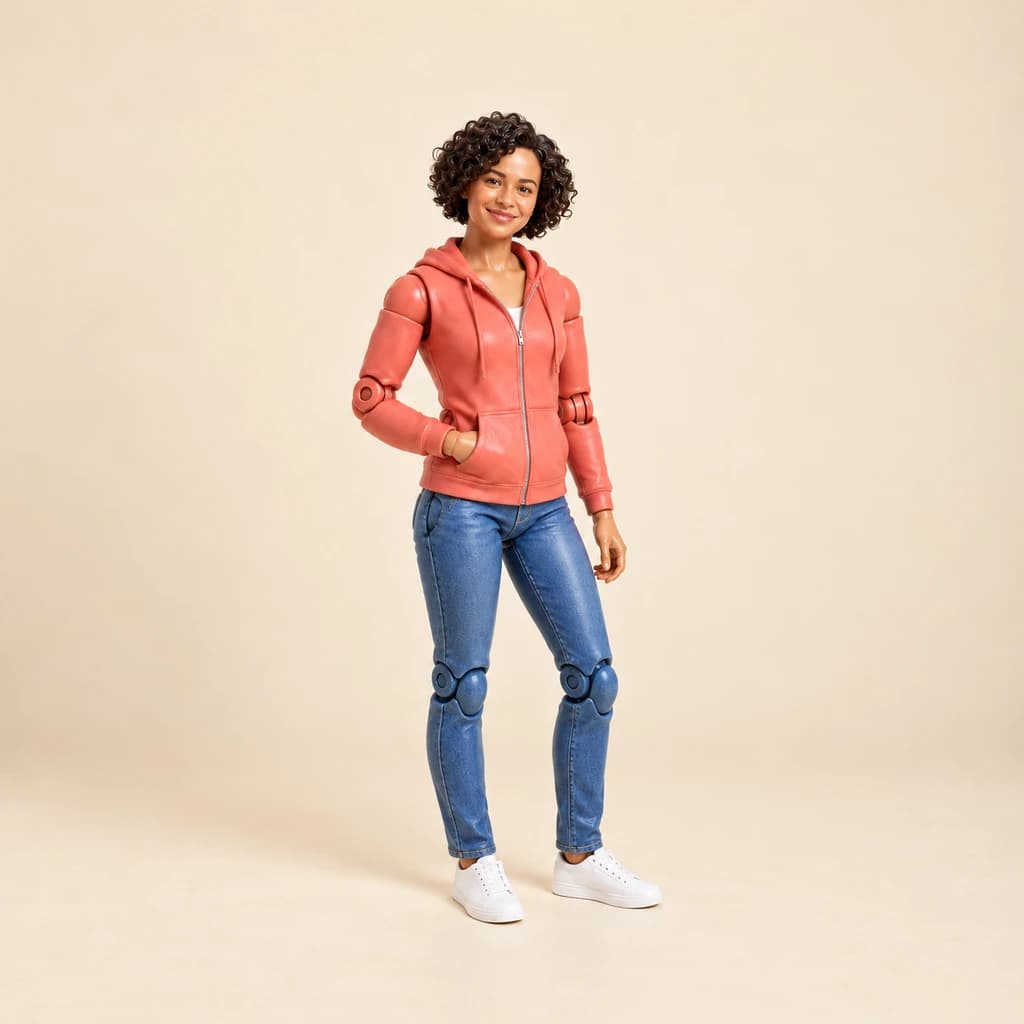
How does clay compare with puppet and action figure?
Does clay suit pet photos?
Can I use a couple, group or kids photo?
Why don't I see fingerprints in every result?
How big can I print the clay picture?
Why does each take look a little different?
Can I use clay portraits for my business?
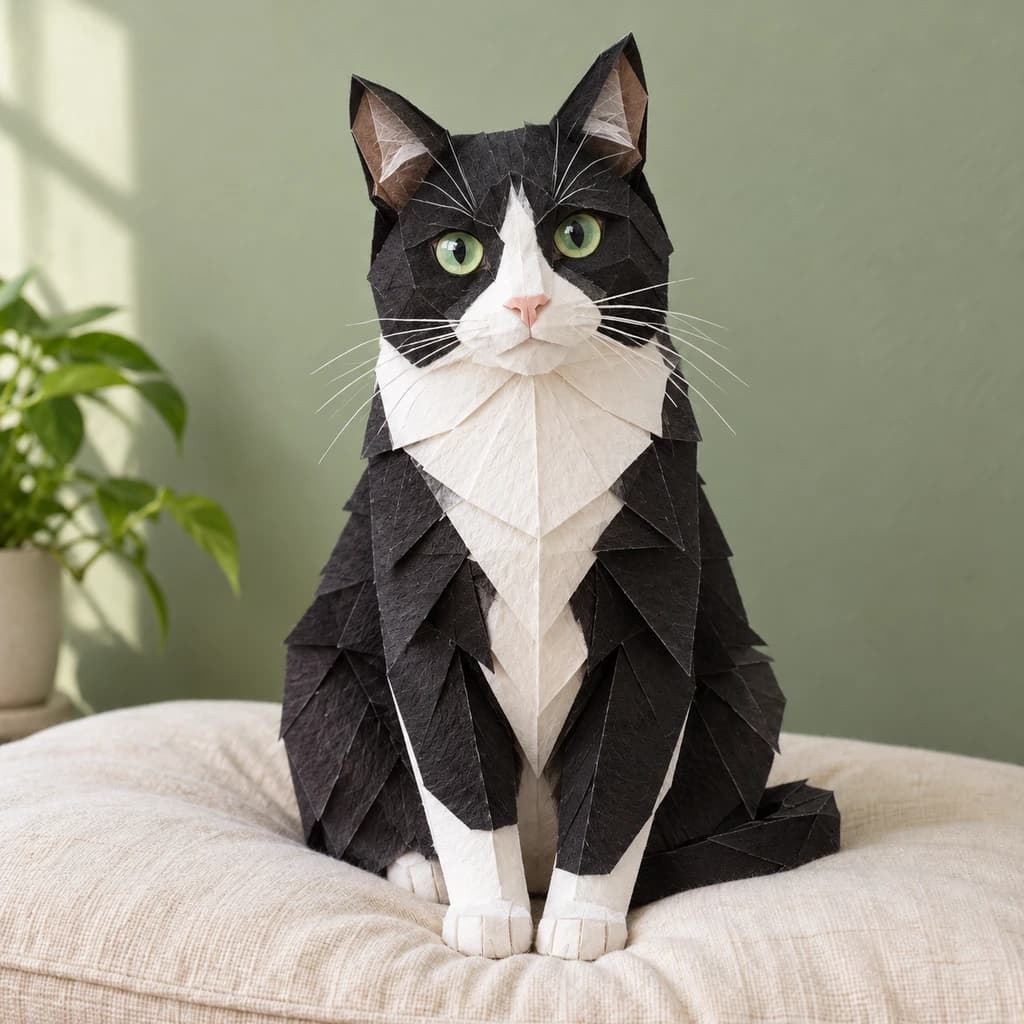
Turn your photo into a handmade-look clay figure
Spot the rolled hair and clay fur in our samples for free, without an account. When you want your own photo in plasticine, sign in and spend credits; plans begin at $9.99 a month, and the studio shows the price first.